Travel Carousel Posts: Destination Guides That Inspire and Convert
Travel Carousel Posts: Destination Guides That Inspire and Convert
A single sunset photo says “I was here.” A carousel that walks the viewer through hidden alleys, local restaurants, golden hour viewpoints, and the perfect three-day itinerary says “Here is exactly how you can do this too.”
Travel content has always performed well on visual platforms. But the shift from single images to carousels has fundamentally changed what travel creators can accomplish with a single post. A carousel turns a pretty photo into a practical resource — the kind of content people save, share with their travel partner, and return to when they actually book the trip.
Here are six carousel formats designed specifically for travel creators, tourism brands, and destination marketers — each mapped to a framework that drives saves, shares, and bookings.
Why Carousels Work for Travel Content
Destinations are multi-sensory. A single image captures one angle of one moment. A carousel captures the morning light at the temple, the street food at the night market, the hidden beach the guidebooks missed, and the view from the rooftop bar at sunset. It recreates the experience of being there.
Travel content has high save intent. People save travel carousels at a much higher rate than other content types because the intent behind saving is concrete: “I am going here” or “I want to go here someday.” Saves are the strongest engagement signal for algorithmic reach.
Practical guides have long shelf lives. A single photo gets attention for 24-48 hours. A “3 Days in Kyoto” itinerary carousel gets saved and revisited for months, sometimes years. This evergreen quality makes travel carousels a compounding asset.
6 Carousel Ideas for Travel Creators
1. The Pocket Itinerary (Listicle Framework)
Format: 7-8 slides covering a complete trip plan Best for: Maximum saves and shares — this is the format travel audiences crave most
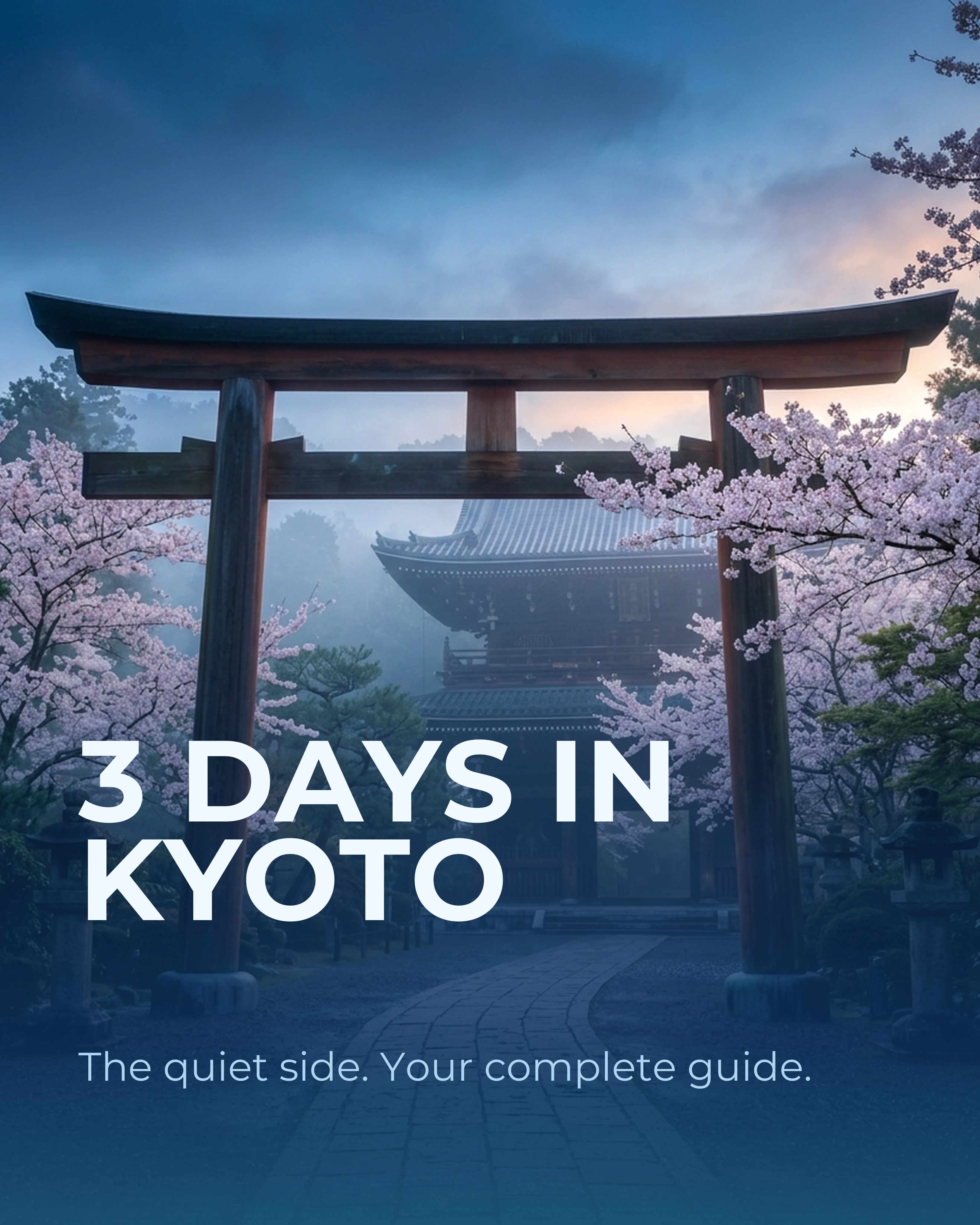
- Slide 1: 3 Days in Kyoto: The Quiet Side. Your Complete Guide.
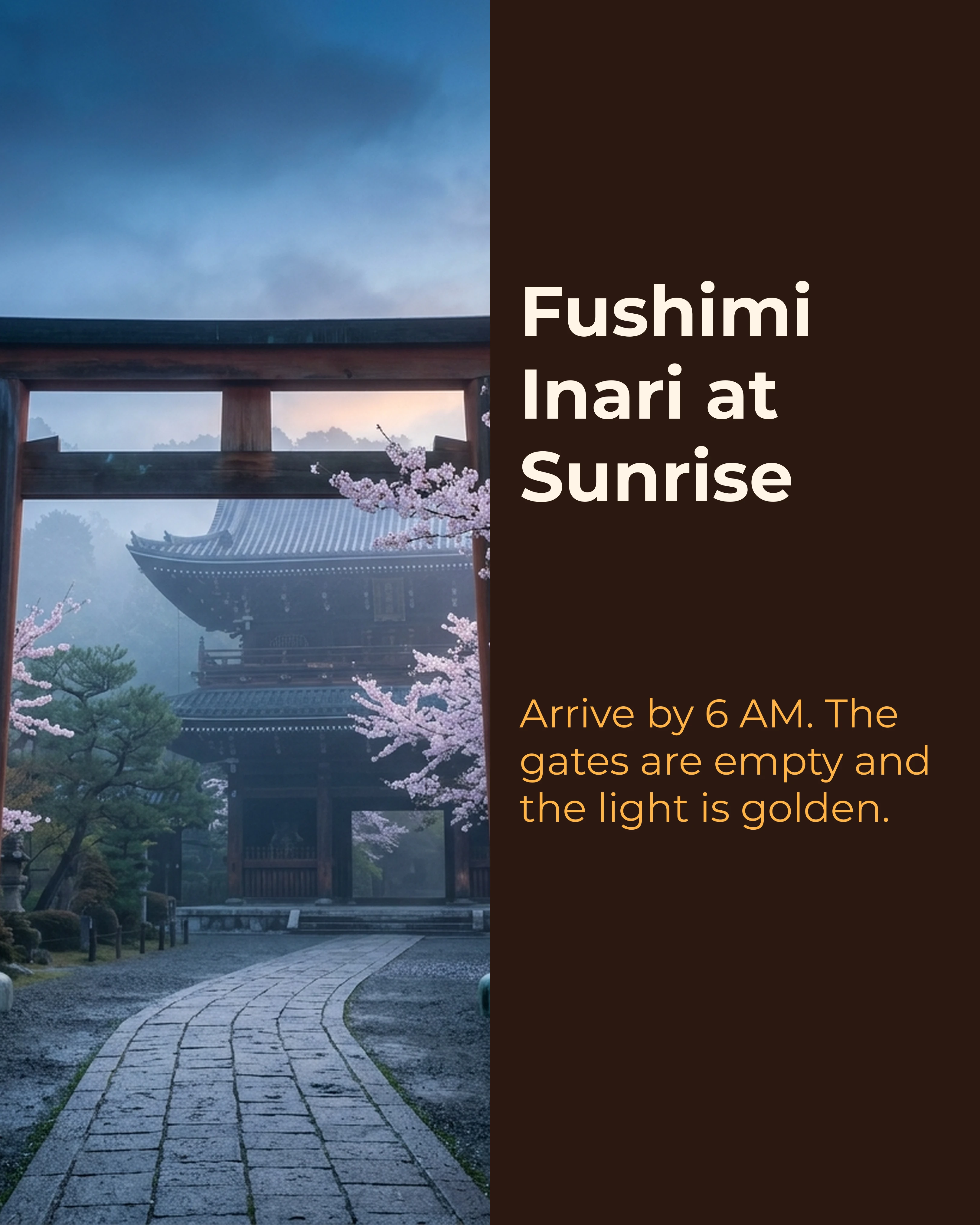
- Slide 2: Day 1 Morning — Fushimi Inari at sunrise. Why you need to arrive by 6 AM.
- Slide 3: Day 1 Afternoon — Philosopher’s Path and a matcha stop at [specific cafe].
- Slide 4: Day 2 Morning — Arashiyama Bamboo Grove. Skip the main path, take the Okochi Sanso route.
- Slide 5: Day 2 Evening — Pontocho Alley for dinner. Best seats are upstairs overlooking the river.
- Slide 6: Day 3 — Nara day trip. The deer, Todai-ji, and the best mochi in Kansai.
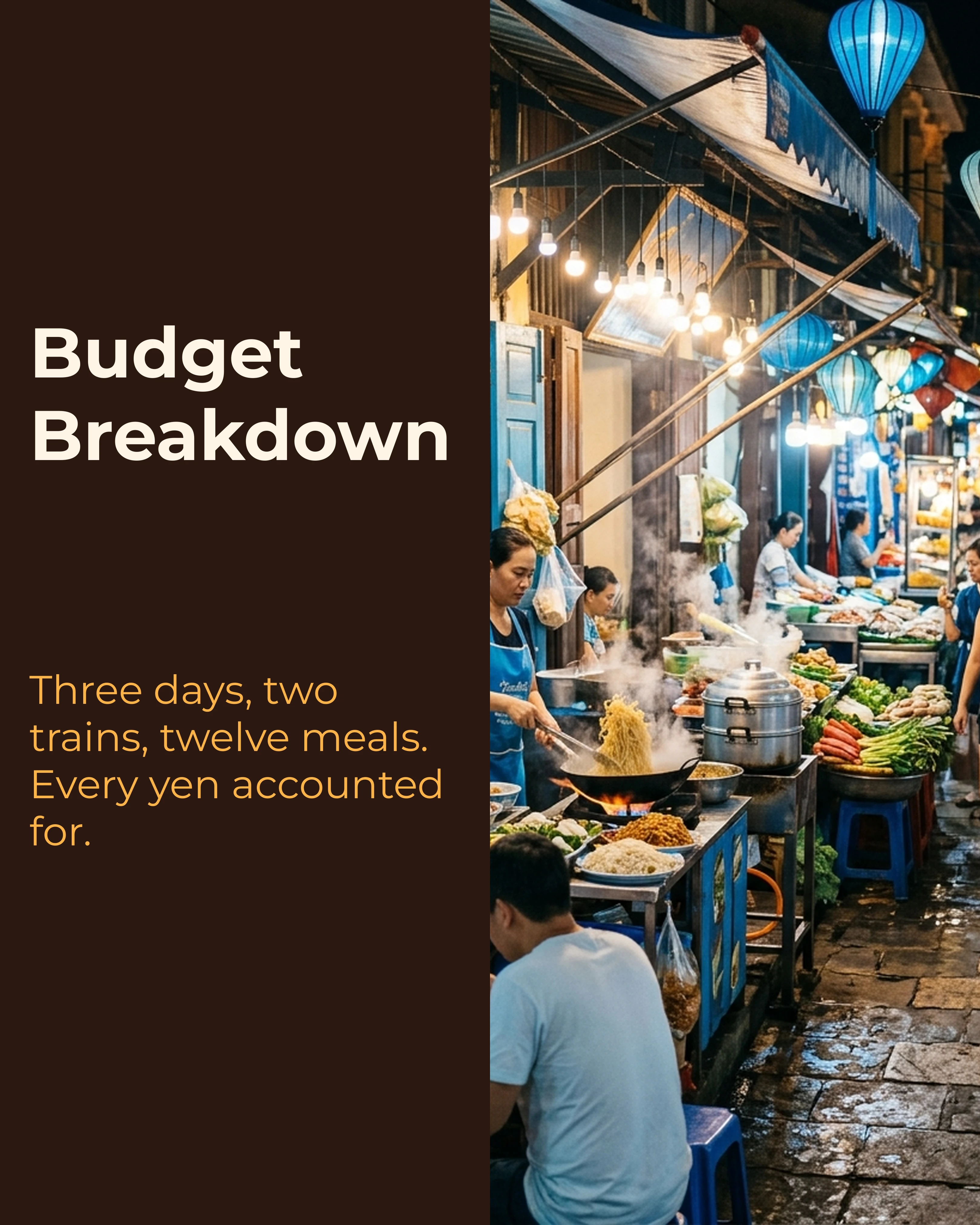
- Slide 7: Practical tips — JR Pass, best time to visit, budget breakdown.
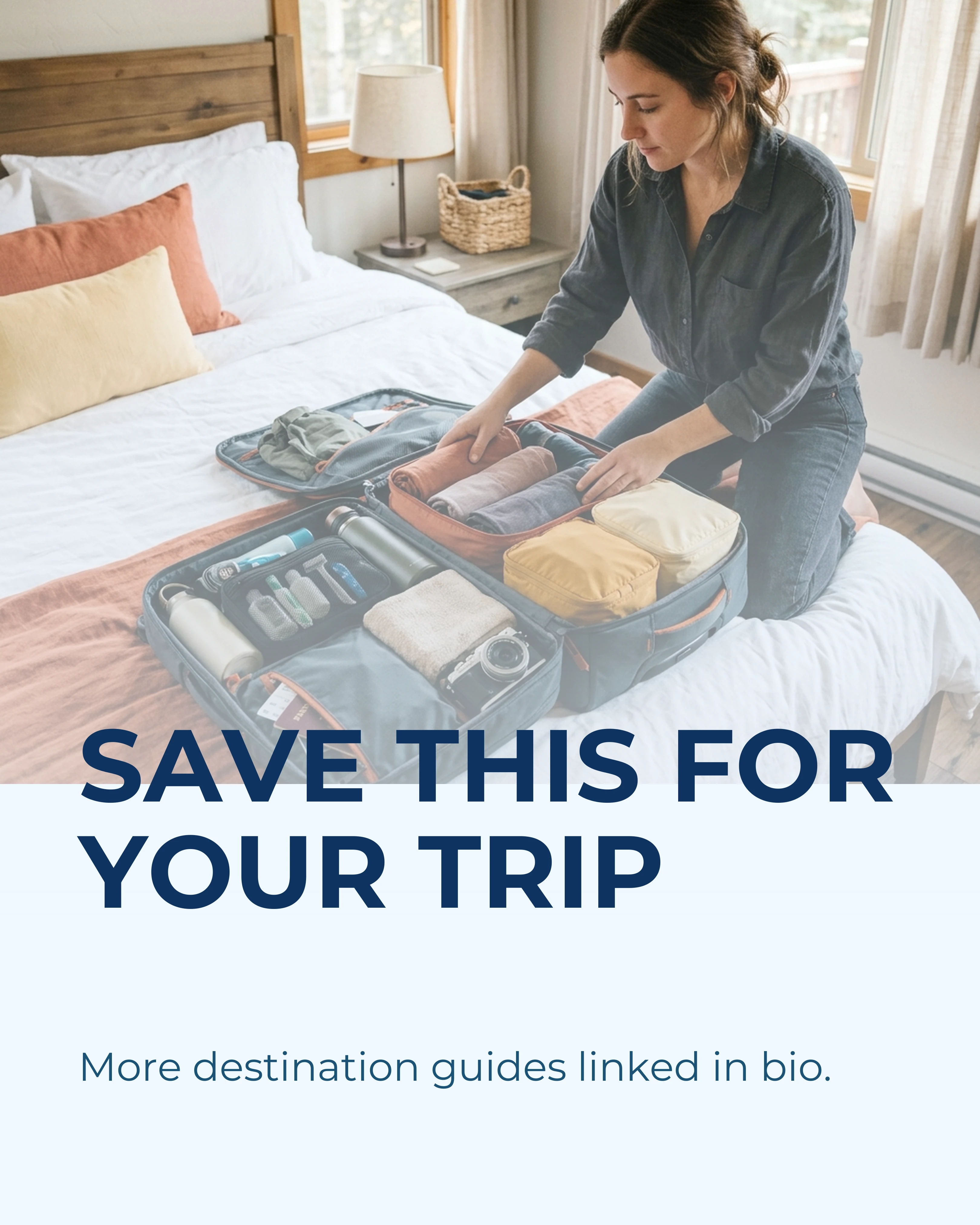
- Slide 8 (CTA): Save this for your trip. More guides linked in bio.
The pocket itinerary is the highest-performing format in travel content. It combines aspirational photography with practical value, which is exactly the combination that drives saves.
2. The “Hidden Gems” Reveal (Storytelling Framework)
Format: 5-7 slides revealing lesser-known spots in a popular destination Best for: Differentiation from other travel creators covering the same destination
- Slide 1: 4 Places in Lisbon the Guidebooks Won’t Tell You About.
- Slide 2: The rooftop nobody knows — location context, how to find it, best time to visit.
- Slide 3: The neighborhood restaurant where locals actually eat — no tourists, no English menu, incredible food.
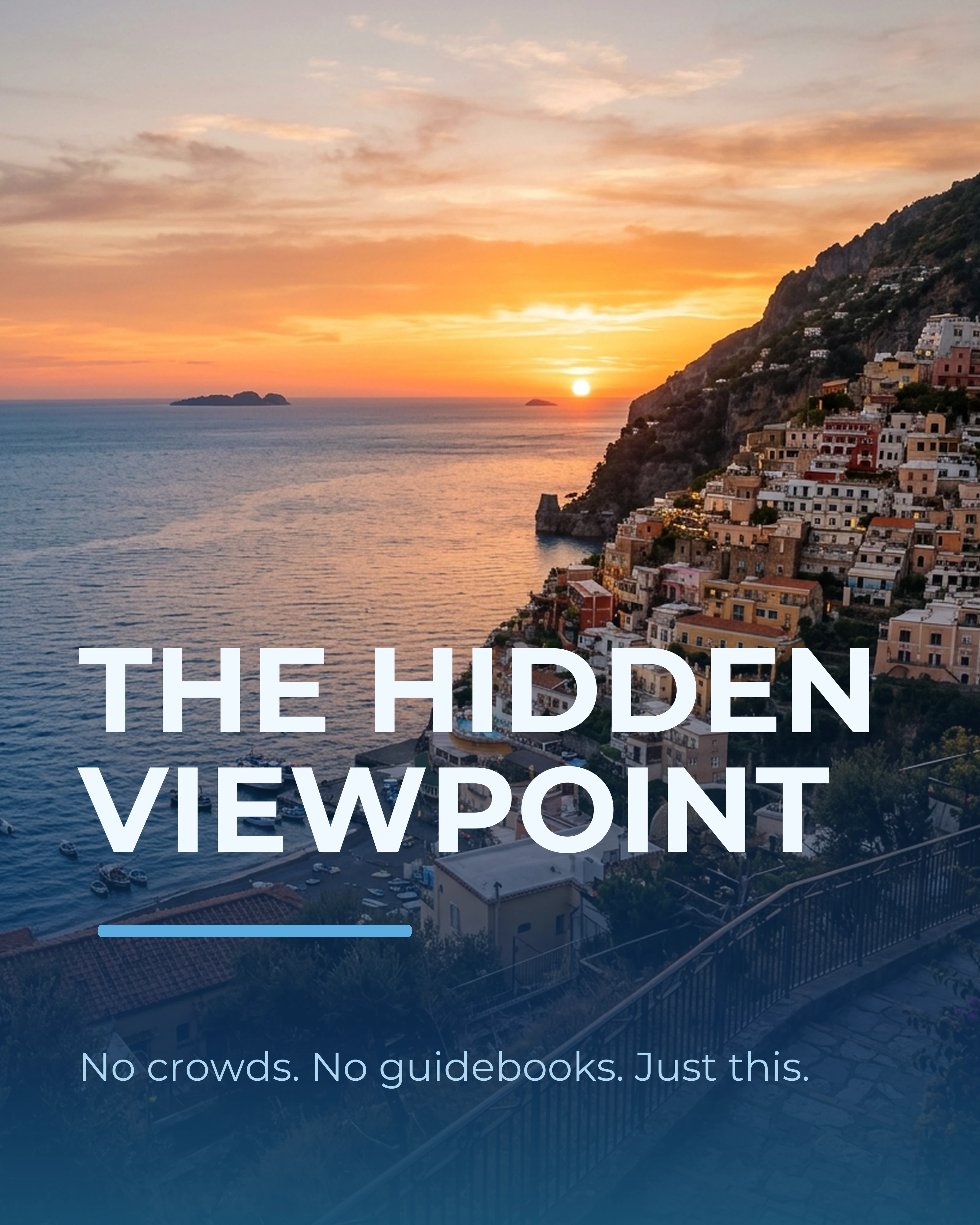
- Slide 4: The viewpoint at golden hour — specific address, arrive 30 minutes before sunset.
- Slide 5: The market that happens only on Saturdays — what to buy, what to taste.
- Slide 6 (CTA): If you found this helpful, share it with someone planning a Lisbon trip.
Hidden gem posts work because they signal insider knowledge. Every traveler wants to feel like they discovered something the crowds missed. This format positions you as the guide who has already done the work.
3. The Photo Story (Before-After-Bridge Framework)
Format: 6-7 slides telling the story behind a single trip or moment Best for: Building emotional connection and personal brand
- Slide 1: I Traveled Solo for the First Time at 35. Here’s What Happened.
- Slide 2 (Before): The fear — “I had never eaten dinner alone in a restaurant.”
- Slide 3 (Before): The excuses — “I kept waiting for someone to go with.”
- Slide 4 (Bridge): The decision — “I booked a one-way ticket to Porto with no plan.”
- Slide 5 (After): The experience — “By day three, I was having conversations with strangers at wine bars.”
- Slide 6 (After): The lesson — “Solo travel did not make me braver. It showed me I already was.”
- Slide 7: Your turn. Where would you go?
The Before-After-Bridge framework transforms a travel photo dump into a narrative that resonates emotionally. Personal travel stories build the kind of connection that turns followers into a community.
4. The Comparison Guide (Interactive Format)
Format: 5-6 slides comparing two destinations, seasons, or travel styles Best for: Driving comments and debate in the comments section
- Slide 1: Bali vs. Thailand: Which Should Be Your First Southeast Asia Trip?
- Slide 2: Budget — average daily costs, accommodation, food, transport.
- Slide 3: Beaches — which destination wins for different beach preferences.
- Slide 4: Culture — temples, cuisine, language barriers.
- Slide 5: Verdict — “Choose Bali if… Choose Thailand if…”
- Slide 6: Drop your pick in the comments. Where are you headed?
Comparison posts generate exceptional engagement because people have strong opinions about destinations. Every comment boosts reach, and the practical nature of the content drives saves.
5. The Packing and Prep Checklist (PAS Framework)
Format: 5-7 slides solving common travel preparation problems Best for: Reaching travelers in the planning phase (high conversion intent)
- Slide 1: 5 Packing Mistakes That Ruined My First Backpacking Trip.
- Slide 2 (Problem): Overpacking — “I brought 3 weeks of clothes for a 10-day trip.”
- Slide 3 (Agitate): “I spent more time managing my bag than enjoying the trip.”
- Slide 4 (Solution): The capsule packing method — specific clothing combinations.
- Slide 5-6: Four more mistakes with quick fixes — wrong shoes, no daypack, skipping packing cubes, forgetting adapters.
- Slide 7: The complete checklist — save this slide.
Packing and prep content reaches people actively planning a trip. These are your highest-intent followers — the ones most likely to save, share, and apply your advice.
6. The Food and Culture Tour (AIDA Framework)
Format: 7-8 slides combining food photography with cultural context Best for: Driving saves and inspiring specific trip activities
- Slide 1 (Attention): Everything I Ate in 48 Hours in Mexico City.
- Slide 2 (Interest): Breakfast — chilaquiles at a counter with no sign, just a line out the door.
- Slide 3: Lunch — tacos al pastor from the cart near Coyoacan.
- Slide 4: An unexpected find — mezcal tasting in Roma Norte.
- Slide 5 (Desire): Dinner — mole negro at a 100-year-old restaurant in the centro.
- Slide 6: Street food at midnight — elote and esquites near the Zocalo.
- Slide 7 (Action): Save this for your Mexico City trip. Full restaurant list linked in bio.
Food carousels are among the highest-saved content in travel because they are immediately actionable. A viewer can literally screenshot your carousel and use it as a dining itinerary.
Palette and Style Recommendations
Travel content should feel aspirational and warm. The color palette you choose should complement your photography, not compete with it.
- Ocean palette: The natural choice for coastal and tropical destinations. Deep blues and clean whites create a premium, editorial feel.
- Sunset palette: Warm golds and terracotta tones. Perfect for Mediterranean, desert, and golden hour content.
- Sage palette: Fresh and natural. Works well for nature, hiking, and eco-tourism content.
- Warm palette: Earthy, inviting. Ideal for cultural content, food tours, and urban exploration.
Photography tips for travel carousels: Shoot in golden hour when possible. Include at least one wide establishing shot per carousel for context. Mix scales — a sweeping landscape, a street-level detail, a close-up of food or texture. This variation keeps the swipe experience dynamic.
Turning Saves Into Growth
Travel carousels have an unusually long engagement tail. People save them weeks or months before a trip and return to them during planning. Maximize this by:
- Including specific, practical details (addresses, prices, best times) that make the carousel worth revisiting — our Instagram carousel guide covers more general optimization techniques
- Creating destination series that link together — a viewer who saves your Kyoto guide will look for your Tokyo and Osaka guides
- Referencing your other content when relevant — if you have covered carousel ideas for when you are stuck, link to it when discussing content strategy
Carousel helps travel creators turn photo collections into structured guides quickly. Select a framework and let the AI draft the guide, choose an Ocean or Sunset palette, and drop your best shots into the photo slots for a professional carousel with proper pacing and visual consistency.
Key Takeaways
- Travel carousels should be practical resources, not just photo collections — itineraries and guides drive the most saves
- The pocket itinerary format is the highest-performing travel carousel type
- Use the Before-After-Bridge framework for personal travel stories and the listicle format for guides
- Stick to Ocean and Sunset palettes for a travel-appropriate visual feel
- Include specific details (addresses, times, prices) to make your content worth saving
- Every travel carousel should end with a save or share CTA
Ready to turn your travel photos into destination guides? Download Carousel — free on the App Store.