
Should You Post Carousels on Threads? A Practical Guide for 2026
Should You Post Carousels on Threads? A Practical Guide for 2026
Threads reached roughly half a billion monthly active users in mid-2026, putting it comfortably ahead of X on that measure according to Similarweb’s tracking. It supports multi-image posts. And there is essentially no practical guidance anywhere on how to use carousels there.
That gap is the opportunity. Threads is not saturated with visual content the way Instagram is, and the accounts posting well-built multi-image posts there are competing against an overwhelmingly text-first feed.
Which does not automatically mean you should copy your Instagram carousels across. Threads rewards different things, and the format needs adjusting rather than duplicating.
Threads Is a Text Feed With Images In It
This is the single most important thing to internalize before you post.
On Instagram, the image is the post and the caption is supporting material. On Threads, the text is the post and the image is evidence. People scroll Threads reading, not looking.
Practically, that inverts your usual construction:
- The text carries the hook, not the cover slide. Your first line has to work before anyone sees an image.
- Slides support an argument you already made in words. They are not the argument.
- Fewer slides. Three to six is a natural fit for a text-led feed. A ten-slide set feels like an Instagram post that wandered in.
Accounts that paste an Instagram carousel straight over usually find it dies quietly. Not because Threads dislikes carousels, but because the post arrived with its hook in the wrong place.
Practical Specs
Slide count. Threads allows more images per post than Instagram’s ten. Treat that as headroom rather than a target — the constraint on Threads is attention, not the platform.
Aspect ratio. Threads is a vertically scrolling feed with a relatively narrow media column. Portrait 4:5 works well and is the same ratio you are already exporting for Instagram, which makes reuse easy. Square is safe. Landscape wastes the space you get.
Text on slides. Keep it larger than you would on Instagram. Media renders smaller in a text feed, so a slide that is comfortable on Instagram can be genuinely hard to read on Threads. Fewer words, bigger type.
Alt text. Worth adding on every slide. Accessibility aside, it is one of the few remaining places where descriptive text is read by the platform.
What Actually Works on Threads
Conversation starters, not broadcasts. Threads is unusually reply-heavy. A carousel that ends with a genuine question outperforms one that ends with a link.
Opinions with evidence attached. The format that suits Threads best is a clear take in the text, with slides that show the working. A claim plus receipts.
Behind-the-scenes and process. Threads skews toward candid and unpolished. A rough process sequence often outperforms a designed one, which is the opposite of Instagram.
Repurposed long-form. If you already write, Threads is the most forgiving place to break an essay into slides. See our guide on turning blog posts into carousels.
What does not work: pure aesthetic posts with no textual argument, aggressive CTAs, and anything that reads as cross-posted without adaptation.
A Threads-Native Carousel
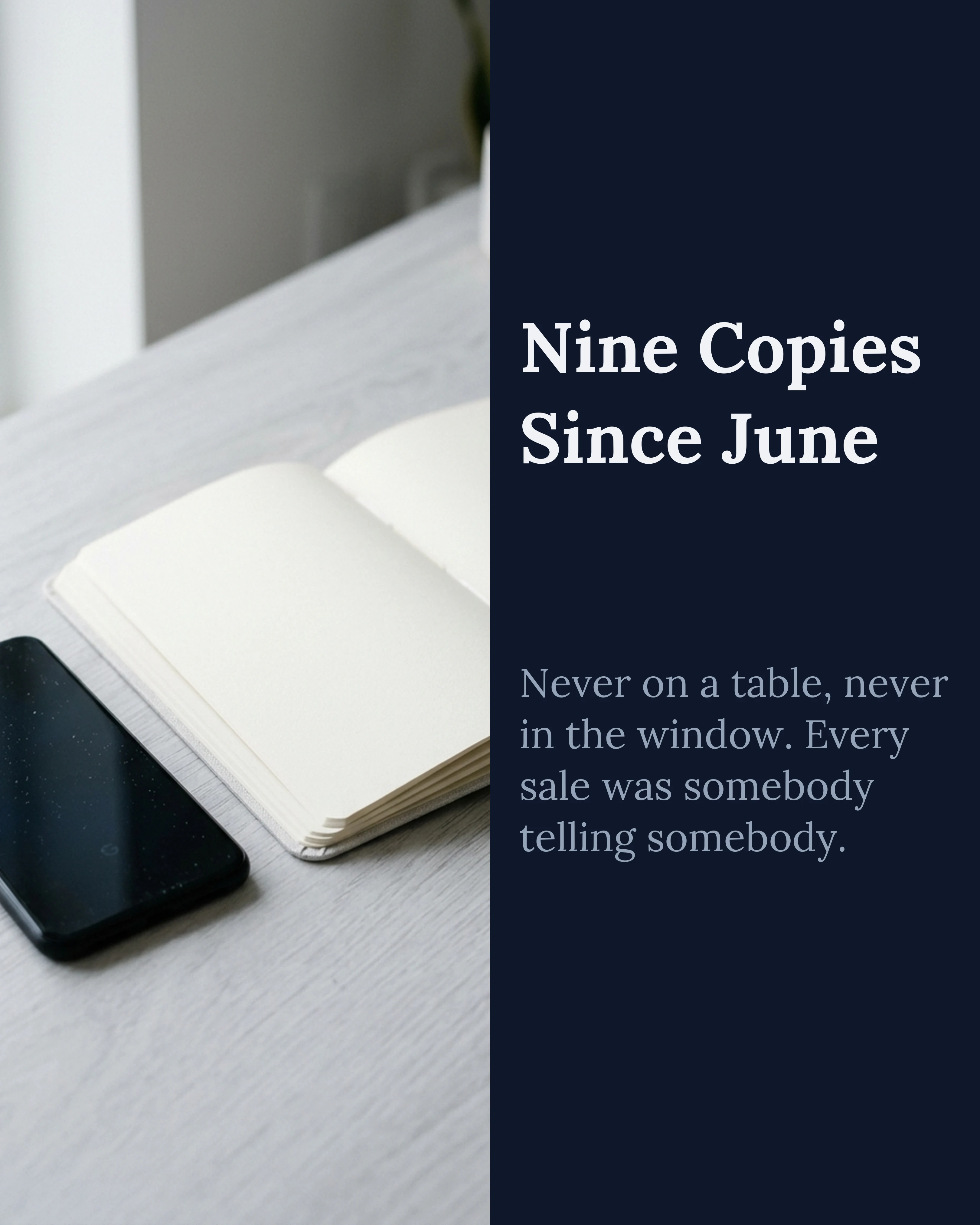
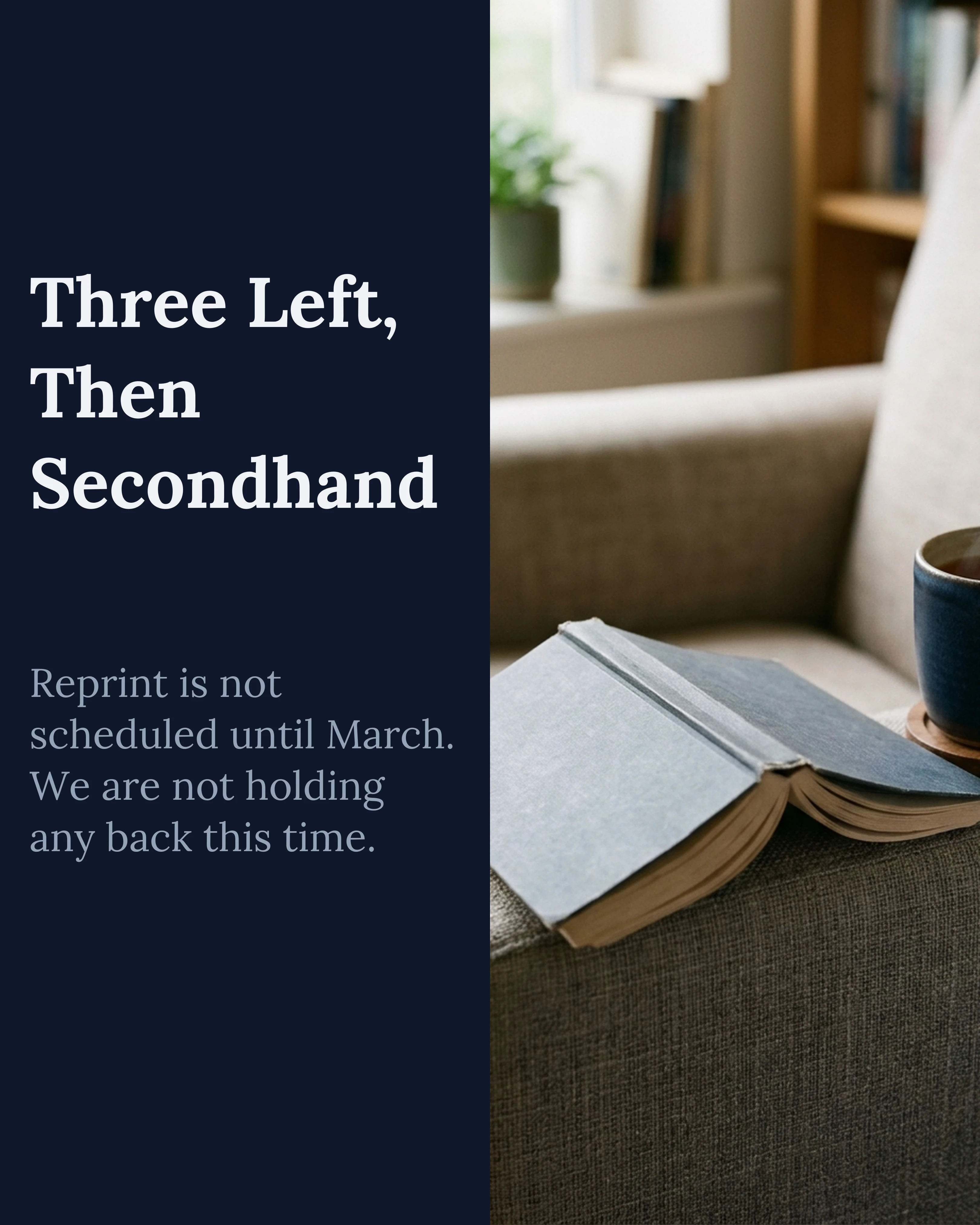
Below is a seven-slide post from an independent bookshop. The text of the post does the hooking; the slides deliver the substance. Each slide is short enough to read at Threads’ media size, and the closing slide asks a question rather than pushing a link.
This is the shape to copy: an opinionated line in the post text, evidence on the slides, a question at the end.

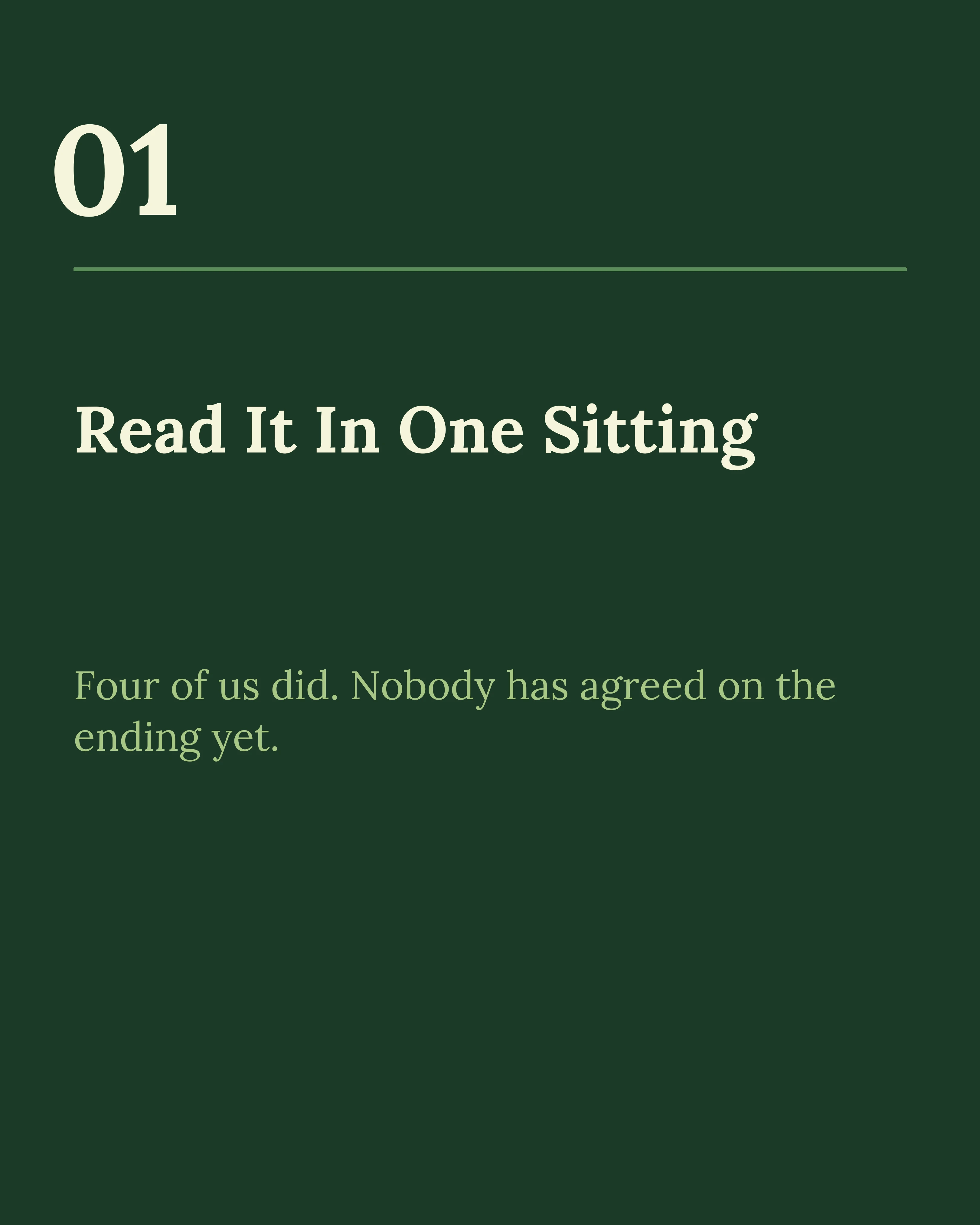
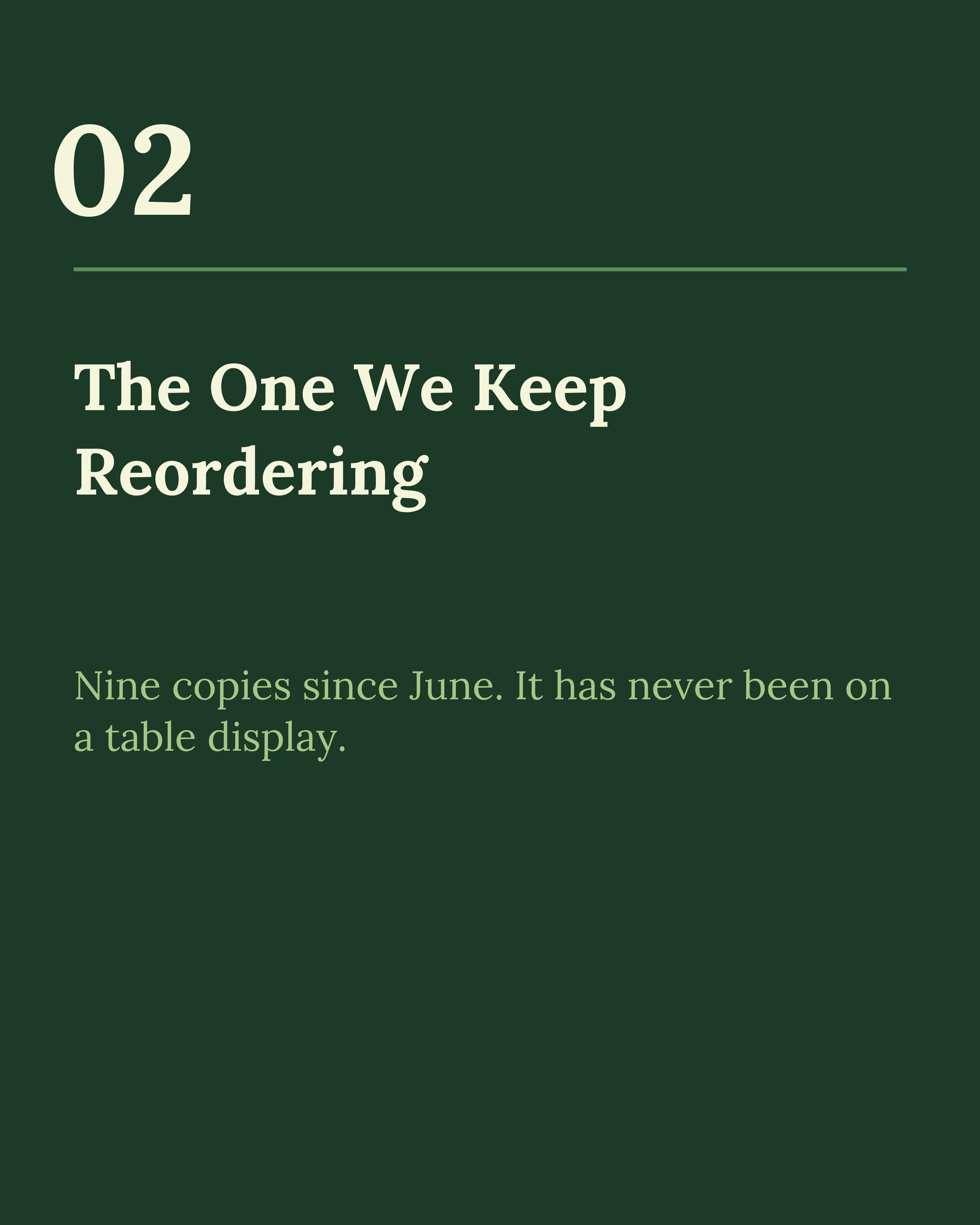
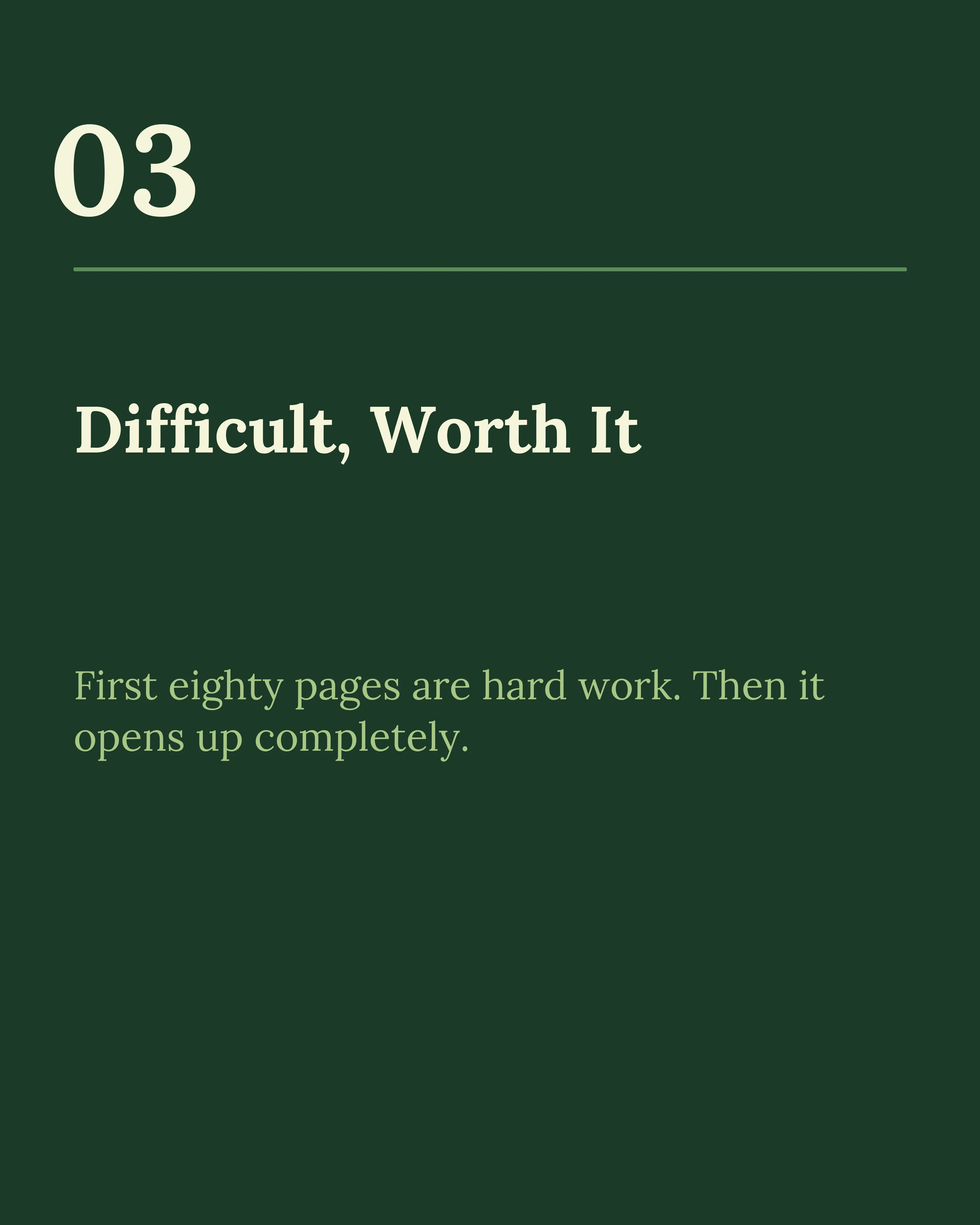
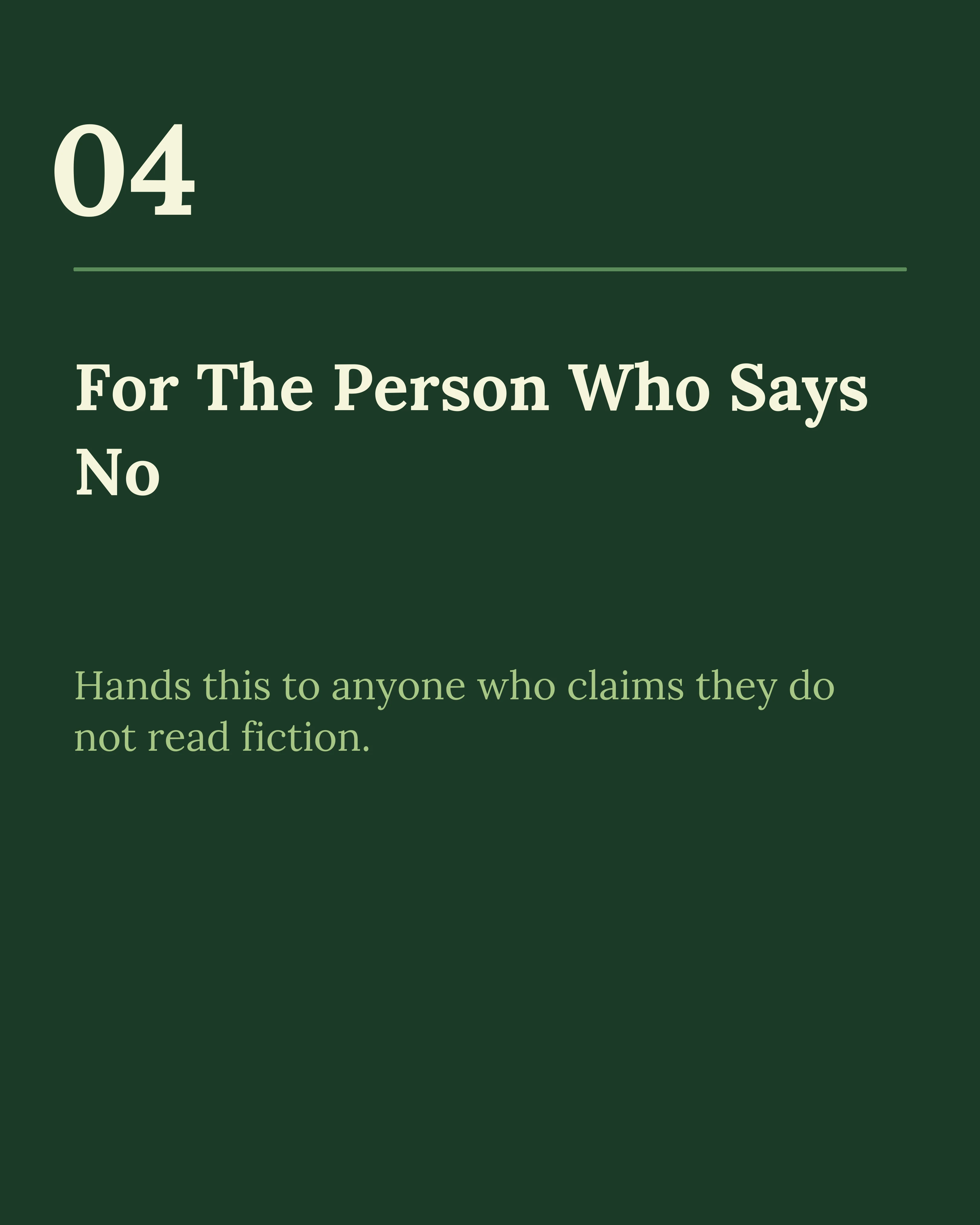
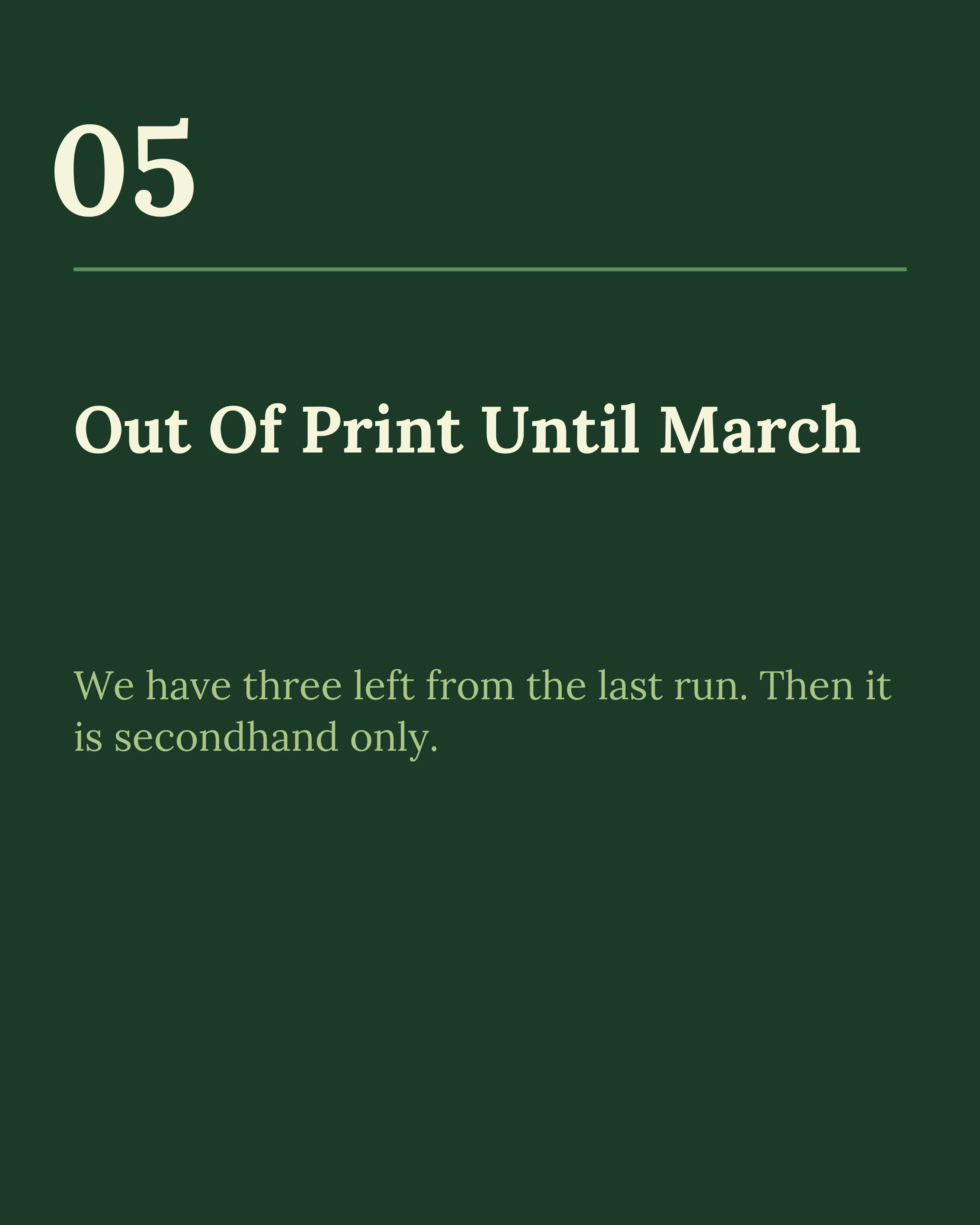

Two more slides from the same post, kept deliberately short so they stay readable at the size Threads renders media:
Should You Bother?
Honest answer: yes, if you are already making carousels for somewhere else. No, if it means starting from scratch.
The economics only work because the marginal cost is near zero. You built the slides. Exporting them again, rewriting the hook as post text, and cutting the set from eight slides to five is a ten-minute job. That is a reasonable bet on a platform with real scale and thin visual competition.
Building Threads-only carousels from nothing is a much harder case to make, unless your audience is genuinely there and not on Instagram.
The same logic applies to LinkedIn and TikTok — the multi-platform export approach covers how to run one set of slides across several feeds with as little rework as possible.
How Carousel Helps
Carousel makes the adaptation cheap. Build the set once, drop the slides you do not need for a shorter Threads version, and export at the ratio you want. Because templates control type size rather than requiring you to eyeball it, bumping the copy up for a smaller media column is a change to the text, not a redesign.
Key Takeaways
- Threads passed X in monthly active users during 2026 and has far less visual competition.
- It is a text feed with images in it. Your hook belongs in the post text, not on the cover slide.
- Three to six slides suits Threads better than the eight to ten you would post on Instagram.
- Use 4:5 or square, and set type larger than you would for Instagram — media renders smaller.
- End on a question. Threads is reply-driven, and questions outperform links.
- Only worth doing as a repurposing step. Building Threads-first carousels rarely pays.
Already making carousels? Download Carousel and export the same set for Threads in seconds — free on the App Store.
Create your first carousel in 60 seconds — free
Pick a template, paste your text, export. It's that simple. No design skills needed.
Download Carousel