
Storytelling Framework for Carousel Posts: Build an Emotional Arc Across Slides
Storytelling Framework for Carousel Posts: Build an Emotional Arc Across Slides
Most carousel posts inform. The best ones make you feel something.
The difference between a carousel that gets saved and one that gets swiped past is not the quality of the advice. It is the presence — or absence — of an emotional arc. When you structure a carousel as a story rather than a lecture, every swipe becomes a page turn. The reader is not consuming tips. They are following a narrative, invested in where it goes.
This is the storytelling framework — a structure for building carousels that create tension, build empathy, and resolve in a way that keeps people coming back for more.
Why Stories Outperform Tips
Frameworks like PAS and Before-After-Bridge are effective because they already contain storytelling elements. PAS creates tension through agitation. BAB creates contrast through transformation. But a dedicated storytelling framework goes further. It treats the entire carousel as a single narrative with an emotional arc.
Research in cognitive psychology consistently shows that information delivered through narrative is retained longer and acted on more frequently than information delivered as isolated facts. Stories activate multiple areas of the brain simultaneously — not just the language centers but the sensory and emotional regions as well.
For carousels, this means a story-driven post does not just hold attention. It creates the kind of emotional resonance that drives shares, saves, and follows.
The Five-Beat Storytelling Structure
Every compelling story — whether it is a novel, a film, or a 7-slide carousel — follows a predictable emotional arc. Here is how to map that arc to the carousel format.
Beat 1: The Hook (Slide 1)
Your opening slide must do two things simultaneously: establish the character and create tension. The “character” can be you, your client, your audience, or even an idea.
- “I almost gave up on freelancing after my first year.”
- “She walked into the salon with a Pinterest board and tears in her eyes.”
- “This one mindset shift saved my business.”
The hook works when the reader thinks: “What happened next?”
Beat 2: The Setup (Slides 2-3)
The setup provides context. It paints the world of the story before things change. This is where you build empathy.
- What was the situation? What did it look like day to day?
- What was the emotional state? Frustration, confusion, hope?
- What had already been tried and failed?
The mistake most creators make is rushing through the setup to get to the “good part.” But the setup is what makes the resolution meaningful. If the reader does not feel the weight of the problem, the solution will not land.
Beat 3: The Turning Point (Slide 4)
Every story has a moment where things shift. In a business carousel, this might be a realization, a decision, a conversation, or a discovery. In a transformation carousel, it is the moment the client committed to change.
- “Then I read one sentence that reframed everything.”
- “That conversation with my mentor changed my entire approach.”
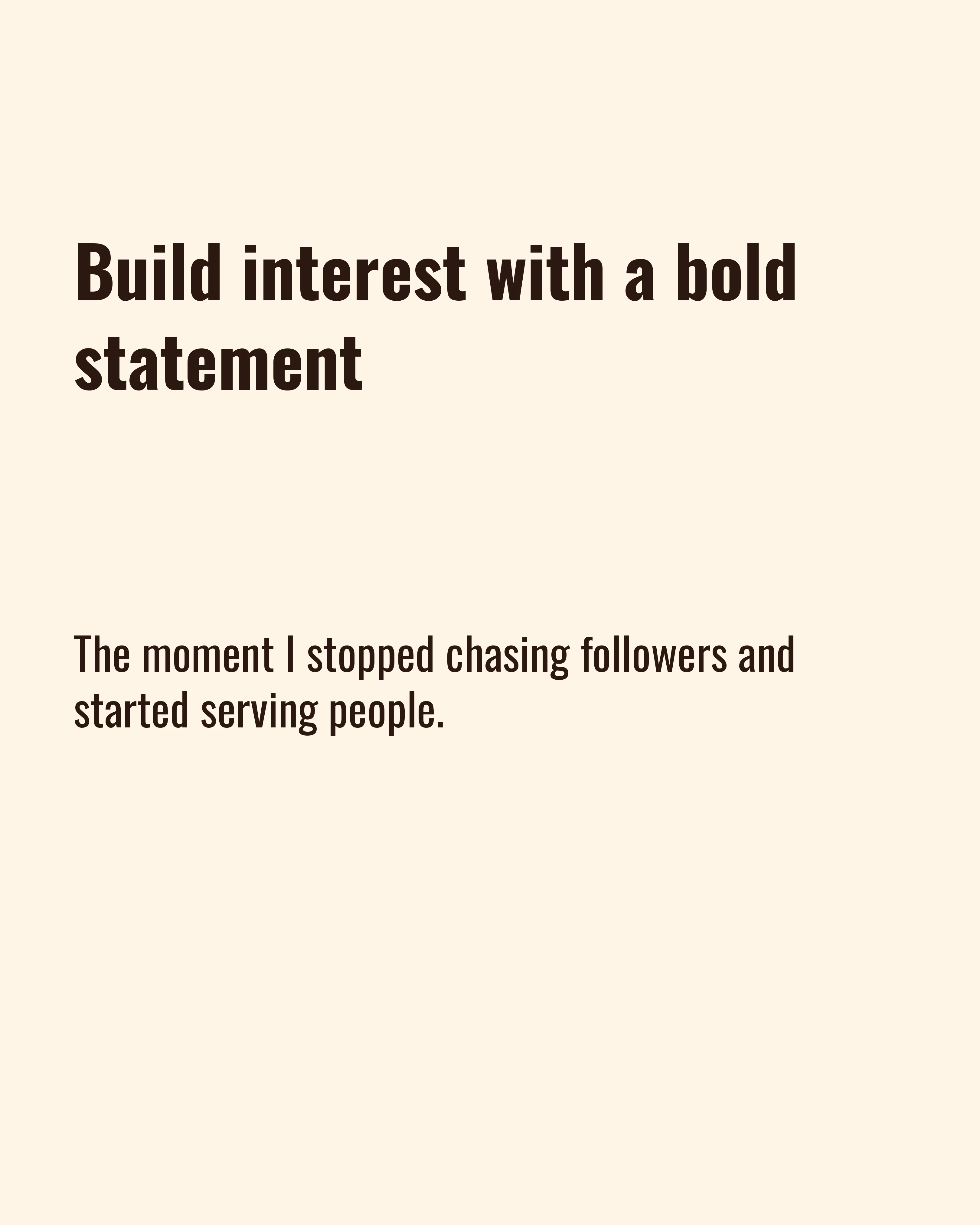
- “The day I stopped chasing followers and started serving my audience.”
The turning point slide should feel like a pivot. Visually, consider changing the color palette or template on this slide to signal the shift.
Beat 4: The Transformation (Slides 5-6)
This is your resolution — the outcome of the turning point. Show what changed, how it changed, and what it looks like now.
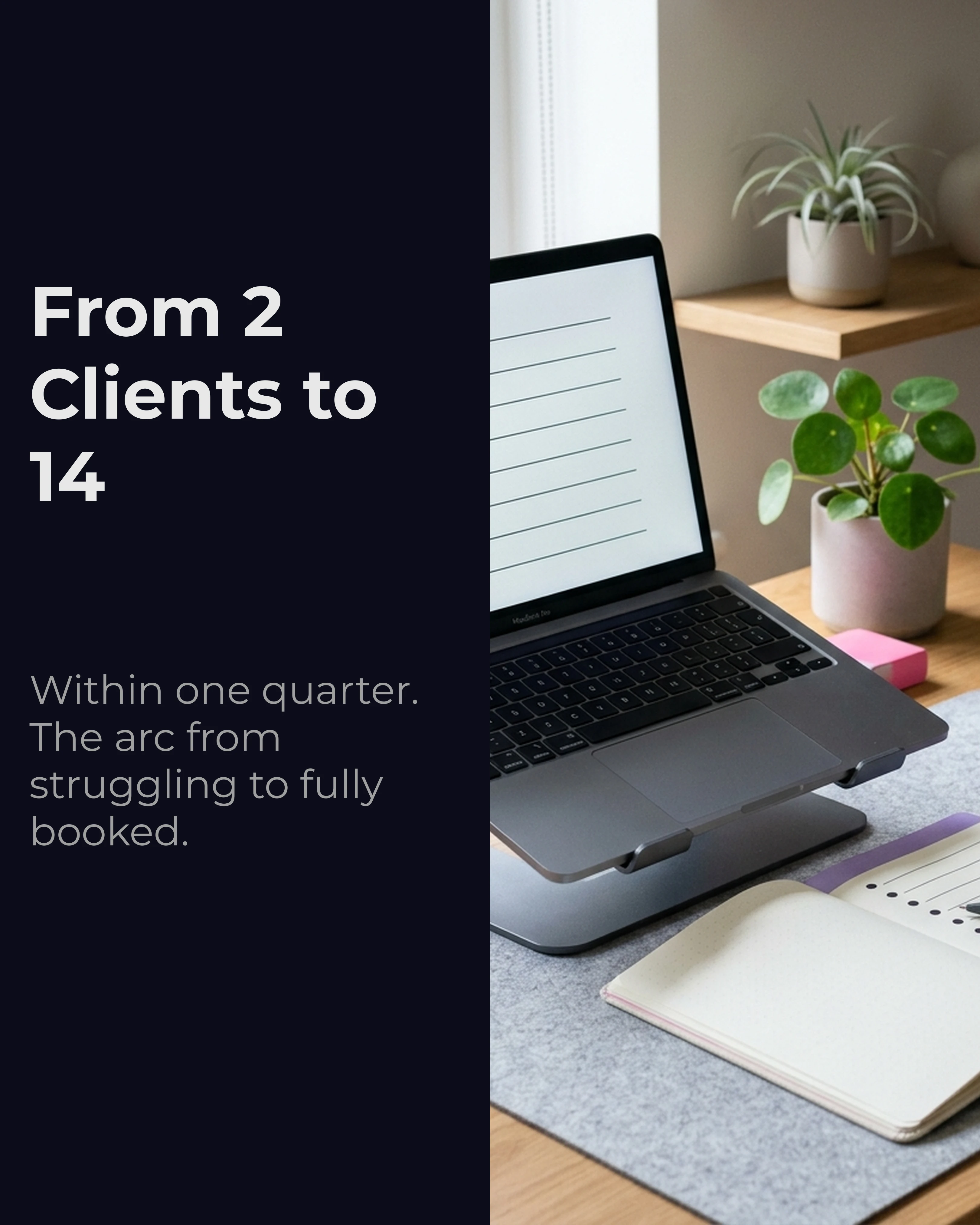
- “Within 3 months, my client roster was full.”
- “Her confidence completely shifted. She started posting every day.”
- “Revenue went from unpredictable to consistent.”
Be specific. Vague resolutions (“things got better”) are forgettable. Concrete outcomes (“I went from 2 clients to 14 in one quarter”) are memorable and credible.
Beat 5: The Takeaway (Slide 7)
The final slide distills the story into a lesson the reader can apply to their own life. This is the bridge between “interesting story” and “actionable content.”
- “The lesson: stop optimizing for likes. Optimize for trust.”
- “If you are in the same place I was, here is what I would tell you…”
- “Save this for the next time you feel like giving up.”
The takeaway slide is also your CTA. After an emotional journey, the reader is primed to act — follow, save, comment, or click.


Storytelling Formats That Work on Social Media
Not every story needs to be deeply personal. Here are four storytelling formats that work consistently across niches.
The personal journey. Your own experience, mistakes, and breakthroughs. This is the most authentic format and builds the strongest personal brand. Works on both Instagram and LinkedIn.
The client story. A real transformation you facilitated. This builds social proof while demonstrating your process. Get permission, change names if needed, and focus on the emotional arc rather than the technical details.
The hypothetical. “Imagine you are a freelancer who just lost their biggest client…” Hypotheticals work when you do not have a real story but want to illustrate a principle. Be transparent that it is a scenario, not a case study.
The industry narrative. Tell the story of how an idea, trend, or practice evolved. “In 2020, everyone said you needed to post every day. Here is what actually happened to the people who did.” This positions you as a thoughtful commentator, not just a practitioner.
Visual Storytelling Techniques
The emotional arc of your story should be reflected in the visual design of your slides.
Color shifts. Start with a muted or dark palette for the problem slides and transition to brighter, warmer tones for the transformation. This visual shift reinforces the emotional shift.
Template mixing. Use a bold text template for the hook and turning point (moments of high emotion) and a split-image template for the setup and transformation (moments that benefit from visual context). Mixing two templates within one carousel creates visual variety without sacrificing coherence.
Pacing through text density. Hook slides and turning points should be short — five to eight words. Setup slides can carry more text. This variation in density creates a reading rhythm that mirrors the emotional arc.
Common Storytelling Mistakes
Starting with the lesson. If you open with “Here is what I learned,” there is no reason to keep swiping. Start with the situation, not the conclusion.
No stakes. A story without tension is just a timeline. Make sure the reader understands what was at risk — a business, a relationship, a dream, a deadline.
Rushing the middle. The setup and turning point are where emotional investment happens. If you compress them into one slide to “get to the point faster,” you lose the arc that makes storytelling effective.
Creating Narrative Carousels With Carousel
Structuring a story across seven slides while maintaining visual consistency and emotional pacing is difficult to do from scratch.
Carousel includes Storytelling as one of its AI frameworks. Drop in your story notes, select the storytelling framework, and the AI drafts your narrative across slides; check that the turning point lands where the five-beat structure above puts it, then adjust. The combination of bold text and split-image templates makes story arcs visually engaging without requiring design skills.
Key Takeaways
- Storytelling carousels outperform tip-based content because they create emotional investment
- Use the five-beat structure: hook, setup, turning point, transformation, takeaway
- Pair storytelling with visual cues — color shifts, template changes, and text density variation
- The BAB framework and PAS framework are lightweight storytelling structures you can start with
- Never open with the lesson — start with the situation and let the arc unfold
- Every story must have stakes, or it is just a timeline
Ready to tell stories that stop the scroll? Download Carousel — free on the App Store.