Salon & Beauty Carousel Posts: Transformations That Book Appointments
Salon & Beauty Carousel Posts: Transformations That Book Appointments
A single before-and-after photo can stop someone mid-scroll. But a carousel that walks the viewer through the entire transformation — the consultation, the process, the reveal — turns a casual scroller into a booked appointment.
Salons and beauty professionals have a massive advantage on visual platforms. Your work is inherently photogenic. The challenge is not getting attention. The challenge is converting that attention into chair time. Carousels bridge that gap by letting you tell the story behind the style, showcase your technical range, and position your salon as the obvious choice.
Here are six carousel formats designed specifically for salons, hairstylists, estheticians, and beauty brands — each mapped to a framework that drives bookings.
Why Carousels Work for Salons
Transformations need context. A side-by-side before-and-after is powerful, but it does not show the skill involved. A carousel lets you reveal the process — the color correction, the layering technique, the custom mix — which elevates the perceived value of your service.
Services are hard to explain in one image. What does a “balayage” actually involve? How is your keratin treatment different from the salon down the street? Carousels let you educate while showcasing, which builds trust with clients who are comparing options.
Saves equal future bookings. When someone saves your carousel, they are bookmarking a look they want. Instagram saves from salon content convert at a higher rate than most industries because the intent is concrete: “I want this — who can do it?”
6 Carousel Ideas for Salons and Beauty Professionals
1. The Full Transformation Journey (Before-After-Bridge Framework)
Format: 6-7 slides showing the complete client transformation Best for: Showcasing technical skill and building trust with potential clients
The Before-After-Bridge framework maps perfectly to salon content. Start with the “before” state, show the process, and reveal the stunning result.
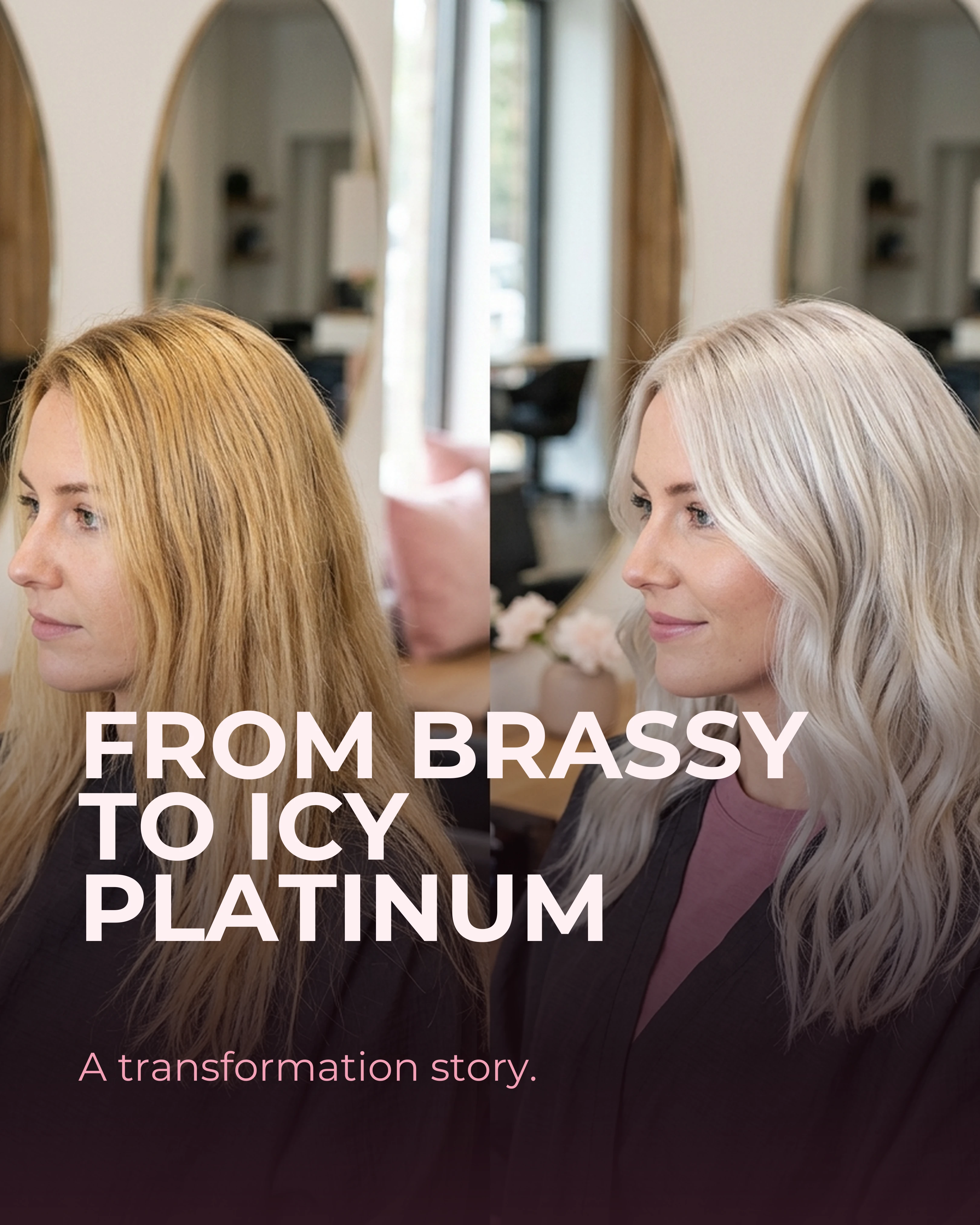
- Slide 1 (Hook): From Brassy to Icy Platinum. A Transformation Story.
- Slide 2 (Before): The starting point. Show the unedited “before” with context about what the client wanted to change.
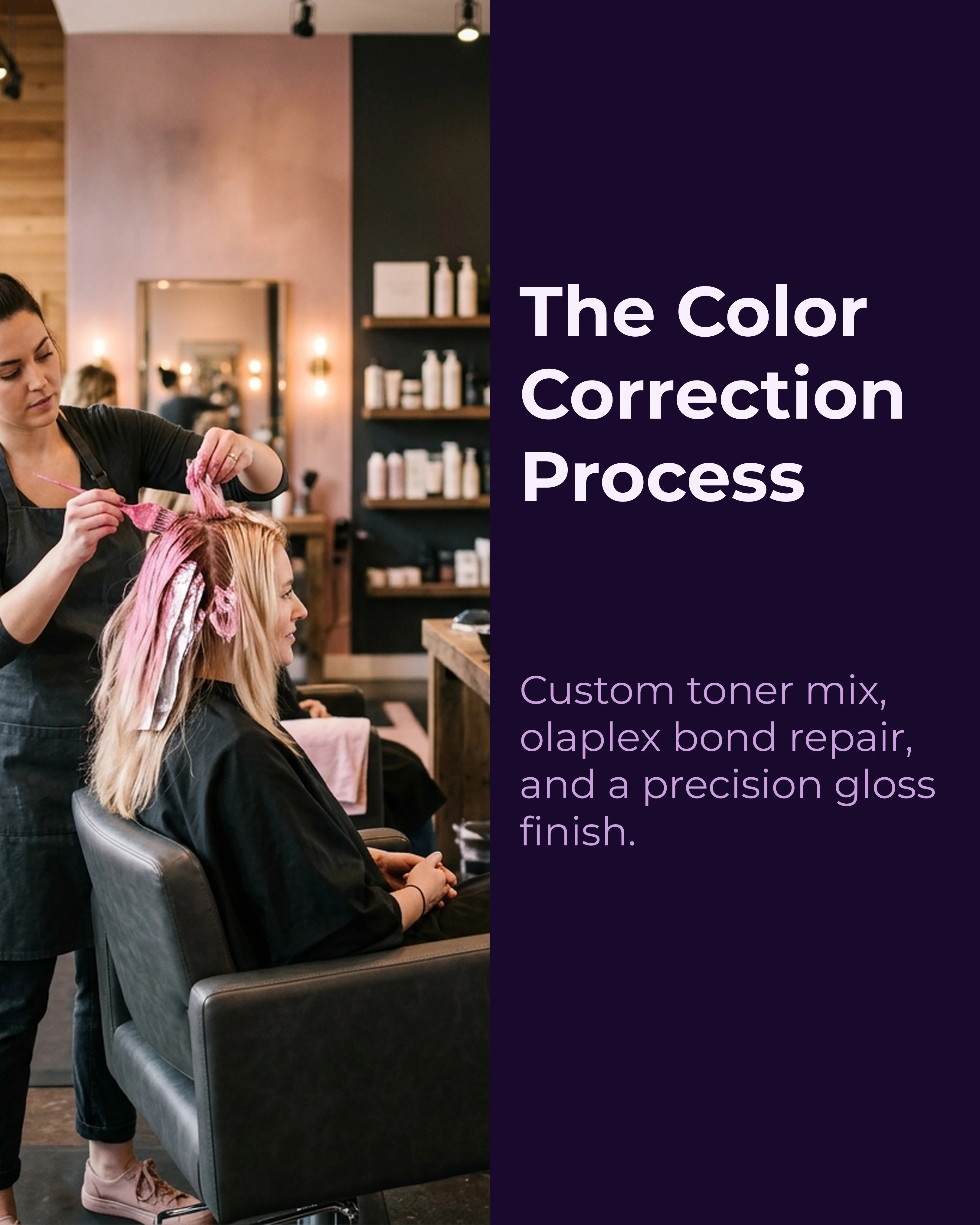
- Slide 3 (Process): The color correction underway. Foils, toner bowls, or a close-up of the technique.
- Slide 4 (Process): A midway check or a shot of custom color being mixed.
- Slide 5 (After): The final reveal. Front view, styled.
- Slide 6 (After): A different angle, natural lighting, showing dimension and movement.
- Slide 7 (CTA): Ready for your own transformation? Link in bio to book.
2. The Seasonal Promotion Showcase (AIDA Framework)
Format: 5-6 slides promoting a seasonal service or package Best for: Driving bookings during seasonal transitions
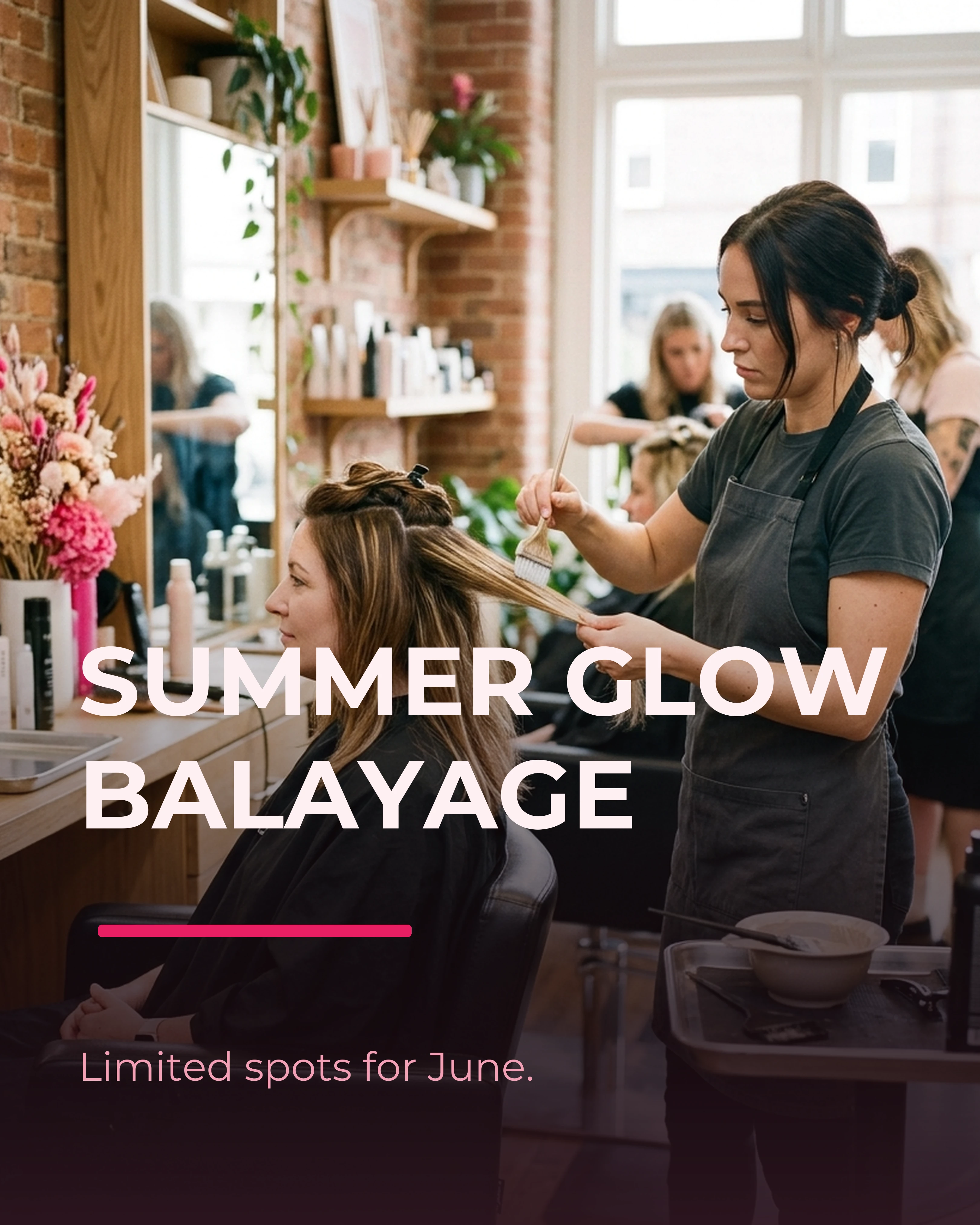
- Slide 1 (Attention): Summer Glow Balayage. Limited Spots for June.
- Slide 2 (Interest): A gallery of three recent balayage results, all slightly different to show range.
- Slide 3 (Interest): What’s included — consultation, custom color blend, gloss treatment, blowout.
- Slide 4 (Desire): “Only 12 spots available this month. Every balayage includes our signature olaplex treatment.”
- Slide 5 (Action): Book now — link in bio or DM us your inspo photos.
Seasonal carousels work because they create urgency. Pair a time-limited offer with beautiful results and you give people a reason to book today rather than “someday.”
3. The “Which Look” Style Guide (Interactive Format)
Format: 5-7 slides comparing styles, colors, or techniques Best for: Driving comments, saves, and consultation requests
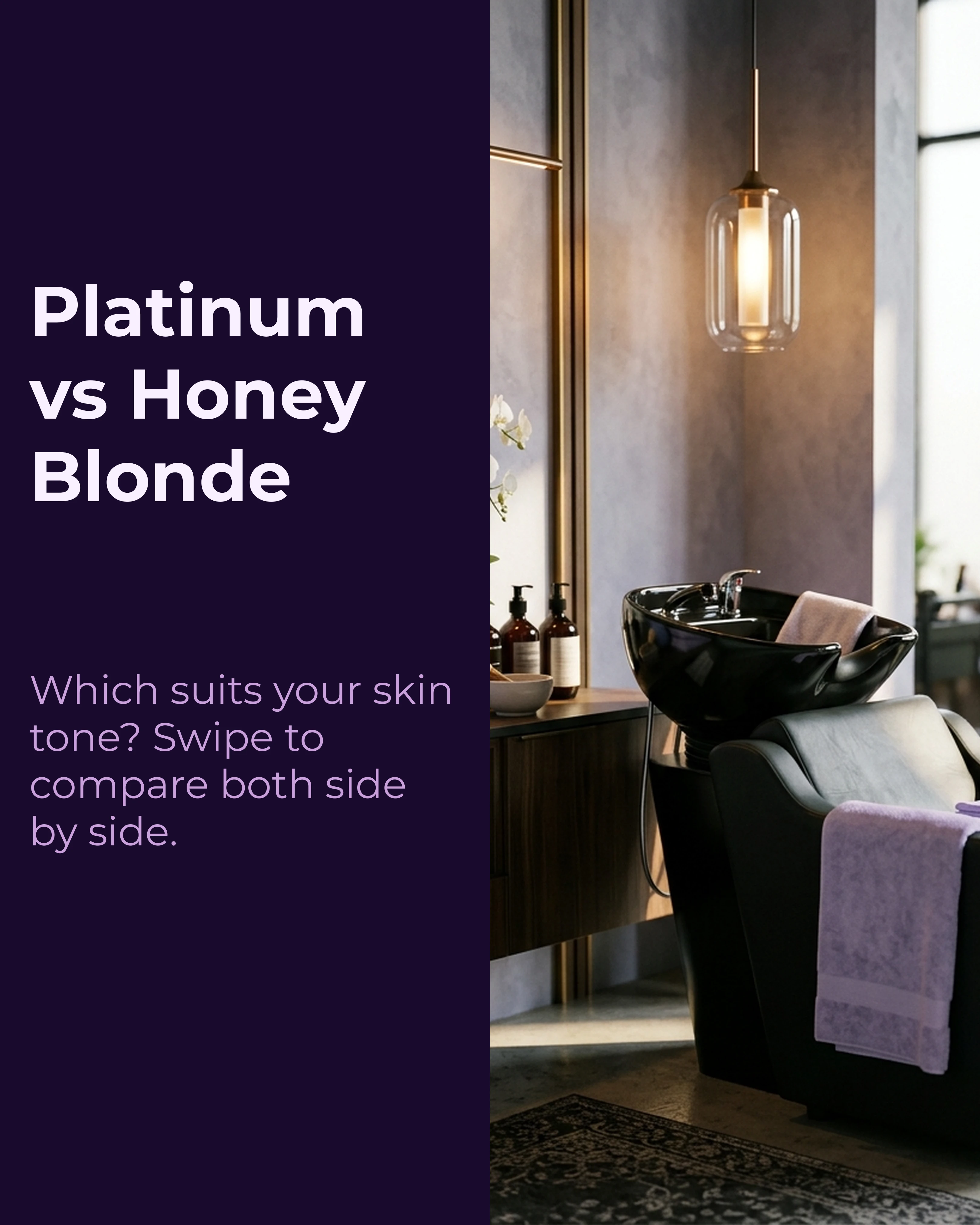
- Slide 1: Platinum vs. Honey Blonde: Which Suits You?
- Slide 2: Side-by-side comparison on similar skin tones.
- Slide 3: Platinum — maintenance schedule, best for cool undertones, styling tips.
- Slide 4: Honey Blonde — lower maintenance, best for warm undertones, grows out gracefully.
- Slide 5: How to decide — “Bring your inspo photos to your consultation and we will help you choose.”
- Slide 6 (CTA): Drop a comment with your pick. DM us to book.
This format generates high engagement because it invites an opinion. Every comment boosts your algorithmic reach, and the people commenting are pre-qualified leads — they are actively thinking about booking.
4. The Service Breakdown (Listicle Framework)
Format: 5-6 slides explaining what a specific service involves Best for: Educating potential clients who are comparing salons
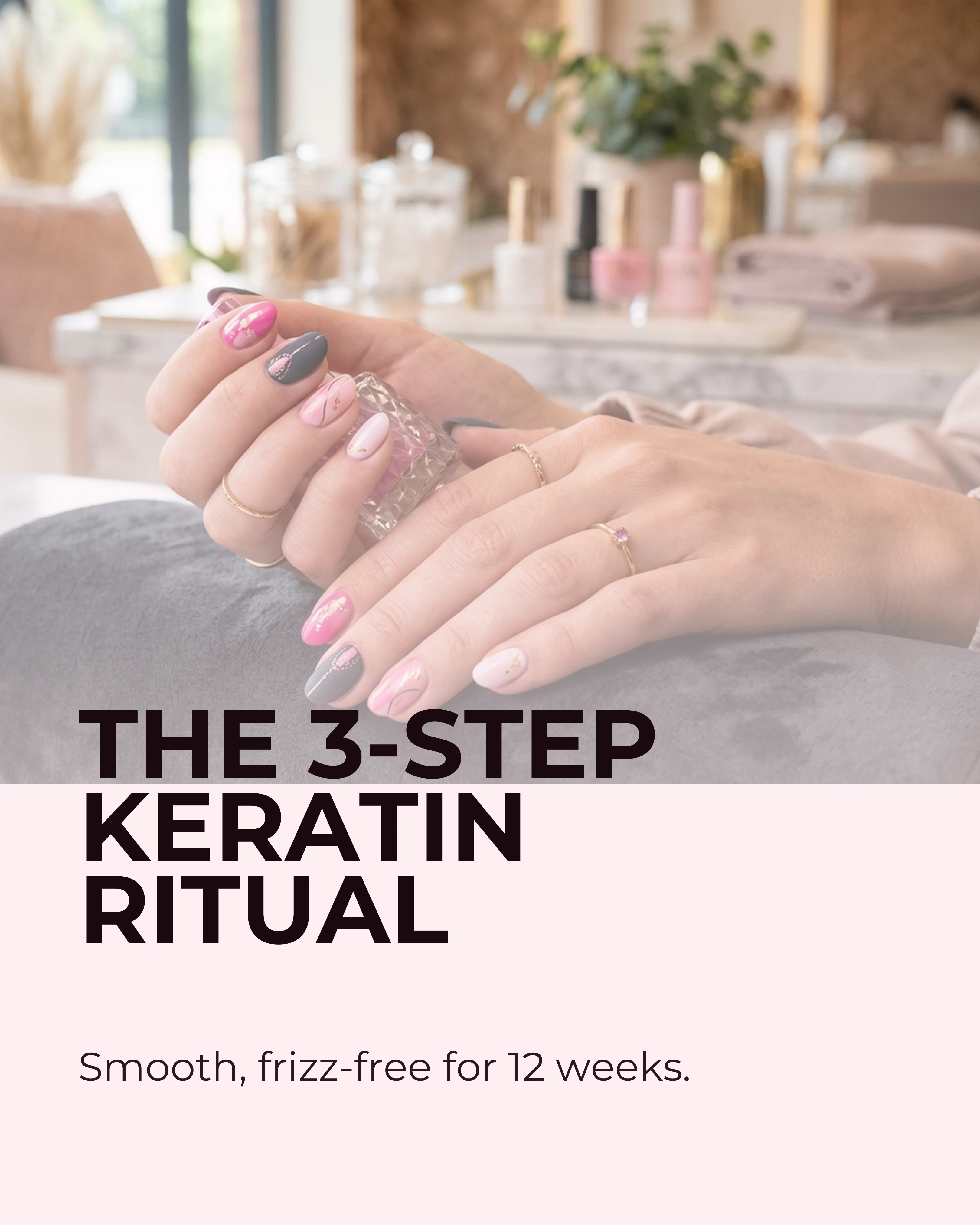
- Slide 1: What Actually Happens During a Keratin Treatment? 5 Steps.
- Slide 2: Step 1 — Clarifying wash to remove buildup.
- Slide 3: Step 2 — Section-by-section keratin application.
- Slide 4: Step 3 — Heat sealing with a flat iron.
- Slide 5: Step 4 — Cool-down and rinse.
- Slide 6: The Result — Smooth, frizz-free hair for 8-12 weeks.
Service breakdowns build confidence. Clients who understand what a treatment involves are more likely to book because the unknown has been removed.
5. The Client Spotlight (Storytelling Framework)
Format: 6-7 slides featuring a real client’s experience Best for: Building social proof and emotional connection
- Slide 1: Meet Sarah. She Wanted a Change After 10 Years of the Same Look.
- Slide 2: Sarah’s brief — “I want something low-maintenance but dramatic.”
- Slide 3: The consultation plan — color, cut, and style mapped out.
- Slide 4: Process shot — the session underway.
- Slide 5: The reveal — Sarah seeing her new look for the first time.
- Slide 6: Sarah’s words — “I should have done this years ago.”
- Slide 7: Your transformation is next. Book a consultation — link in bio.
Client spotlights work because they let potential clients see themselves in the story. The more relatable the “before,” the more compelling the “after.”
6. The Texture and Technique Gallery (Portfolio Format)
Format: 5-8 slides showcasing a specific skill or technique Best for: Attracting clients searching for a specialized service
- Slide 1: Lived-In Color. Our Signature Technique.
- Slide 2-6: Five different clients, all with the same technique applied to different hair types, lengths, and base colors.
- Slide 7: “Every lived-in color starts with a 20-minute consultation to match the technique to your hair.”
This format works because it demonstrates range and consistency. One beautiful result could be a fluke. Five beautiful results on different hair types prove mastery.
Palette and Style Recommendations
Beauty content should feel aspirational but approachable. Our Instagram carousel guide covers general best practices, and the wrong color palette can undermine even the most stunning transformation photos.
- Rose palette: The default for beauty content. Soft pinks and magentas feel feminine and luxurious without being overwhelming. Pairs well with clean sans-serif fonts.
- Lavender palette: Ideal for spa-oriented content, wellness treatments, and anything that should feel calming and premium. Works beautifully with before-and-after content.
- Warm palette: Best for autumnal tones — brunette transformations, caramel highlights, and cozy salon interiors.
- Midnight palette: For editorial or high-fashion salon content. Deep navy and violet create a dramatic backdrop that makes color work pop.
Photography tips for salon carousels: Consistent lighting is everything. Set up a designated photo spot with controlled lighting. Natural light with a reflector is ideal. Shoot the “before” and “after” in the same spot, same angle, and same lighting so the transformation reads as genuine.
Creating Salon Carousels Efficiently
Most salon professionals are not graphic designers. Between clients, there is barely enough time to take the photos, let alone design a polished carousel.
Carousel helps beauty professionals create stunning carousels quickly. Let the AI draft the slide copy from a framework like Before-After-Bridge or AIDA, choose a Rose or Lavender palette, and add your transformation photos to the image slots. The split-image template is particularly effective for before-and-after pairs.
Key Takeaways
- Salon carousels should tell transformation stories, not just show results — context builds perceived value
- Map your carousel ideas to frameworks: BAB for transformations, AIDA for seasonal promotions, listicles for service breakdowns
- Use the Before-After-Bridge framework to structure your most powerful client transformations
- Stick to Rose and Lavender palettes for a premium, feminine feel
- Consistent lighting and camera angles make before-and-after content credible
- Every carousel should end with a clear booking CTA
Ready to turn your transformations into bookings? Download Carousel — free on the App Store.