
How to Repurpose Blog Posts Into Carousel Content
How to Repurpose Blog Posts Into Carousel Content
You already have a library of content sitting on your blog. Guides, how-tos, listicles, case studies, opinion pieces, all of it written, edited, and published. And most of it is generating a fraction of the traffic it deserves because blog distribution depends heavily on SEO, which takes months, or email lists, which take years.
Meanwhile, carousel posts on Instagram and LinkedIn are generating saves, shares, and profile visits right now. The content you need for those carousels already exists. It just needs to be restructured.
Repurposing is not the same as copying. You cannot paste three paragraphs onto a slide and call it a carousel. The format demands different pacing, different density, and different hooks. But the underlying ideas, frameworks, and expertise? Those transfer directly.
Why Blog Posts Make Excellent Carousel Source Material
Blog posts and carousels serve different purposes in the content funnel, which is exactly why they complement each other so well.
Blogs go deep. Carousels go wide. A 2,000-word blog post can thoroughly explain a concept. A 10-slide carousel can introduce that same concept to an audience that would never have found the blog post through search.
Blogs are evergreen. Carousels are ephemeral with compounding value. Your blog post lives forever but grows slowly. Your carousel gets most of its engagement in 48 hours but drives profile visits, follows, and saves that compound over time.
Blogs prove you have done the thinking. When a carousel drives someone to your profile and they click through to your blog, the depth of your long-form content builds trust that a carousel alone cannot achieve.
The 5-Step Repurposing Process
Step 1: Identify the Right Blog Posts
Not every blog post translates well into a carousel. Look for posts that have:
- A clear framework or numbered steps. “5 Ways to Improve Your Morning Routine” maps directly to a 7-slide carousel (hook + 5 tips + CTA).
- A strong opinion or contrarian take. Posts that challenge conventional wisdom work well because they create the curiosity gap carousels need.
- Practical utility. How-to posts, checklists, and templates are highly saveable in carousel format.
- Evergreen relevance. Avoid repurposing posts tied to specific dates or events unless you update the content.
Skip blog posts that rely heavily on nuance, long quotations, or complex data visualizations. Those are better suited to other formats.
Step 2: Extract the Core Structure
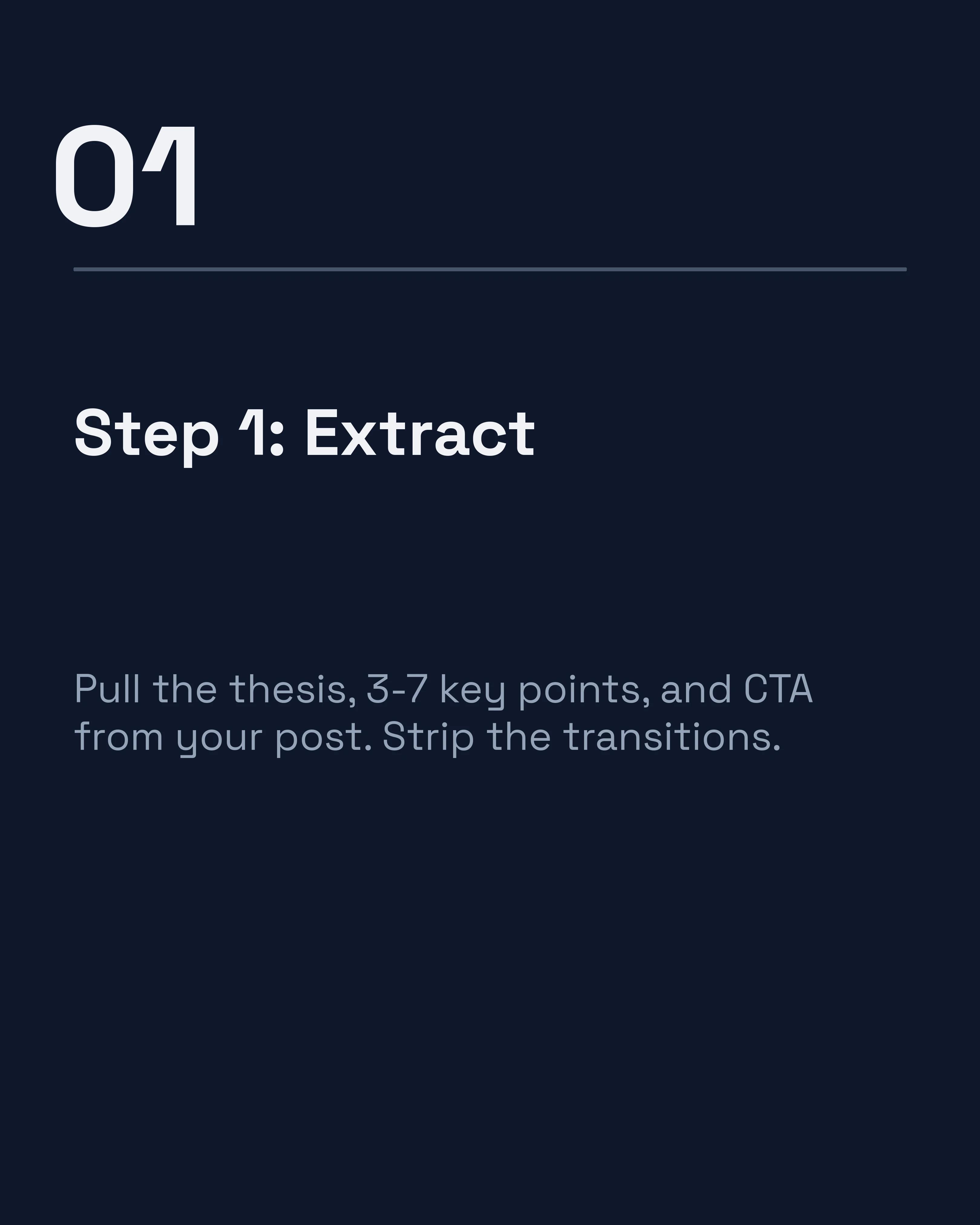
Read through the blog post and identify the structural bones. You are looking for:
- The main thesis (this becomes your hook)
- 3-7 supporting points (these become your content slides)
- The conclusion or call to action (this becomes your final slide)
Strip away the transitions, examples, and elaboration. What remains is your carousel skeleton.

Step 3: Choose the Right Framework
The framework you choose should match the original blog post’s structure. Here is how common blog formats map to carousel frameworks:
| Blog Format | Best Carousel Framework |
|---|---|
| Listicle (5 tips, 7 steps) | Numbered list or tips carousel |
| How-to guide | AIDA (walk through the process) |
| Opinion piece | PAS (identify problem, agitate, solve) |
| Case study | Before-After-Bridge (transformation story) |
| Comparison post | Myth vs Fact or This vs That |
The AIDA framework guide is particularly useful for repurposing how-to content because the attention-interest-desire-action structure naturally compresses a multi-section guide into a swipeable sequence.
Step 4: Rewrite for the Slide Format
This is where most repurposing efforts fail. People try to condense paragraphs into slides instead of rewriting for the format.
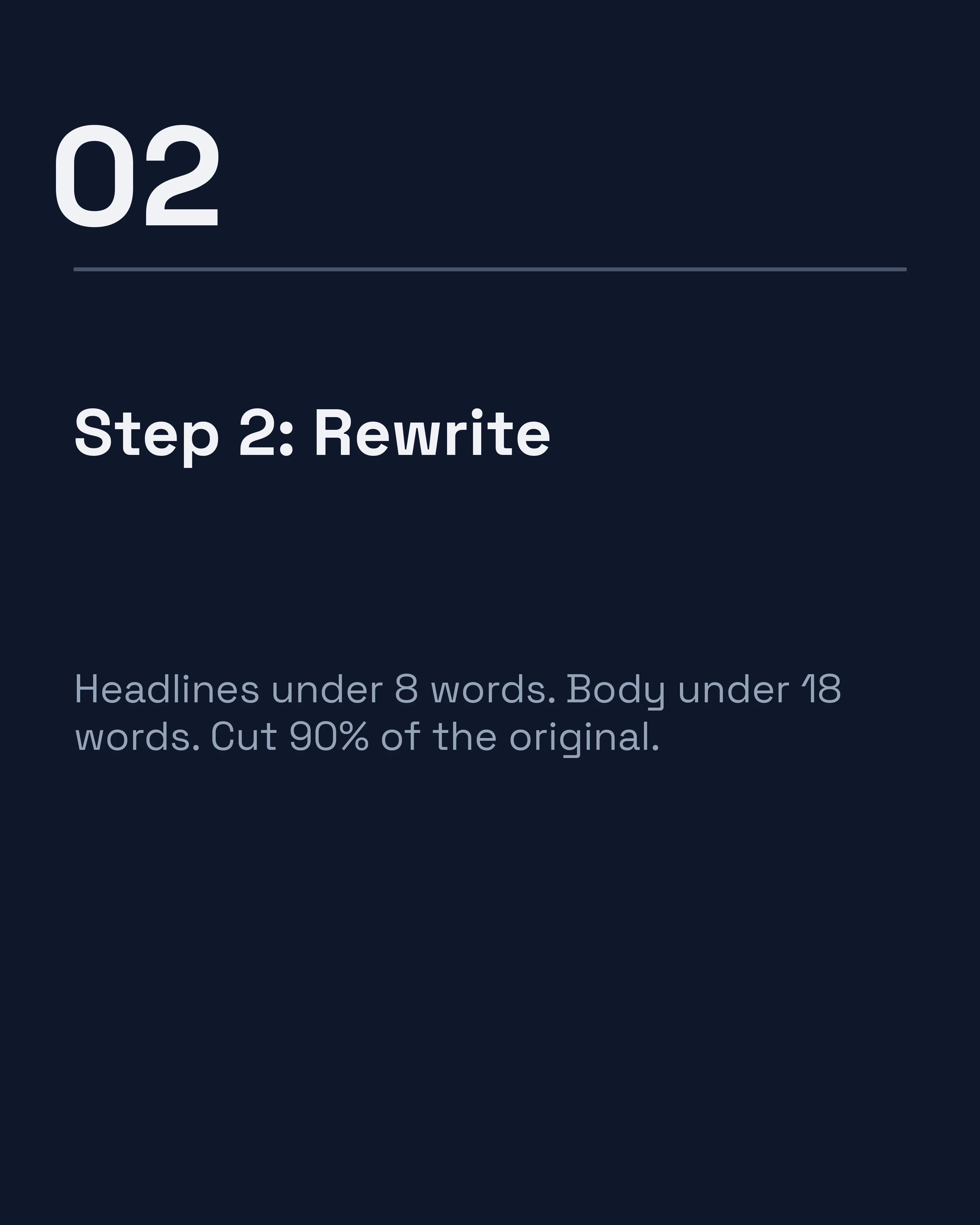
Headlines should be scannable. Each slide needs a headline that communicates the point in 5-8 words. If someone swiped through only the headlines, they should understand the overall message.
Body text should be concrete. Replace abstract advice with specific details. “Improve your morning routine” becomes “Wake up 30 minutes earlier and write for 20 minutes before checking email.”
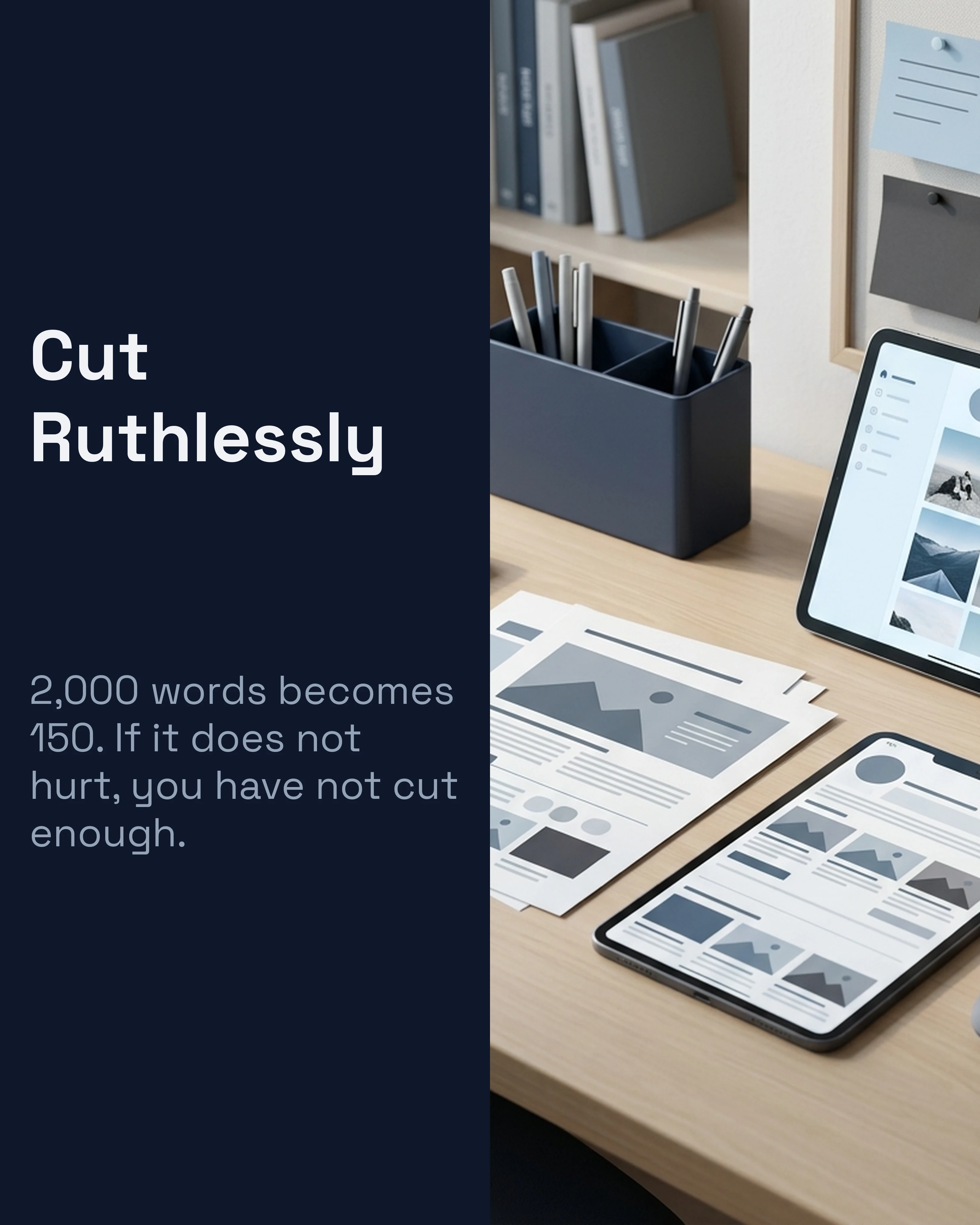
Cut ruthlessly. A 2,000-word blog post should yield a 7-10 slide carousel with roughly 150-200 total words across all slides. That is a 90% reduction. If it feels painful, you are doing it right.
Step 5: Design and Publish
With the content structured, the design should reinforce the hierarchy. Each slide needs clear visual distinction between the headline, body text, and slide number.
For a walkthrough of how to keep your carousel visuals consistent with your brand, the LinkedIn carousel guide covers slide design principles that apply across platforms.
Common Repurposing Mistakes
Even with a solid process, certain pitfalls consistently trip people up.
Trying to keep everything. The hardest part of repurposing is letting go of content you worked hard to write. Not every paragraph deserves a slide. If a point does not earn a swipe, it does not earn a slide.
Ignoring the hook. Many people copy their blog headline directly as the carousel hook. Blog headlines are optimized for search. Carousel hooks are optimized for scroll-stopping. Rewrite the hook specifically for the platform.
Forgetting the CTA. A blog post can end with a conclusion. A carousel needs a clear next step. Follow me, save this, check the link, DM me. Every carousel should close with a specific action.
Using the same format every time. If every repurposed carousel is a listicle, your feed becomes predictable. Vary the frameworks: turn one blog post into a listicle, the next into a myth-buster, the next into a PAS-structured story.
One Blog Post, Multiple Carousels
A single comprehensive blog post can often yield more than one carousel. Consider these angles:
- The overview carousel: Hit the main points at a high level.
- The deep-dive carousel: Take one section and expand it into its own carousel.
- The myth-busting carousel: Pull out the counterintuitive claims and build a myth vs fact sequence.
- The checklist carousel: Extract the actionable steps into a saveable checklist format.
A 3,000-word guide on content strategy might yield an overview carousel, a deep dive on one specific tactic, and a myth-buster on common content strategy misconceptions. That is three weeks of social content from one blog post you already wrote.
For more ideas on generating carousel concepts from existing material, the post ideas guide covers techniques that work well when combined with repurposing.
How Carousel Speeds Up the Process
The bottleneck in repurposing is not the ideas. It is the reformatting. Extracting key points from a blog post takes ten minutes. Designing ten slides from scratch can take hours.
Carousel compresses that design phase by letting you paste your key points, select a framework like AIDA or PAS, and generate formatted slides automatically. The app handles layout, typography, and visual consistency so you can focus on which ideas from your blog are worth amplifying.
Key Takeaways
- Your existing blog content is an underutilized carousel goldmine.
- Look for posts with clear frameworks, numbered steps, or strong opinions.
- Extract the structural bones, choose a matching framework, and rewrite for slide-level density.
- One comprehensive blog post can yield multiple distinct carousels.
- Cut 90% of the words. If it does not feel ruthless, you have not cut enough.
Create your first carousel in 60 seconds — free
Pick a template, paste your text, export. It's that simple. No design skills needed.
Download Carousel