
Recruiter Carousel Posts: Attract Better Candidates on LinkedIn
Recruiter Carousel Posts: Attract Better Candidates on LinkedIn
Recruitment runs on outreach, and outreach is getting worse every year. Response rates fall, InMail credits burn, and the best candidates ignore messages from people they have never heard of. Meanwhile the recruiters who post consistently get inbound applications for roles they have not advertised yet.
That is the real argument for content in recruitment. It is not brand building for its own sake. It is the difference between chasing a passive candidate cold and having them already know who you are when your message lands.
Carousels are the right format for that work on LinkedIn, where document posts get more dwell time than links and more depth than a text post. This guide covers seven post ideas with example slides, plus the tone that makes a recruiter worth following rather than muting.
Why Carousels Work for Recruiters
LinkedIn rewards time spent on a post, and a carousel is the only native format that holds someone for thirty seconds without a video. That dwell time is what pushes a post beyond your immediate network into the feeds of the candidates and hiring managers you actually want.
The format also fits recruitment content structurally. Almost everything useful a recruiter knows is a list, a comparison, or a process: salary bands, interview stages, what a rejection actually meant, how three similar offers differ. Those all break cleanly into slides.
Most importantly, carousels let you demonstrate expertise instead of claiming it. “Specialist recruiter with 10 years in fintech” is a headline nobody believes. A carousel breaking down what fintech engineering salaries did this quarter proves the same thing without saying it.
The Listicle and Myth vs Fact frameworks carry most recruitment content, with This or That working well for comparison posts.
Seven Carousel Ideas for Recruiters
1. The Salary Reality Check
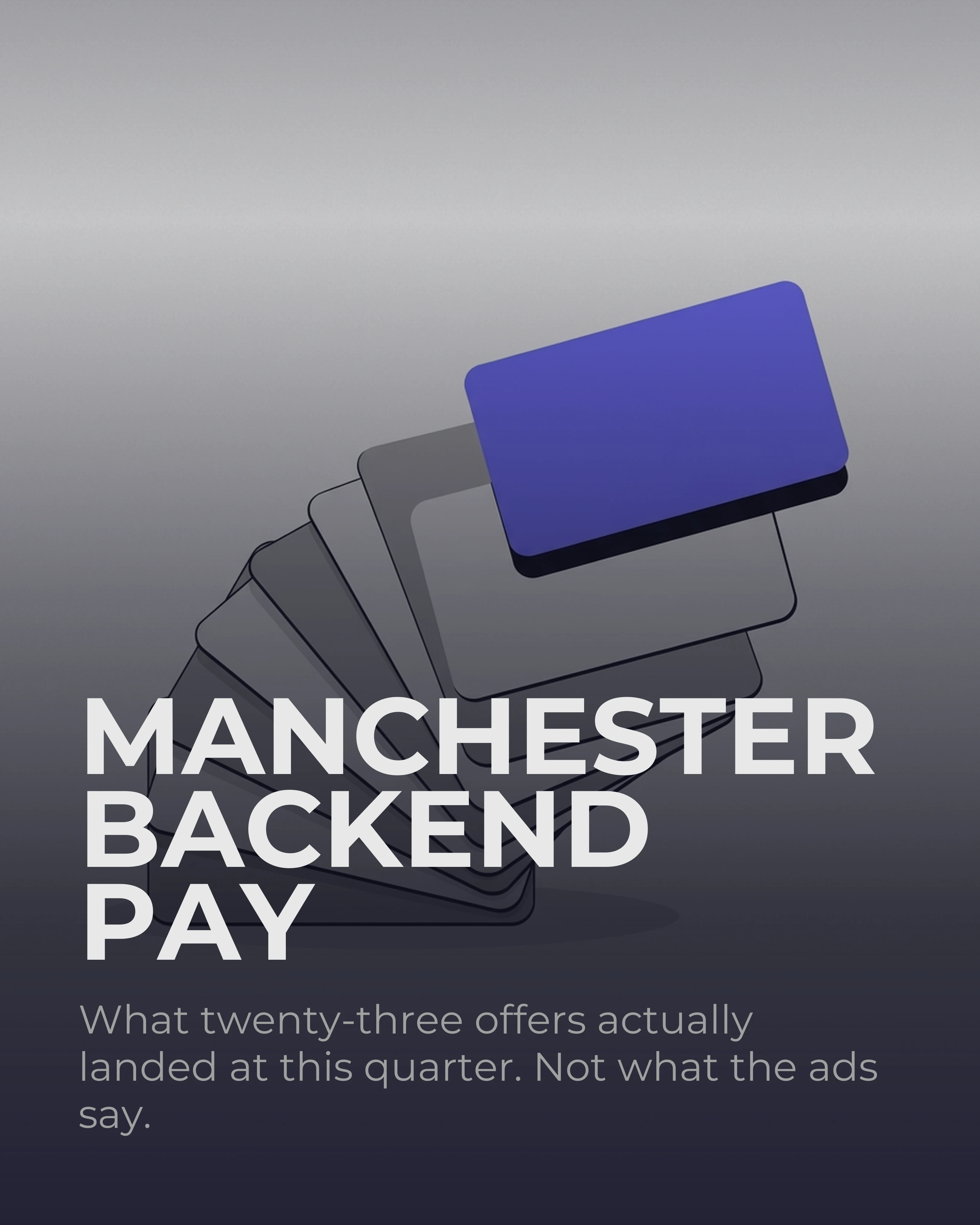
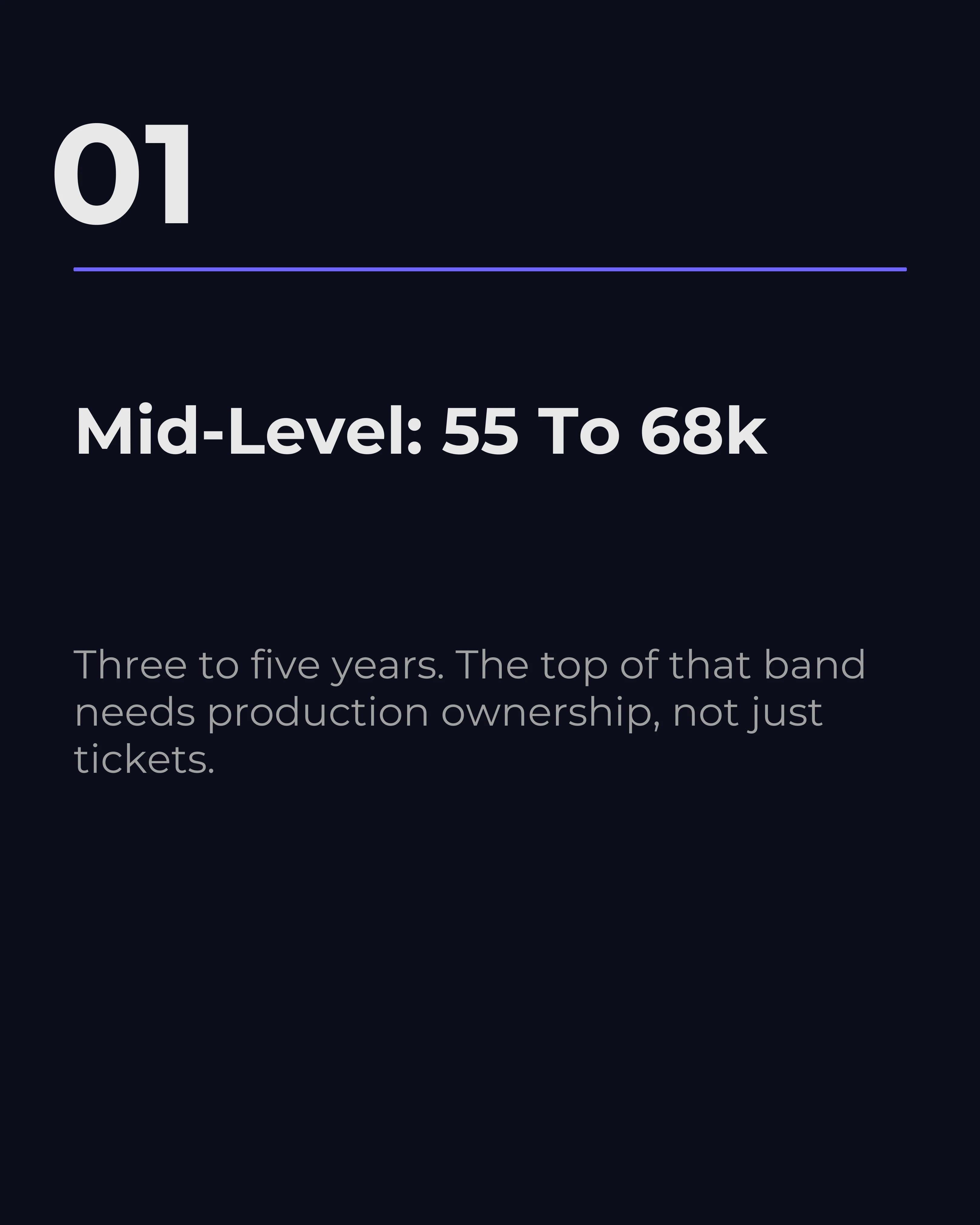
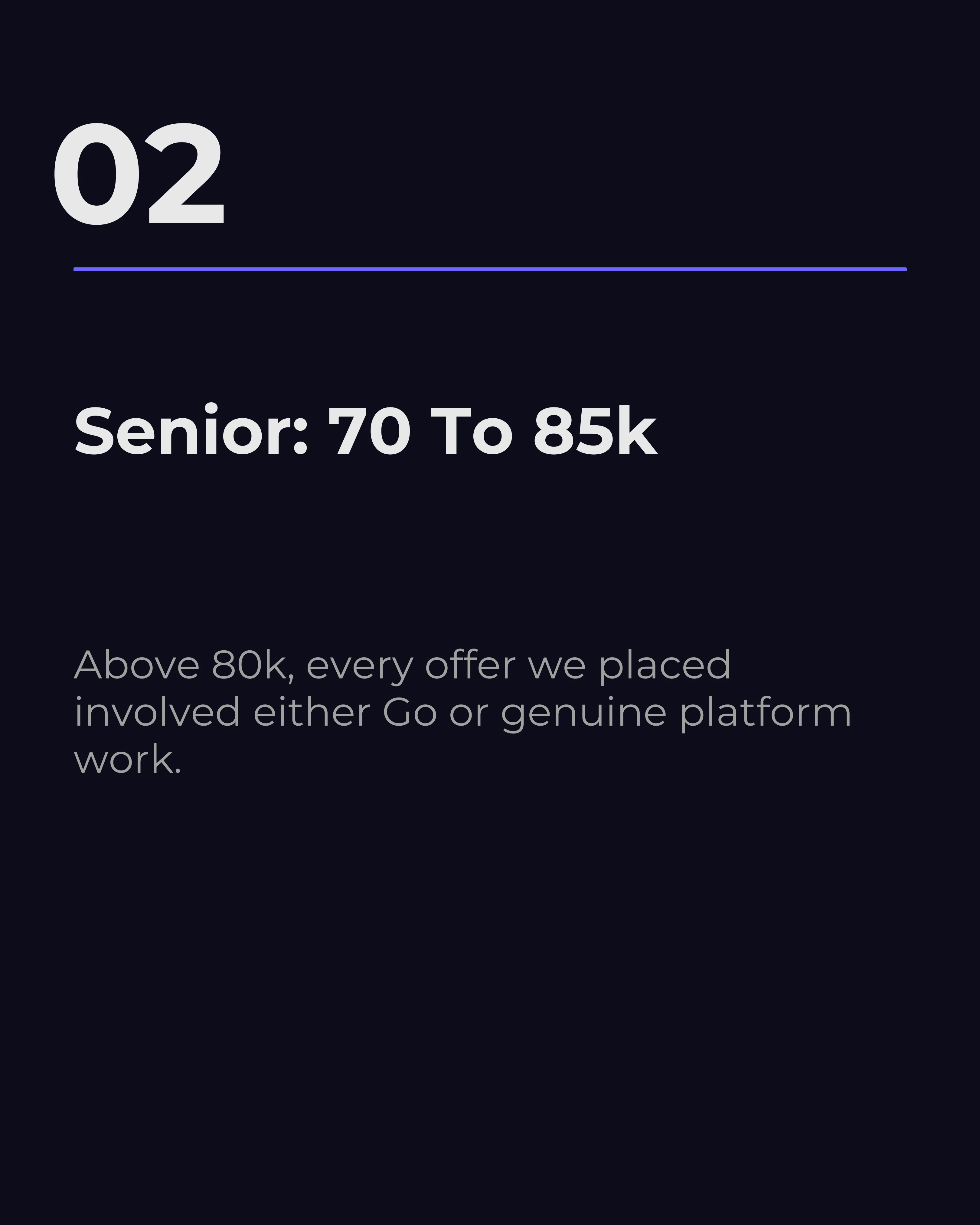
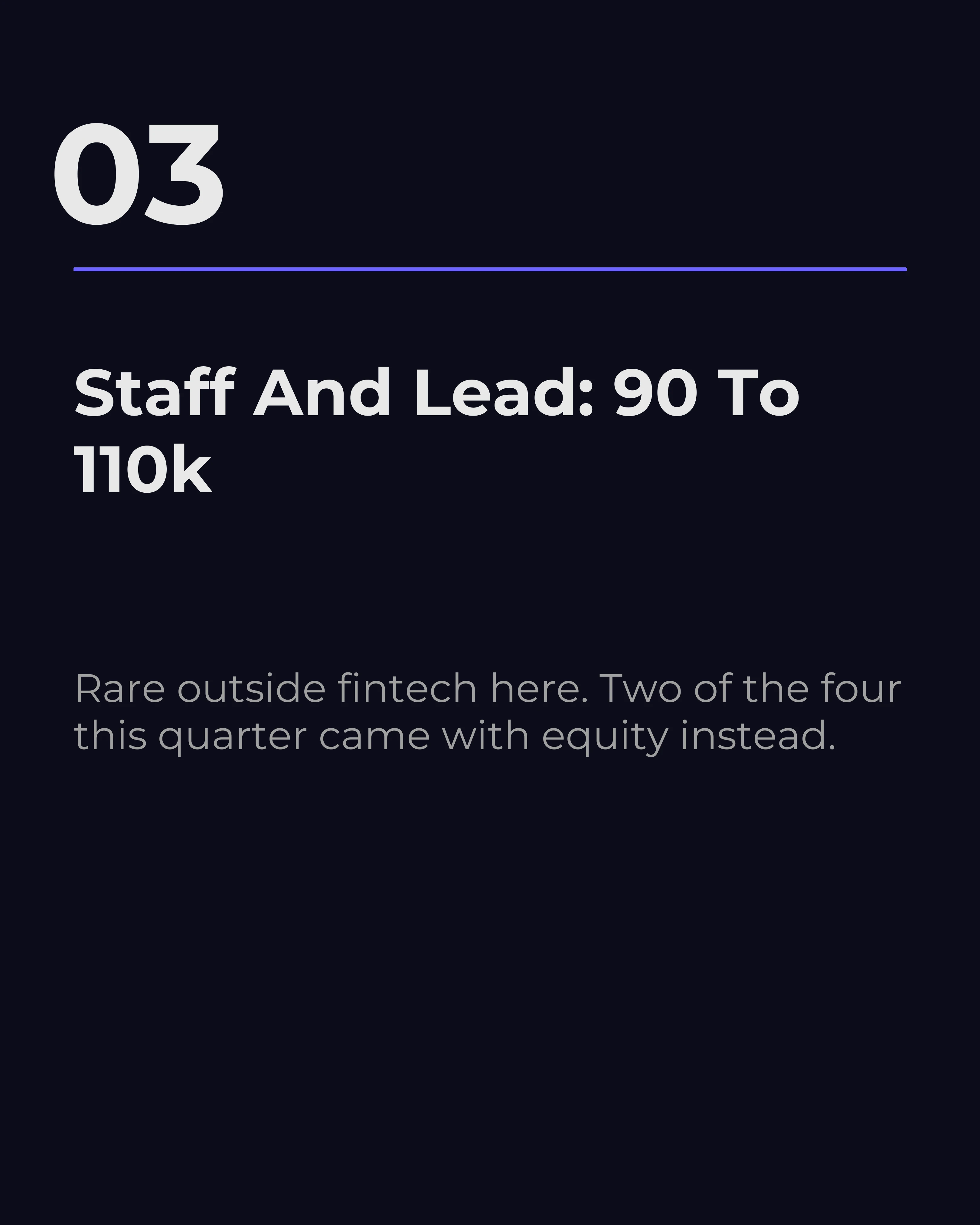
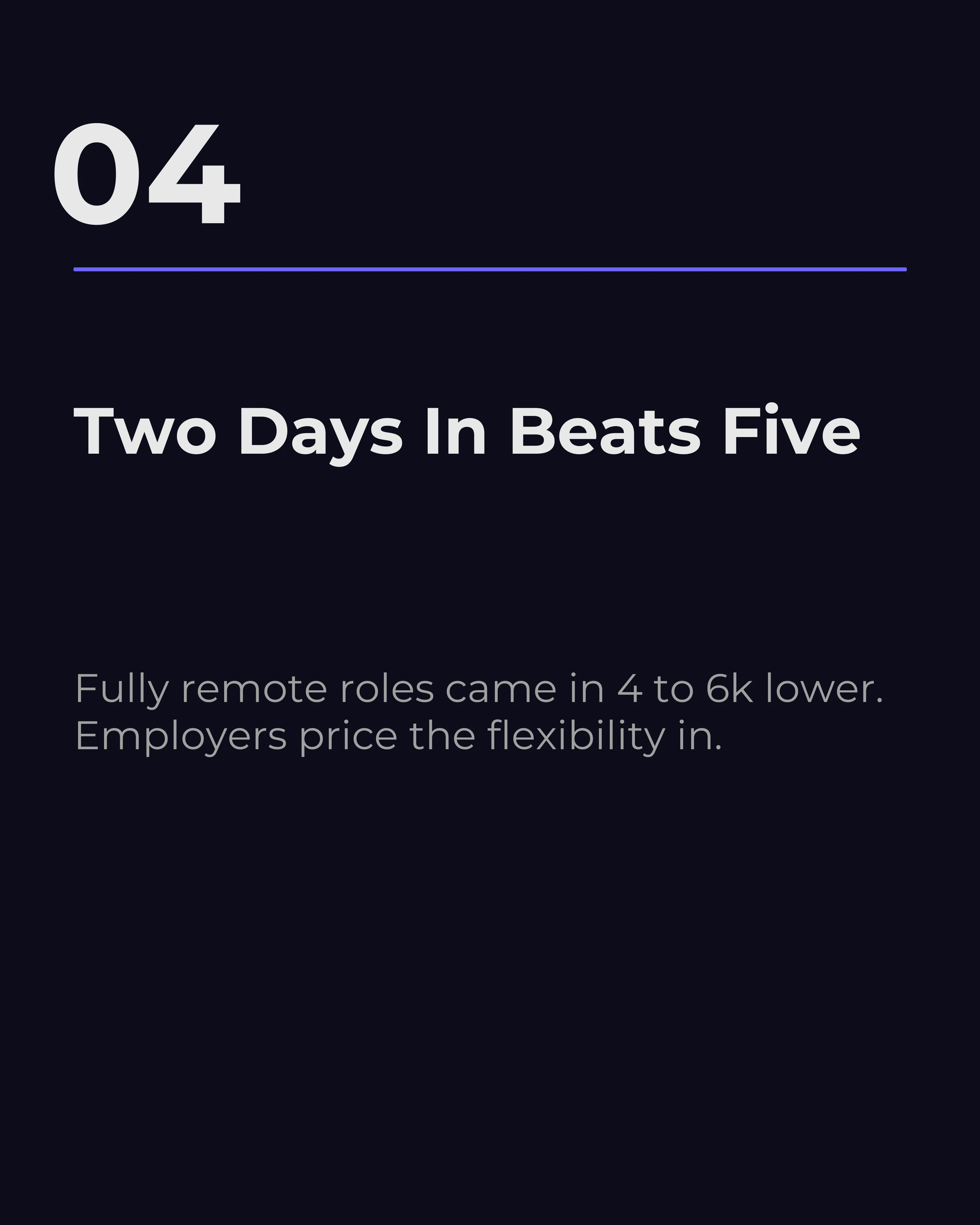
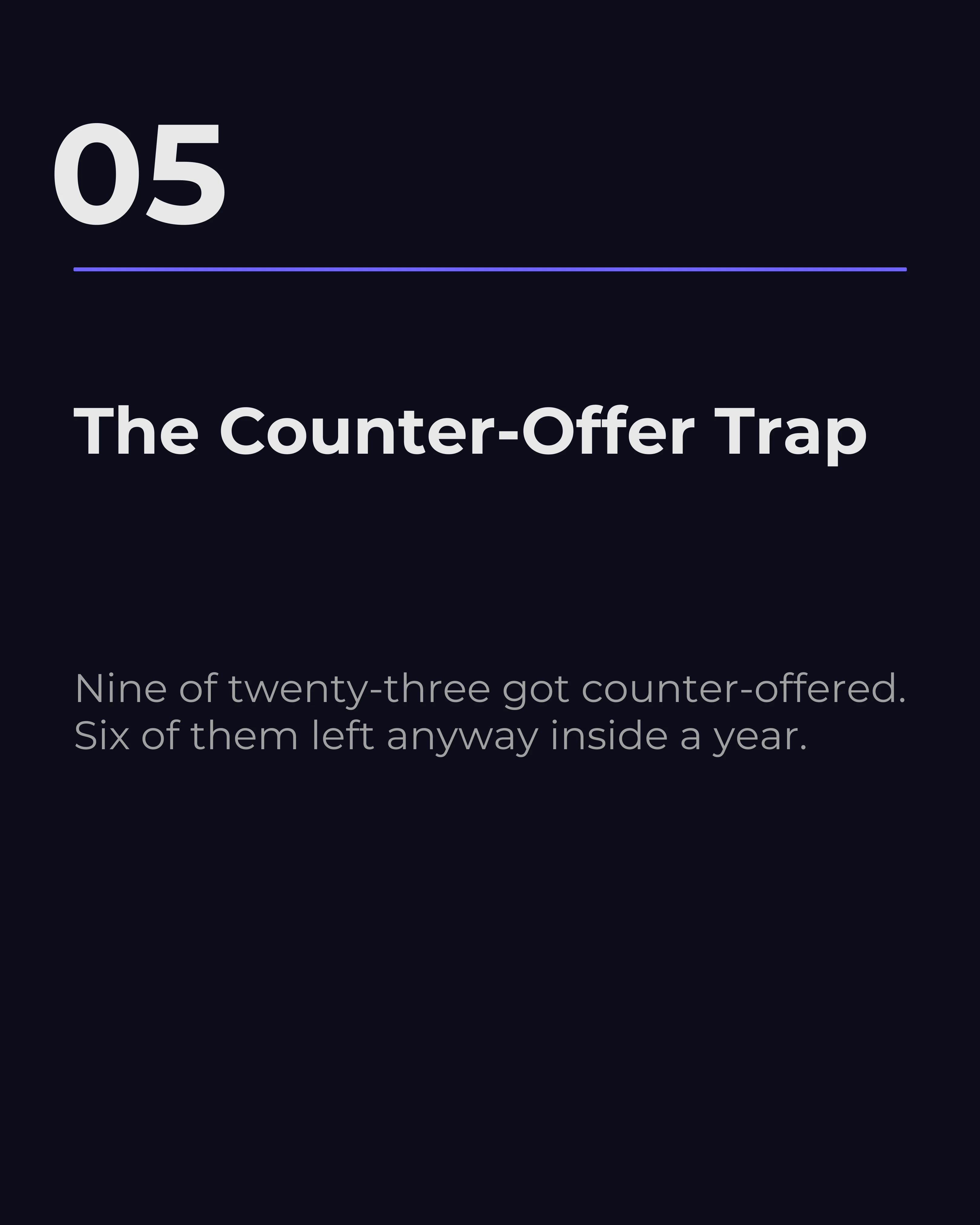
Publish what roles in your niche actually pay, with ranges and the factors that move them. “What backend engineers in Manchester are being offered right now.” This is the single most valuable post a recruiter can make, because salary information is scarce, and the person who provides it becomes the person candidates come back to.
Here it is as a full seven-slide post. Notice that every slide carries a specific number and a caveat rather than a range on its own — the caveats are what make it read as first-hand data instead of a scraped table, and they are the reason people come back to you rather than to a salary website.

2. The Rejection Decoder
Explain what feedback really means. “Not enough commercial experience: what the hiring manager actually meant.” Candidates receive vague rejections constantly and get no translation. Providing it builds enormous goodwill with exactly the people you want in your network.

3. The Process Walkthrough
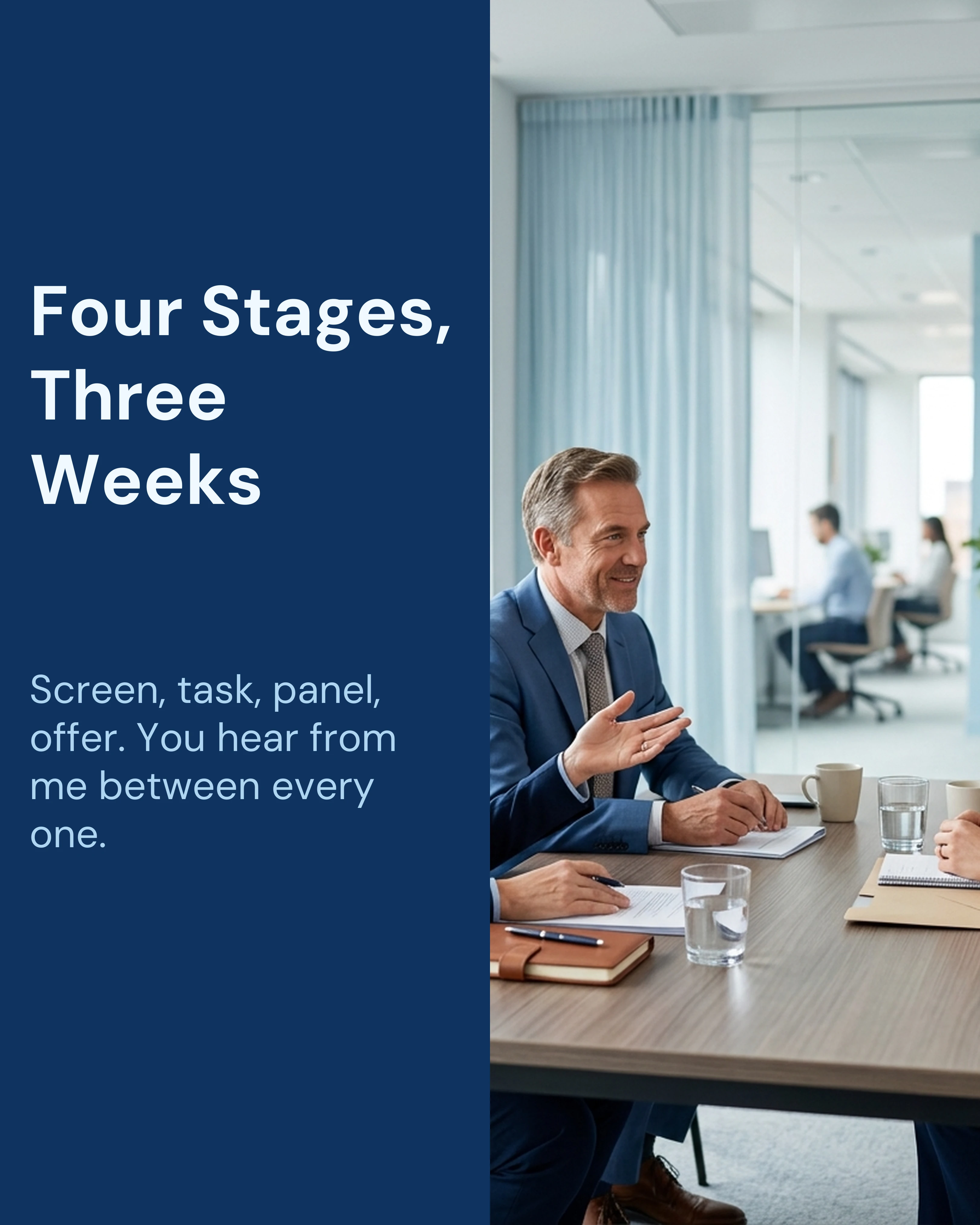
Demystify a specific hiring process end to end. “Four stages, three weeks: how our client’s interview process runs.” Candidates disengage most often because of uncertainty and silence. Showing the map upfront reduces dropout and makes you the recruiter people trust with a process.
4. The Myth Buster
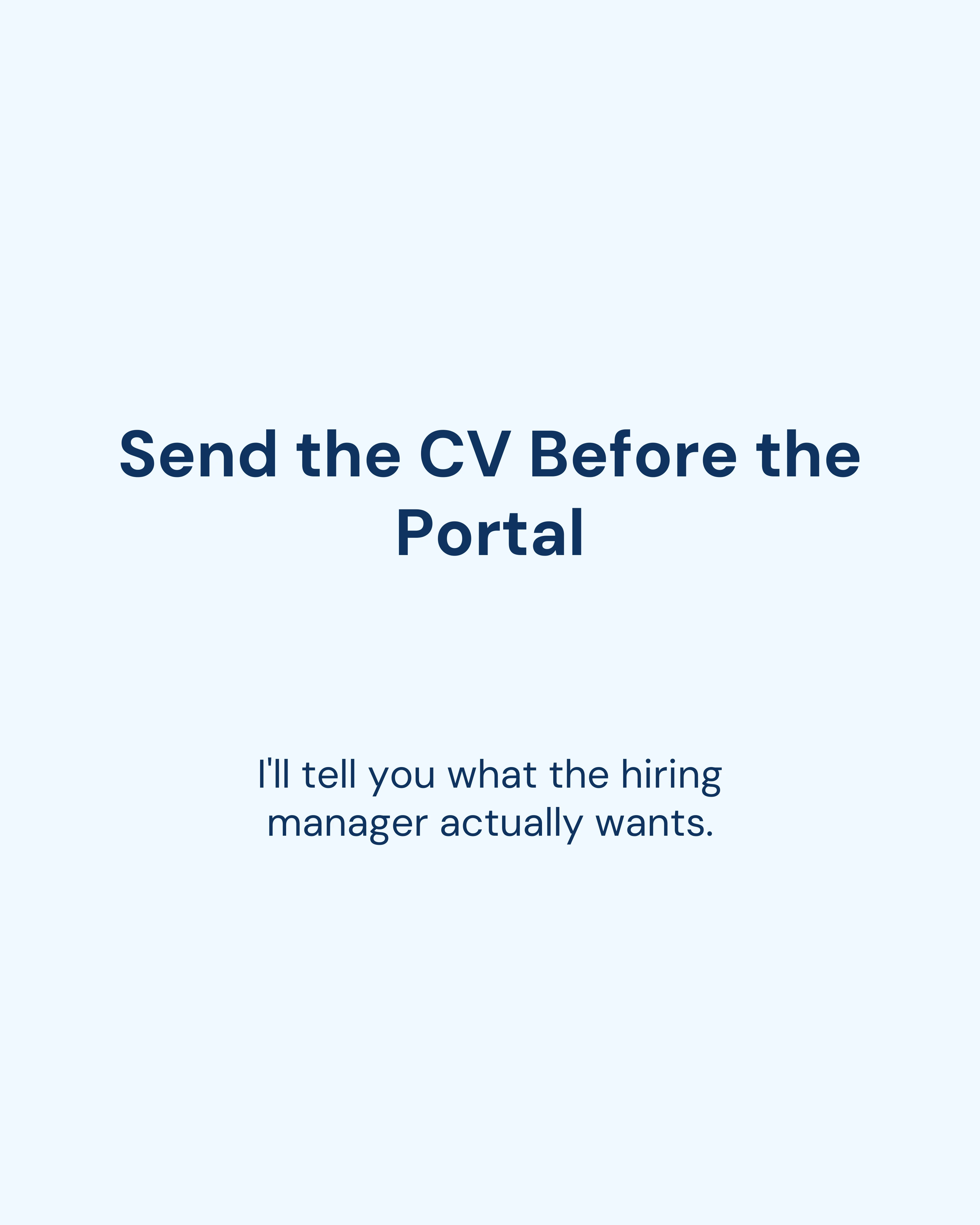
Correct the beliefs that hurt candidates. “Applying through the portal is a waste of time” or “You should never name a number first.” Myth vs Fact posts start useful arguments, and arguments are how recruitment content reaches beyond your followers.

5. The Market Snapshot
Report what you are seeing on the ground. “Three things that changed in hiring this quarter.” You have live data nobody else has: who is hiring, what is slowing down, which skills suddenly appear on every brief. Publishing that is how you win client conversations, not just candidate ones.

6. The CV Teardown
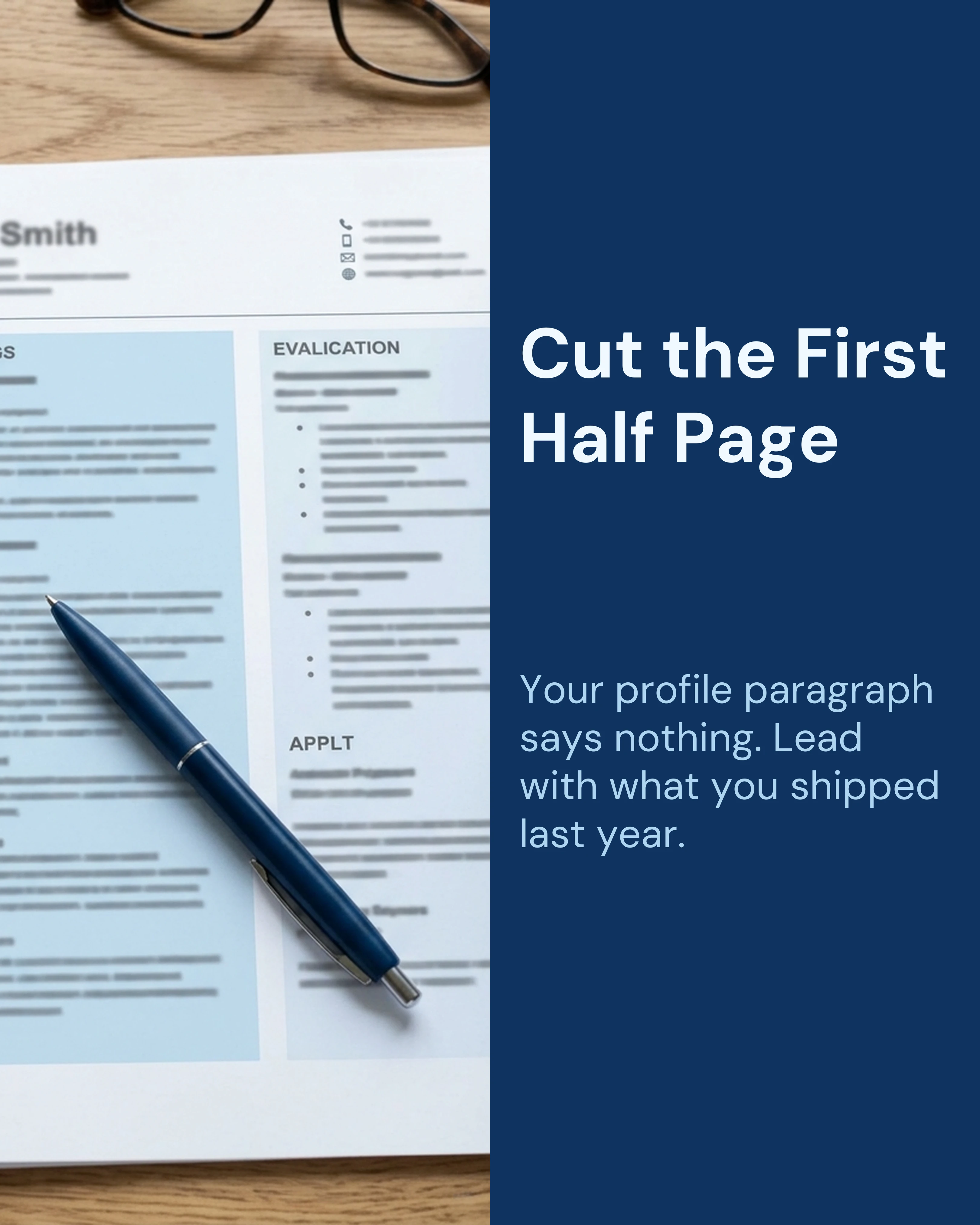
Show two versions of the same experience, one weak and one strong, with the reasoning between them. Concrete before-and-after content is more useful than a list of CV tips, and it demonstrates the judgment clients are actually paying for.
7. The Role Deep Dive
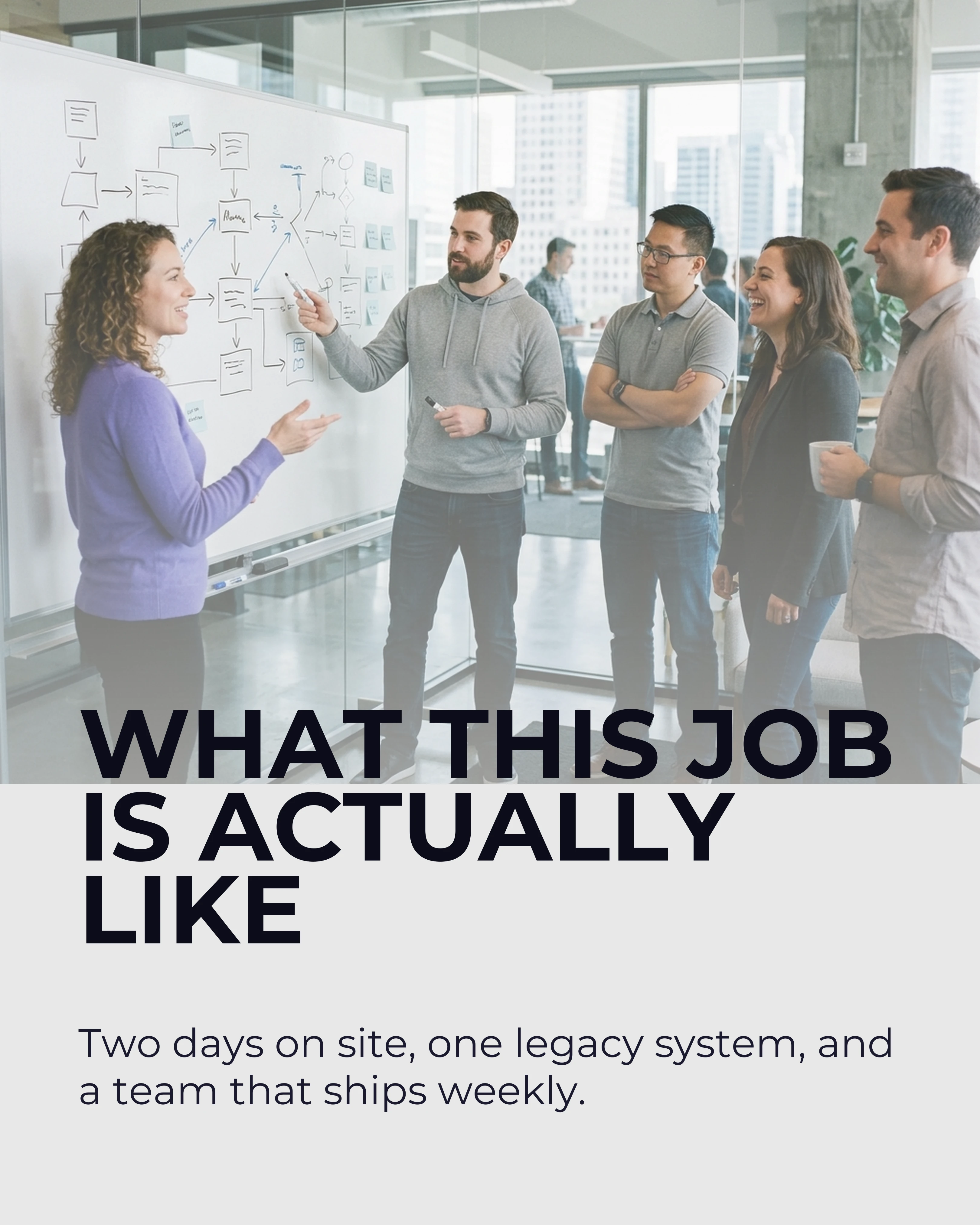
When you are hiring for something genuinely interesting, give it a real carousel instead of a job link. The team, the problem, the stack, the reason the last person left. Treat the role as content and you will get applications from people who never look at job boards.
Tone and Palette for Recruitment Content
Recruitment content should look credible and read plainly. Reach for Midnight, Slate, or Ocean, which feel professional without looking like a corporate deck. Avoid bright, playful palettes here; the audience is judging you on judgment.
On typography, clean sans fonts are the safe and correct choice: Montserrat, DM Sans, Work Sans, and Sora all read as competent at small sizes. Keep the slide count moderate and the text sparse. LinkedIn readers are usually on a laptop between meetings.
The tone that fails is the one recruitment is famous for: relentless positivity, “excited to announce,” and vague talk about culture. The tone that works is specific and slightly uncomfortable. Name real numbers, admit what is hard about a role, and say the thing candidates are told privately but never publicly. Trust in this field comes from candor, not enthusiasm.
How Carousel Helps Recruiters Post Consistently
The reason recruiters stop posting is not motivation. It is that a good carousel takes an hour and your day is calls. Carousel turns a rough set of notes, such as three bullet points from a client call, into structured slides in minutes using frameworks like Listicle and Myth vs Fact. Pick one palette (Midnight or Slate suits this) and use it on every post, save your logo and handle in a brand kit once, and every post looks like it came from the same desk even when you write it between interviews.
Key Takeaways
- Content is not brand building for recruiters; it is the reason a cold message gets answered.
- Salary data, rejection translation, and process transparency are your highest-value posts.
- Demonstrate expertise with real numbers instead of claiming it in a headline.
- Use professional palettes (Midnight, Slate, Ocean) and clean sans typography.
- Candor beats enthusiasm. Say publicly what candidates are only told in private.