One Carousel, Four Platforms: The Free Lever Almost Nobody Pulls
One Carousel, Four Platforms: The Free Lever Almost Nobody Pulls
The overwhelming majority of social posts are published to exactly one platform and never seen again. That is not a strategy anyone chose. It is what happens when publishing feels like it costs something each time.
For most formats, it genuinely does. A Reel cut for TikTok needs re-editing for a horizontal feed. A thread does not become a LinkedIn post without rewriting.
A carousel is the exception. It is the cheapest asset in social media to duplicate, because the expensive part — deciding what the slides say and building them — is already done. What remains is a crop, a caption, and a slide count.
This guide covers exactly what to change for each of the four main destinations, and just as importantly, what to leave alone.
Why the Carousel Is the Portable Format
Three properties make it travel well.
It carries its own context. A carousel does not depend on a caption to make sense. Drop it into a feed where nobody reads captions and it still works.
It has no timing. Video has pacing baked in, tuned to a platform’s viewing behavior. Slides advance when the reader decides.
It is resolution-independent in practice. Text on slides is set by a template, so changing the export ratio does not force a redesign, only a re-render.
Put together, one design becomes four posts for the cost of three exports and three captions.
What to Change for Each Platform
Ratio: 4:5 portrait. It takes the most vertical space in the feed. Slides: 7-10, eight as a default. Caption: Front-load the first line — it truncates fast. Long captions are not penalized, so put the substance there. Watch for: The first slide sets the aspect ratio for every other slide, and your cover doubles as a permanent grid thumbnail. Details in the dimensions guide.
Ratio: 4:5 or 1:1. Both render well; portrait gets more height. Slides: 6-10. LinkedIn readers are patient with structured content. Caption: Write it as a post that stands alone. Many people will read the text and never open the document. Watch for: Post from a personal profile rather than a company page where you have the choice. Personal profiles reliably carry more organic distribution on LinkedIn than company pages do. The LinkedIn carousel guide covers the upload specifics.
TikTok
Ratio: 9:16 vertical. This is a genuine redesign constraint rather than a crop, so build with vertical safe areas in mind if TikTok matters to you. Slides: More is fine. Photo mode is generous. Caption: Short. The sound choice does more work than the text. Watch for: Photo mode plays slides one after another over audio; viewers can swipe manually, but many won’t. Text that needs three seconds to read may not get three seconds. See the TikTok photo mode guide.
Threads
Ratio: 4:5 or square. Slides: 3-6. Shorter than everywhere else. Caption: This is where the hook goes. Threads is a text feed and your first line does the work the cover slide does elsewhere. Watch for: Set type larger — media renders small in a text-led column. Full detail in the Threads carousel guide.
What to Leave Alone
Adapting is not rewriting. Three things should stay identical across all four:
The argument. If the post makes a different point on LinkedIn than on Instagram, you have made two posts and wasted the leverage.
The brand. Same palette, same typeface, same visual identity. Consistency across platforms is how someone who follows you in two places recognizes it is you. Our guide on consistent brand carousels covers the tokens worth locking.
The order. Sequence is the design. Reshuffling slides per platform reliably makes at least one version worse.
The tempting mistake is to over-tailor. Beyond ratio, slide count and caption, additional customization costs real time and buys almost nothing.
A Post Built to Travel
Below is an eight-slide post from a ceramics studio: how a mug is made, start to finish. It is deliberately built as a portable asset — a process sequence with no platform-specific references, a hook that works as a cover slide or as an opening line of text, and one ask at the end.
The same eight slides run on Instagram at 4:5, on LinkedIn at 4:5, on TikTok at 9:16 with a track behind them, and as the first five slides on Threads with the hook moved into the post text.






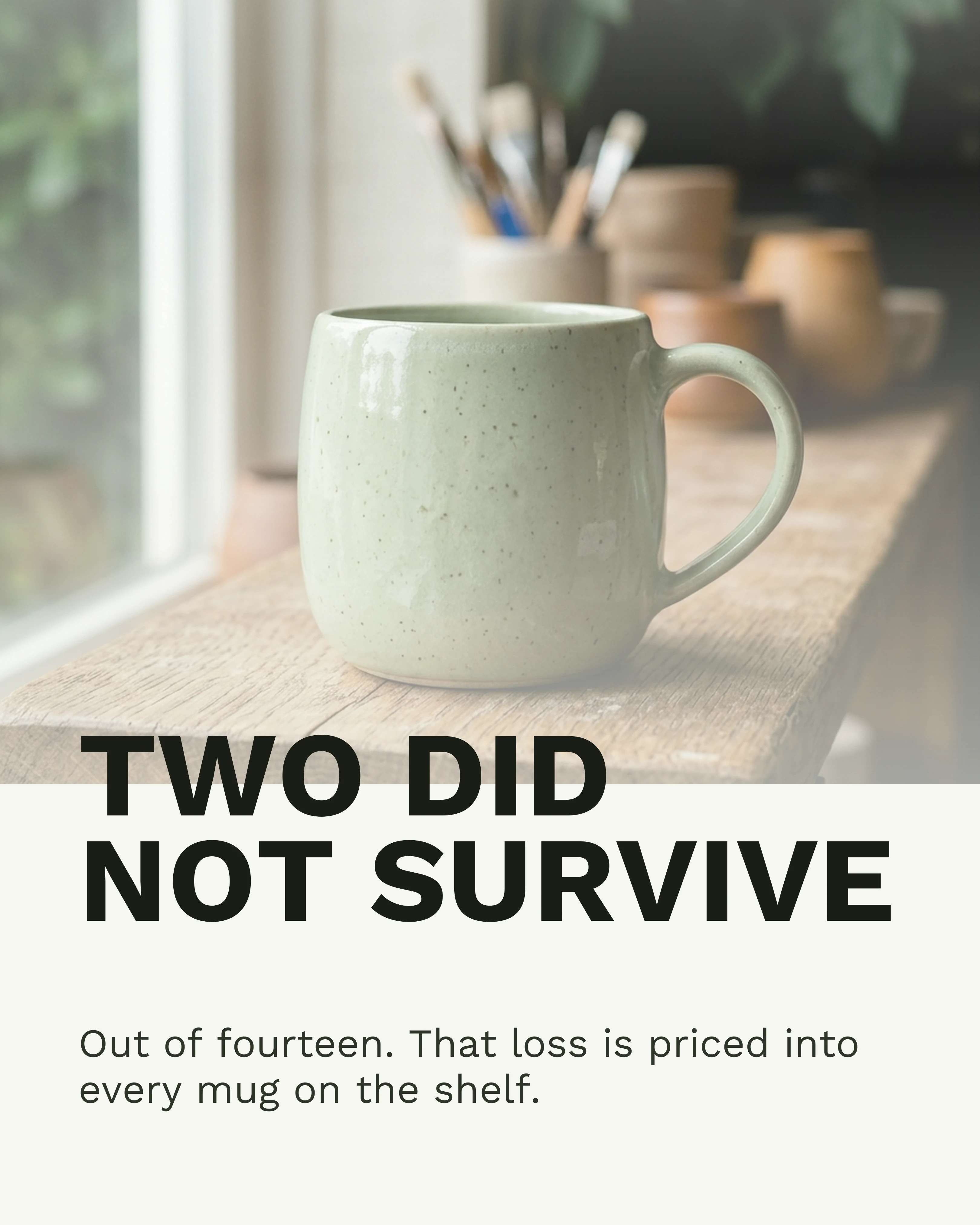

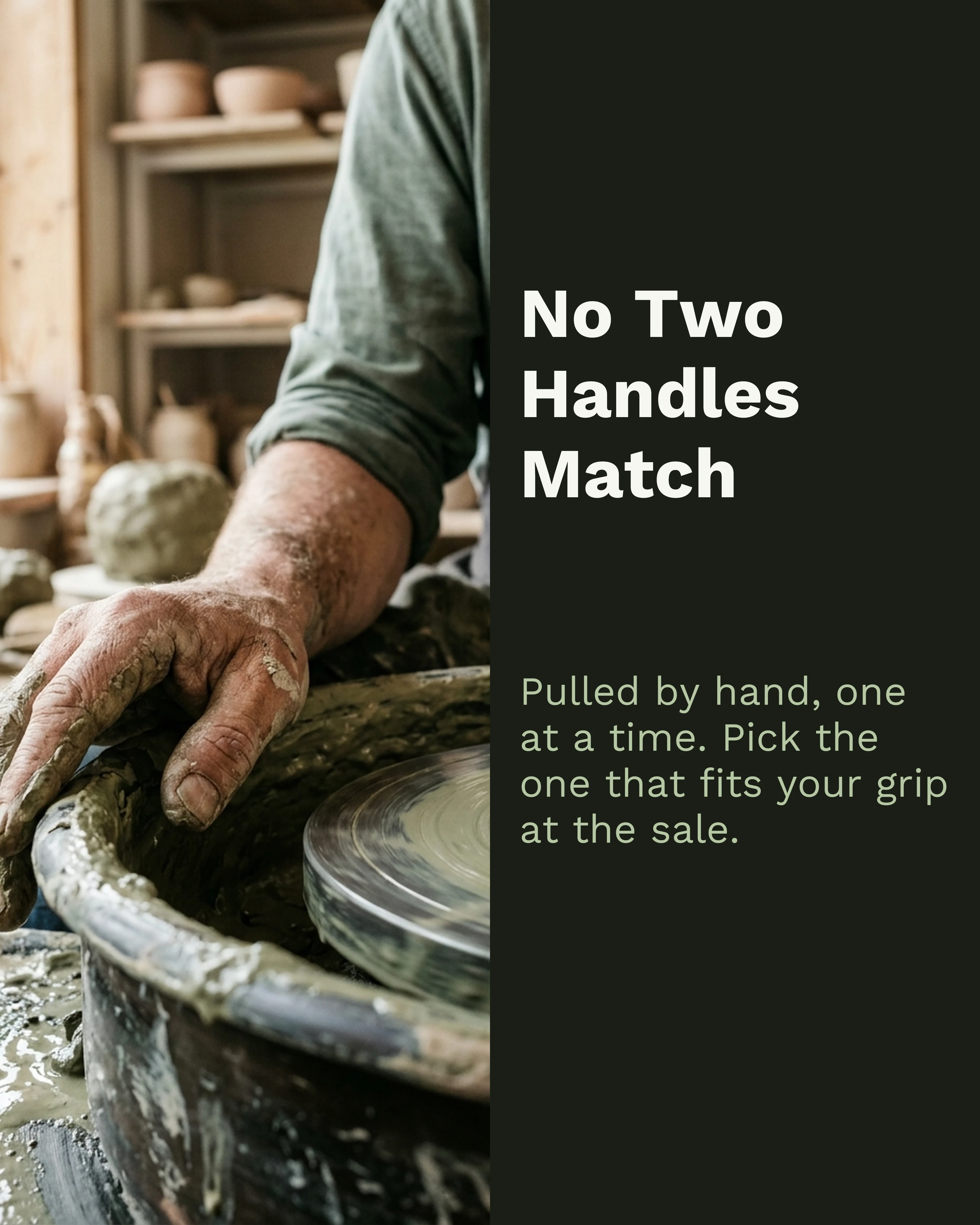
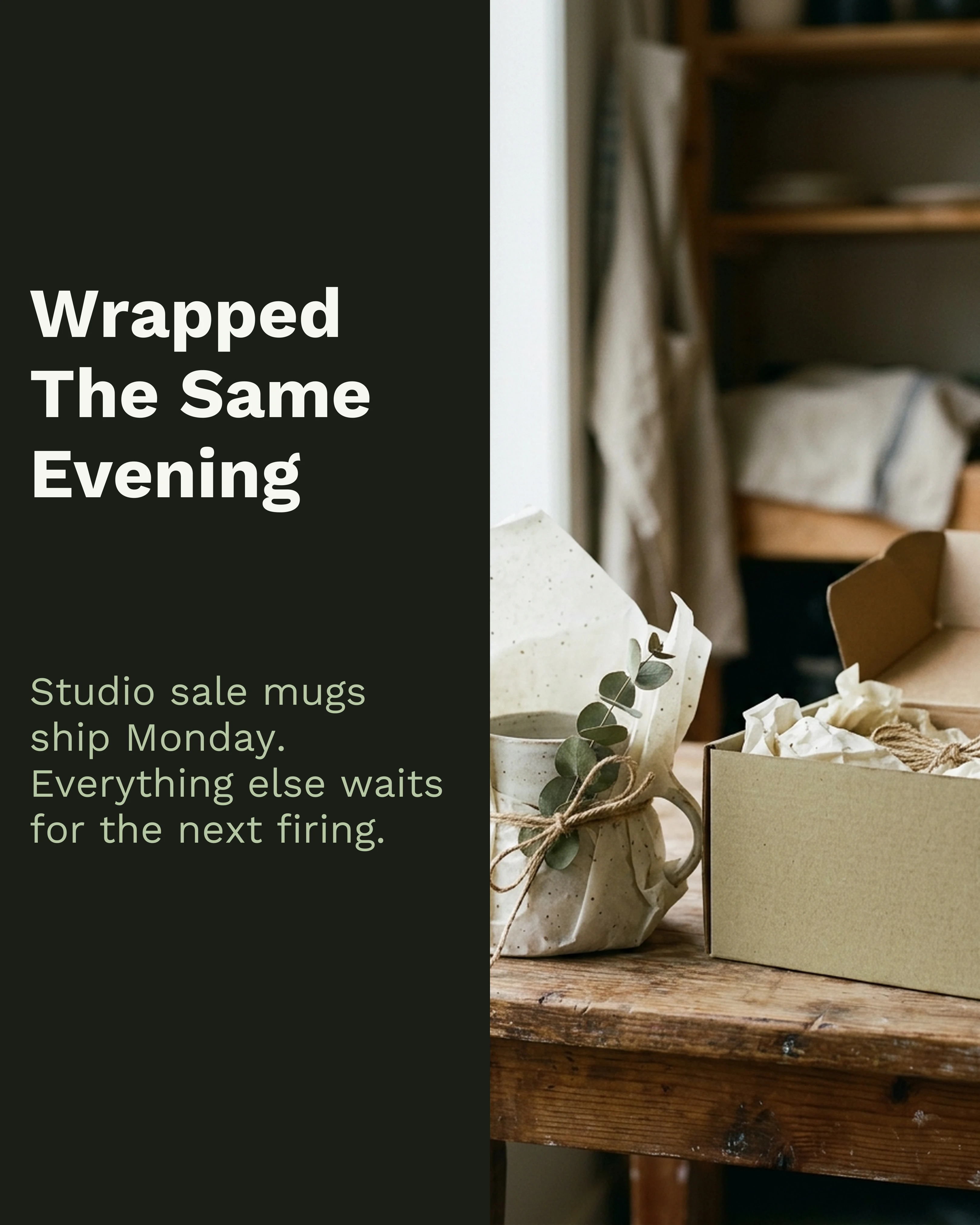
Two more slides from the same studio’s feed, on a narrower layout — the set holds together because the palette and typeface never move:
A Realistic Workflow
- Build once at 4:5. It is the most widely usable ratio and covers Instagram, LinkedIn and Threads without changes.
- Export three times. 4:5, 1:1 if you want a LinkedIn square, 9:16 for TikTok.
- Write three captions. Ten minutes. The Threads one is a rewrite, the LinkedIn one is longer, the TikTok one is a line.
- Publish across two days. Same-day everywhere is fine but staggering gives you cleaner read on what each platform did with it.
- Cut the Threads version to five slides. The only structural edit worth making.
Total additional time over a single-platform post: about twenty minutes.
How Carousel Helps
Carousel covers most of this workflow. Build the 4:5 version, export images for Instagram and a PDF for LinkedIn, then start a 9:16 project with the same copy, template and palette for TikTok. The aspect ratio is set per project, so the TikTok version is a quick rebuild rather than a one-tap resize, and you should check text against the TikTok safe zone before posting.
Key Takeaways
- Most posts are published to one platform only. Carousels are the cheapest format to duplicate.
- Change three things per platform: aspect ratio, slide count, and caption.
- Keep the argument, the brand, and the slide order identical everywhere.
- Build at 4:5 — it covers Instagram, LinkedIn and Threads without modification.
- TikTok’s 9:16 is the one genuine redesign; plan for it if the platform matters to you.
- Move the hook into the post text for Threads and cut to five slides.
Ready to get four posts out of one design? Download Carousel — free on the App Store.
Create your first carousel in 60 seconds — free
Pick a template, paste your text, export. It's that simple. No design skills needed.
Download Carousel