How to Turn a LinkedIn Post Into a Carousel Without Sounding Like AI
The problem with AI-generated carousels is not always that they are wrong. It is that they often stop sounding like you.
That matters most on LinkedIn, where your post is not just content. It is your thinking in public. The best LinkedIn carousels feel like a sharper, more structured version of your point of view, not a generic rewrite that could have come from anyone in your niche.
If you already have a text post, rough outline, or idea dump, you do not need AI to invent a new personality for you. You need a workflow that turns your original thinking into swipeable slides while keeping the tone, sequence, and conviction that made the draft worth posting in the first place.
This guide shows you how to do exactly that.
Why Turning A Draft Into A Carousel Is Harder Than Starting From Scratch
Generating a carousel from a short topic is relatively easy. The AI can choose the angle, build the structure, and fill in the transitions.
Turning an existing LinkedIn post into a carousel is harder because the raw material already has a voice, a thesis, and a rhythm. If the rewrite is too aggressive, you lose the parts that sound human. If the rewrite is too literal, you end up with dense slides that read like a screenshot of a text post.
That is why so many AI-assisted carousels feel polished but forgettable. They clean up the draft by sanding off its personality.
Your goal is different:
- keep the core claim
- keep the strongest phrasing
- simplify the structure
- make each slide earn a swipe
Think of it as editorial transformation, not content replacement.
The 3 Types Of Input You Can Turn Into A Carousel
Not every draft needs the same workflow. Before you start, identify what kind of input you actually have.
1. A Topic
Example: Why founders should write more often
This is the loosest input. You still need to decide the angle, supporting points, and CTA.
2. An Outline
Example:
- writing clarifies thinking
- consistency builds familiarity
- founders who write become easier to trust
This is much closer to a carousel already. The main job is sharpening the sequence and turning each point into a slide-sized idea.
3. A Near-Finished LinkedIn Post
Example: a 250-word post with a hook, story, lessons, and CTA.
This is where many people go wrong. They treat a nearly complete post like a topic prompt, which invites the AI to reinterpret the whole thing. Instead, you should preserve the original claim and reuse as much of the good phrasing as possible.
The more complete your draft is, the less you should ask AI to invent.
What Makes A Carousel Sound Generic Or AI-Written
Before we get into the workflow, it helps to know what usually breaks the result.
Abstract Hooks
Weak AI rewrites often open with lines like “Success in business requires strategic thinking.” That may be technically true, but it sounds like filler. Strong LinkedIn hooks usually come from specific tension, lived experience, or a clear claim.
Overexplaining Obvious Ideas
A good text post may have one sharp sentence that lands immediately. A weak rewrite turns it into three slides of explanation. More words do not create more insight.
Invented Specificity
This is one of the easiest ways to lose trust. If your original post did not mention percentages, benchmarks, or exact outcomes, an AI rewrite should not casually invent them just to sound credible.
Corporate Tone Drift
Many rewrites become more “professional” in the worst way. They swap direct, human phrasing for stiff language, consultant jargon, and claims that sound overprocessed.
Sequence Drift
Sometimes the original draft has a strong internal logic, but the rewrite rearranges it into a generic listicle. The result may be cleaner structurally, but weaker strategically because it no longer builds toward the intended insight.
A Simple Workflow For Turning A LinkedIn Post Into A Carousel
Here is a practical process you can use whether you are rewriting by hand or using AI as an assistant.
Step 1: Find The Core Claim
Ask yourself: if the reader remembers only one thing, what should it be?
Most drafts contain one idea that actually matters and several supporting ideas that only exist to defend it. Your carousel should revolve around the core claim, not try to preserve every sentence equally.
If your post makes three unrelated points, split it into multiple carousels. A strong carousel is built around one clean promise.
Step 2: Pull Out The Strongest Original Lines
Highlight the sentences that sound unmistakably like you.
These are often:
- the opening line
- the blunt observation in the middle
- the phrase that reframes the problem
- the closing sentence that gives the post its emotional weight
Those lines are valuable because they carry voice. They should anchor the carousel. Everything else can be shortened, reorganized, or removed.
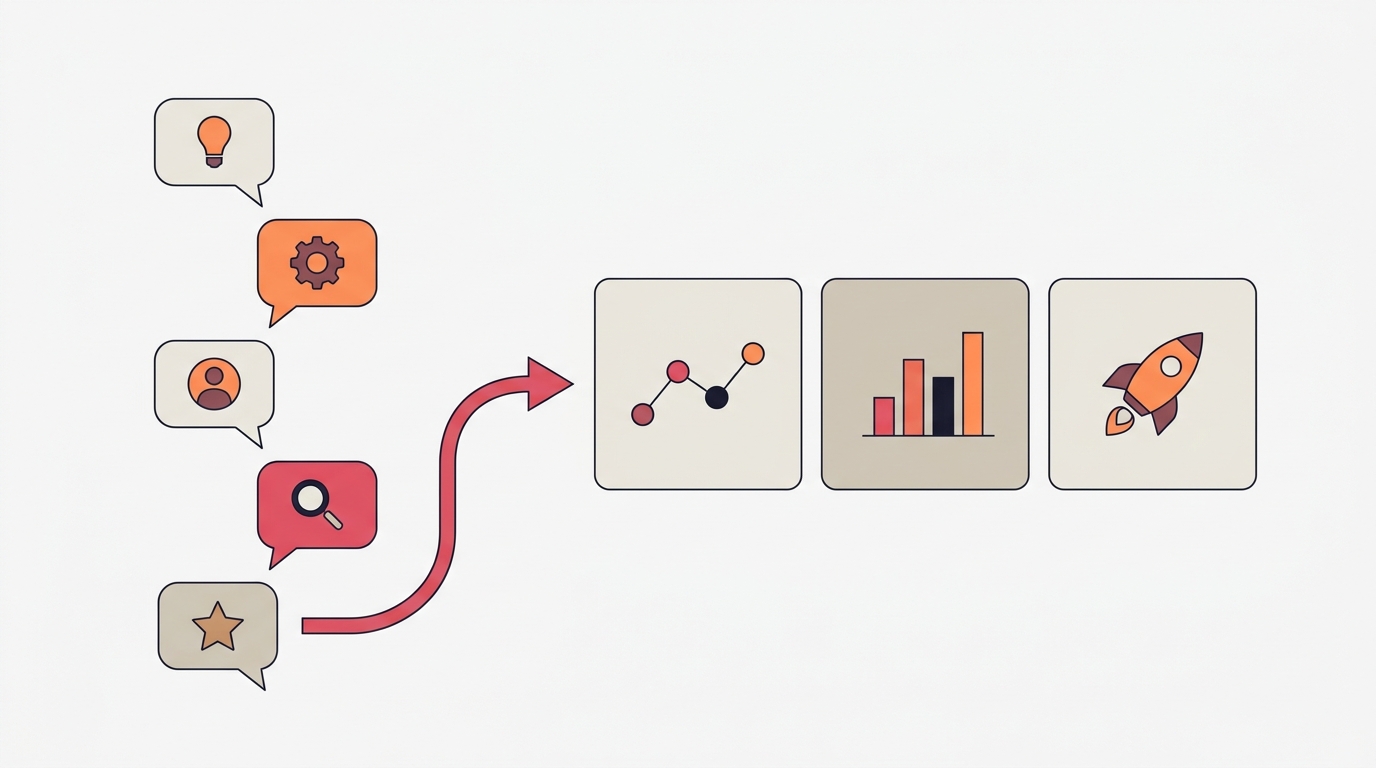
Step 3: Break The Draft Into Slide-Sized Ideas
A LinkedIn carousel works best when each slide carries one idea clearly. That does not mean one sentence per slide. It means one job per slide.
For example:
- Slide 1: the claim
- Slide 2: why most people get this wrong
- Slide 3: the first supporting insight
- Slide 4: the second supporting insight
- Slide 5: the practical takeaway
- Slide 6: the CTA or closing reflection
If a slide tries to explain two concepts at once, it will feel heavy. Split it.
Step 4: Add Transitions, Not A New Thesis
This is where AI can help if you use it correctly.
Good support tasks:
- make this clearer
- shorten this without losing tone
- turn this paragraph into 3 punchier slide points
- suggest a tighter headline for this idea
Bad support tasks:
- rewrite this to sound smarter
- make this more professional
- improve this completely
The first group preserves intent. The second group invites voice drift.
Step 5: End With A CTA That Matches The Draft
If the original post is reflective, do not end the carousel with an aggressive pitch. If the original post is opinionated, do not finish with a soft generic “What do you think?” unless that fits the tone.
The CTA should feel like a natural continuation of the post’s energy:
- “Agree or disagree?”
- “Send this to someone building in public”
- “Save this before your next content session”
- “Follow for more frameworks like this”
Example: Post To Carousel Transformation
Imagine the original LinkedIn post starts like this:
Most founders think they need better content ideas. They usually need a better way to structure the ideas they already have.
That is already the carousel hook.
A weak AI rewrite might turn it into:
Content strategy success depends on effective ideation frameworks and strategic communication systems.
Technically polished. Practically dead.
A better transformation would keep the original point and build around it:
- Slide 1: Most founders do not need better ideas
- Slide 2: They need a better structure for the ideas they already have
- Slide 3: Good content usually starts as a rough note, not a perfect concept
- Slide 4: The job is to turn that note into one clear argument
- Slide 5: Structure creates clarity, and clarity creates engagement
- Slide 6: Before you brainstorm again, organize what you have already written
Nothing new was invented. The value came from sequence, emphasis, and compression.
How To Keep Your Voice When Using AI
If you want AI to help without flattening the post, give it constraints that protect the parts that matter.
Protect Your Strongest Phrases
If a sentence already works, keep it. Do not ask AI to rewrite every line just because it can.
Prefer Everyday Specifics Over Fake Authority
“I rewrote this post three times before it worked” sounds more believable than “iterative messaging optimization improves audience resonance.” One sounds lived. The other sounds generated.
Keep The Emotional Temperature
Was the original draft direct, warm, skeptical, blunt, vulnerable, or opinionated? The rewrite should keep that temperature. If the emotional feel changes, the voice changes too.
Edit For Rhythm
Most AI-generated copy is too smooth in the wrong places. Human writing has pace changes. Short lines. Tension. Contrast. Let some edges stay sharp.
Common Mistakes To Avoid
Asking AI To “Make It Better”
That instruction is too vague. Better for whom? More persuasive? More concise? More elegant? If you do not define the job, the model will often substitute a generic professional voice.
Forcing A Listicle Structure
Not every post becomes a “5 tips” carousel. Some ideas work better as a myth-versus-fact format, a narrative sequence, or a strong thesis followed by examples.
Replacing Thought With Formatting
Turning a post into slides does not automatically make it more valuable. If the draft is fuzzy, the carousel will just be a better designed version of a fuzzy idea.
Sounding Smarter Than The Original
This is usually where credibility breaks. On LinkedIn, clear beats impressive. Readers trust insight they can follow.
How Carousel Makes This Easier
If you already have a topic, outline, or rough draft, a dedicated carousel tool can save a lot of friction. Instead of manually rebuilding the same idea slide by slide, you can turn the raw input into structured slides, refine the copy, and adjust the layout in one workflow.
Carousel is useful here because it combines the two parts that usually get separated: shaping the draft into a framework and then editing the actual slides on mobile. That means you can keep the convenience of AI support without giving up control over what the final post sounds like.
Key Takeaways
- A strong LinkedIn carousel should preserve your thinking, not replace it.
- The more complete your original draft is, the less AI should invent.
- The best workflow is often draft to structure, not topic to full rewrite.
- Clear sequence matters more than extra polish.
- If the carousel stops sounding like you, the rewrite has gone too far.
The best carousels do not feel generated. They feel clarified. That is the standard worth aiming for.
Create your first carousel in 60 seconds — free
Pick a template, paste your text, export. It's that simple. No design skills needed.
Download Carousel