Why Your LinkedIn Company Page Carousels Get No Reach (and Who Should Post Them)
Why Your LinkedIn Company Page Carousels Get No Reach (and Who Should Post Them)
You spent a day on the carousel. The design is on-brand, the argument is solid, and the company Page has a few thousand followers. It goes live, collects nine reactions (four of them from colleagues), and disappears.
That is not bad luck, and it is probably not the carousel. It is the account it was posted from.
This guide covers why LinkedIn company Page reach is so low, who in your business should be posting the carousel instead, and what the Page is still genuinely useful for. It ends with a practical way to split one carousel between a personal profile and the Page so neither is wasted.
The Number: Company Pages Reach About 1.6% of Followers
The clearest figure comes from the Algorithm InSights 2025 report, which analyzed 1.8 million LinkedIn posts. As reported by Entrepreneur, organic posts from company Pages reached only 1.6% of their followers in that 2025 data, down from 7% in 2021.
Put that against a real Page. With 3,000 followers, 1.6% is about 48 people. Some of those will be employees. That is the ceiling your carousel starts from before anyone decides whether it is any good.
The same Entrepreneur piece is clear about where the reach went: to personal profiles. It cites a DSMN8 analysis that found about 62% of the average feed is personal posts from 1st- and 2nd-degree connections, around 30% is ads, and company Pages make up roughly 5%. The feed is built around people you know, and a Page is not a person.
This is 2025 data and the exact percentage will drift. The direction has not changed in five years, though, and it is the direction that should shape your plan.
The Format Is Not the Problem
It is tempting to conclude that carousels do not work on LinkedIn. The data says the opposite.
Buffer’s State of Social Media Engagement 2026 report, built on posts published through Buffer, found that LinkedIn carousels (document/PDF posts) earned a median engagement rate of 21.77%, roughly three times video and images. Stronger carousels were above 41%; weaker ones were around 5.4%, close to the median for video and images.
Read that number carefully. Buffer calculates engagement rate as engagements divided by reach (or the closest equivalent the platform reports), and LinkedIn counts clicks as engagements. Opening and paging through a document involves clicks, which is part of why the figure is so high. It measures how people who saw the carousel responded, not how many people saw it.
That is exactly the point. Carousels hold attention once they are in front of someone. The Page is the part failing to put them in front of anyone. A format that converts well multiplied by a reach of 1.6% is still a small number.
Who Should Post the Carousel Instead
Move the carousel to the people whose posts LinkedIn actually distributes.
The founder or most senior expert
For most B2B companies under a few hundred people, the founder’s profile is the strongest distribution channel the business owns. It has a real network of clients, peers and prospects, and posts from it read as one person’s view rather than a brand announcement.
That changes how the carousel should be written. A Page carousel tends to sound like marketing: “5 Benefits of Our Platform.” A founder’s carousel should sound like someone who was in the room: what happened on a specific project, what went wrong, what the team would do differently.
Here is a full nine-slide example of that voice. It is posted from the personal profile of the founder of a small warehouse software company, about a rollout for a frozen-food client. Note what it is not: it is not about LinkedIn, and it is not a product pitch. It is a specific story with numbers, a named person, and one ask at the end.
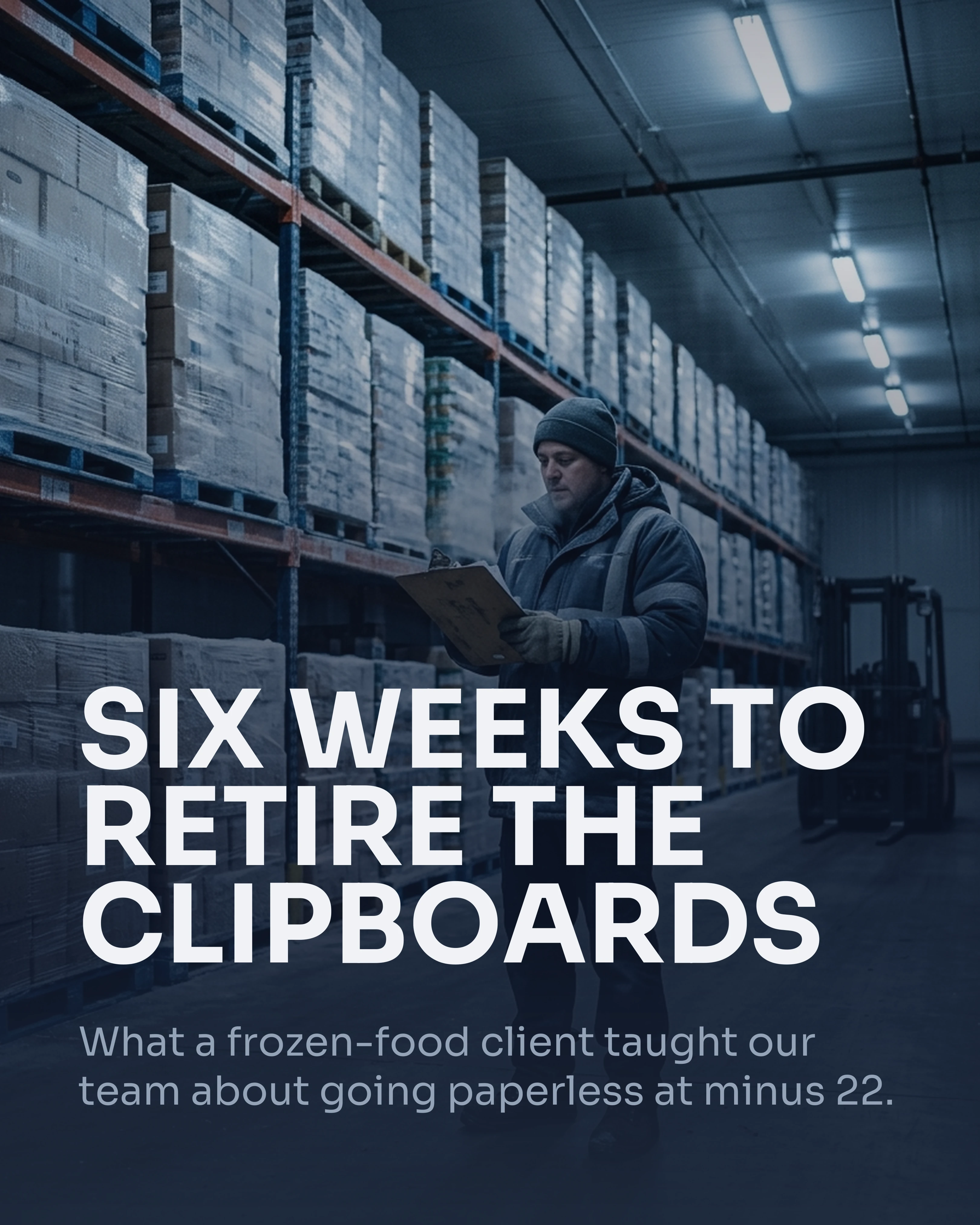
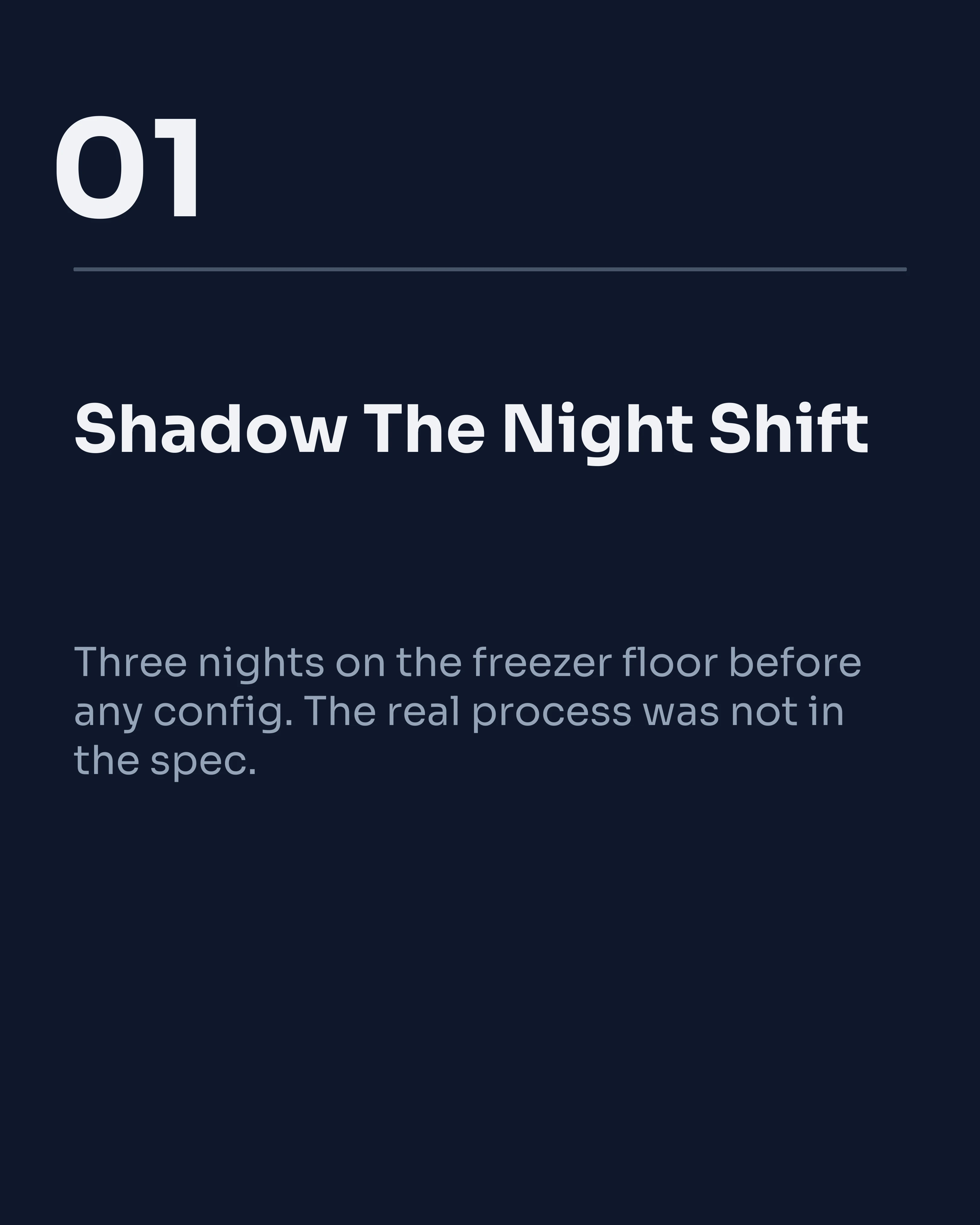
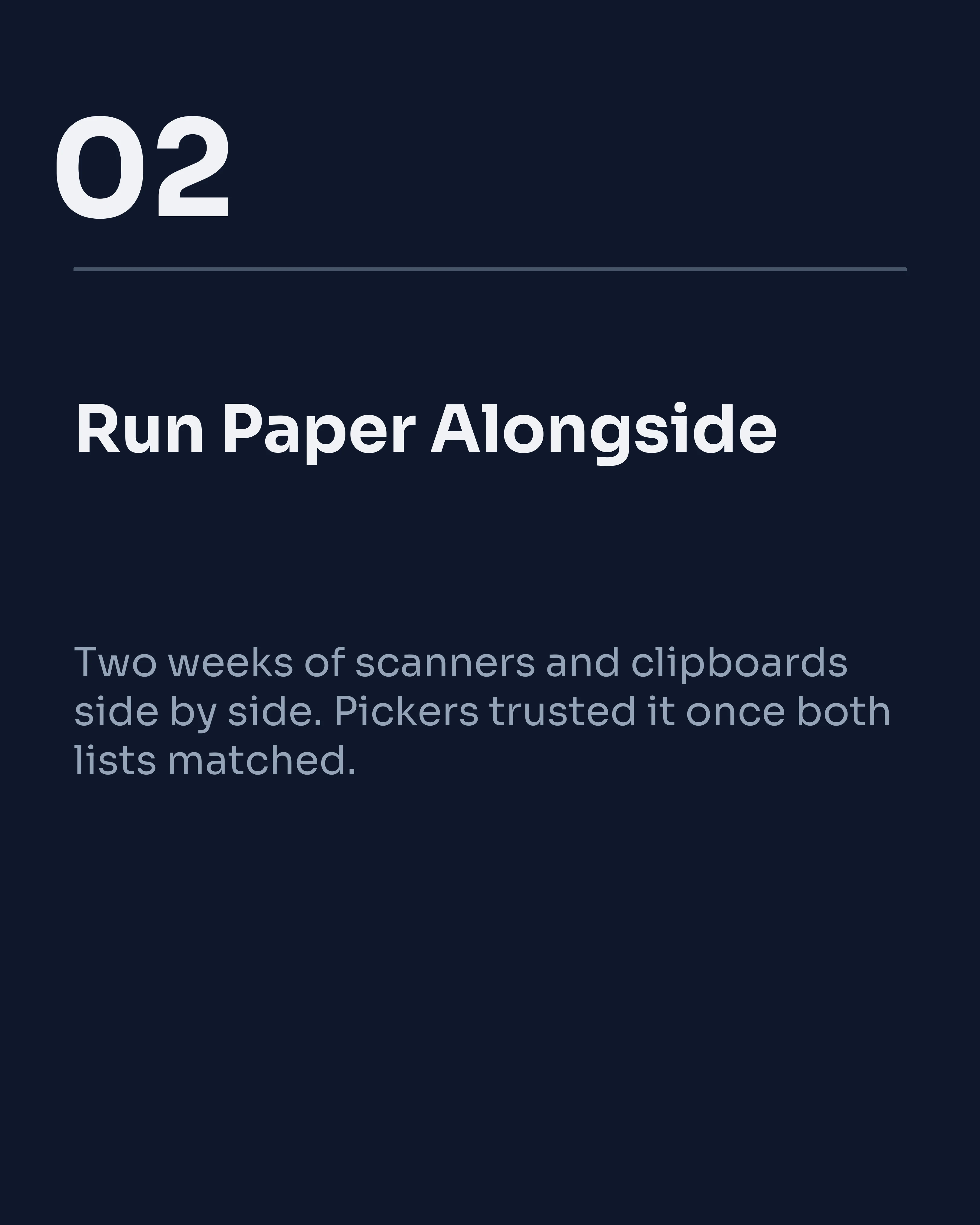
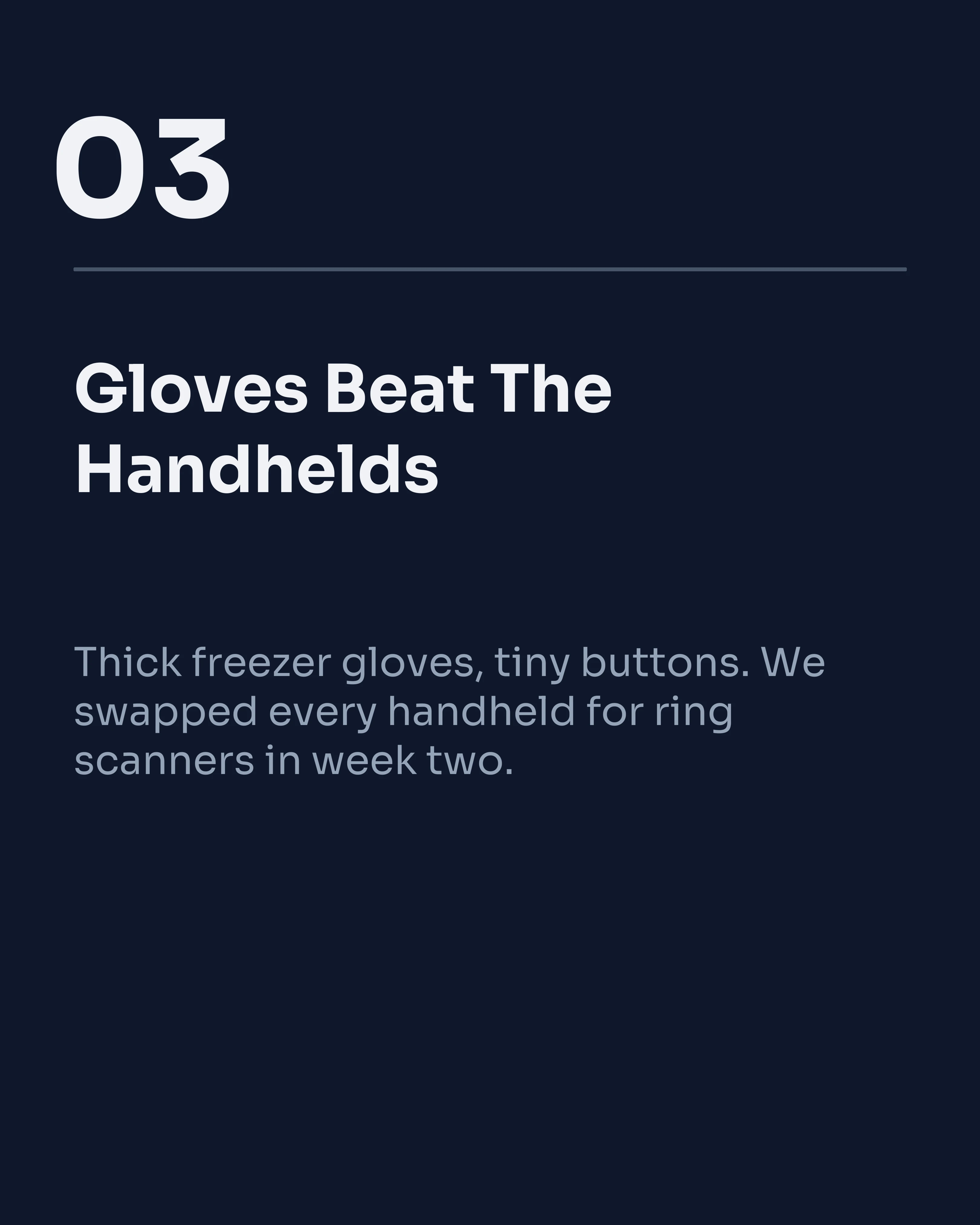
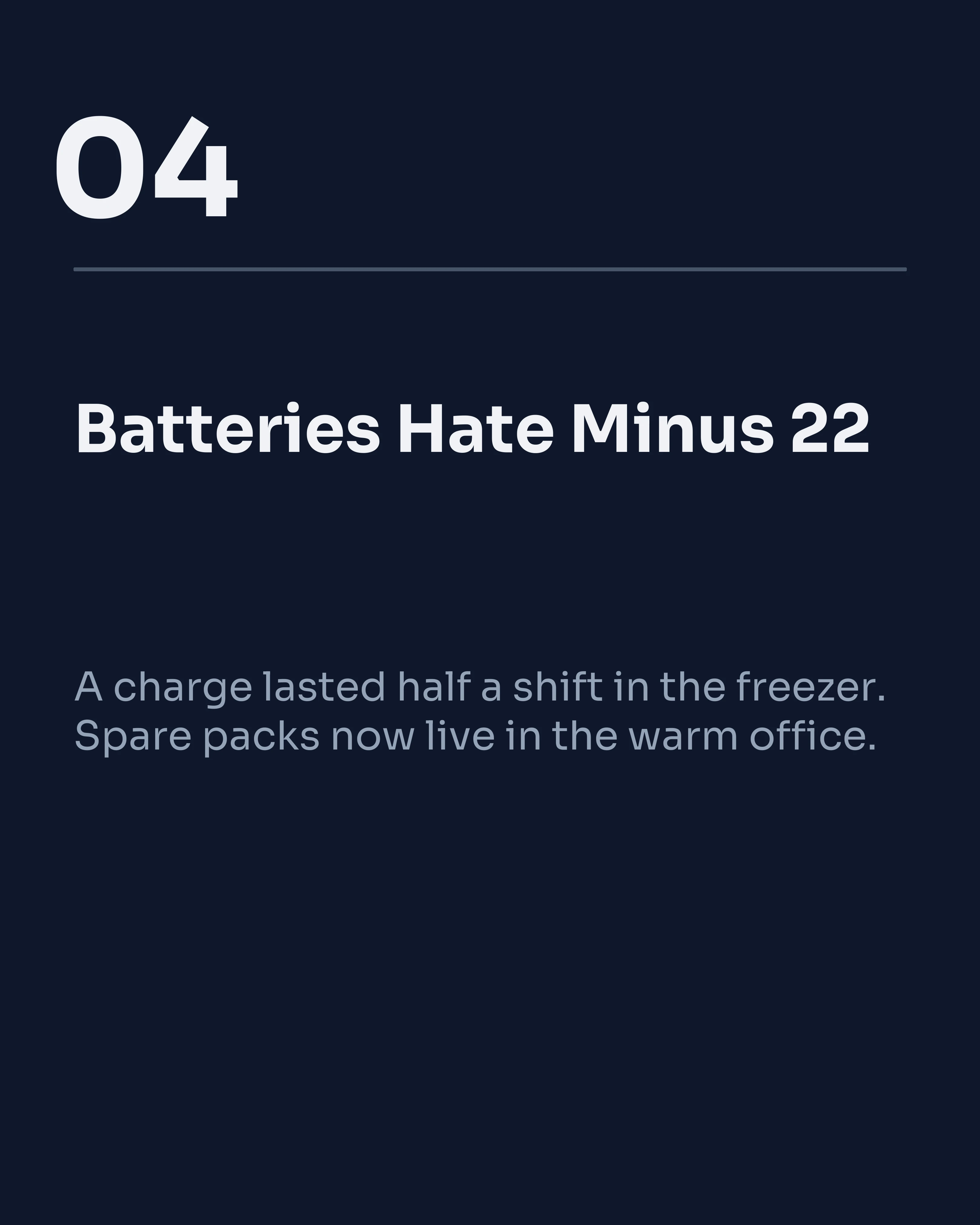
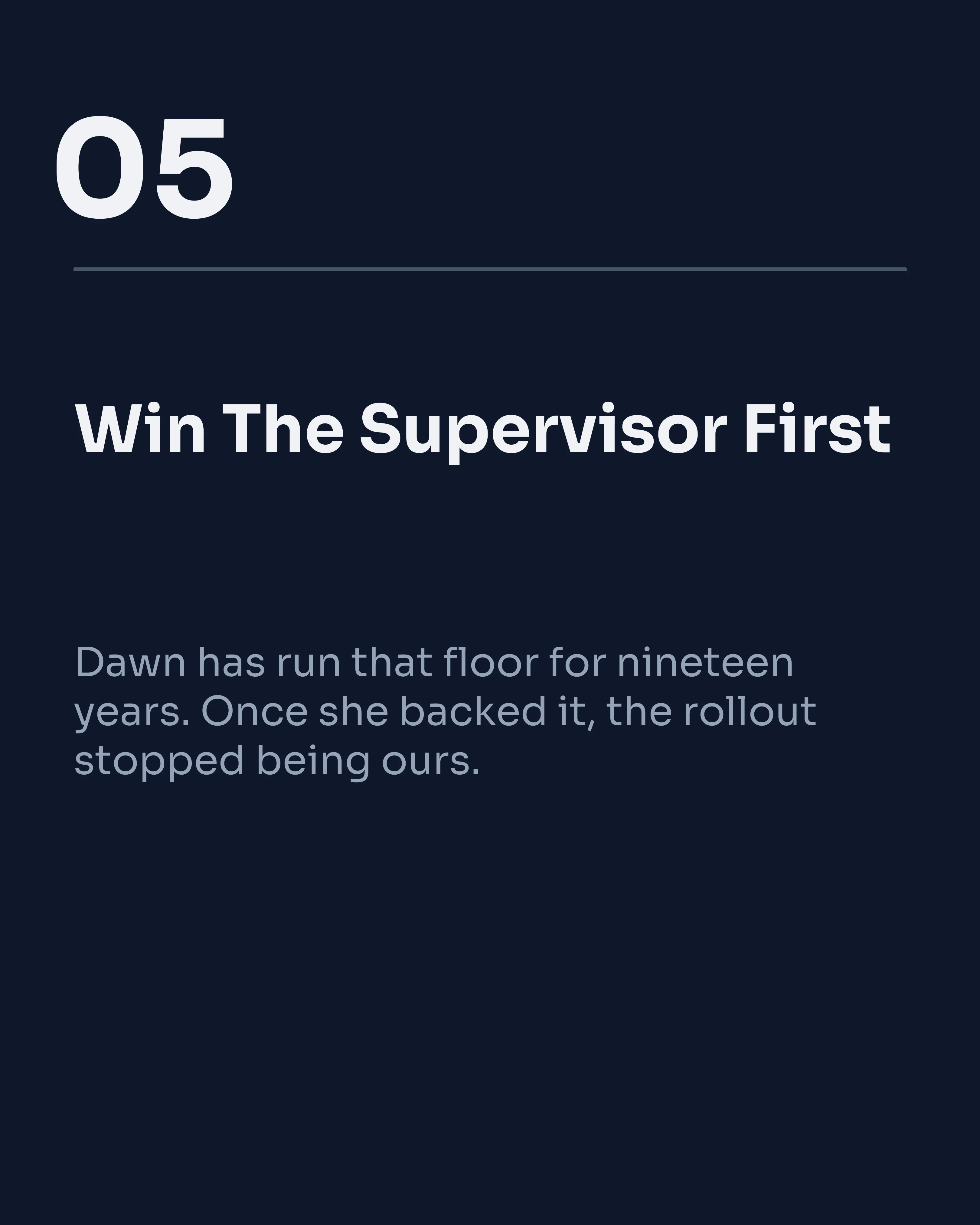
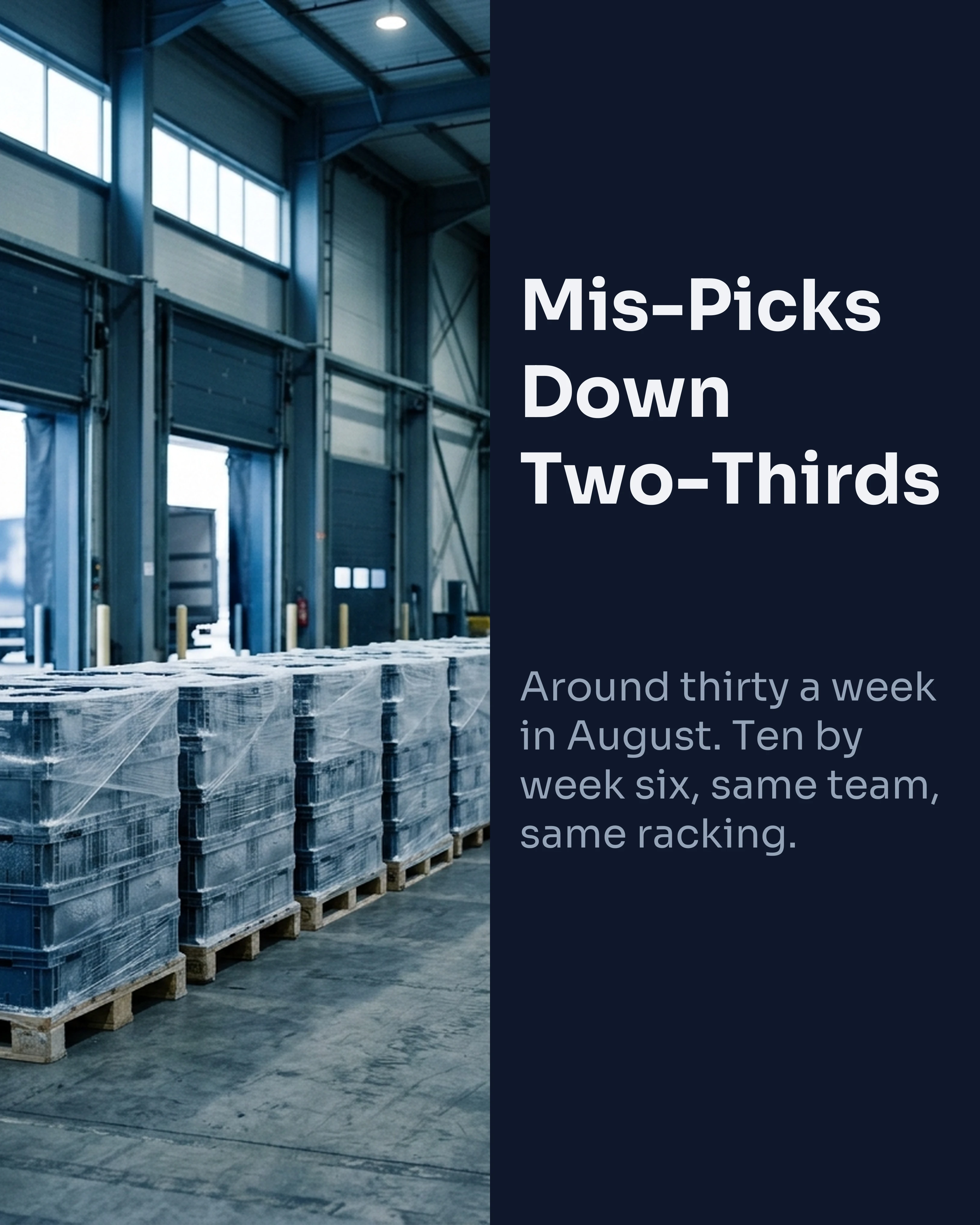
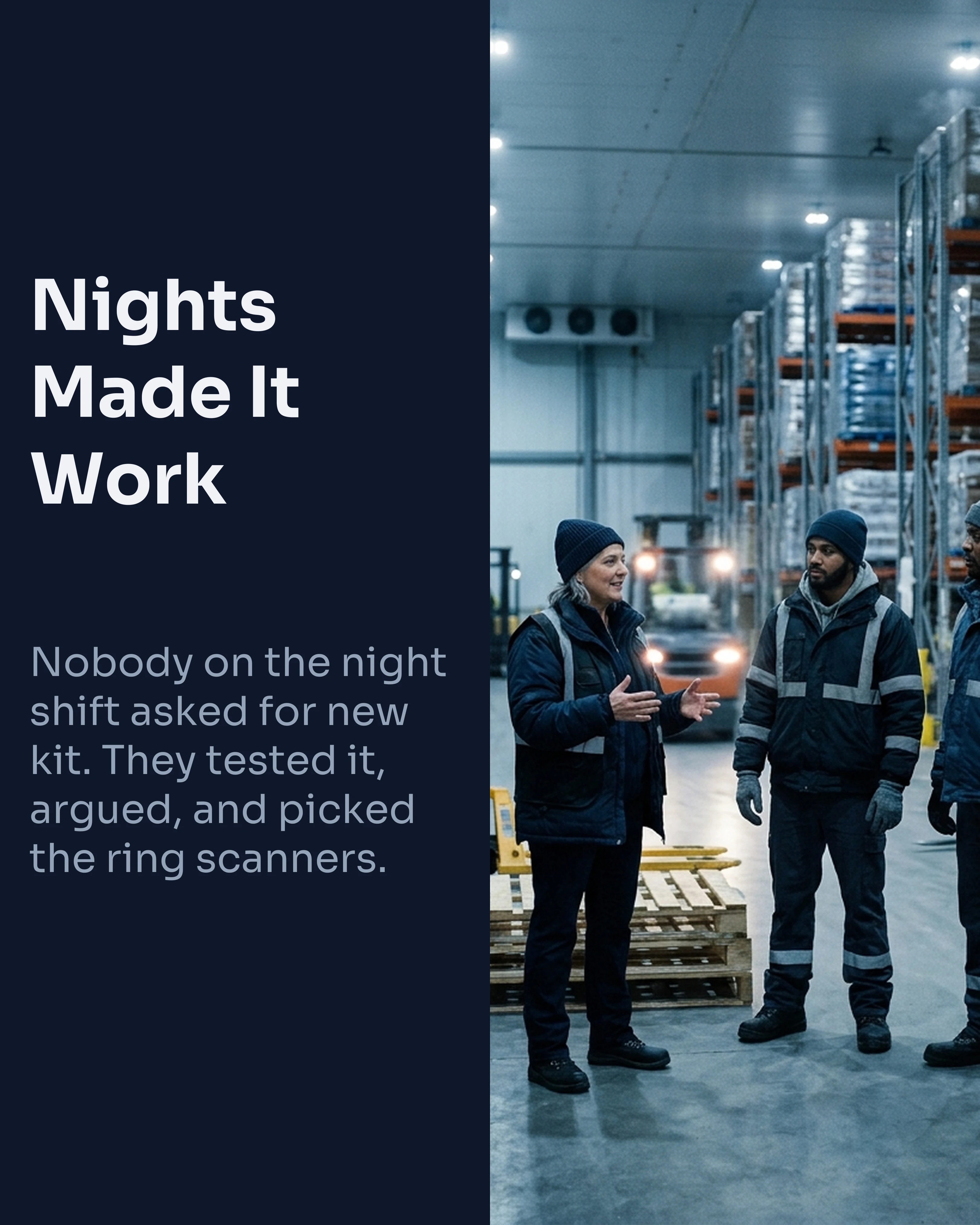

A few things make this work from a personal profile:
- The cover is a stake, not a topic. “Six Weeks To Retire The Clipboards” promises a story with a finish line.
- The middle is lessons, not features. Five uniform text slides, one idea each. The software is barely mentioned; the reader infers competence from the detail.
- The payoff lands late. The result (mis-picks down by two-thirds) arrives on slide seven, after the reader has earned it.
- The close asks for one thing in the founder’s own voice. “Message me” only works from a person. A Page cannot say it convincingly.
Nine slides sits in the 7-10 range covered in how many slides a carousel should have. The upload mechanics (PDF export, document titles, aspect ratio) are in the LinkedIn carousel guide.
Employees with real expertise
The founder is one voice. Your implementation lead, head of sales or senior engineer each has their own network, often with little overlap with the founder’s. One project can support several carousels from several people, each from their own angle.
This is where employee advocacy usually goes wrong. Asking staff to reshare the Page’s carousel adds very little: a reshare of corporate content still reads as corporate content. What works is letting an employee post their own carousel on the part of the project they owned.
Below is a representative slide from the implementation lead on the same project. Same brand palette and typeface as the founder’s carousel, but a different subject and a first-person angle the founder could not credibly write:
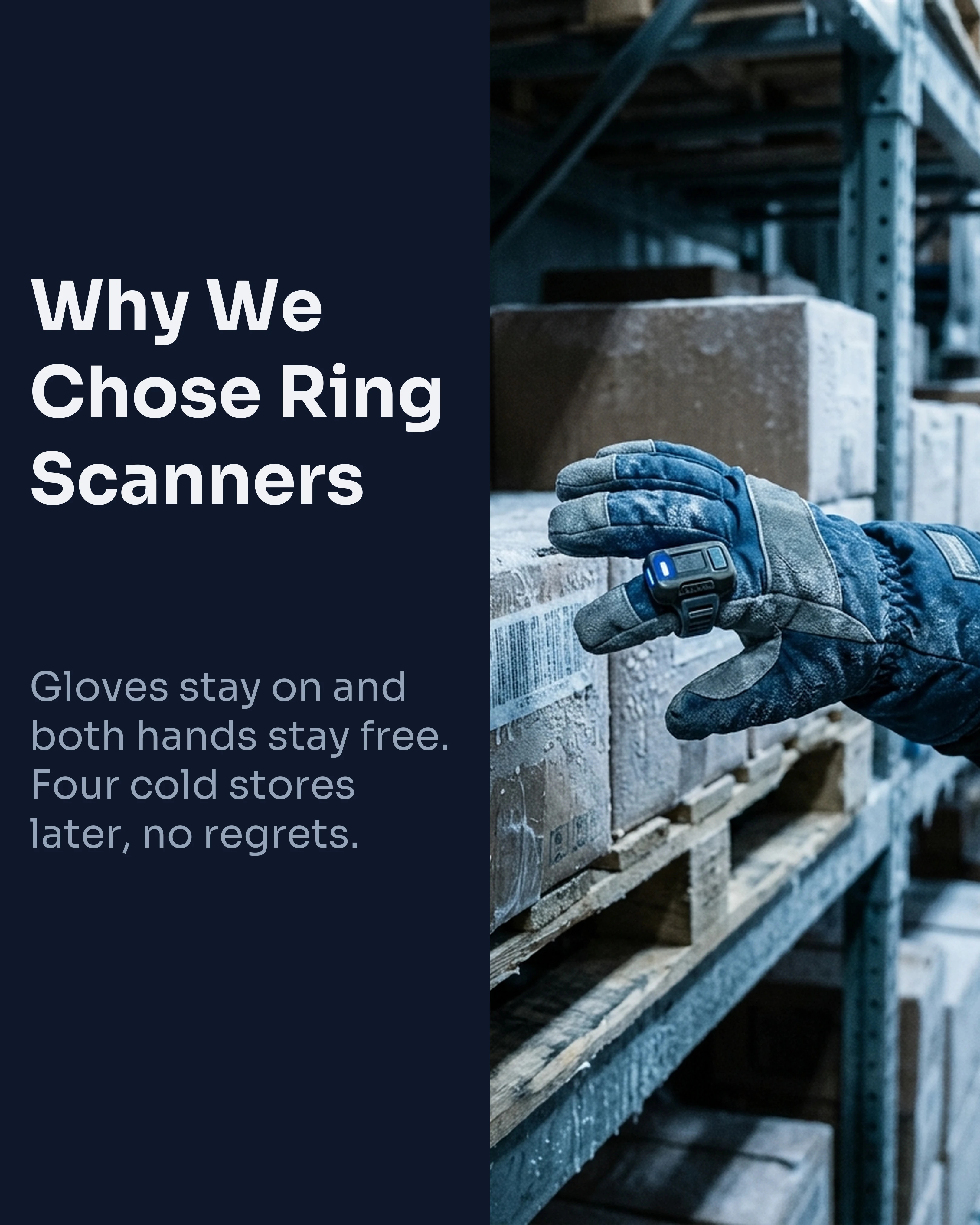
Practical rules for employee carousels:
- Make it opt-in. Forced posting shows, and people who do not want to post will not reply to comments, which is where much of the value is. Buffer’s same report estimated a lift of about 30% in LinkedIn engagement when the author replies to comments, comparing each account against its own posts.
- Give them the brand kit, not the script. Shared palette, fonts and templates keep the company recognizable. The words should be theirs.
- Tie each carousel to something they did. “What I learned configuring 40 scanners” beats “Why our platform is great” from anyone.
Do Not Post Generic AI Carousels From Anyone
Moving carousels onto personal profiles raises the stakes on quality, because a person’s reputation is now attached to them.
LinkedIn has started acting on AI-generated filler. According to Fortune, more than 1 million members clicked the new “seems like AI slop” button in its first two weeks, and LinkedIn’s chief product officer Hari Srinivasan said members were seeing 40% fewer views on content the platform classified as AI slop compared with a few weeks earlier.
A carousel of five generic tips, stock icons and a template everyone recognizes is the easiest thing in the feed to flag. The founder carousel above survives that test because nothing in it could have been written without being on the project: minus 22, ring scanners, a supervisor called Dawn, thirty mis-picks a week falling to ten. Specifics are the defense. For the design side of this, see how to make an AI carousel that does not look AI-generated.
What the Company Page Is Still For
None of this means deleting the Page. It means giving it jobs it can actually do.
Credibility when someone checks you out. Prospects who see the founder’s carousel will click through to the company. A Page with recent case studies, a clear description and real activity closes the loop. An empty Page raises questions.
The archive. The Page is where the finished case study lives. Post a short, factual version there with a link to the full write-up. It will not reach many people in the feed, but it will be found by the ones who go looking.
Here is a representative slide from the same company’s Page, doing exactly that job:
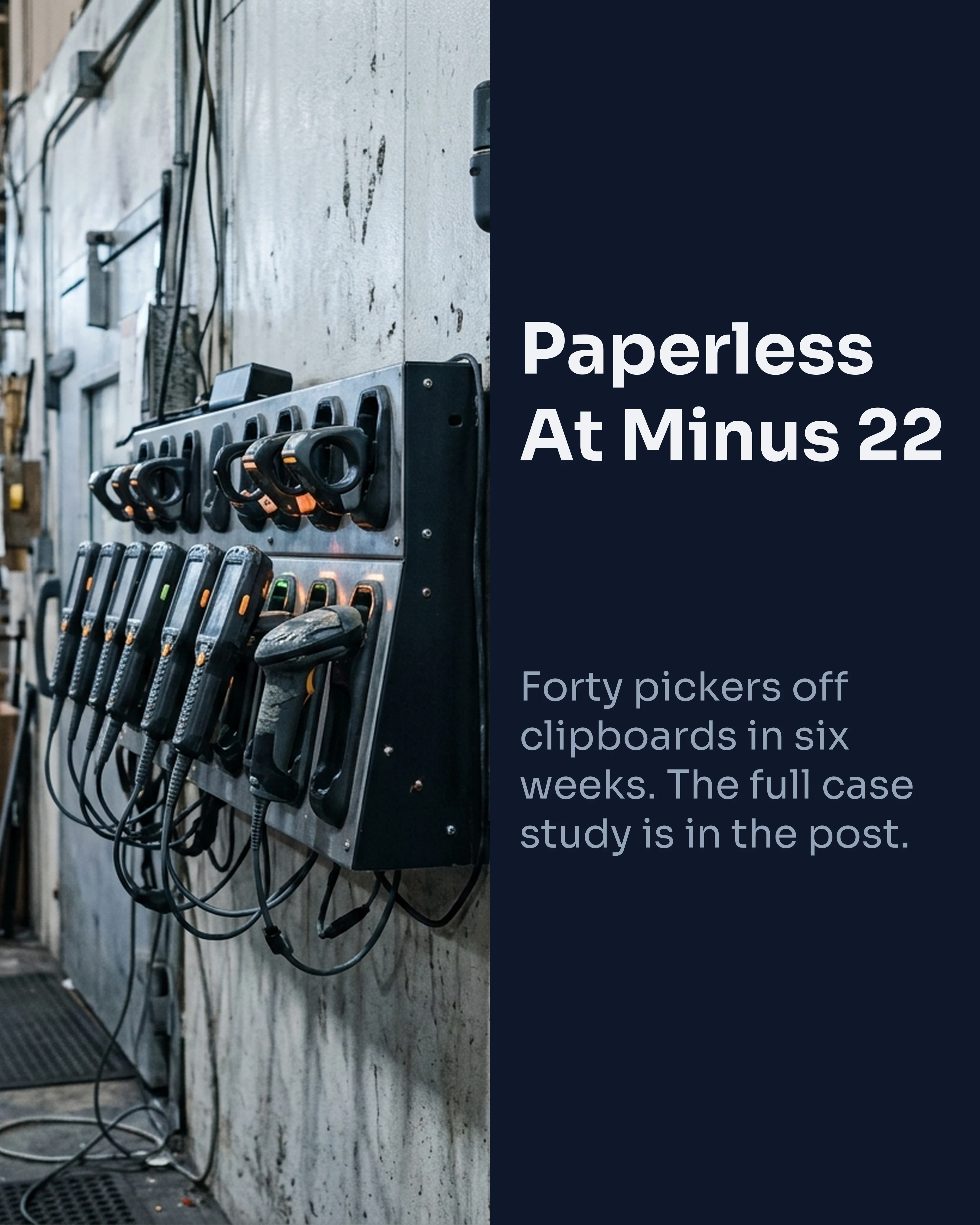
Paid distribution. This is where the Page earns its keep. Ads run from the Page, and LinkedIn’s thought leader ads let a company sponsor a post from an employee’s personal profile, with their permission, through Campaign Manager. If the founder’s carousel is already performing organically, promoting that post is usually a better use of budget than promoting a fresh Page post nobody has engaged with.
Hiring and company news. Job posts, office moves and funding announcements belong on the Page. They are expected there, and it matters less if they reach 1.6% of followers because the people who need them will look.
How to Split One Carousel Between Profile and Page
You do not need two separate content plans. One carousel, built once, can serve both accounts.
- Build the full carousel for the person. Write it in first person, 7-10 slides, with a specific story and one ask. This is the version that gets distribution.
- Post it from the founder or employee profile first. Reply to every comment, as the author, not from the Page.
- Wait a day, then reference it from the Page. Reshare the personal post from the Page with a one-line comment, or post a short standalone version: cover, the result slide, and a closing slide that points to the case study. Three to four slides is enough; the Page version’s job is to document, not to persuade.
- Change the voice, not the design. “I” becomes “we”, “message me” becomes “read the case study”. Same palette, same typeface, same photos, so anyone who sees both recognizes them as one company.
- Promote whichever version is working. If the personal post is outperforming, that is the one to put budget behind with a thought leader ad.
The split costs one extra export and a rewritten closing slide. What you get is a personal post that reaches people and a Page post that proves the company exists.
How Carousel Makes This Easier
The split above depends on keeping two versions of one design visually identical while the words change. Carousel helps with the repeatable parts: a saved brand kit adds the same logo and handle, and building both versions from the same template and palette keeps them matched. Build the short version with the same template, keep four slides, rewrite the closing slide for the Page, and export both for LinkedIn. Because the templates control the layout, the shorter version does not need redesigning.
Key Takeaways
- LinkedIn company Pages reached about 1.6% of followers organically in 2025, down from 7% in 2021 (Algorithm InSights 2025, via Entrepreneur).
- The carousel format still performs: Buffer measured a 21.77% median engagement rate for LinkedIn document posts, which is engagement among people who saw them, not reach.
- Post the full carousel from the founder’s or an expert employee’s personal profile, written in first person about something specific.
- Employee advocacy works when employees post their own carousels on their own part of the work, not when they reshare the Page.
- Avoid generic AI-looking carousels: LinkedIn reports 40% fewer views on content it classifies as AI slop.
- Keep the Page for credibility, case studies, hiring news and paid distribution, including sponsoring personal posts with thought leader ads.
- Split one carousel: full version on the profile, a short “we” version on the Page, same design on both.
Ready to build the carousel your founder will actually post? Download Carousel — free on the App Store.