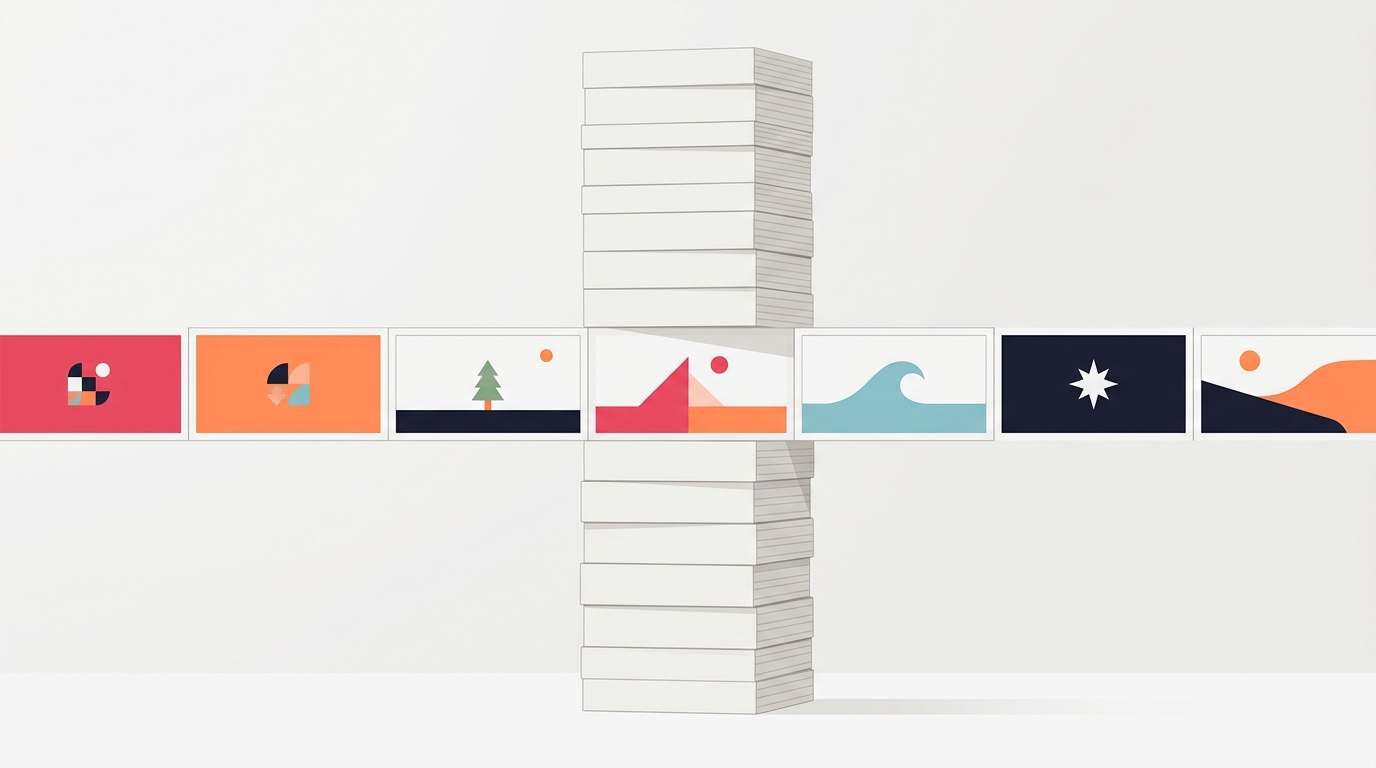
Instagram Slideshow Posts: What They Are and How to Make One (2026)
Instagram Slideshow Posts: What They Are and How to Make One (2026)
There is a real gap between what this format is called and what people search for. The industry says “carousel.” Instagram’s own interface says “select multiple.” TikTok calls it photo mode. Millions of people every month simply type “slideshow.”
They all mean the same thing: one post containing several images that you swipe or tap through.
That naming confusion matters if you are trying to learn the format, because half the good advice is filed under a word you did not search for. This guide covers what a slideshow post actually is on each platform, how to make one, and which of the four names to use where.
Slideshow, Carousel, Photo Dump: What’s the Difference?
Carousel is the industry and API term. It is what Instagram calls the format in its developer documentation and what marketing tools use. If you read a benchmark study, it will say carousel.
Slideshow is what most normal people call it, and it carries a slightly different connotation: sequential, narrative, meant to be moved through in order. A recipe, a trip, a process.
Photo dump is a slideshow with the sequencing deliberately abandoned. Loosely related images from a week or a weekend, no argument, no structure. Popular precisely because it feels unproduced.
Photo mode is TikTok’s name for its version, and it is genuinely a different product: images play as a timed sequence over audio by default, with tap-to-advance available. We cover the specifics in the TikTok photo mode guide.
They are variations of one thing, which means what you learn about any of them applies to all of them.
How to Make a Slideshow Post on Instagram
- Tap the plus button and choose Post.
- Tap the select multiple icon (the stacked squares) above your gallery.
- Select images in the order you want them shown. Instagram numbers your selections as you tap, and that numbering is the slide order.
- Apply edits. Filters can be applied to all slides at once or per slide.
- Write the caption and share.
Three things trip people up:
Order is set at selection. Tap them in the wrong sequence and you will be starting over. Sequence matters enormously — see our guide on why slide two deserves as much attention as slide one.
The first image sets the aspect ratio for all of them. If slide one is 4:5 and slide four is square, slide four gets cropped to 4:5. Build the whole set at one ratio. The dimensions guide has the numbers.
Ten is the limit on Instagram. TikTok photo mode allows considerably more. If you are cross-posting, design for ten.
What Makes a Slideshow Post Work
A slideshow is not a gallery. The difference is that a gallery can be viewed in any order and a slideshow cannot.
That distinction drives every practical decision:
- Slide one is a promise. It tells the viewer what they get for swiping. A pretty image with no implied payoff is a gallery cover, and people scroll past galleries.
- The payoff lands late. If the best image is second, there is no reason to reach slide seven.
- One idea per slide. The format’s advantage is pacing, and cramming two ideas onto a slide throws that away.
- The last slide asks for something. One ask, plainly worded. Our closing slide guide covers what works.
Seven to ten slides is the range worth aiming for, with eight as a sensible default. Fewer and you have not used the format; more is allowed (Instagram’s cap is twenty) but completion drops long before you get there. We covered the reasoning in how many slides a carousel should have.
A Slideshow That Actually Sequences
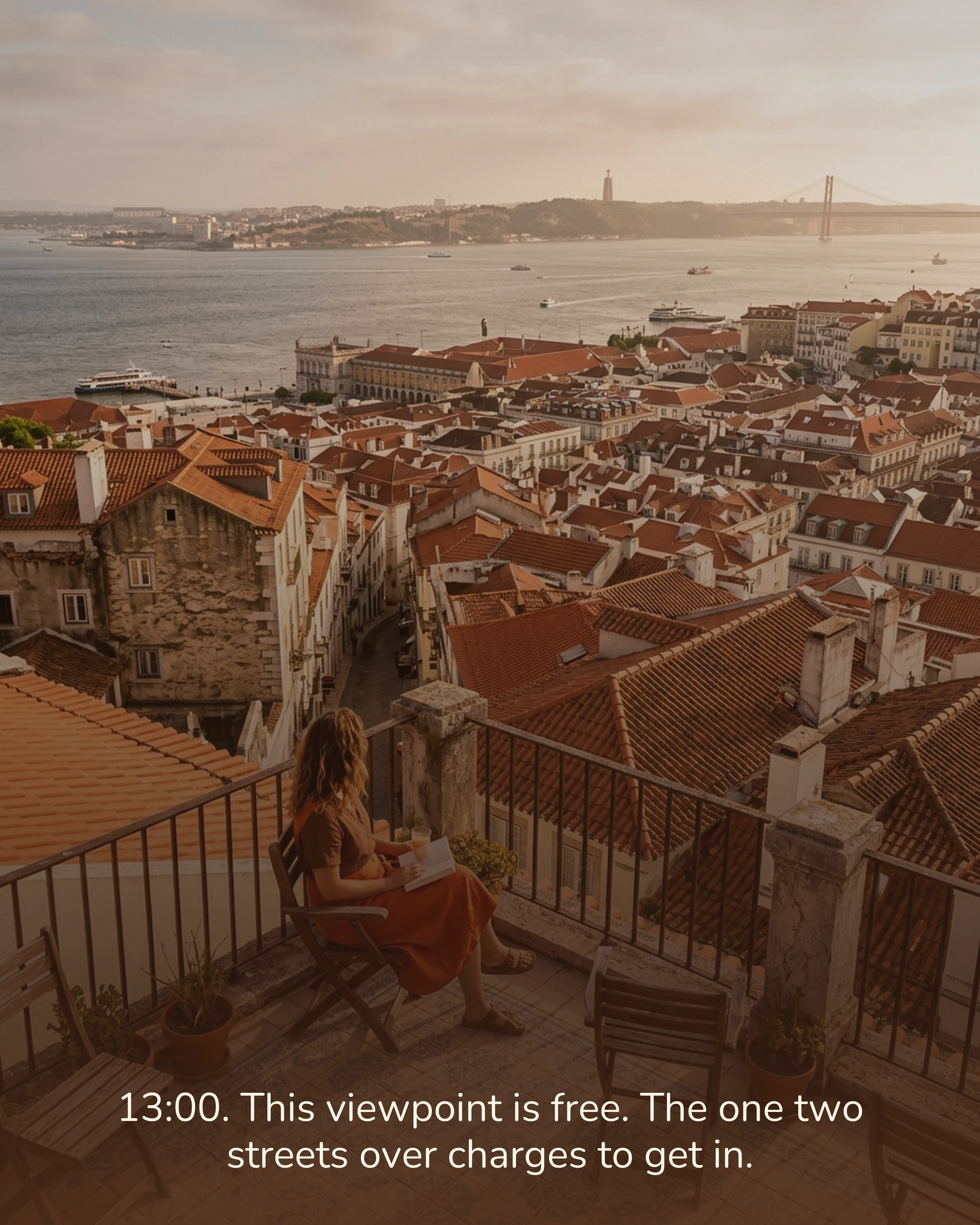
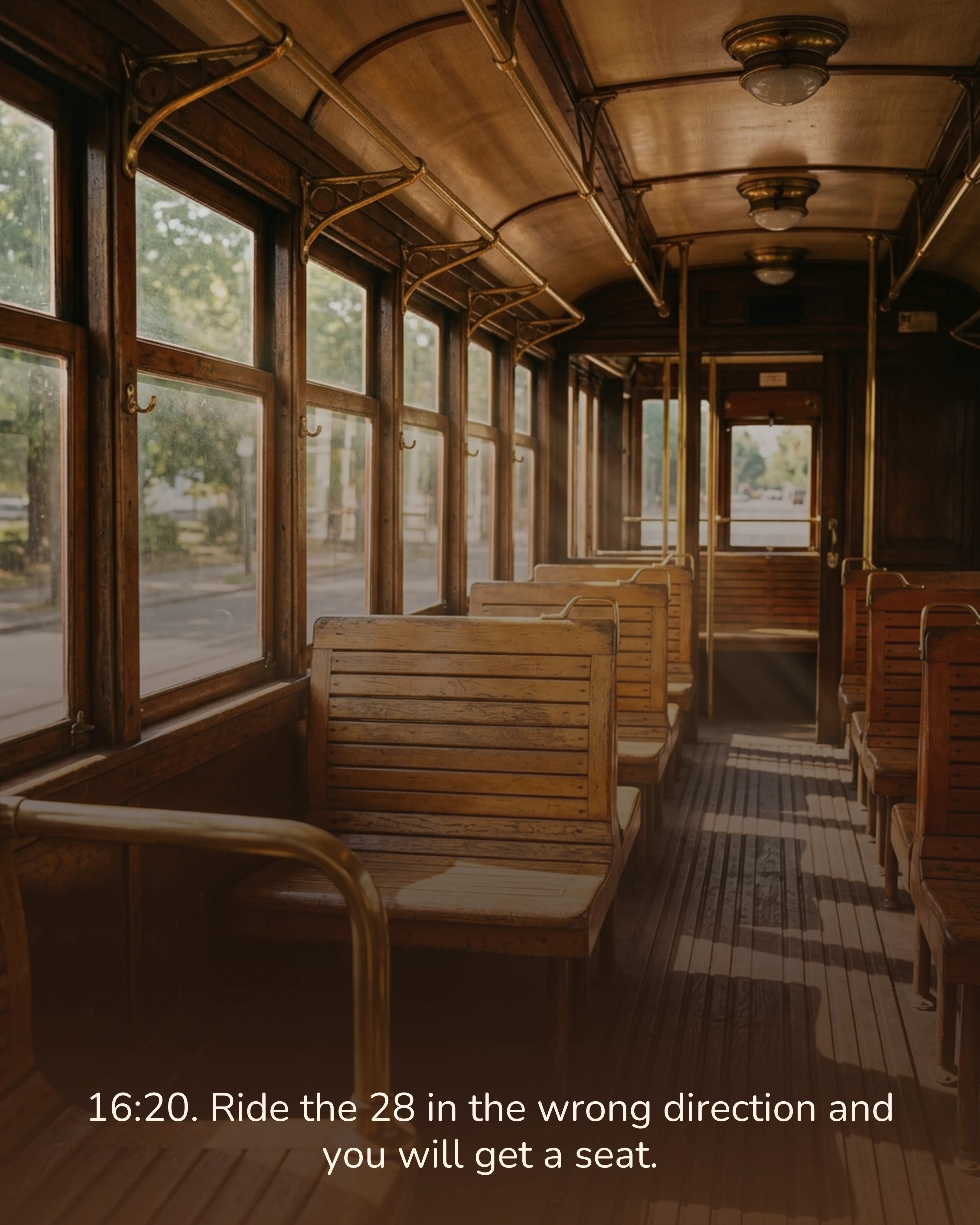
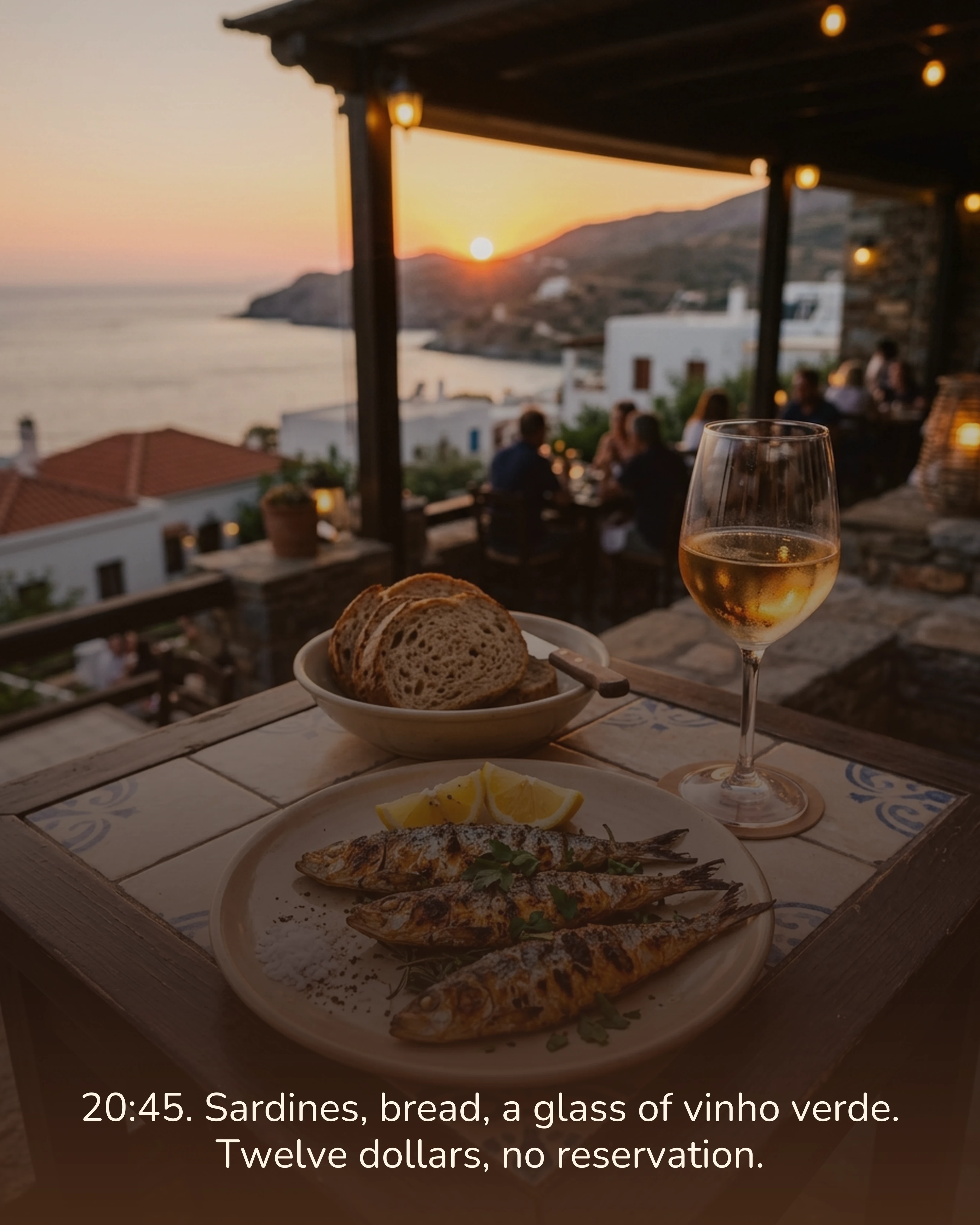
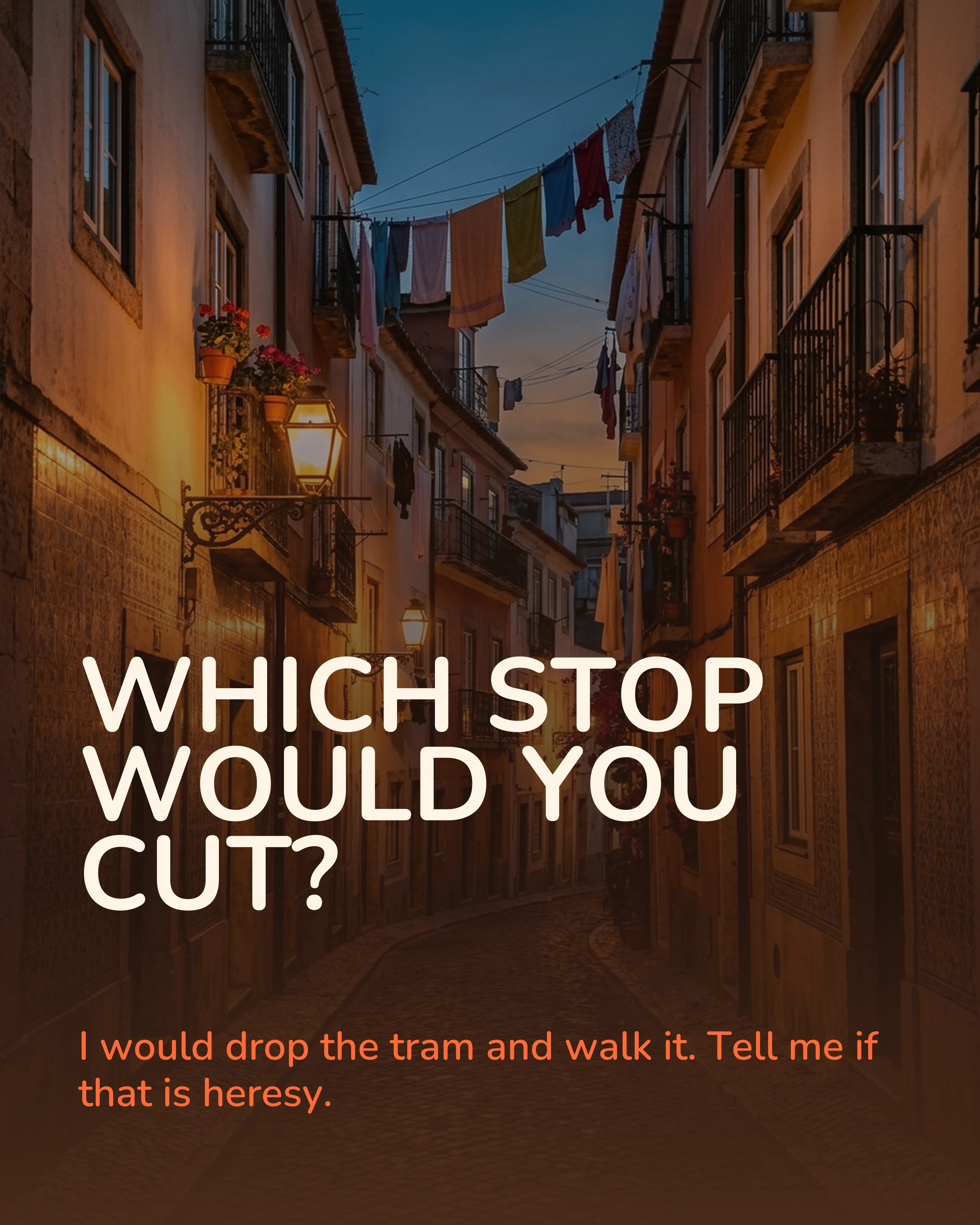
Below is a seven-slide travel slideshow. It is deliberately ordered as a day: morning, midday, afternoon, evening. The cover promises a specific thing, the images move through time, and the last slide asks one question.
Notice how little of the work is in the photographs. The sequencing is what turns a set of nice images into something worth swiping through.
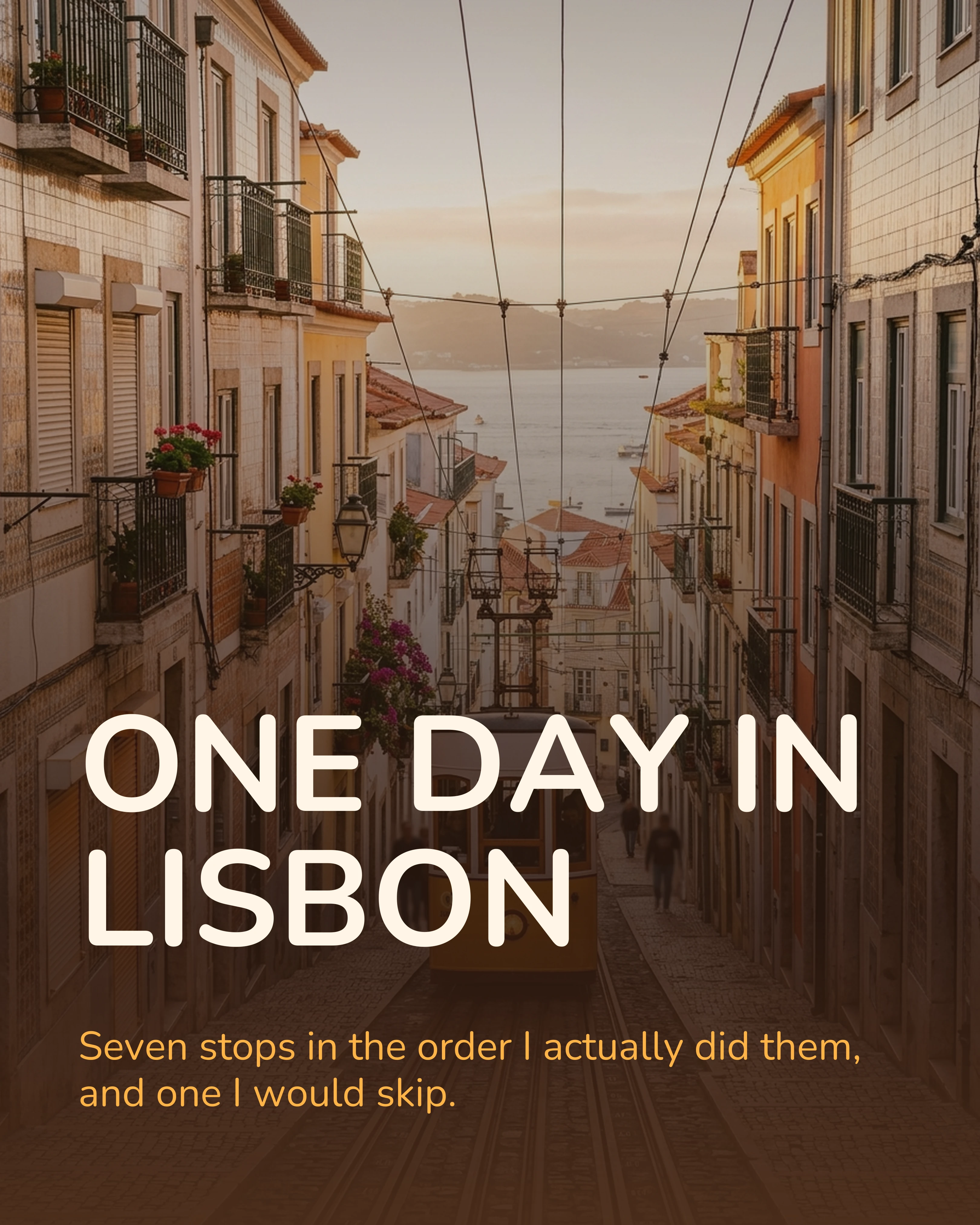
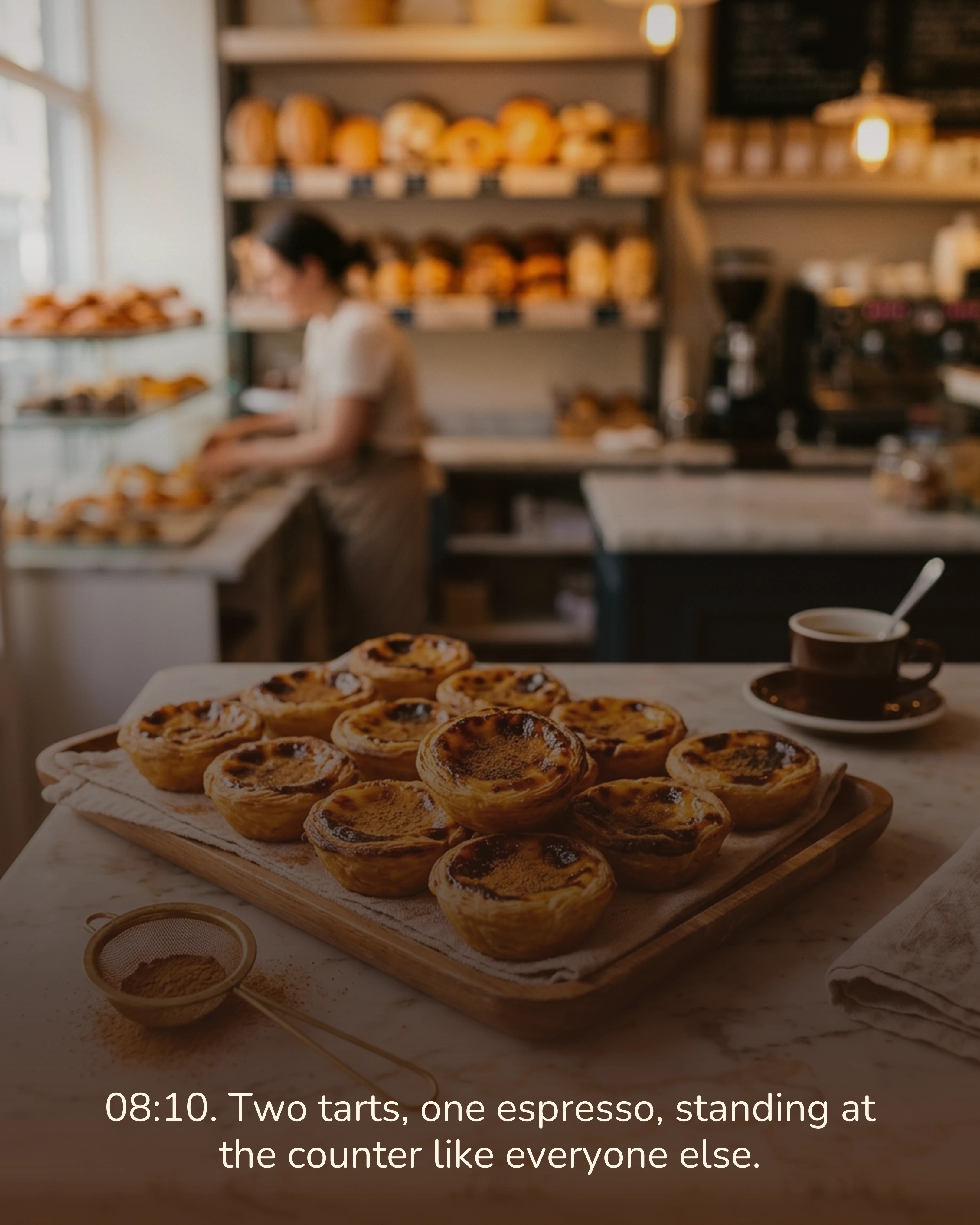
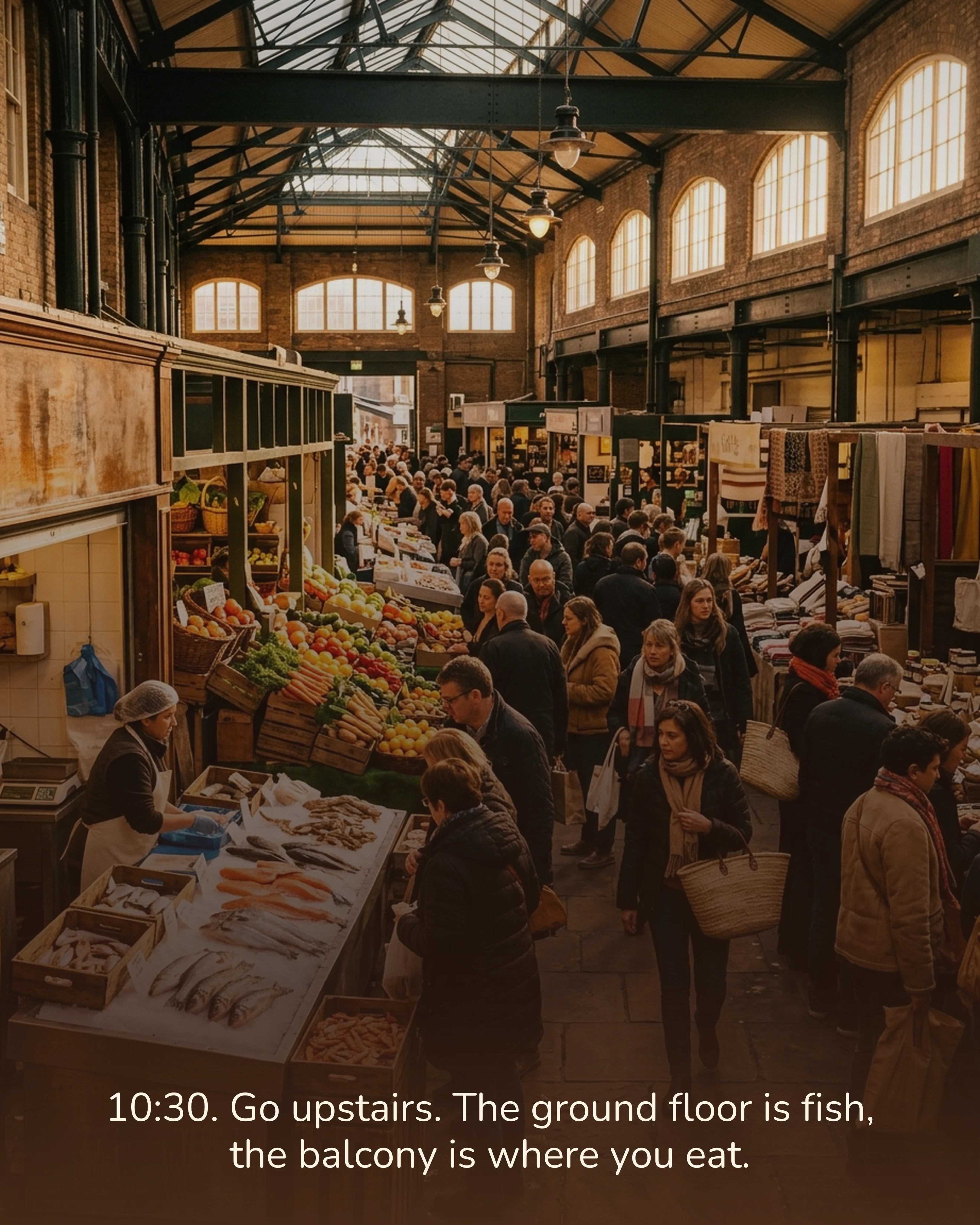
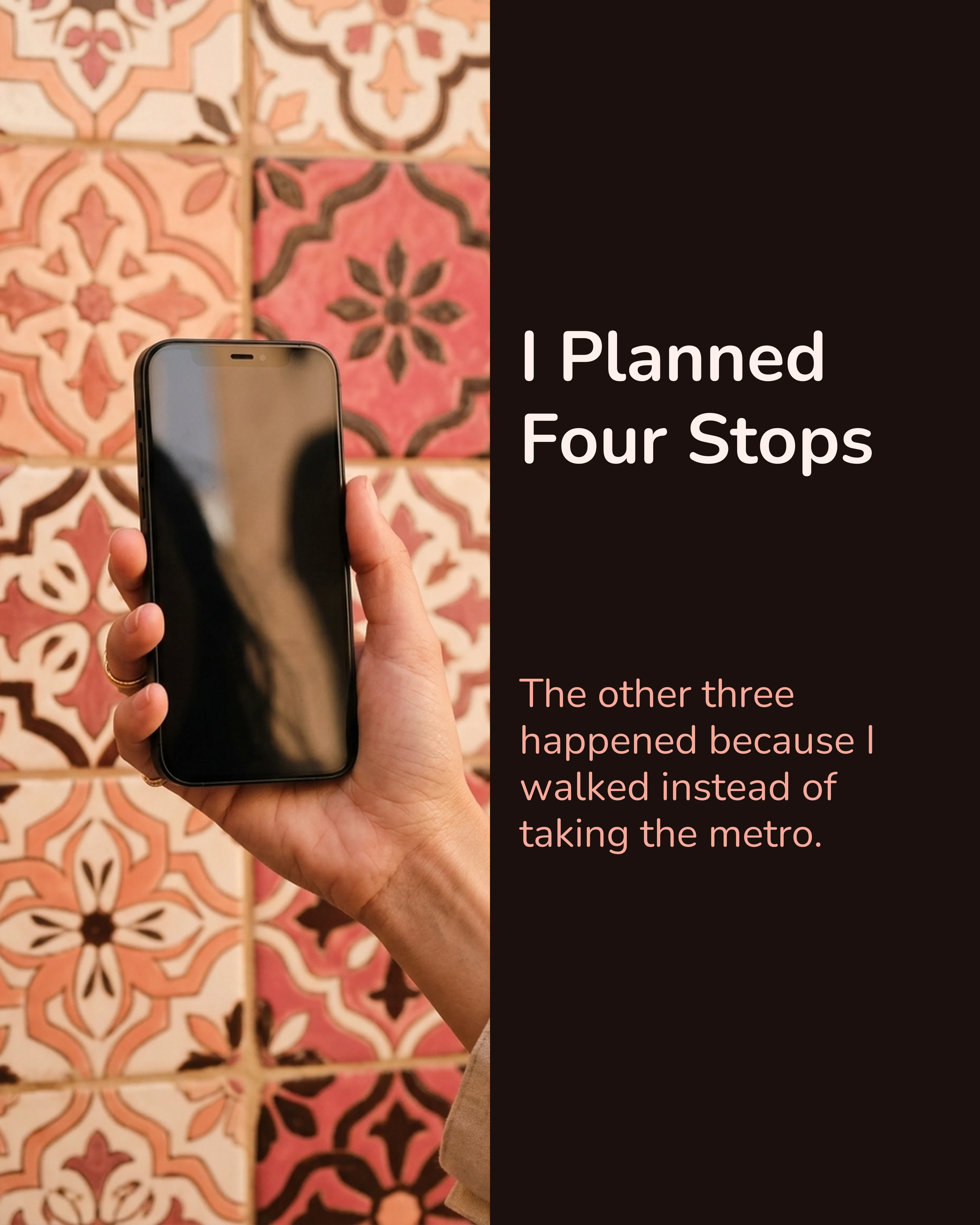
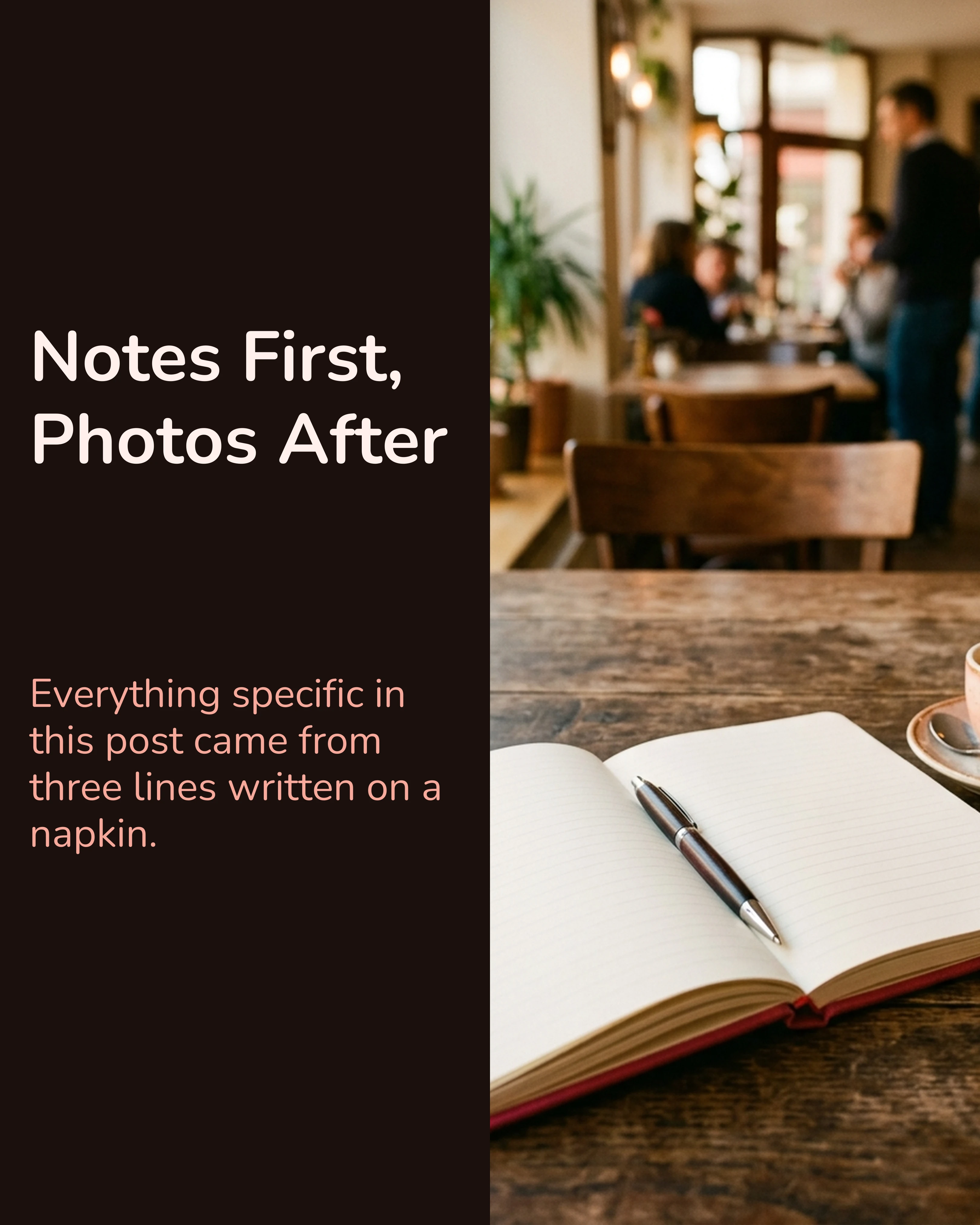
Two more slides from the same trip, on a layout that carries more text. Same palette, same voice:
Slideshows on TikTok Are a Different Animal
Worth knowing if you plan to reuse the same images.
TikTok photo mode plays the images one after another over audio, and viewers can also swipe at their own pace. That means the sound choice matters as much as the images, and a viewer who doesn’t swipe gets the pacing TikTok gives them. It also renders vertically at 9:16, not 4:5, so a set built for Instagram will letterbox or crop badly.
Practically: write the content once, then make a second 9:16 version of the slides. Same content, two ratios, two captions. It takes a little extra time and roughly doubles the reach of the same effort.
How Carousel Helps
Carousel builds the whole slideshow as a sequence rather than one image at a time, which is the part Instagram’s own editor makes awkward. You see the strip, reorder slides by dragging, and export the finished set. You pick the ratio (4:5 for Instagram, 9:16 for TikTok) when you start a project, and every slide in it shares that ratio, so the silent-crop problem never arises. For a TikTok version, start a second 9:16 project with the same copy.
Key Takeaways
- Slideshow, carousel, photo dump and photo mode are four names for one format with slightly different conventions.
- On Instagram, selection order is slide order and the first image sets the aspect ratio for the whole set.
- Instagram allows up to twenty slides; seven to ten is the range worth aiming for.
- A slideshow sequences, a gallery does not. Put the payoff late and give slide one a promise.
- TikTok photo mode is vertical and plays over audio, with manual swiping on top. Make a second 9:16 version rather than reusing the Instagram set.
Ready to build your first slideshow? Download Carousel — free on the App Store.
Create your first carousel in 60 seconds — free
Pick a template, paste your text, export. It's that simple. No design skills needed.
Download Carousel