
How Many Slides Should a Carousel Have? Aim for 7 to 10
How Many Slides Should a Carousel Have? A Data-Backed Guide
It is the question every creator hits the moment they sit down to make a carousel: how many slides is the right number? Too few and the post feels thin. Too many and people swipe away before the payoff. The honest answer is that there is a sweet spot, and it is narrower than most people guess.
This guide walks through what actually drives the decision, the range that performs best, and how to adjust it for your platform and your goal. The aim is to give you a default you can trust and the judgment to break it when it makes sense.
The Short Answer: Aim for 7 to 10
For most carousels, 7 to 10 slides is the reliable sweet spot. It is long enough to deliver real value and build momentum through the swipe, and short enough that people reach the end.
That range works because it respects two competing forces. Every additional slide is another chance to keep someone engaged, which the algorithm rewards. But every additional slide is also another opportunity to lose them. Seven to ten balances depth against drop-off better than any other range.
If you take nothing else from this article: when in doubt, build eight slides. It is almost never the wrong call.
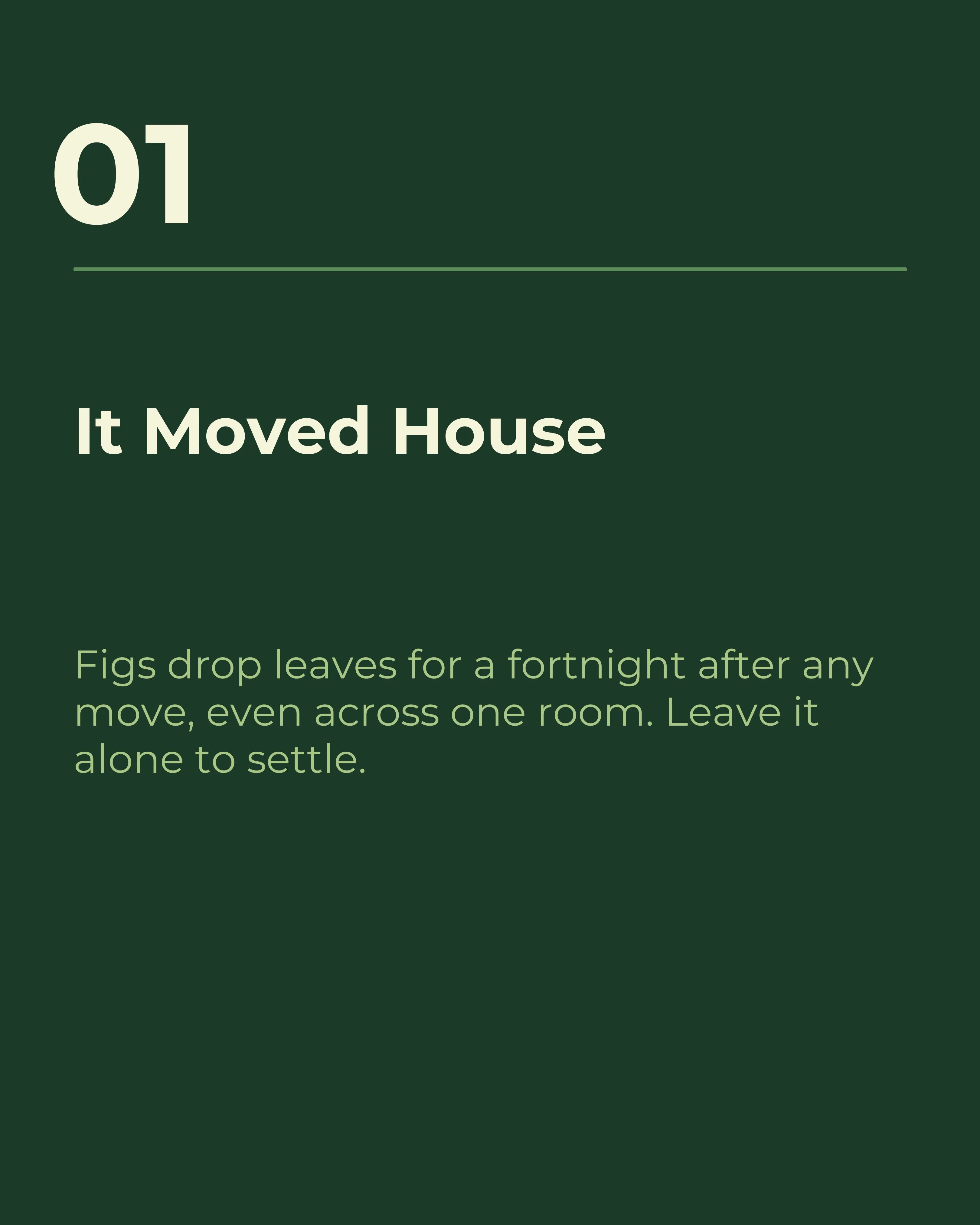
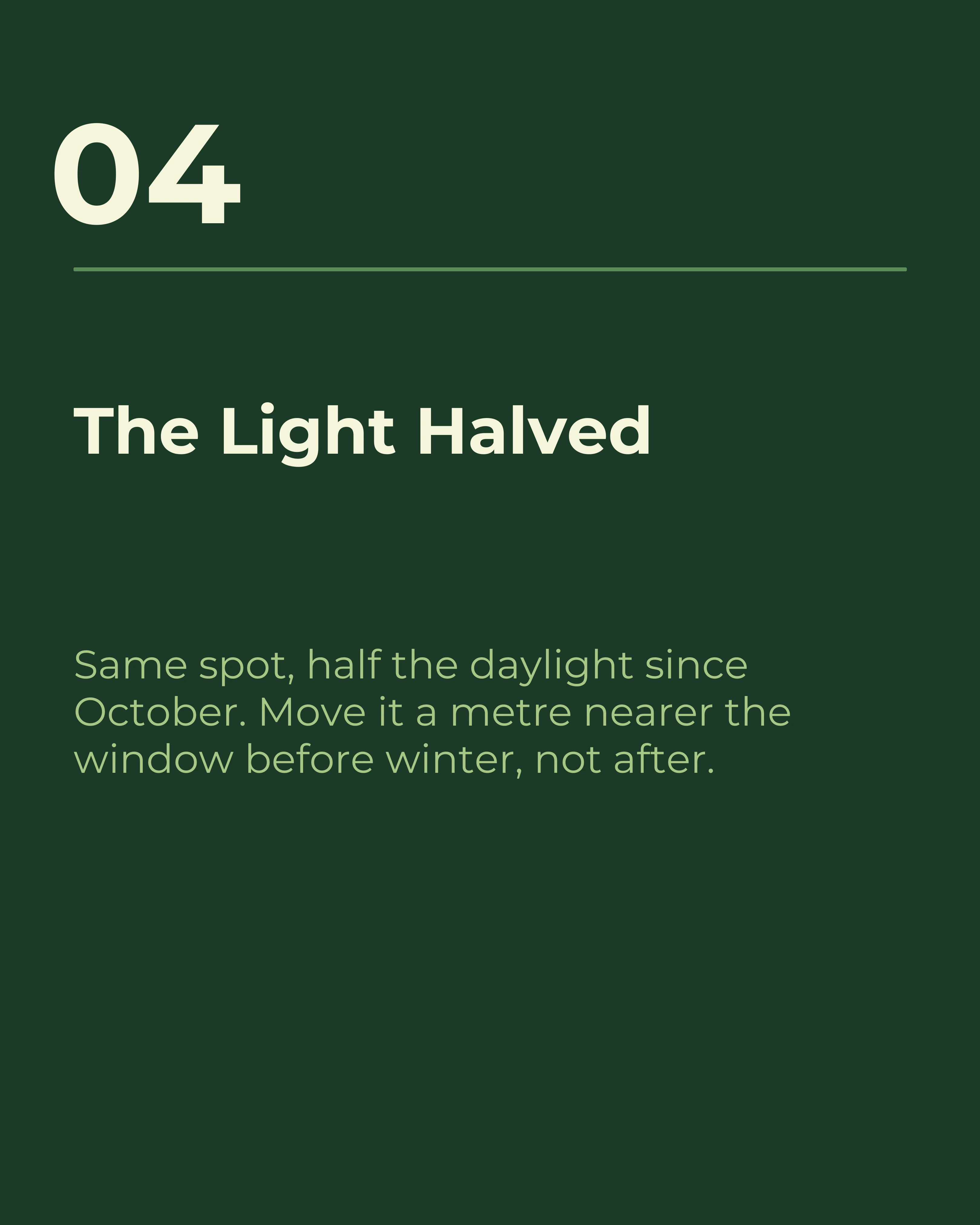
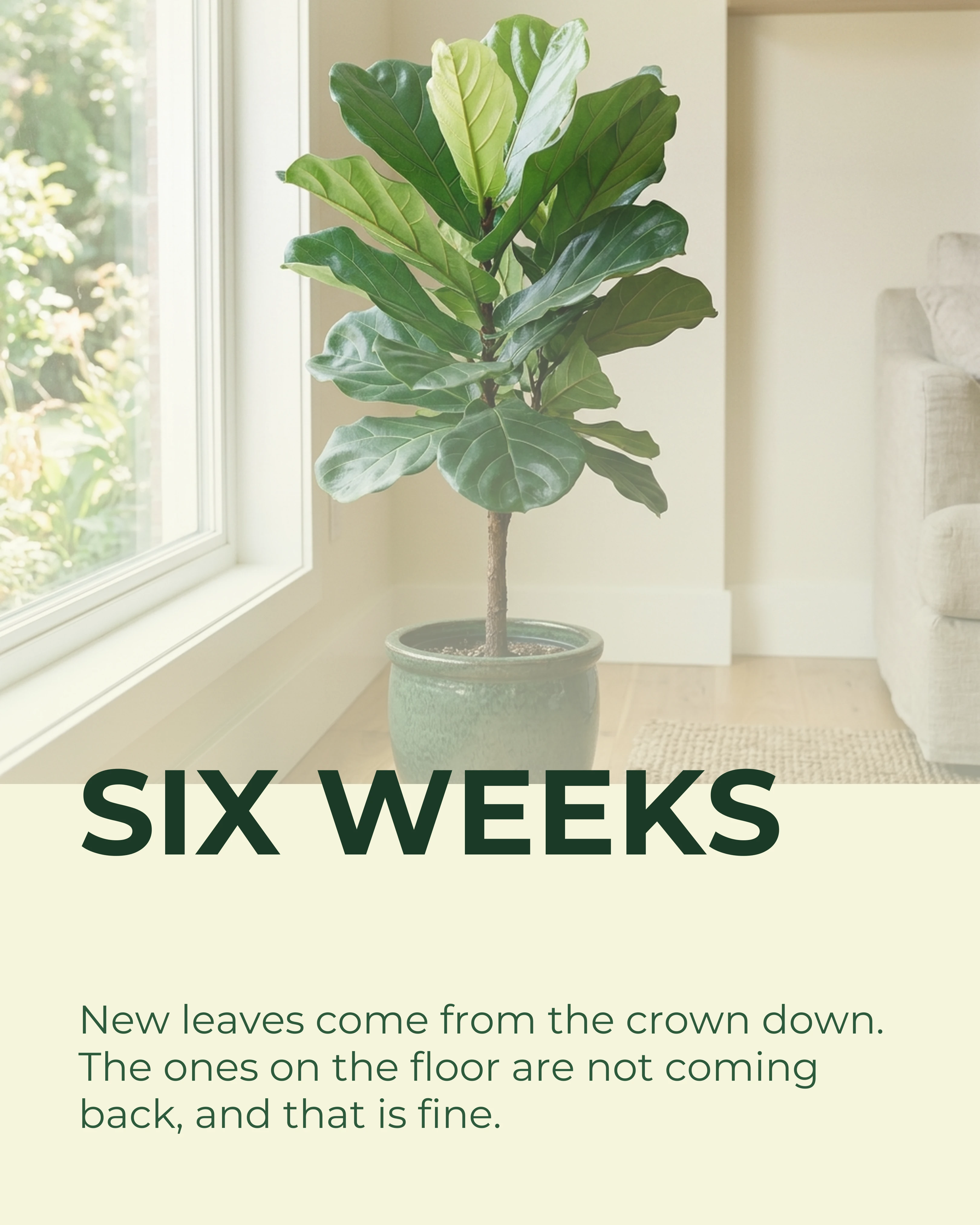
So here are eight. A plant shop answering the question it gets asked more than any other, one cause per slide, a payoff at seven and a single ask at the end. Count them as you swipe — the point of showing the whole thing is that eight does not feel long.





Why Slide Count Affects Reach
Carousels earn reach in two ways that depend directly on length.
Time spent. A reader who swipes through ten slides spends far more time on your post than one who reads a single image. Platforms read that dwell time as a quality signal and show the post to more people. More slides, handled well, means more time spent.
Multiple impressions. Instagram can re-serve a carousel to someone who did not swipe the first time, showing a later slide as a second chance to hook them. More slides give the algorithm more entry points to retry with.
But both advantages collapse if people stop swiping. A 15-slide carousel that loses everyone by slide four performs worse than a tight 7-slide one they finish. Completion rate, not raw length, is what you are optimizing for.
The Case for Fewer Slides
There are good reasons to stay at the lower end of the range, or below it.
A focused 5 to 6 slide carousel forces clarity. With less room, every slide has to earn its place, and the discipline usually produces a sharper post. If your idea is genuinely simple, padding it to ten slides only dilutes it.
Shorter carousels also have higher completion rates almost by definition. If your primary goal is to get people to the CTA on the final slide, fewer slides means more people actually see it. For a quick tip or a single punchy insight, three to five slides is plenty.
The carousel hooks guide matters even more at short length, because with fewer slides the opener carries more of the weight.
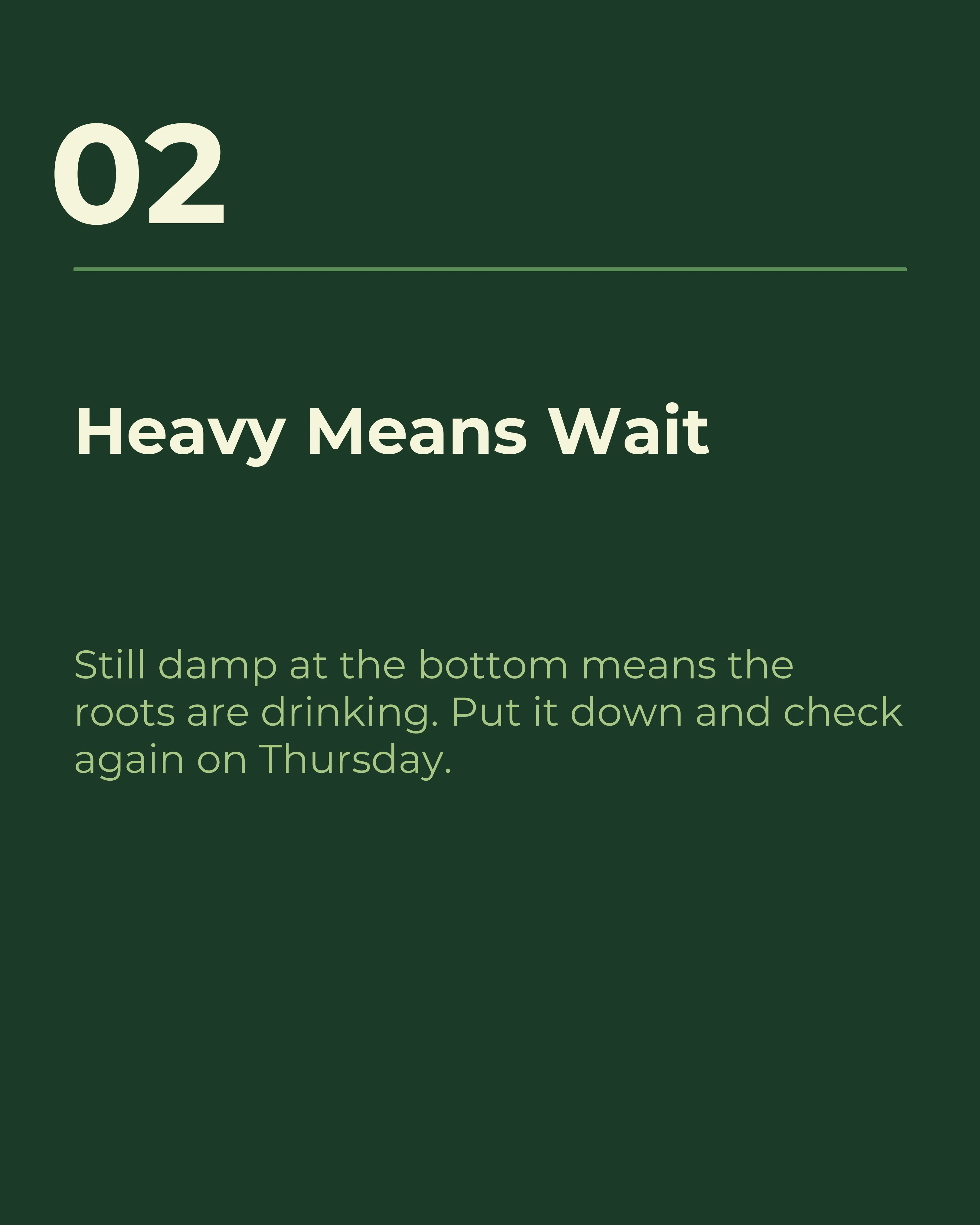
Same shop, same look, four slides. One idea, two ways of applying it, and the ask. Padding this to eight would mean inventing three slides nobody needs, which is how a good tip turns into a post people abandon halfway.


The Case for More Slides
Longer carousels, in the 10 to 15 range, have their place too.
Educational deep-dives, step-by-step tutorials, and comprehensive lists justify the length because the reader came for thoroughness. If each slide delivers a distinct, useful point, people will happily swipe through a dozen. The Listicle framework supports longer counts naturally, since “12 ways to…” sets an expectation of length up front.
The rule for going long is strict: every single slide must earn its swipe. The moment a slide feels like filler, you have given the reader permission to leave. If you cannot defend a slide, cut it.
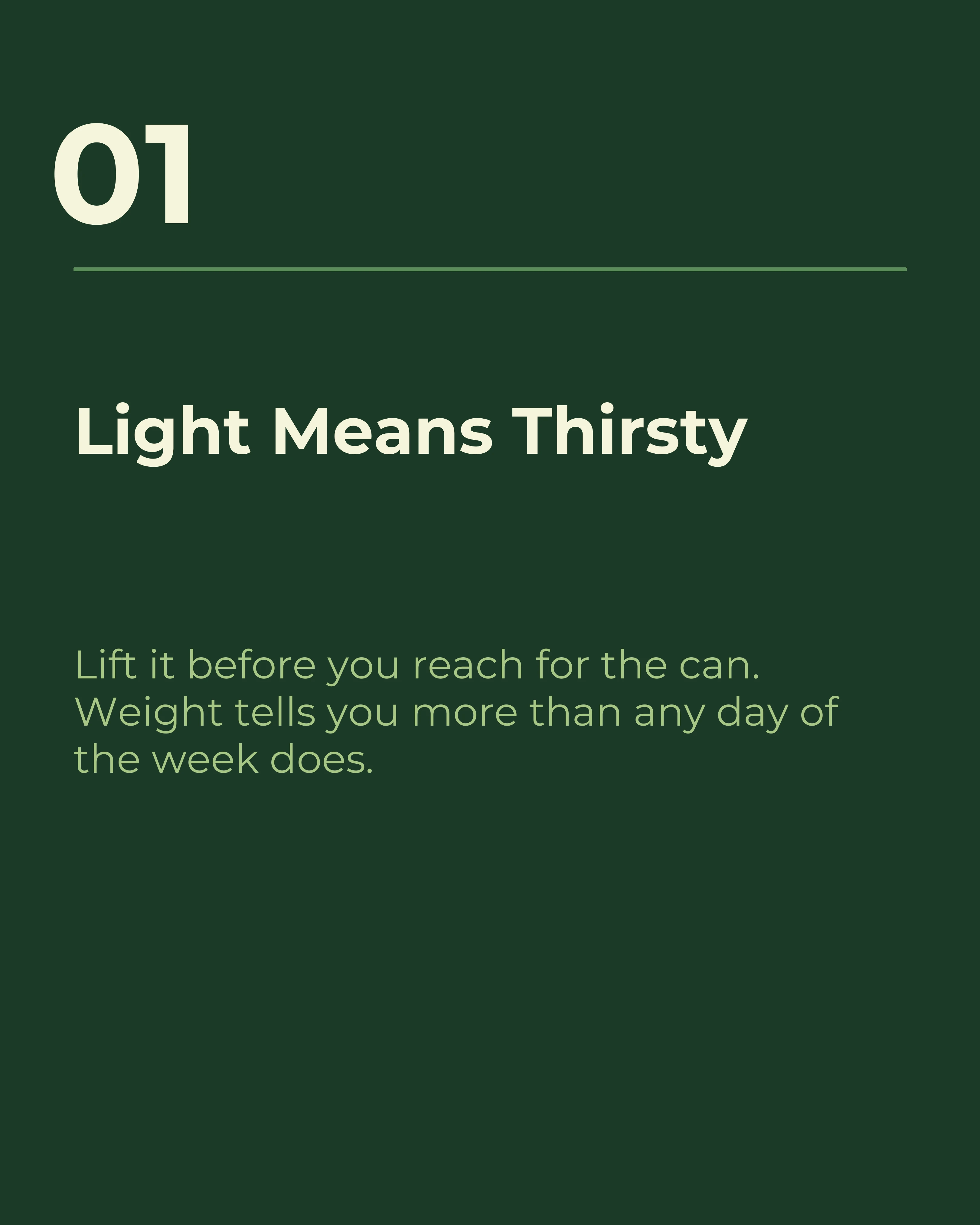
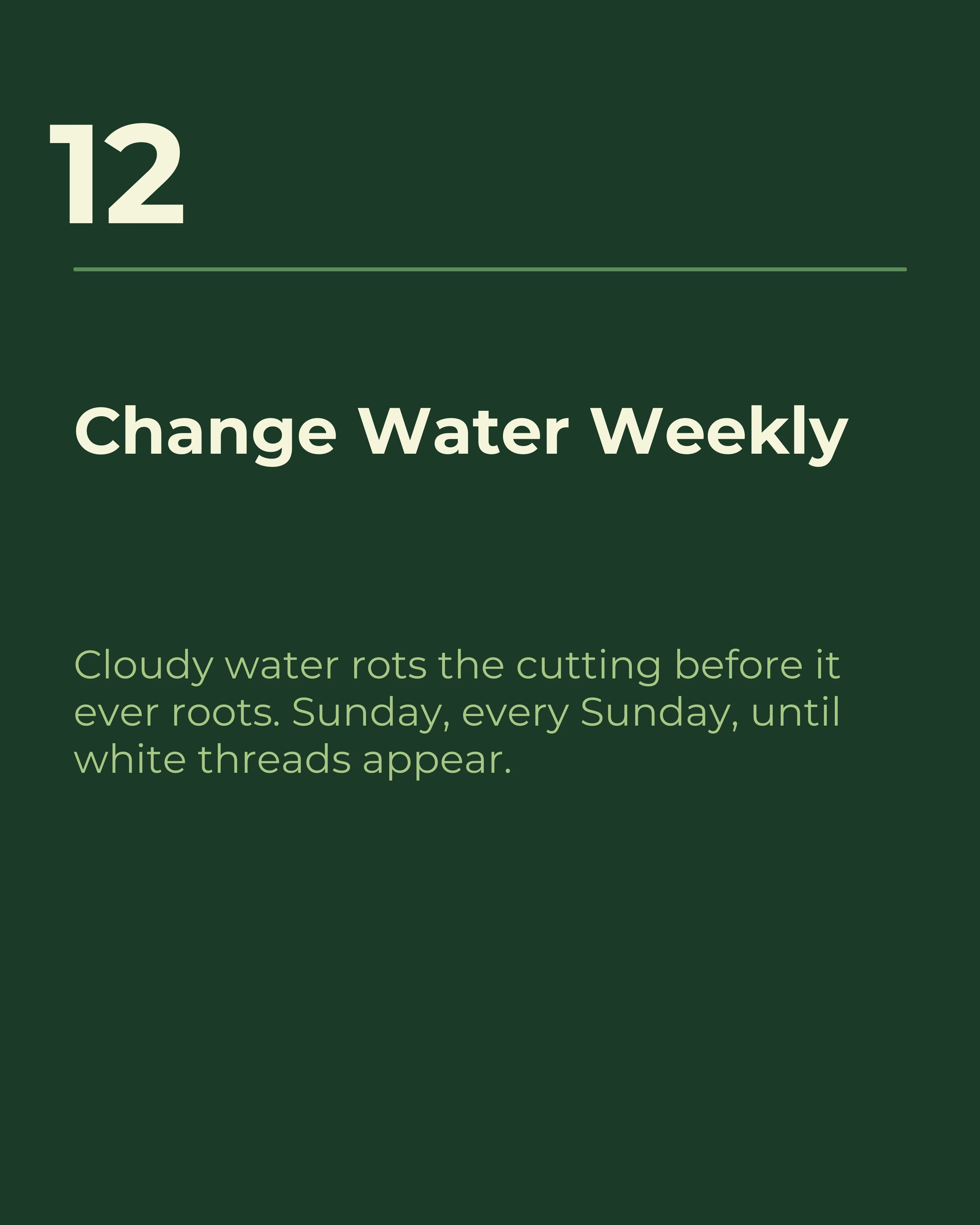
These two are slides eleven and twelve of a thirteen-slide propagation tutorial from the same shop — not a carousel, just the part most posts never reach. That is the only honest test of a long carousel: not whether slide two is good, but whether someone who got to eleven is still being paid for the swipe.

Slide Count by Platform and Goal
The right number shifts with context. Here is a practical starting point.
| Context | Suggested slides |
|---|---|
| Instagram, general | 7 to 10 |
| Instagram, quick tip | 3 to 5 |
| Instagram, deep tutorial | 10 to 15 |
| LinkedIn document post | 8 to 12 |
| A single bold statement | 3 to 4 |
| Maximum allowed | 20 |
LinkedIn audiences tolerate, and even expect, slightly longer and denser carousels than Instagram, since the platform skews toward professional, value-seeking readers. The LinkedIn carousel guide goes deeper on format differences there.
Whatever the context, always include a clear first slide and a clear final slide with a CTA. Those two are non-negotiable regardless of how many sit in between.
How Carousel Helps You Find the Right Length
Slide count is easiest to judge when you can see the whole post taking shape. Carousel lets you generate a full draft from your idea, then add, remove, or reorder slides instantly so you can feel where the post starts to drag. Because the layout stays consistent as you edit, you can focus purely on whether each slide earns its place rather than on reformatting.
Key Takeaways
- For most carousels, 7 to 10 slides is the reliable sweet spot; default to eight when unsure.
- Optimize for completion rate, not raw length: a finished short carousel beats an abandoned long one.
- Go shorter (3 to 6) for single tips and CTA-focused posts.
- Go longer (10 to 15) only for tutorials and lists where every slide earns its swipe.
- Always keep a strong first slide and a clear CTA slide, whatever the total count.