
Florist Carousel Posts: Seasonal Drops, Wedding Work and Care Guides That Book Orders
Florist Carousel Posts: Seasonal Drops, Wedding Work and Care Guides That Book Orders
Flowers are about the easiest thing in the world to photograph and one of the hardest to sell from a feed. A florist’s grid is usually a run of beautiful bouquets, each one lovely, none of them telling a new follower what they can actually buy this week, what it costs, when to order by, or whether you do weddings.
The person scrolling is rarely asking “are these pretty?” They are asking: can I get something for Saturday, will it arrive on time, what will it look like in my hallway on day five, and is this the florist I trust with my wedding. One photo answers none of that. A carousel can answer most of it in a single post.
This guide covers six carousel ideas for florists, the copywriting framework behind each, example slide copy for every one, and the palette and type choices that make a flower shop feed look like one shop rather than a camera roll.
Why Carousels Work for Florists
Three things about the trade make the format a natural fit.
The stock changes every week. Your product is seasonal and perishable, so “what is in the buckets” is a different post every Friday. A carousel can show four or five stems per slide with names and prices, which a single photo of a mixed bouquet cannot.
The work is a build. A hand-tied bouquet is made in stages: conditioning, stripping, spiralling, binding, finishing. A finished photo hides the skill. Show the stages and the viewer sees what a wedding budget actually pays for.
Buying is deadline-driven. Christmas wreaths, Valentine’s, Mothering Sunday and wedding dates all work backwards from a cut-off. Mothering Sunday in the UK falls on Sunday 7 March in 2027, for instance, and any order-by date you publish is built backwards from that. A carousel lets you put the date, the price, the collection day and the order link in one saveable post, rather than burying them in a caption.
The frameworks that fit best are Before-After-Bridge for builds and transformations, AIDA for pre-order drops, and the listicle format for weekly availability and care guides.
All the example slides below are written as posts from one fictional shop, Marlowe Flowers on Lordship Lane in Dulwich, so you can see how the ideas hang together as a single feed. Swap in your own shop name, neighbourhood, flowers and prices.
Six Carousel Ideas for Florists
1. The Wedding Bouquet Build (Before-After-Bridge)
This is the flagship post, and it is the one most florists squash into a single finished photo. But a couple choosing between three florists wants to see how the bouquet is made and who is making it, not just the end result.
Shown below as a complete nine-slide carousel, with the same bouquet in every frame. The cover is the loose stems laid out on the bench, because forty stems and an unanswered question (“what do they become?”) is the hook. The middle four slides walk through the build. The payoff shows the finished bouquet, a close-up of the blooms, and the bride carrying it. The closing slide switches to a different palette, so the booking ask reads as its own slide instead of one more photo.
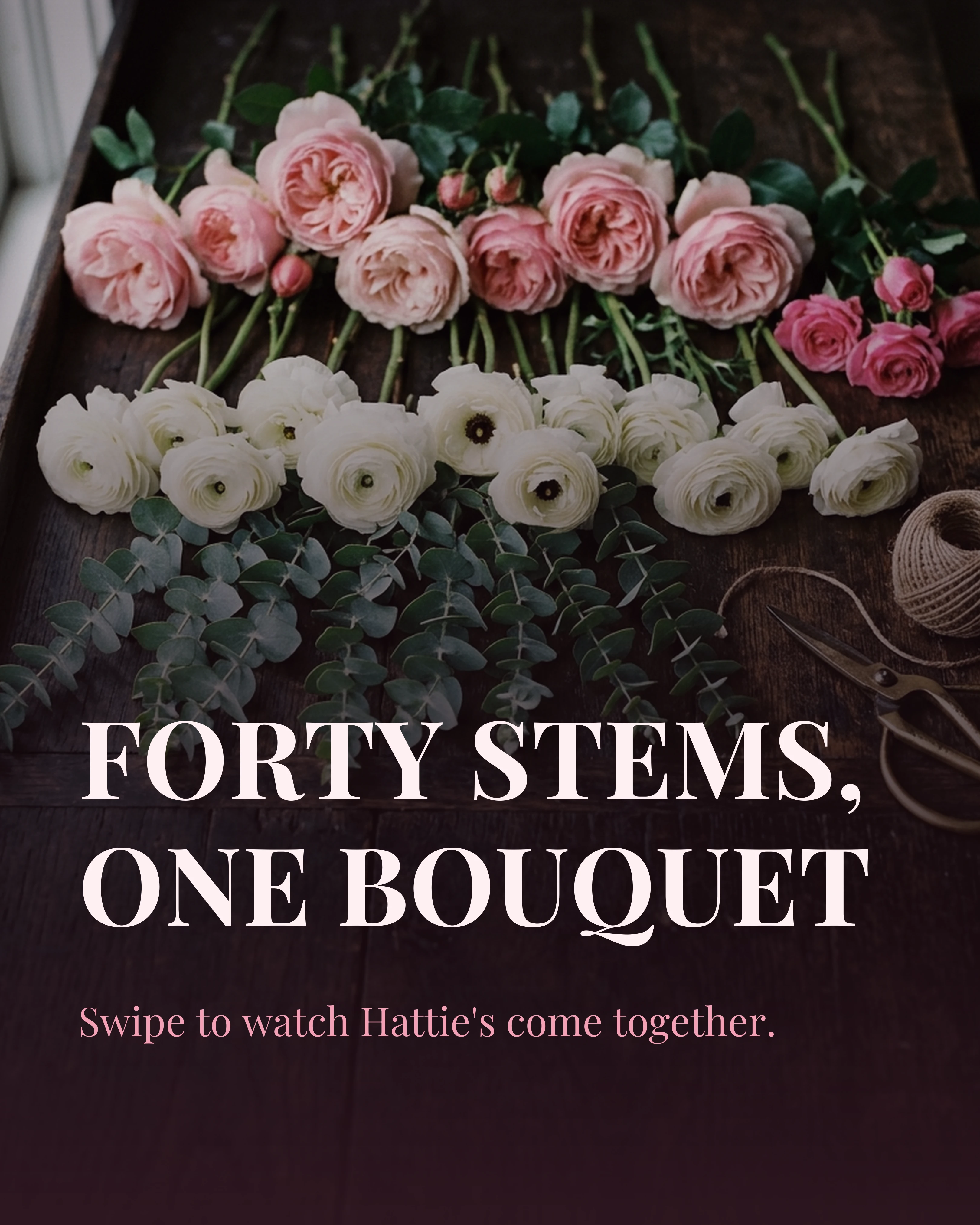
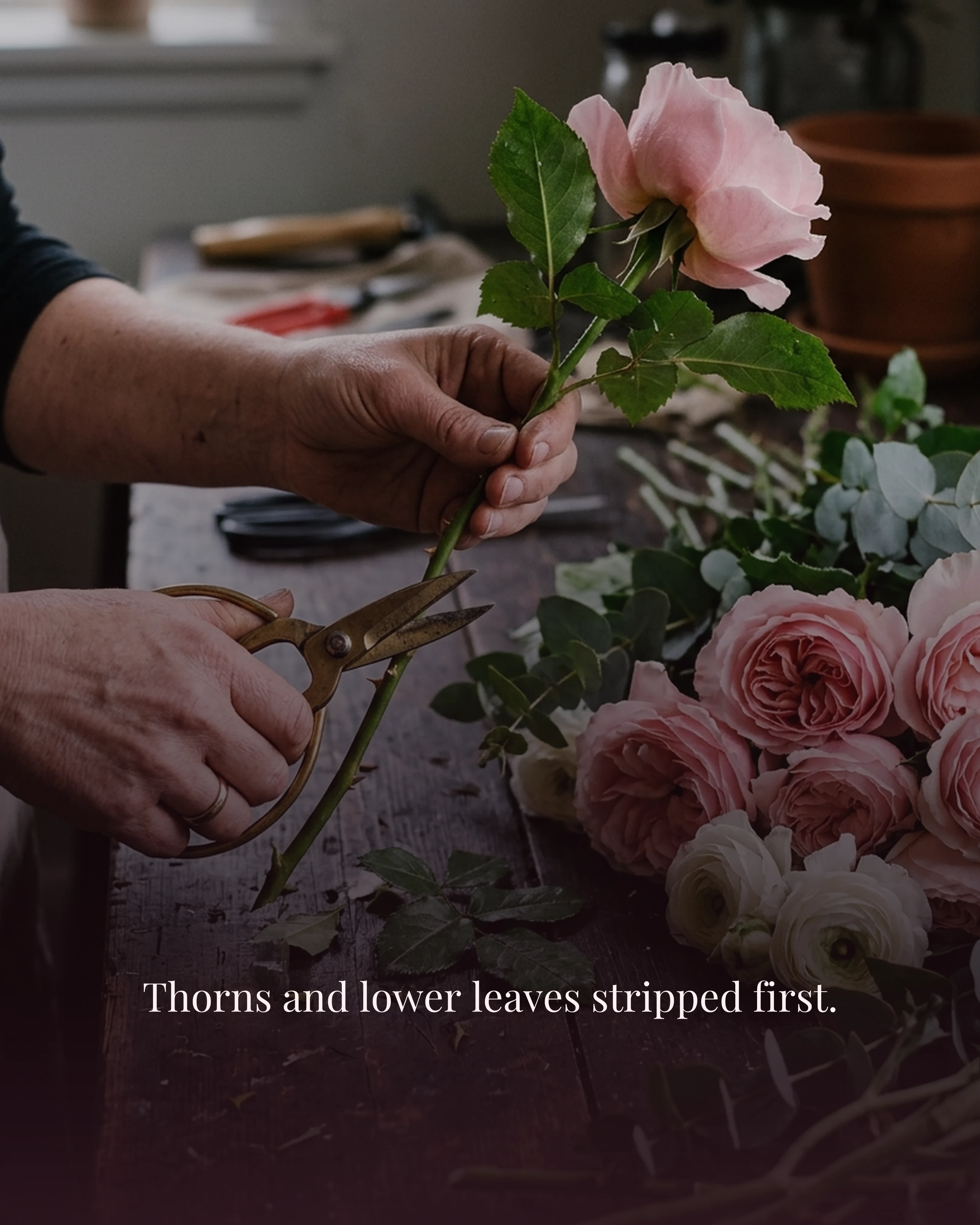
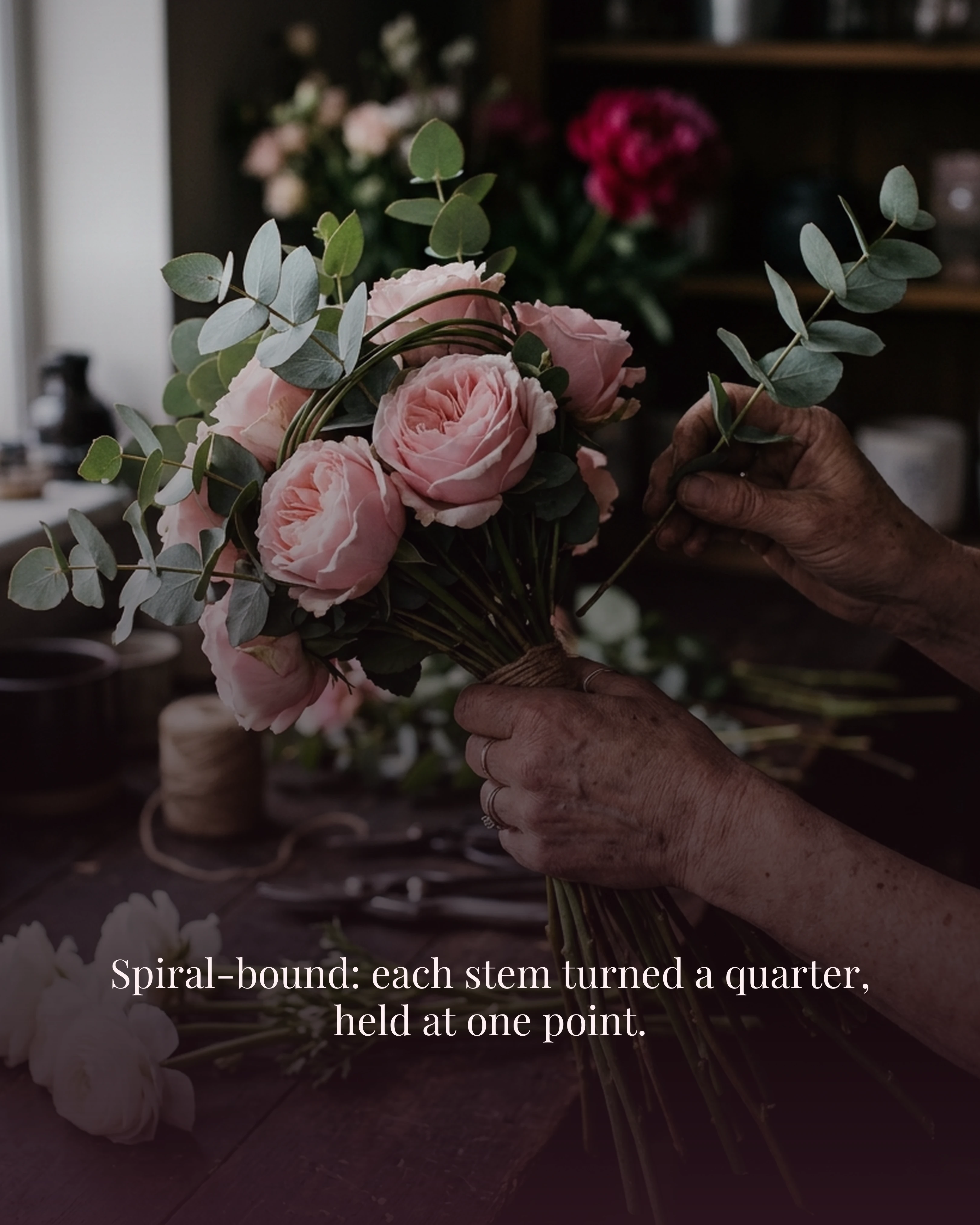
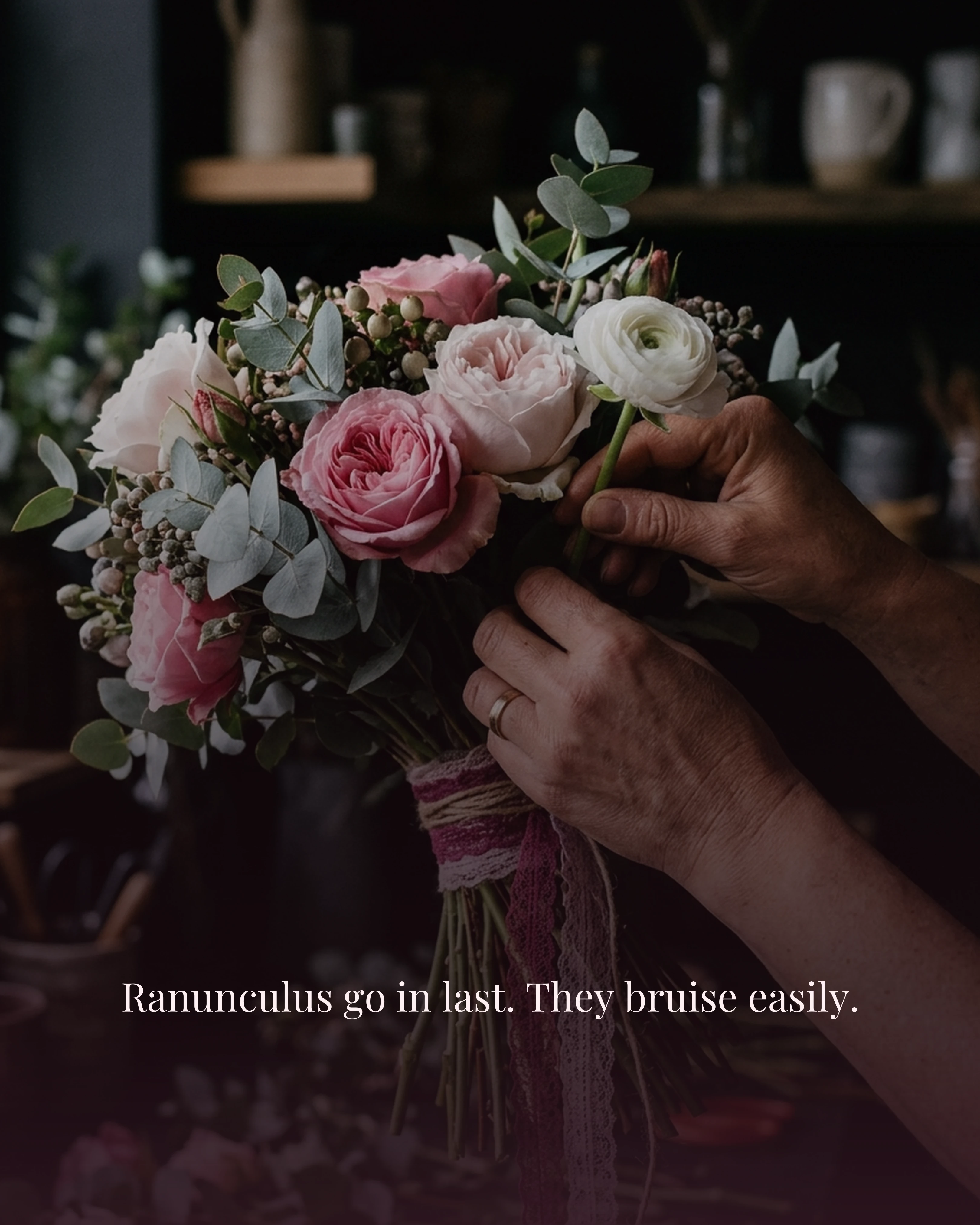
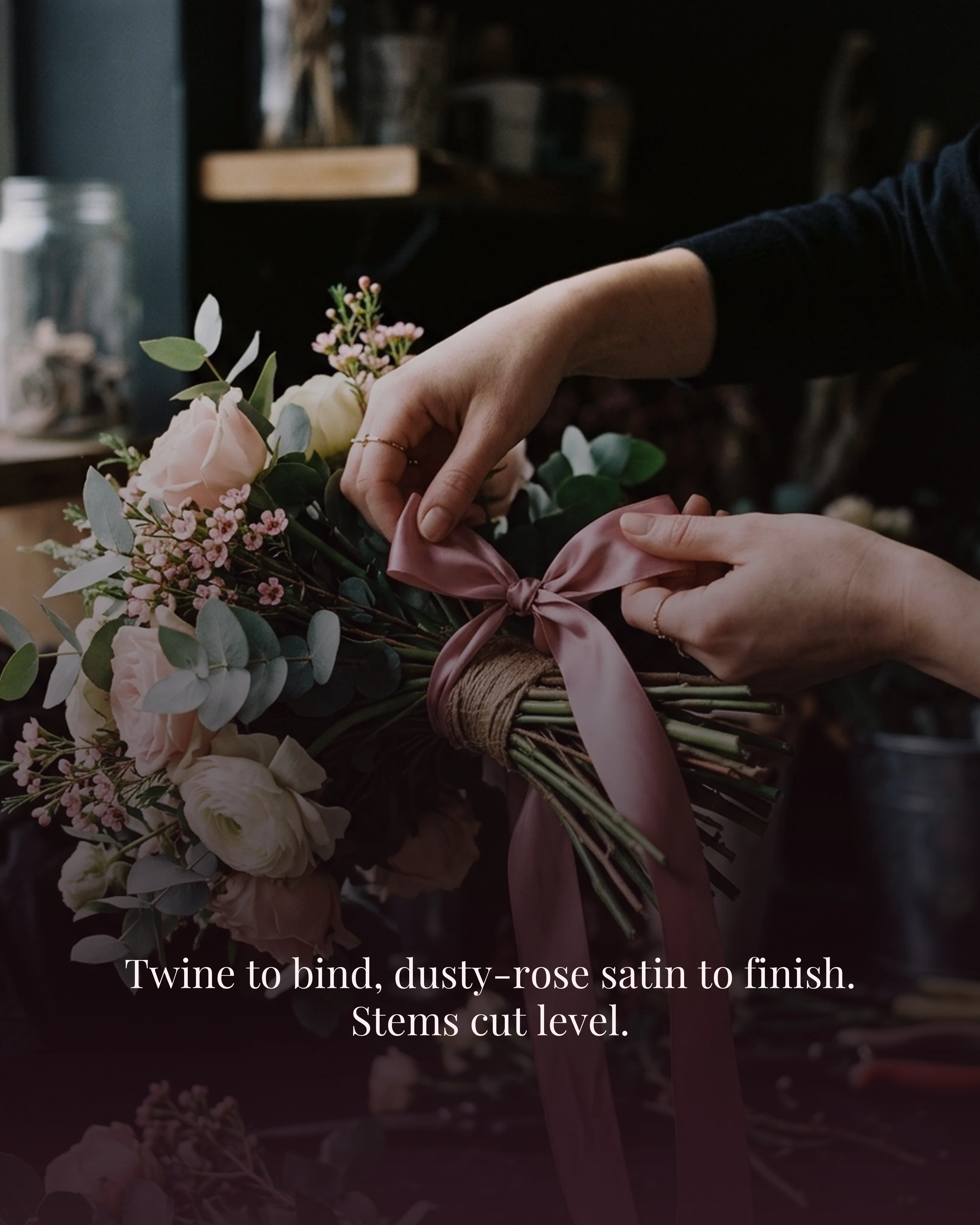
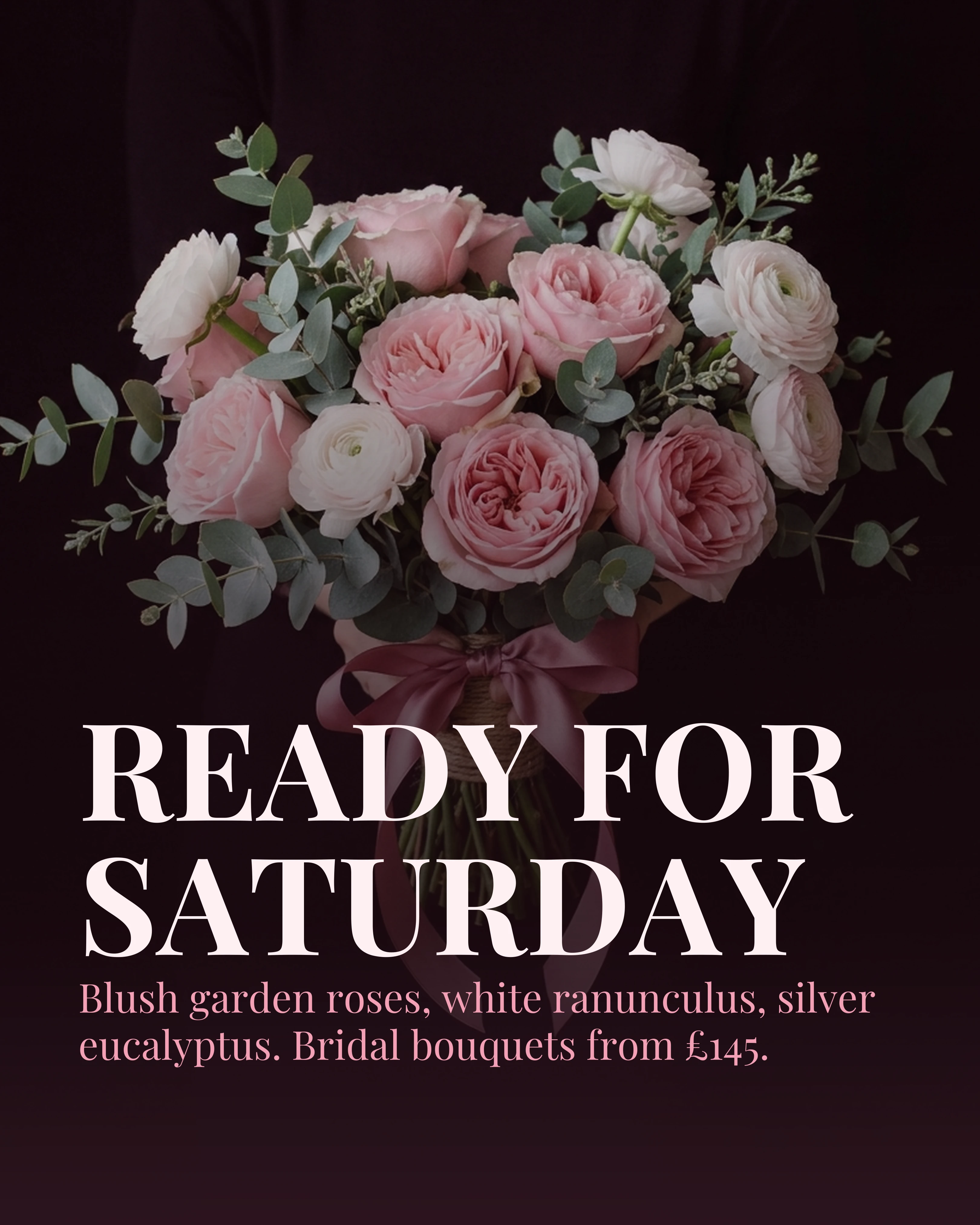
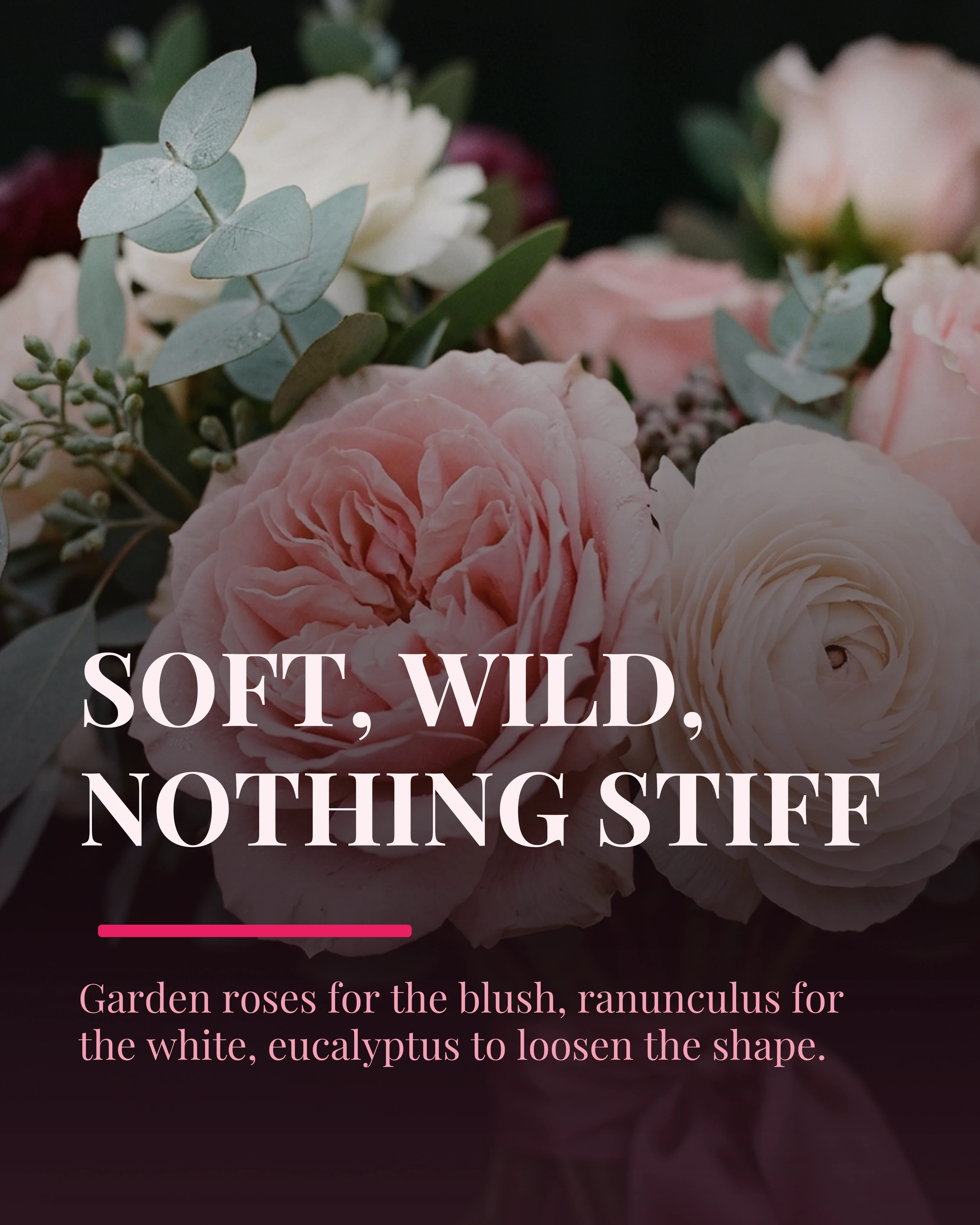
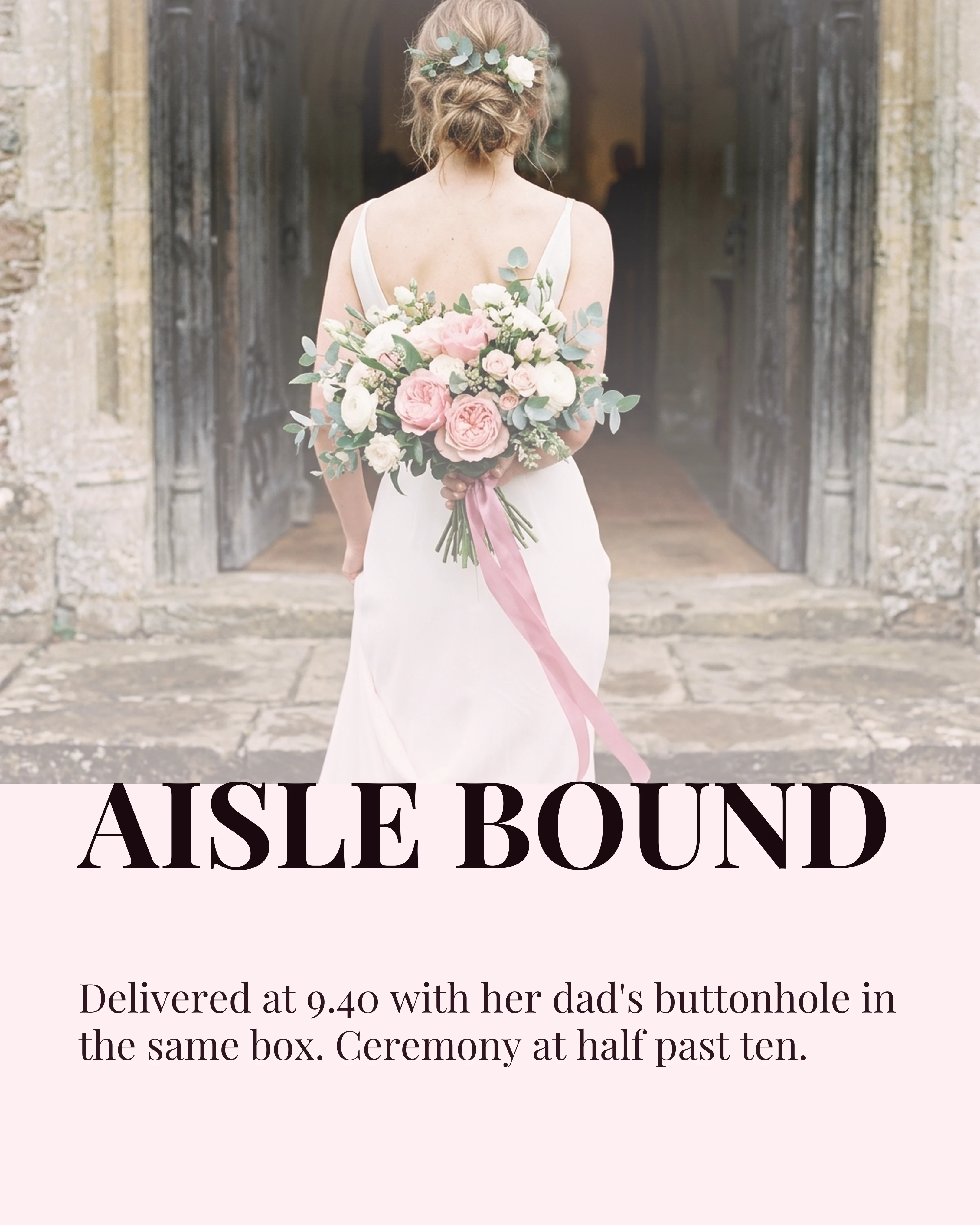
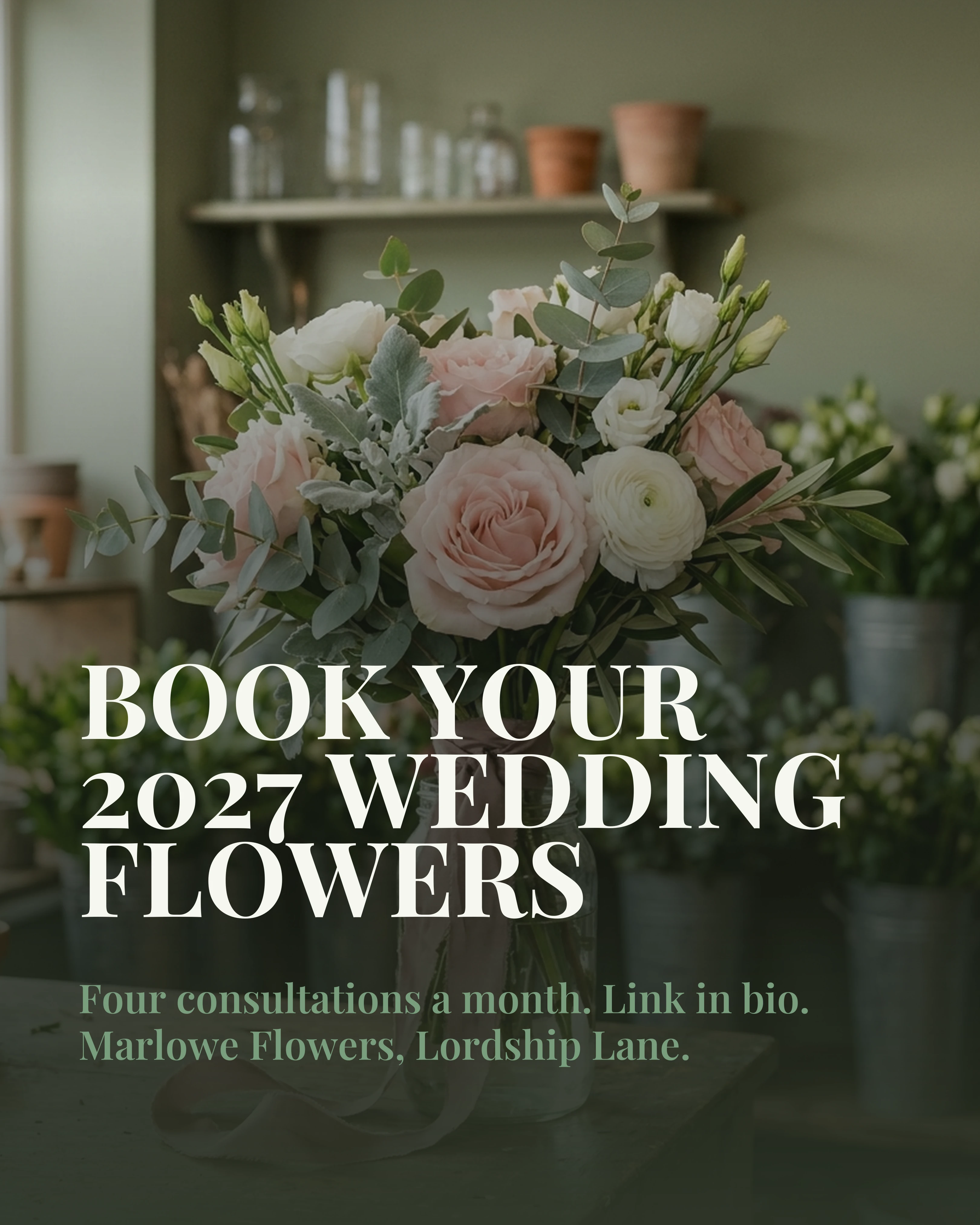
A few details that make a build like this work:
- One bouquet, one bench, one light. If the flowers or the lighting change between slides, the viewer starts wondering what else changed. Keep the same recipe in every frame and shoot from the same corner.
- Captions describe the step, not the skill. “Ranunculus go in last. They bruise easily” tells the viewer what is happening. “Bespoke floral artistry” tells them nothing.
- Name the flowers and the price on the reveal. “Blush garden roses, white ranunculus, silver eucalyptus. Bridal bouquets from £145” answers the two questions that stop people enquiring.
- Show delivery. The slide with the time and the buttonhole box is the one that makes a nervous couple trust you with the day.
- End on one ask. Book a consultation, how many slots you have, where. No second call to action on top.
Always get the couple’s permission before posting their wedding, and tag the venue and photographer if they are happy to be credited. A good wedding photographer’s picture of the finished bouquet is worth swapping in for the reveal slide.
The remaining five ideas carry one representative slide each, so the article stays readable rather than turning into a gallery. In a real post each would be built out to seven or eight slides.
2. This Week’s Buckets (Visual Listicle)
Your best-selling post is the one people can act on: what is in the shop right now. Give the cover to the strongest buckets, then one slide per flower or per ready-made bunch, with a name, a colour description and a price. Put the date on the cover so the post expires honestly, and repost it every week in the same format.
This is also the slide that makes your feed look alive. A florist who posts “Fresh in, Friday 13 November” every week looks like a shop with turnover, which is exactly what a perishable business wants to signal.
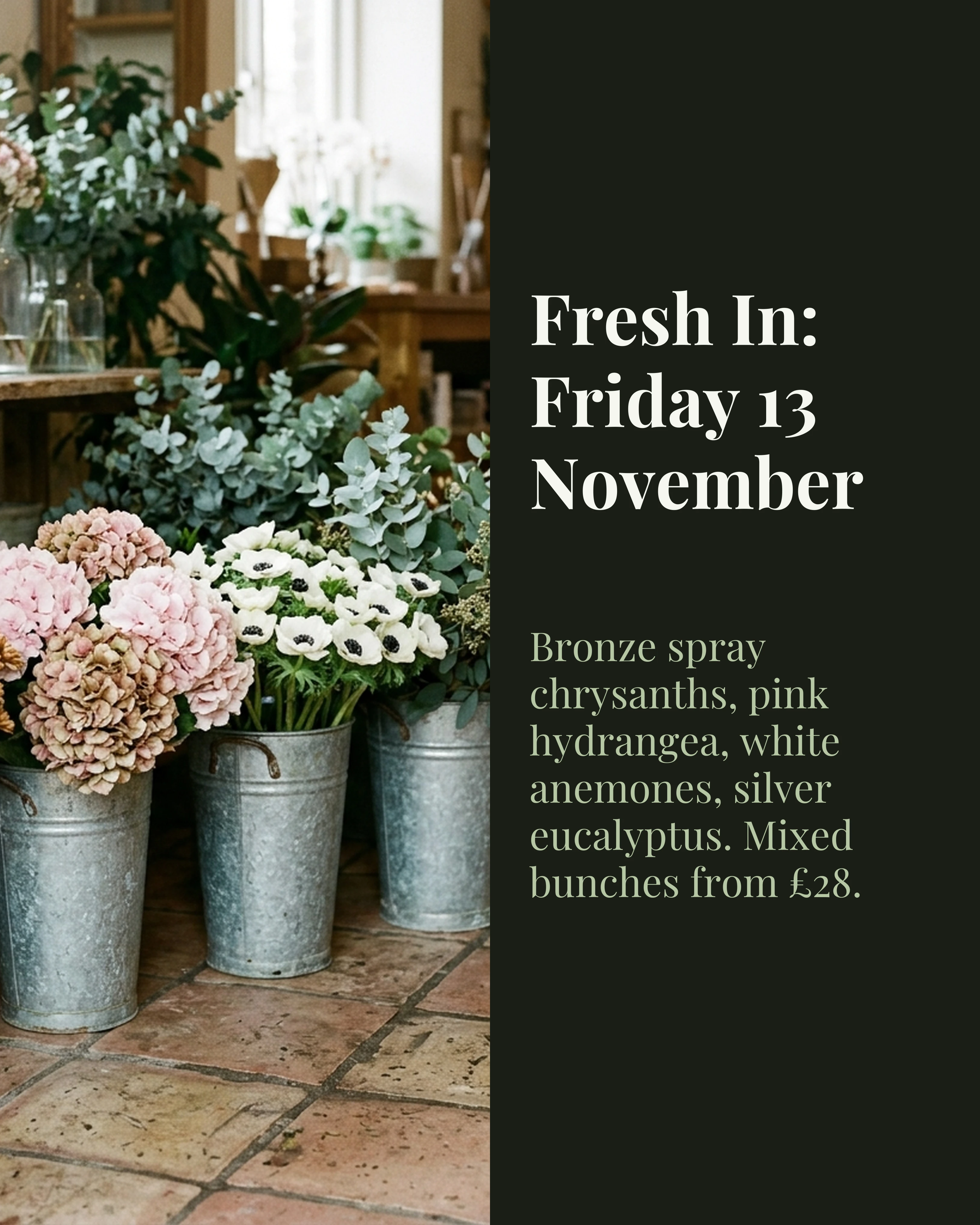
Example slides for the full post: the cover above, then “Bronze Spray Chrysanths, £4.50 a Stem”, “Pink Hydrangea, Three Colours In”, “White Anemones, Only 30 Stems” and a closing slide with opening hours and the order link. Use real stock counts and prices, and take the post down when the buckets are empty.
3. The Care Guide (Listicle)
Care guides are the kind of post people save, and a saved post keeps your shop in someone’s collection folder until they next need flowers. Each slide is one instruction with a reason: cut the stems, clean the vase, keep them away from the fruit bowl and the radiator, change the water.
Write it for the flowers you actually sold. “Your Roses, Day One” is more useful and more shareable than “How to Care for Cut Flowers,” and you can point customers to it from the card in the bag.
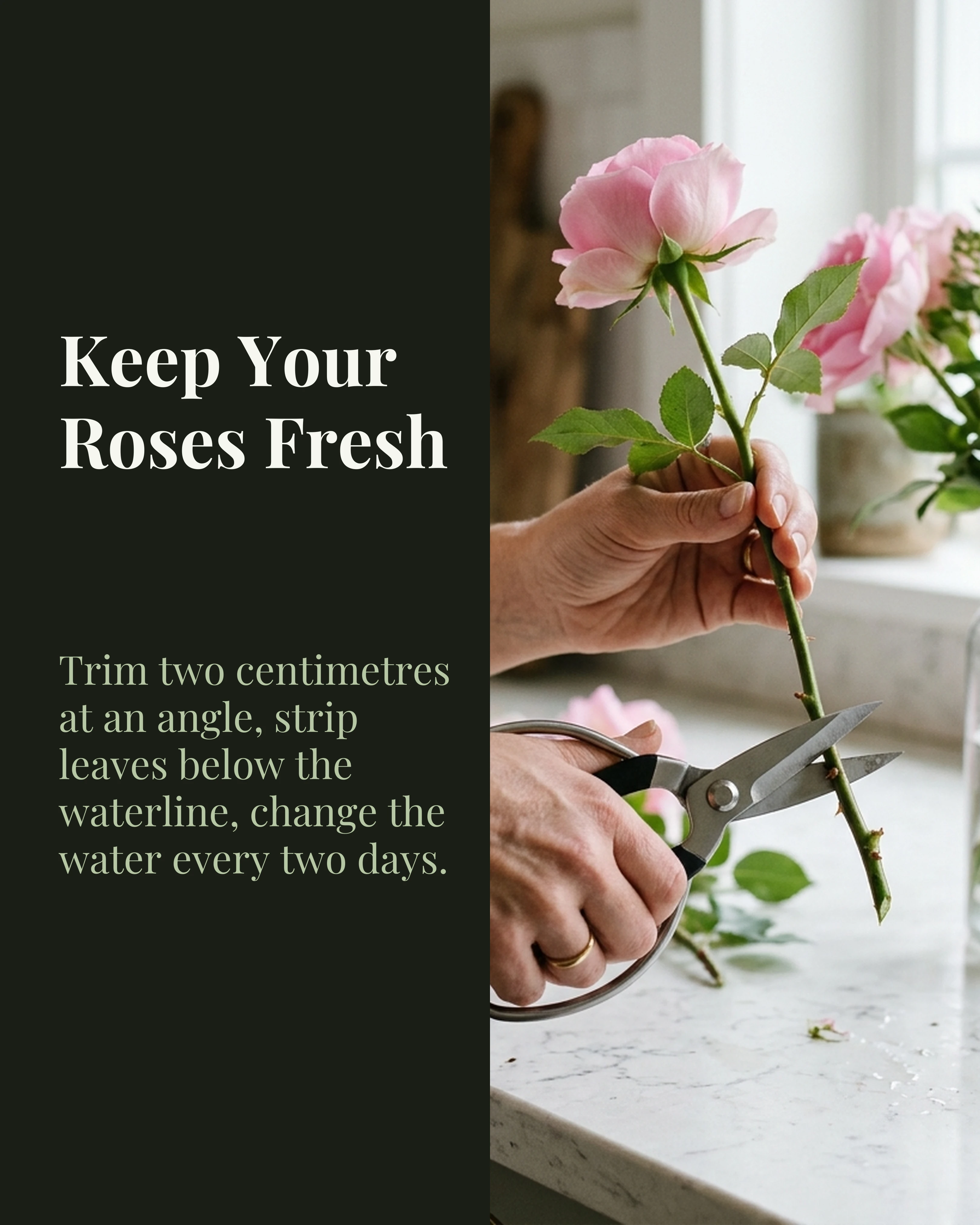
Example slides for the full post: “Keep Your Roses Fresh” as above, “Start With A Clean Vase”, “Keep Them Away From The Fruit Bowl”, “Fresh Water Every Two Days”, and a closing slide saying you will re-cut and refresh any bouquet bought at Marlowe if you bring it in on day five.
4. The Order-Deadline Drop (AIDA)
Occasion ordering is where a florist’s year is won or lost, and it depends on people knowing the cut-off. An AIDA carousel suits it: attention on the date, interest on what is in the product, desire on the finished thing at someone’s door, action on the order link.
The same format works for every date on the calendar. Christmas wreaths close mid-December. Valentine’s Day is 14 February, so order cut-offs start in the first week of the month. Mothering Sunday moves every year, so look up the date and build the post backwards from it. Publish the drop three or four weeks before the cut-off, then a “last chance” version in the final week.
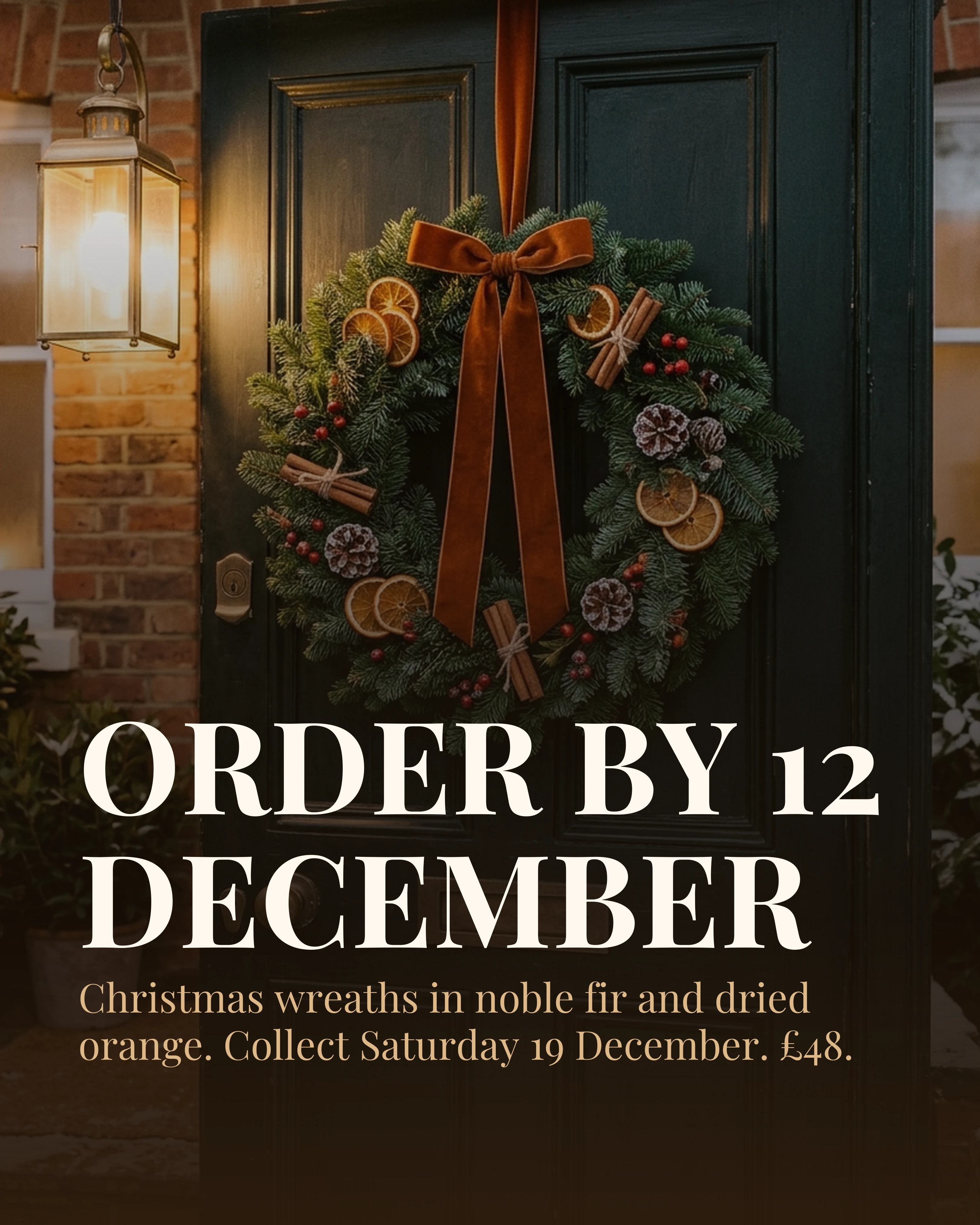
Example slides for the full post: the cover above, then “Noble Fir, Dried Orange, Cinnamon”, “Three Sizes: £38, £48, £62”, “Collect Saturday 19 December, 9am to 4pm” and a closing slide with the order link and “Closes Saturday 12 December, or when we sell out.” Real limits, stated plainly, do more than urgency language.
5. Behind the Flower Market (Storytelling)
Customers rarely see the work before the shop opens: the early market run, the buying decisions, why peonies cost more some weeks than others. A storytelling carousel turns that into a reason to trust your buying. Open on the hour, move through what you bought and why, and finish on what it means for the customer this weekend.
Keep it specific. “Dark red dahlias for Saturday’s wedding” is a story. “We only use the freshest flowers” is a sentence every florist uses. The post also gives you a natural way to explain a price rise without apologising for it.
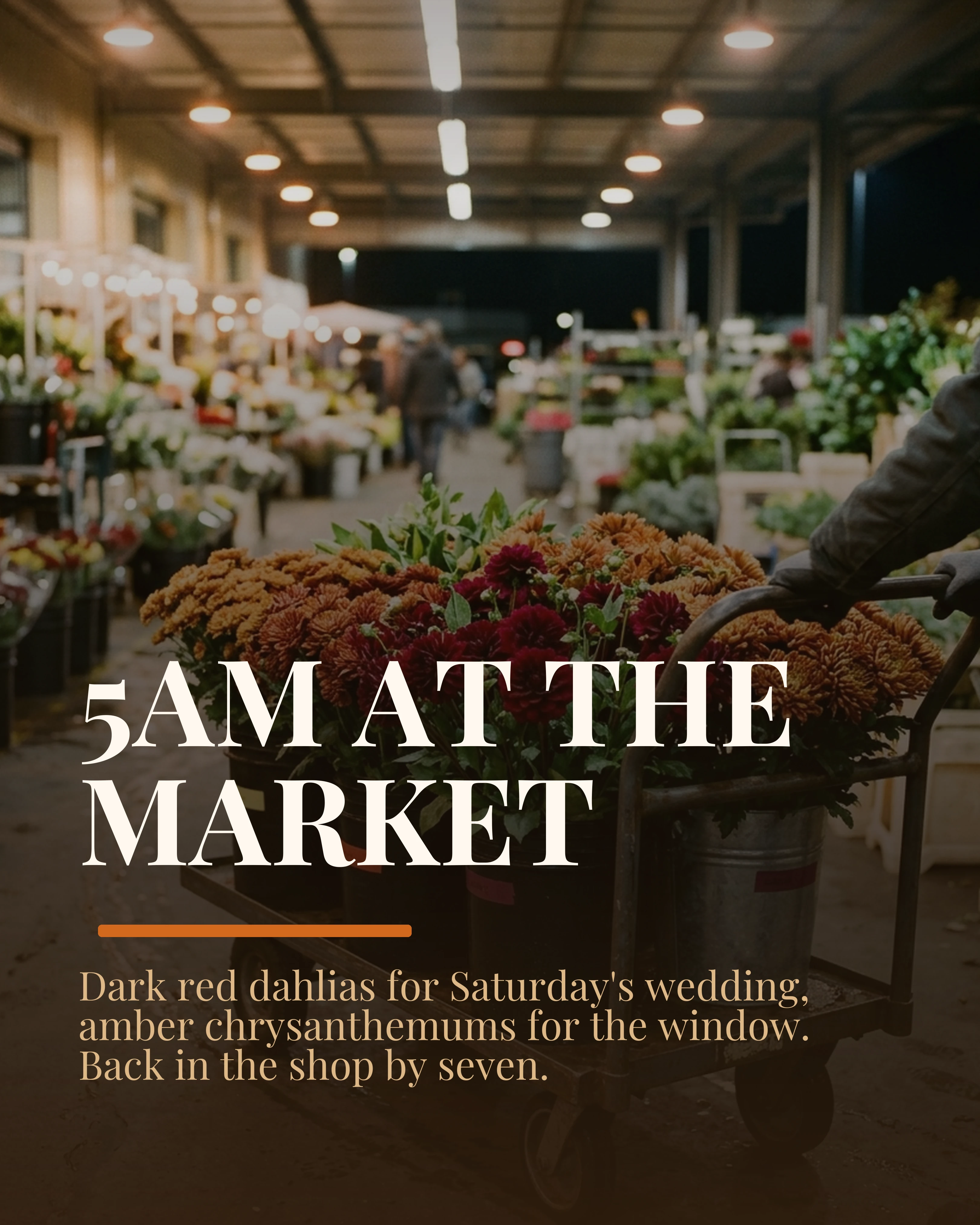
Example slides for the full post: “5am At The Market” as above, “What I Walked Past”, “Why Foliage Costs More This Month”, “What Is Going Into Saturday’s Bouquets” and a closing slide with the date of the next weekly drop.
6. The Doorstep Subscription (Problem-Agitate-Solution)
A weekly or fortnightly flower subscription is steady income, and it is easiest to sell when you name the problem it fixes: the intention to buy flowers every week that never survives Thursday evening. A Problem-Agitate-Solution carousel names it, makes it concrete, and offers the fix with the price, the delivery day and a limited number of spots.
The limit has to be genuine. Subscriptions are delivered by you, on a route you can actually drive, so cap them at what the route allows and say so.
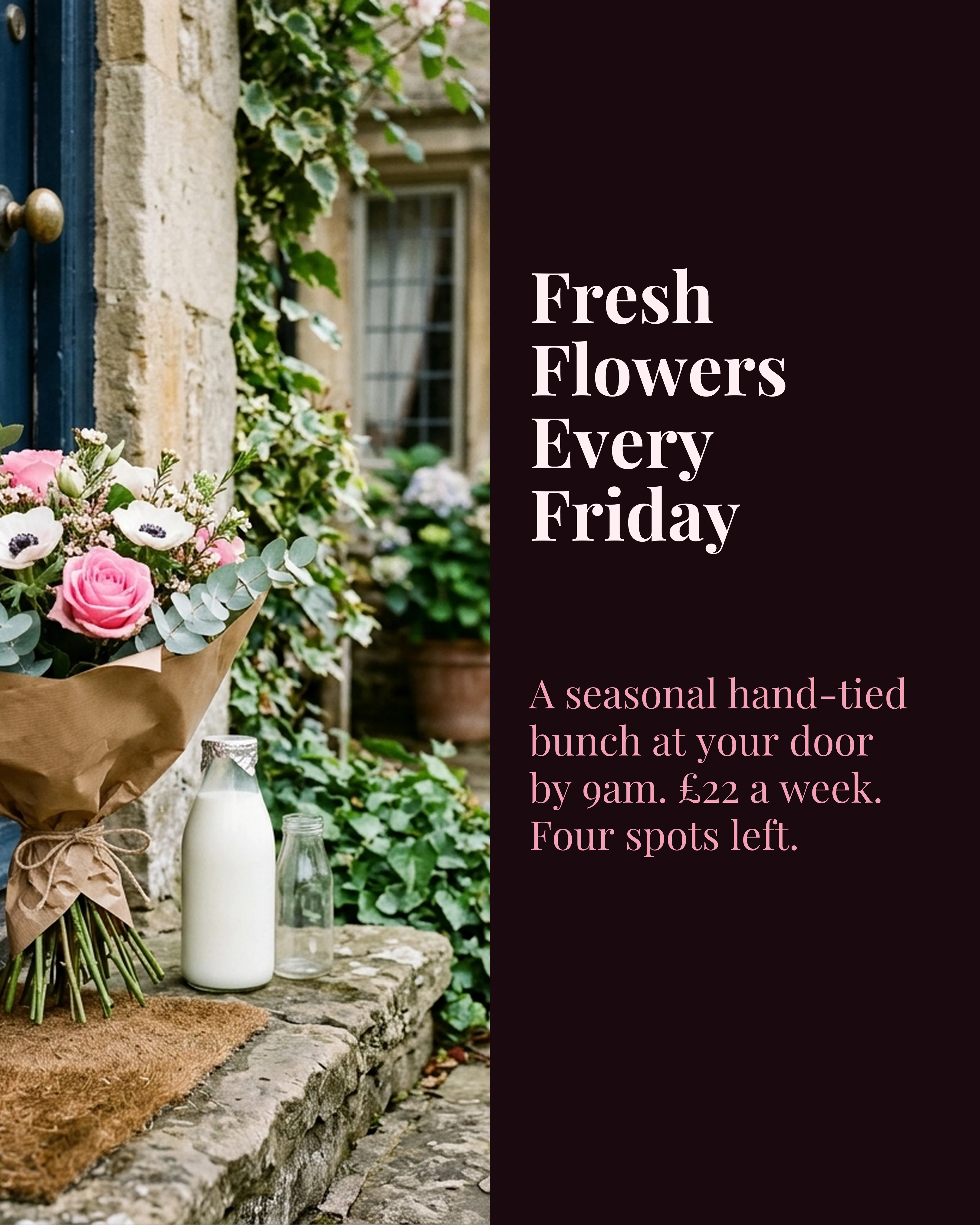
Example slides for the full post: “Forgot Flowers Again?”, “Fresh Flowers Every Friday” as above, “What Arrived Last Week” with a photo of a real delivery, “How To Pause Or Swap” and a closing slide asking people to reserve a spot before Thursday.
Palette and Style for Florist Content
Flowers do most of the colour work, so the slide palette should frame them rather than compete. Pick one base palette and use it for most posts. The weddings carousel above runs on Rose: a deep plum-black background with blush pink and cream text, which echoes the garden roses and makes pale blooms glow in the photo. Sage suits everyday posts such as weekly stock and care guides, because the muted green reads as foliage and keeps text calm. Warm suits winter and autumn work such as wreaths, market runs and anything with amber, rust or cinnamon in the photo.
Within a single carousel, hold one palette for the body and change it only for the closing slide. The wedding build above moves from Rose to Sage for the booking ask, so the last slide looks like a different kind of slide.
Match the photos to the palette. Warm light and dark backgrounds suit the moody look the Rose and Warm palettes want, and a bunch photographed against a pale wall will fight a dark text panel.
For type, use a high-contrast serif for headlines. Playfair Display is used throughout this article and suits flowers well, and Lora is a softer alternative. If your shop feels more modern, a clean sans such as DM Sans keeps it fresh. Avoid script fonts on slides: they look lovely on a shop sign and are hard to read on a phone.
A few habits that make a florist feed look professional:
- Photograph in natural light by a window, and shoot every post from the same two or three angles.
- Put the price, the date and the collection time on the slide. It saves you a message every time.
- Name the flowers. “Blush garden roses” sells better than “pink flowers”, and it teaches your audience the vocabulary.
- Keep headlines short. If it does not fit on two lines, cut words.
How Carousel Helps Between Orders
You are going to build these posts on your phone, in the gap between the delivery run and the next customer. Carousel turns a few photos and a line of notes into structured slides in a few minutes, with Before-After-Bridge, AIDA, Listicle, Storytelling and Problem-Agitate-Solution frameworks built in, which covers all six ideas in this guide. Pick one palette and font, save your logo and handle as a brand kit once, and every post, from a wedding build to a quick weekly stock update, looks like it came from the same shop.
Key Takeaways
- A single bouquet photo proves your flowers are pretty. It does not answer what you have this week, what it costs, or when to order by.
- The wedding bouquet build is your flagship post: same bouquet, same bench, from loose stems to delivery, with the flower names and the price on the reveal.
- Post weekly stock, care guides and subscription spots as carousels. They get saved, and they get acted on.
- Build every occasion post backwards from the cut-off date. State the real limit, the real price and the collection day.
- Choose one palette that suits your shop, change it only for the closing slide, and use a legible serif for headlines.