
E-commerce Product Carousels: Showcase, Sell & Scale on Social
E-commerce Product Carousels: Showcase, Sell & Scale on Social
Static product photos on a white background worked in 2018. Customers today scroll past them without a second glance. The brands winning attention on Instagram and TikTok are the ones telling product stories across multiple slides, giving shoppers a reason to swipe, save, and eventually buy.
Carousels are the highest-engagement organic format on Instagram, and for e-commerce brands specifically, they solve a fundamental problem: how do you communicate the look, feel, and value of a physical product through a screen?
A single image shows what the product looks like. A carousel shows what it looks like, how it works, who uses it, why it exists, and why it matters. That progression from awareness to desire happens one swipe at a time.
Why Carousels Outperform Single Images for Products
Multiple angles reduce purchase hesitation. A carousel that shows front, back, detail, lifestyle, and scale gives the shopper information they would normally get by picking up a product in a store.
Storytelling drives emotional connection. A product on a white background is a commodity. A product shown in a morning routine, on a kitchen counter, or in someone’s hands becomes part of a life the viewer wants.
Saves signal purchase intent. When someone saves your product carousel, they are bookmarking it for later consideration. For e-commerce, saves are a stronger buying signal than likes or comments.
Carousels earn more algorithm distribution. Instagram’s algorithm treats carousel engagement, including partial swipes and return visits, as strong interest signals that extend reach beyond your existing followers.
6 Carousel Ideas for E-commerce Brands
1. The Product Story (AIDA Framework)
Walk the customer from curiosity to desire across 7-10 slides. Open with the problem your product solves, show the product in context, highlight key features, and close with a clear path to purchase.
Format: 7-8 slides following the attention-interest-desire-action arc Best for: New product launches and hero product features
- Slide 1 (Attention): “Your Skin Barrier Has Been Through a Lot This Winter.”
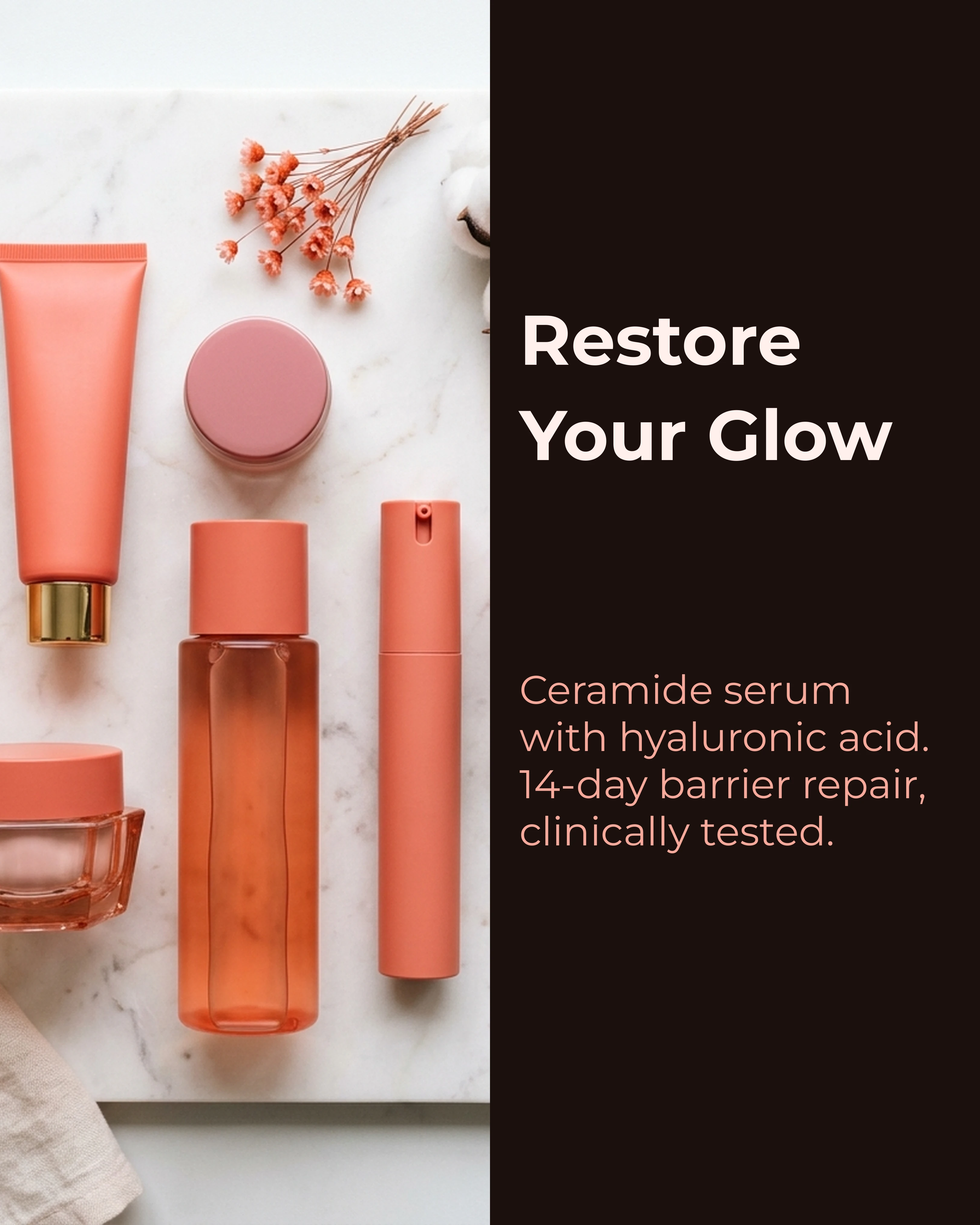
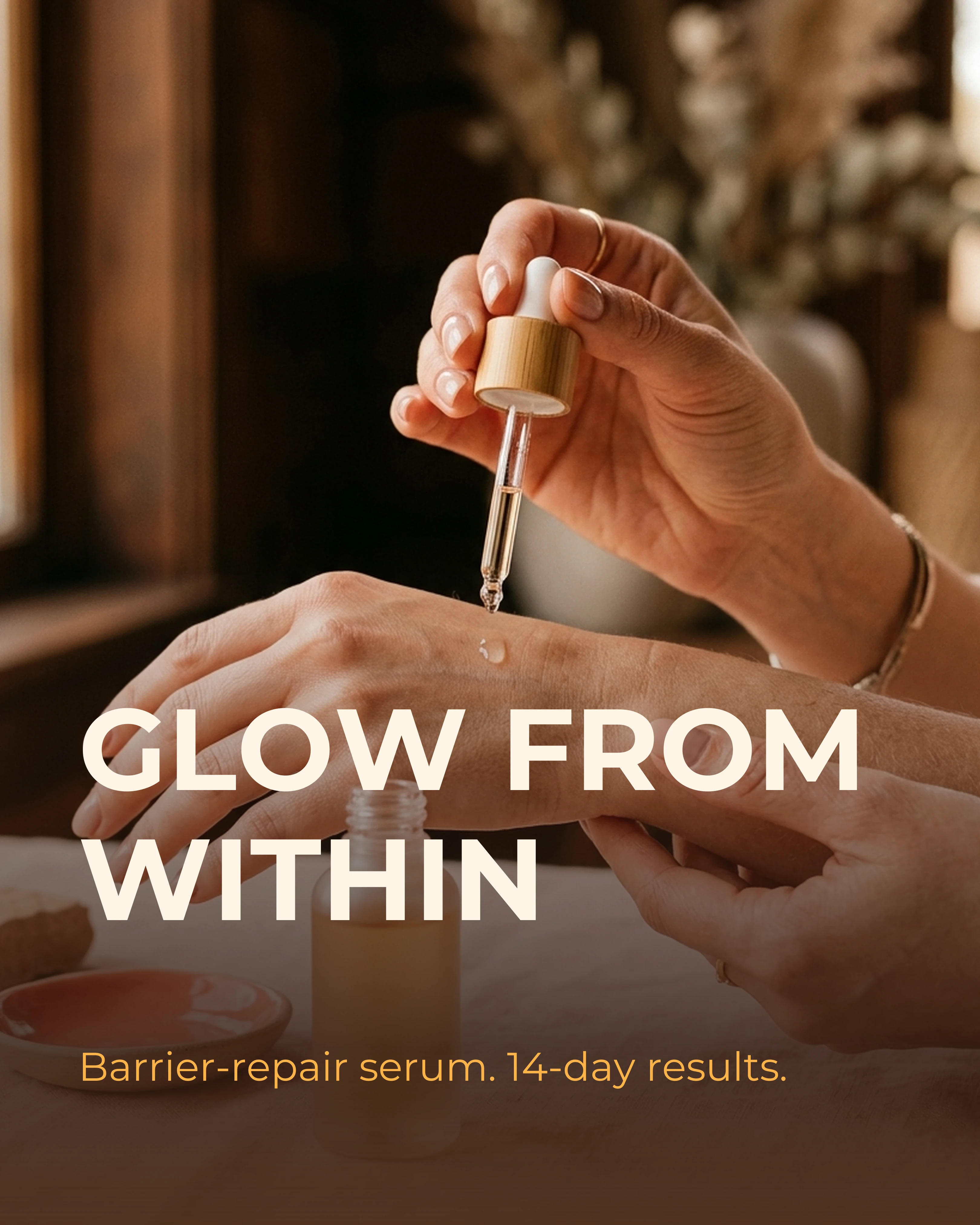
- Slides 2-3 (Interest): Introduce the product in a lifestyle setting. Show texture, application, packaging. A hand applying the serum, the bottle on a bathroom shelf, the product in a morning routine flat lay.
- Slides 4-5 (Desire): Feature highlights with specific details. “Ceramide complex restores barrier function in 14 days.” Include ingredient close-ups and before-and-after texture shots.
- Slide 6 (Desire): Social proof. A customer quote or before-and-after. “My skin has not felt this hydrated since before I turned 30.” — @realcustomer
- Slide 7 (Action): “Link in bio. Your barrier will thank you.”
This structure follows the AIDA framework precisely: attention through the problem, interest through the product, desire through proof, action through the CTA.
2. The Feature Breakdown (Listicle Framework)
Dedicate one slide per feature or benefit. This format works especially well for technical products, supplements, or anything where the value is not immediately visible.
- Hook: “5 Things You Did Not Know About Our Everyday Tote”
- Each slide: One feature with a specific, concrete benefit. “Water-resistant canvas. Because your laptop and a rainstorm should never meet.”
Keep the language conversational. Feature carousels that read like spec sheets get scrolled past. Feature carousels that read like a friend explaining why they love this product get saved.

3. The UGC Showcase (Social Proof Framework)
Curate customer photos, reviews, and testimonials into a carousel that lets your community do the selling for you.
- Hook: “What 500 of You Said About the Cloud Pillow”
- Each slide: A real customer photo or quote with their handle credited. Mix in star ratings, order counts, or waitlist numbers for additional proof.
UGC carousels perform well because they feel authentic in a way that brand-produced content cannot replicate. They also reward your customers with visibility, which encourages more UGC.


4. The Seasonal Launch (Before-After-Bridge Framework)
Build anticipation for new products, seasonal collections, or limited editions by telling the story of what is coming and why.
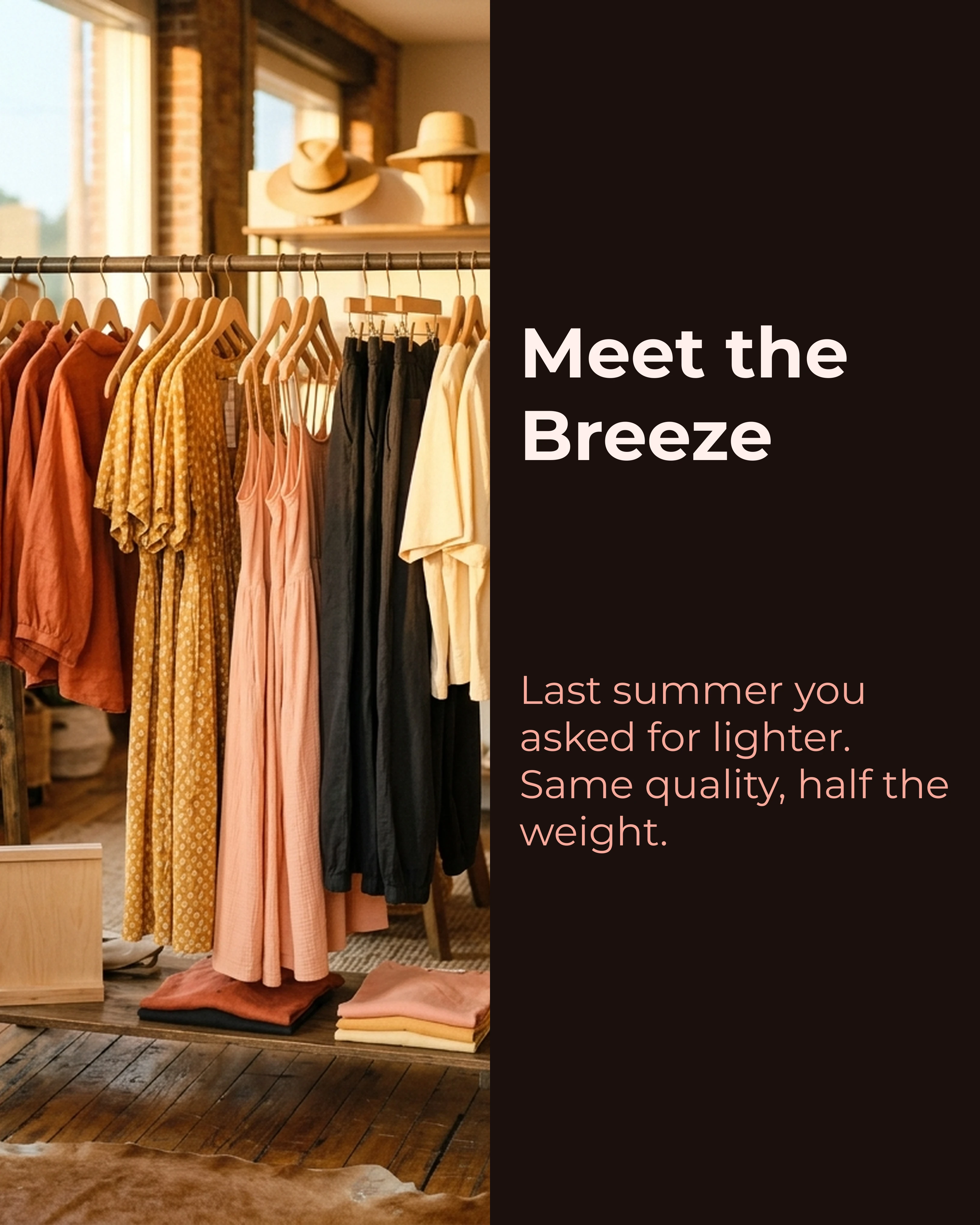
- Before: “Last summer you asked for a lighter version.”
- After: “Meet the Breeze Collection. Same quality. Half the weight.”
- Bridge: Walk through the design process, material choices, and what changed.
For the complete Before-After-Bridge structure, see the Instagram carousel guide which covers launch-specific slide sequencing.
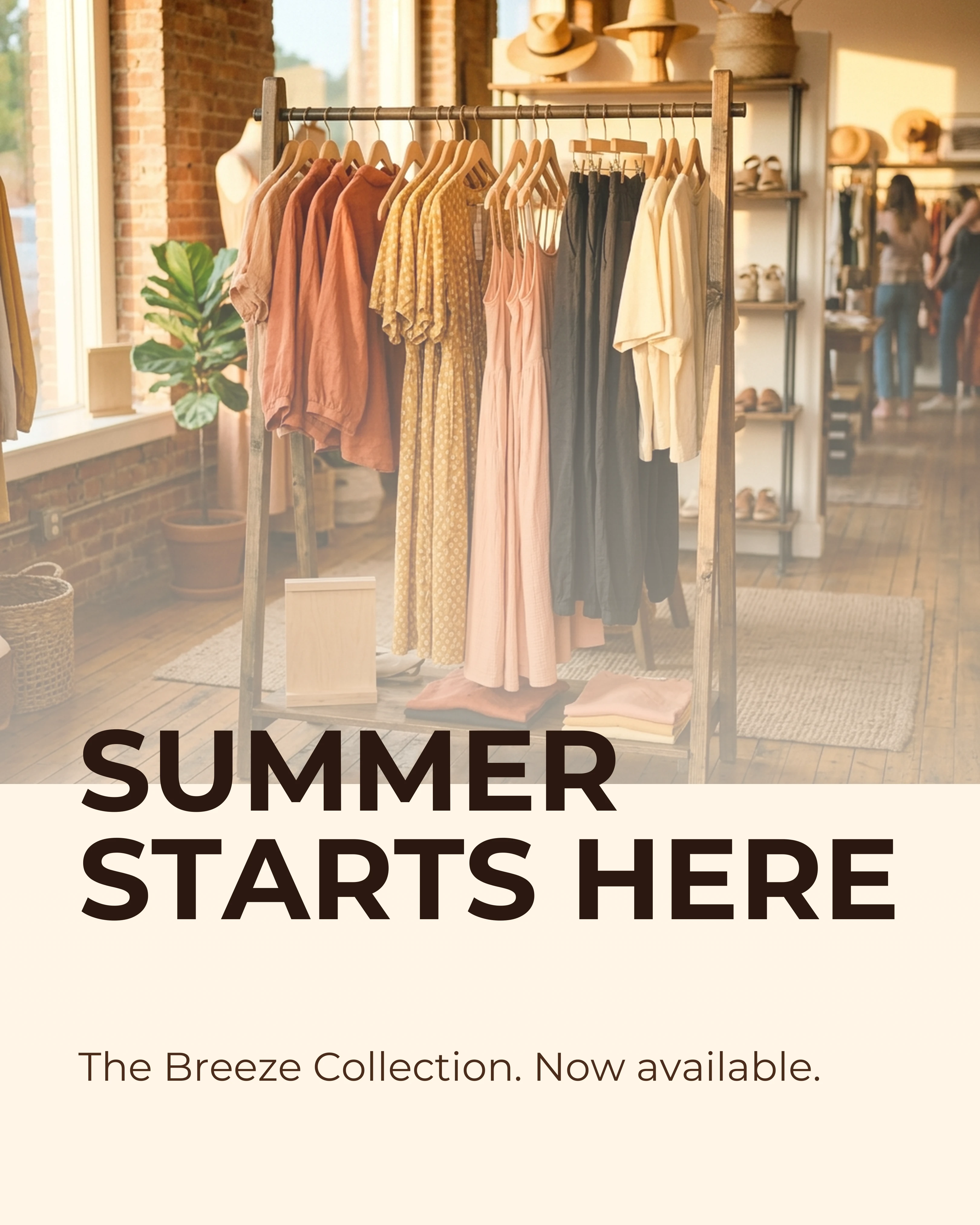
5. The How-to-Style Guide (Educational Framework)
Show customers how to use, wear, pair, or style your product. This format increases perceived value and reduces returns by setting accurate expectations.
Format: 6-7 slides — hook + 4 looks + product link Best for: Apparel, accessories, home decor, and any product where context drives conversion
- Slide 1: “4 Ways to Style the Everyday Blazer”
- Slide 2: The meeting look — blazer with a white tee and tailored trousers. Show the full outfit on a real person.
- Slide 3: The weekend look — blazer with jeans and sneakers. Same blazer, completely different energy.
- Slide 4: The date night look — blazer with a slip dress and heels. Demonstrate the range.
- Slide 5: The travel look — blazer layered over a hoodie with joggers. Comfort without sacrificing polish.
- Slide 6: “Shop the Everyday Blazer — link in bio.”
Styling guides are among the most saved e-commerce carousels because they give customers confidence that the product will work in their life, not just in a photoshoot.
6. The Behind-the-Scenes Process (Storytelling Framework)
Pull back the curtain on how your product is made. Materials, sourcing, craftsmanship, quality testing. This format builds the brand story that justifies premium pricing.
Format: 7-8 slides walking through production from raw materials to finished product Best for: Artisan, sustainable, and small-batch brands where the making is part of the value
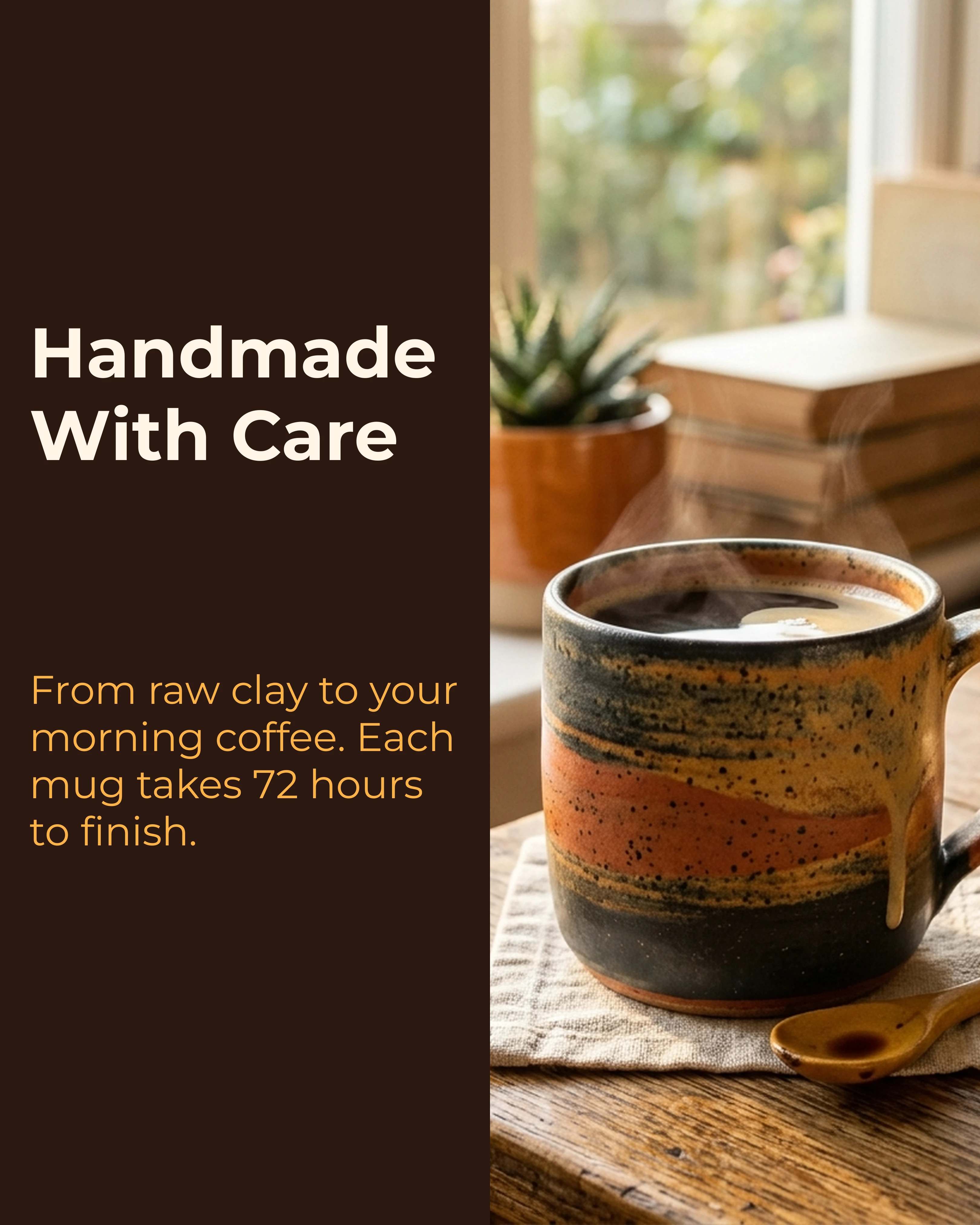
- Slide 1: “From Raw Clay to Your Morning Coffee”
- Slide 2: The raw materials. Where the clay comes from, why this particular variety matters.
- Slide 3: Shaping. Hands on the wheel, the process of forming the piece.
- Slide 4: Glazing. The color selection, how each glaze is mixed by hand.
- Slide 5: Firing. 72 hours in the kiln. Why the slow process matters for durability.
- Slide 6: Quality check. Every piece inspected. Show the rejects that did not make the cut.
- Slide 7: The finished product in someone’s hands, steam rising from the coffee inside.
Process carousels work particularly well for artisan, sustainable, and small-batch brands where the making is part of the value proposition. The color palette guide can help you choose palettes that match your brand’s visual identity across these carousels.
Palette and Style Recommendations
E-commerce carousels should feel aspirational but attainable. The visuals need to make people want the product without making it feel out of reach.
- Palettes: Coral and Sunset work well for warm, inviting product photography. Coral adds energy and approachability. Sunset creates warmth that feels premium without being cold.
- Imagery: High-quality lifestyle photography. Show products in real environments, in real hands, and at real scale. Flat lays, lifestyle shots, and detail close-ups should rotate across slides.
- Consistency: Use the same palette and visual treatment across all product carousels to build recognizable brand aesthetics in the feed.
How Carousel Helps E-commerce Teams Move Faster
Product launches, seasonal campaigns, and weekly content all compete for the same limited design bandwidth. Most e-commerce teams have more products to promote than hours to design posts.
Carousel lets you select a framework, drop in your product copy and images, and generate polished carousel slides that maintain brand consistency across your entire content calendar. Whether you are launching a single product or building a week’s worth of content, the app handles the layout so your team can focus on strategy and photography.
Key Takeaways
- Carousels solve e-commerce’s core challenge: communicating product value through a screen.
- Product stories, feature breakdowns, UGC showcases, seasonal launches, styling guides, and process reveals are six proven formats.
- Use Coral and Sunset palettes for warm, inviting product photography.
- Saves are the most important engagement metric for e-commerce carousels because they signal purchase intent.
- Every product carousel should move the viewer from curiosity to desire across the swipe sequence.