
Course Creator Carousel Strategy: Turn Tips Into Enrollments
Course Creator Carousel Strategy: Turn Tips Into Enrollments
As a course creator, your marketing is your teaching. The best way to convince someone to buy your $500 course is to give them a $50 win for free.
But there’s a delicate balance. Give away too little, and you look like a tease. Give away too much, and people feel they don’t need the course.
Carousels are the perfect medium for this balance. They allow you to share structured, bite-sized mini-lessons that build massive authority while naturally leading to an enrollment CTA.
Why Carousels Work for Course Creators
Course creators typically post 3-5 times a week, and carousels should be the anchor of that strategy. They work because they mirror the learning experience:
- They are structured: Slide by slide, you guide the reader through a logical progression.
- They are saveable: Educational carousels have the highest save rate of any social format.
- They build trust: Consistently delivering clear, actionable frameworks proves your expertise.
5 Carousel Post Ideas for Course Creators
Here are five proven carousel formats specifically for educators, mapped to the copywriting frameworks that make them convert.
1. The “Mini-Lesson” (Listicle Framework)
Take one single module from your course and extract 3-5 actionable tips. Don’t teach the whole module; teach one highly specific part of it.
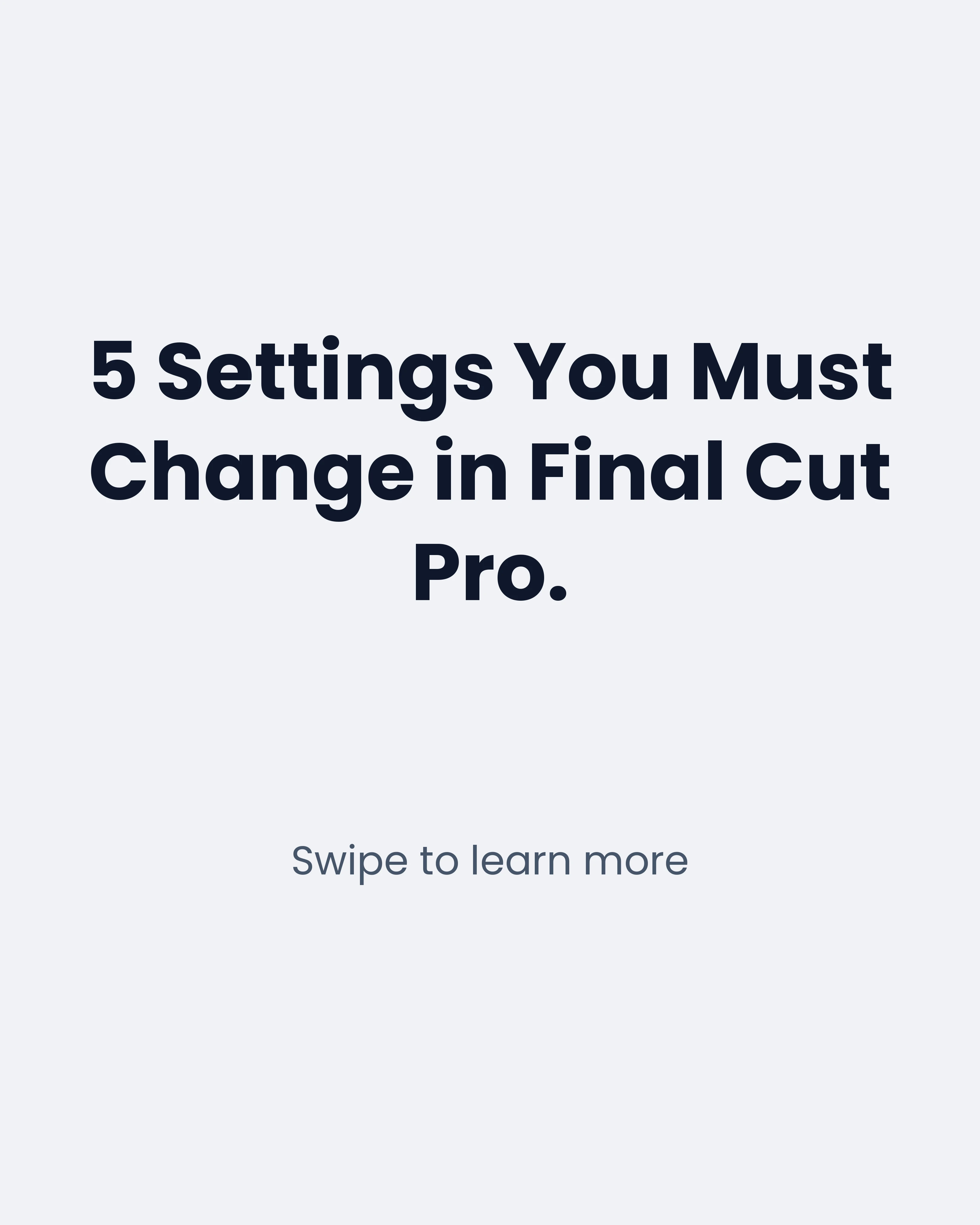
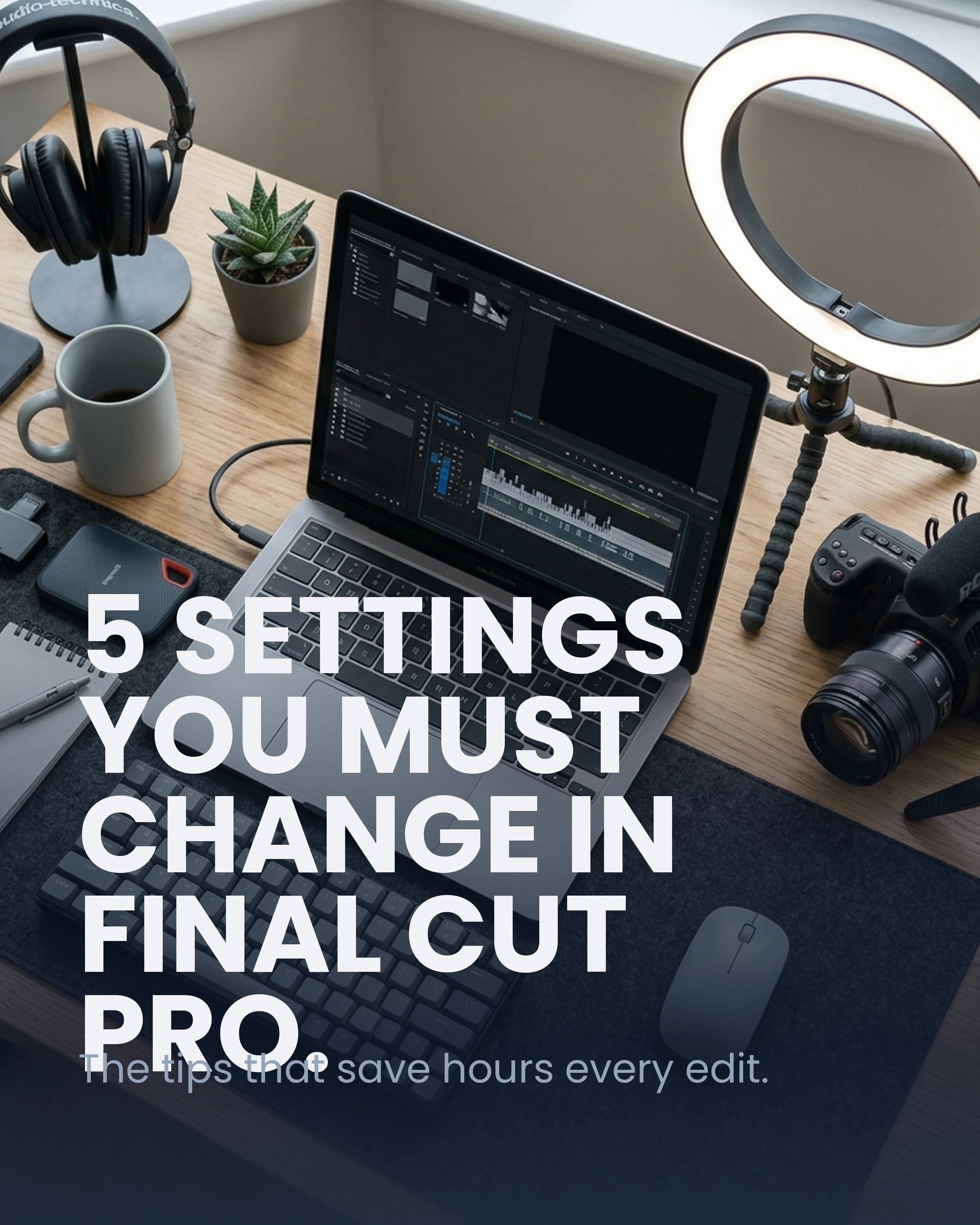
- Hook: 5 Settings You Must Change in Final Cut Pro.
- Body: Specific, technical, and immediately actionable.
2. The “Student Transformation” (BAB Framework)
Case studies sell. But instead of just posting a testimonial graphic, tell the story of their journey using Before-After-Bridge.
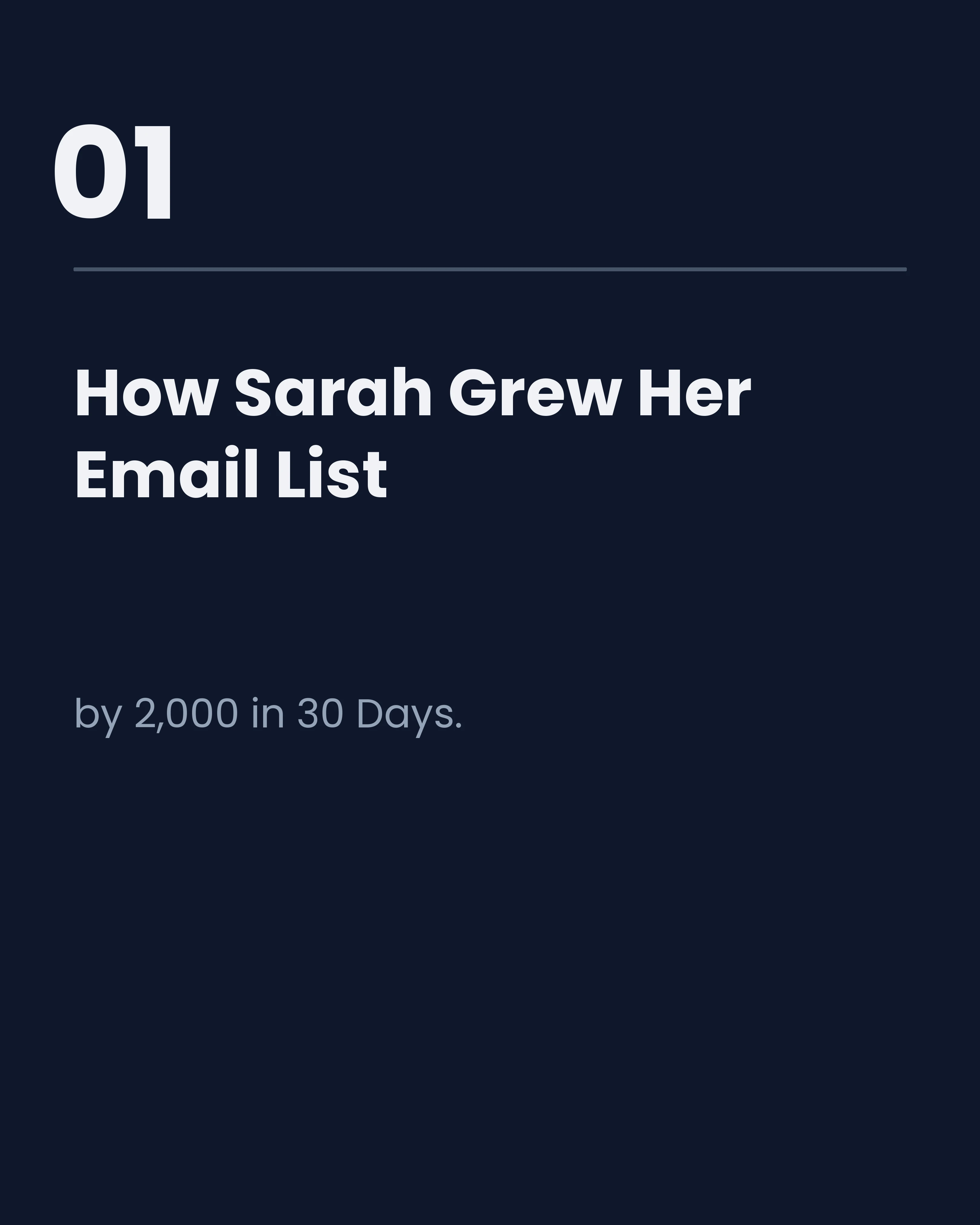
- Hook: How Sarah Grew Her Email List by 2,000 in 30 Days.
- The Bridge: The specific strategy she used from your course.

3. The “Industry Myth” (Myth vs Fact Framework)
Position yourself as a thought leader by debunking common advice that is holding your audience back.
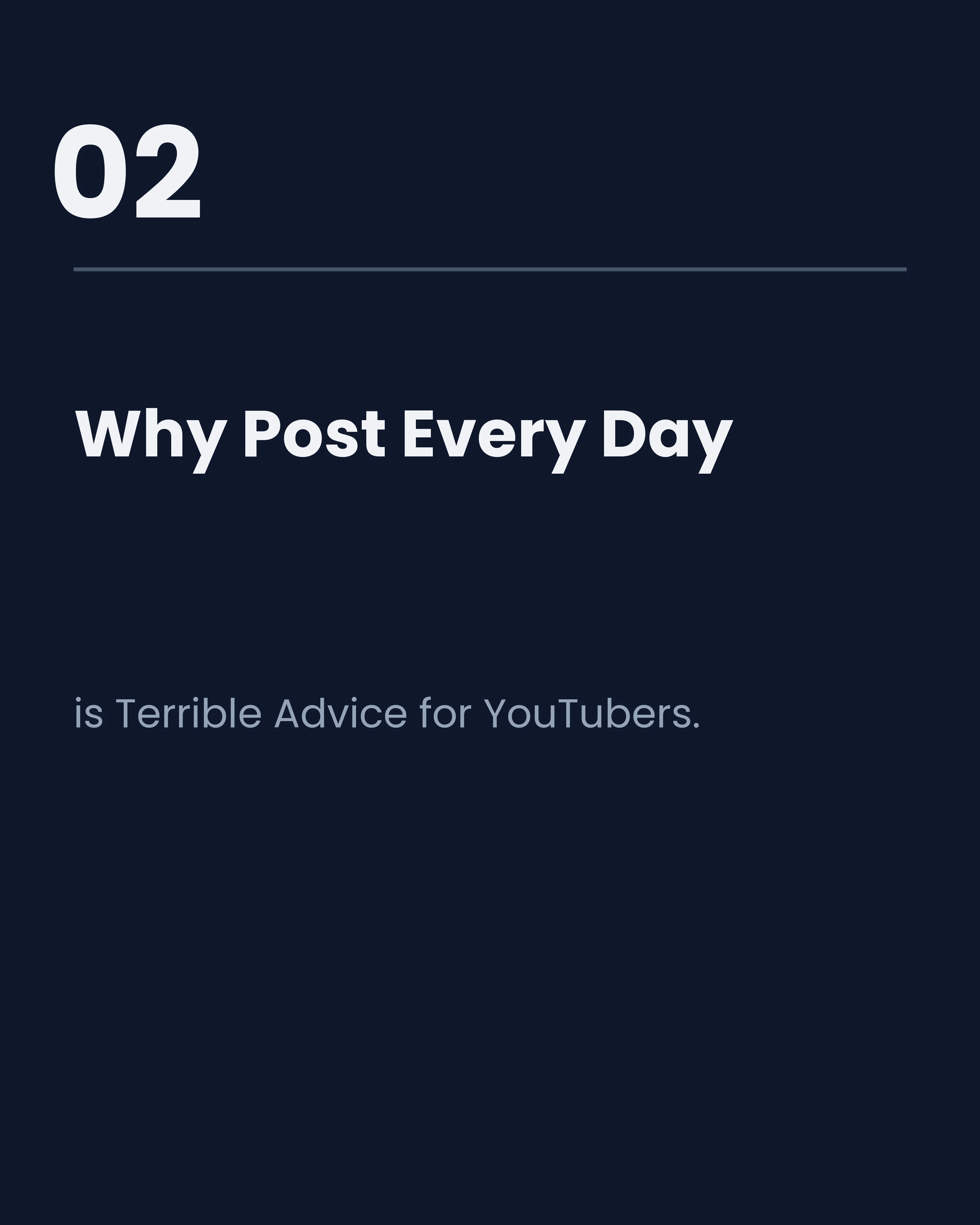
- Hook: Why “Post Every Day” is Terrible Advice for YouTubers.
- The Fact: Introduce your contrarian framework instead.
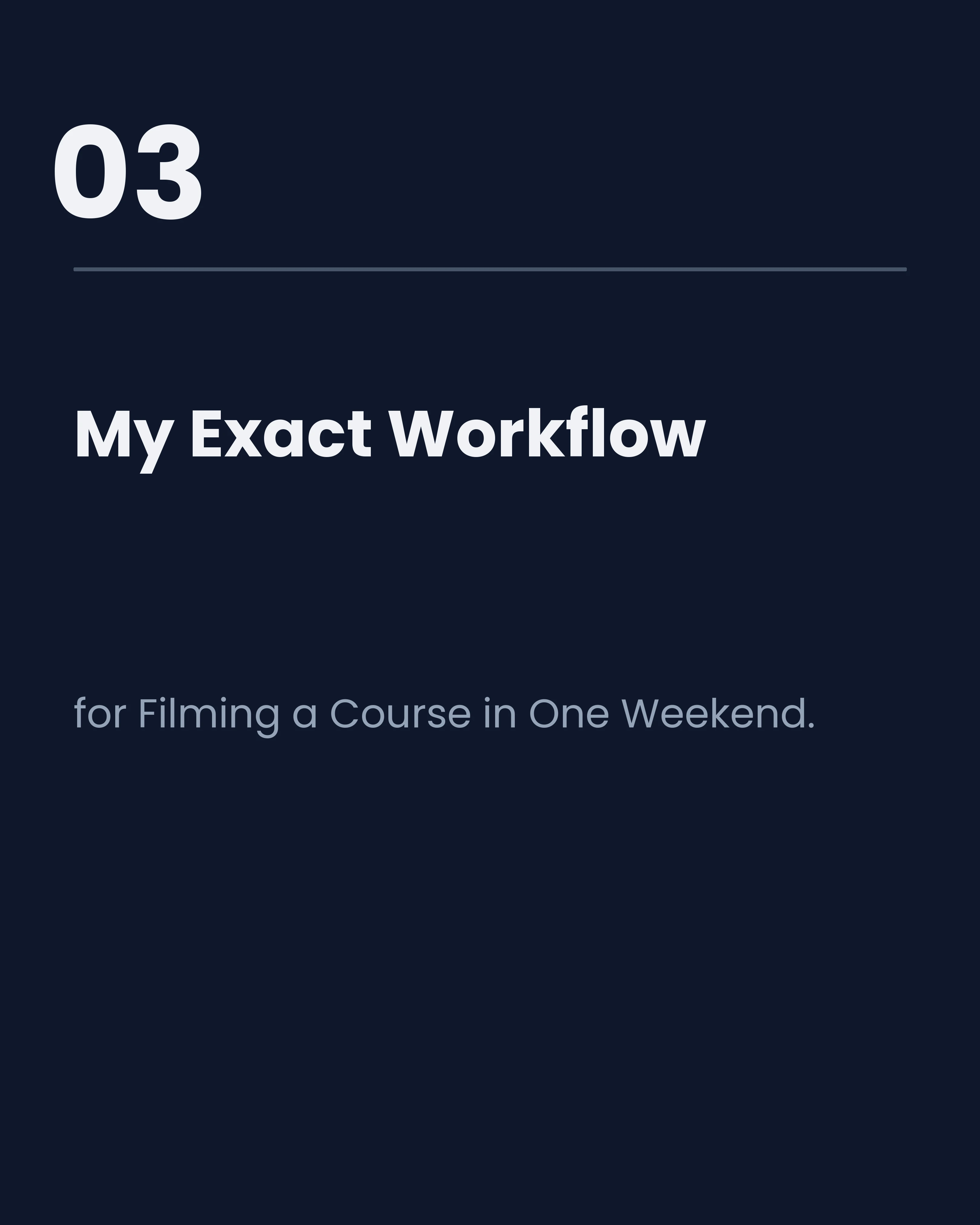
4. The “Process Breakdown” (AIDA Framework)
Show them behind the curtain. People love seeing how experts actually work.
- Hook: My Exact Workflow for Filming a Course in One Weekend.
- Desire: Show the polished result before breaking down the steps.
5. The “Mistake Highlighter” (PAS Framework)
Identify a common mistake your target student makes, agitate the pain it causes, and provide the solution.
- Hook: The #1 Pricing Mistake Beginner Freelancers Make.
- Solution: A quick pricing formula (which leads to your freelance business course).
Palette and Style Recommendations
For course creators, authority and clarity are everything.
- Palettes: Choose sophisticated, high-contrast palettes like Slate or Midnight for B2B courses, or Sage for personal development.
- Typography: Pair a strong serif like Playfair Display for headlines with a clean sans-serif like Montserrat for body text.
How Carousel Makes This Easier
Course creators already have the content—it’s in your course scripts, your webinars, and your module outlines.
Instead of rewriting everything for social media, you can take the key points from your lesson outline into Carousel. Give the AI your topic and the main points, and it drafts an educational carousel with your tips formatted into punchy slides; turn on your Brand Kit to add your logo and handle so the posts stay recognisably yours.
Key Takeaways
- Teach one thing well: Don’t cram a whole course into a carousel. Pick one actionable win.
- Sell the next step: Every carousel should end with a CTA, even if it’s just a free lead magnet.
- Keep it visual: Use charts, bold numbers, and clear typography to make the learning easy.
Ready to turn your course material into engaging carousels? Download Carousel — free on the App Store.