Carousel Ideas for Fitness Coaches: Workouts, Tips & Transformations
Fitness coaches have a content advantage most industries would kill for: your results are visual, your audience is motivated, and your content is inherently shareable.
Carousels amplify that advantage. According to Hootsuite, Instagram carousels generate up to 10x more engagement than standard posts, and fitness content consistently ranks among the most saved content categories on the platform. Saves matter because Instagram’s algorithm treats them as a strong signal of value — every save pushes your carousel to more people.
But most fitness carousels look the same: a transformation photo, a generic caption, and a “DM me for coaching” CTA. That’s leaving engagement (and clients) on the table.
Here are seven carousel formats that work specifically for fitness professionals, mapped to proven copywriting frameworks so every post has structure and purpose.
Why Carousels Work for Fitness Professionals
Before diving into the ideas, let’s look at why the carousel format is uniquely suited to fitness content:
Sequential instruction. Workouts are step-by-step by nature. A carousel lets you walk someone through a routine, exercise by exercise, in a format they can save and reference at the gym.
Visual proof. Before-and-after transformations are the most compelling sales tool in fitness. A carousel gives you space to show the journey, not just the endpoint.
Education builds authority. The fitness space is crowded with influencers. Carousels let you demonstrate actual expertise — biomechanics, nutrition science, programming logic — in a digestible format that separates coaches from content creators.
Save rate drives reach. When someone saves your workout carousel for their next gym session, that save tells the algorithm your content has lasting value. Carousels already average 0.55% engagement rate — fitness carousels that get saved can significantly exceed that.
7 Carousel Ideas for Fitness Coaches
1. The “Full Workout” Walkthrough (Listicle Framework)
Format: 7-8 slides, one exercise per slide Best for: Building save-worthy content your audience references during workouts
Structure each slide consistently:
- Exercise name as the headline
- Sets x reps as the subheading
- One key form cue in the body text
Example slide content:
Slide 1 (Hook): “5-Minute Glute Activation Routine (Save for Your Next Leg Day)”
Slide 2: Romanian Deadlift / 3 x 12 / “Hinge at hips, keep the bar close to your body”
Slide 3: Bulgarian Split Squat / 3 x 10 each / “Keep your front knee tracking over your toes”
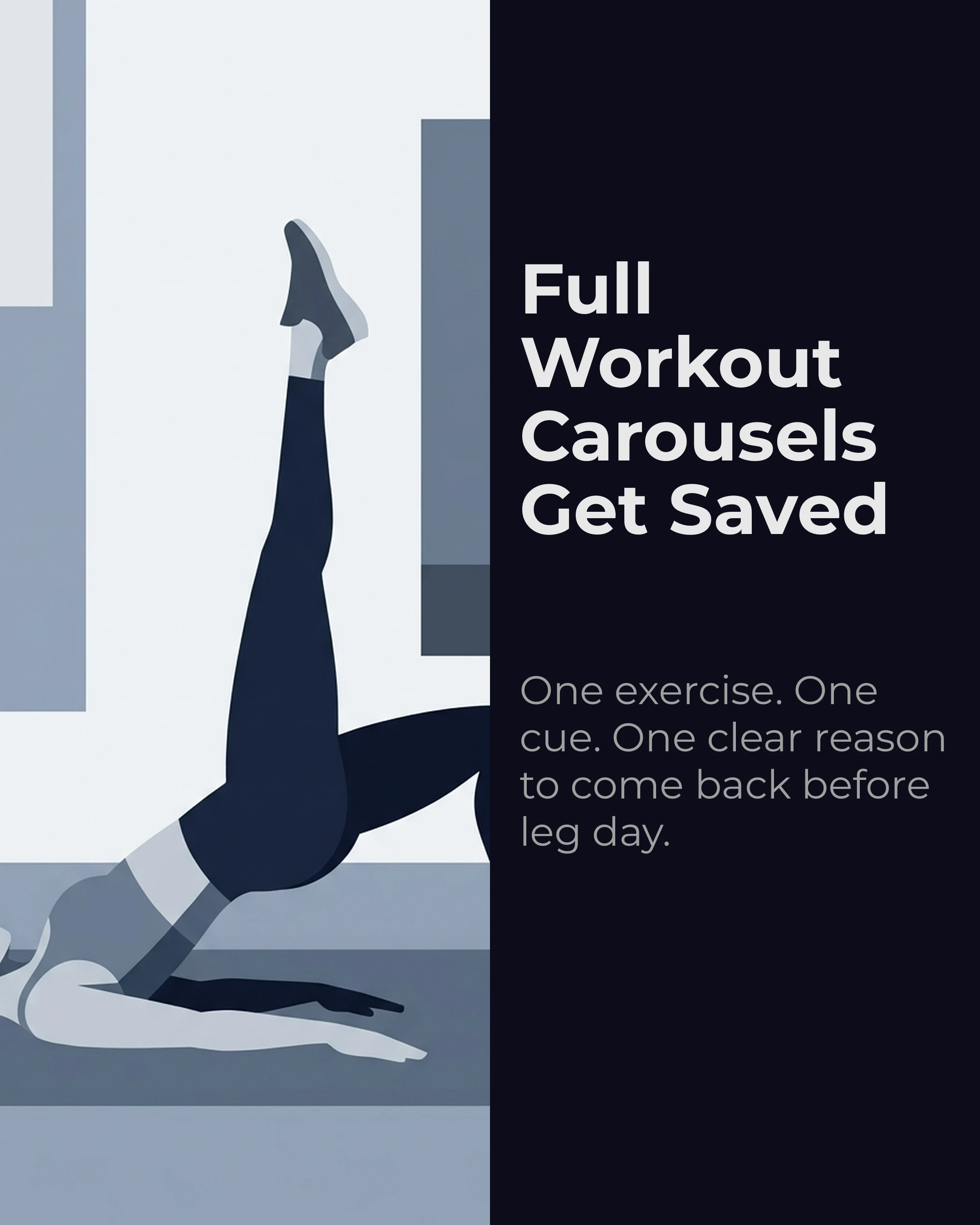
This format works because it’s genuinely useful. People save it, try it, and come back for more. It positions you as someone who gives real value for free — which makes them trust your paid offerings.
2. The Client Transformation Story (Storytelling Framework)
Format: 6-7 slides telling a narrative arc Best for: Social proof and emotional connection
Don’t just post before-and-after photos. Tell the story:
- Slide 1: The hook — “She said she’d tried everything. Here’s what actually worked.”
- Slide 2: The starting point — where they were physically and mentally
- Slide 3: The challenge — what made their situation unique or difficult
- Slide 4: The approach — what you programmed and why
- Slide 5: The turning point — the moment things clicked
- Slide 6: The results — photos, stats, their own words
- Slide 7: The lesson — what this teaches about training, consistency, or mindset
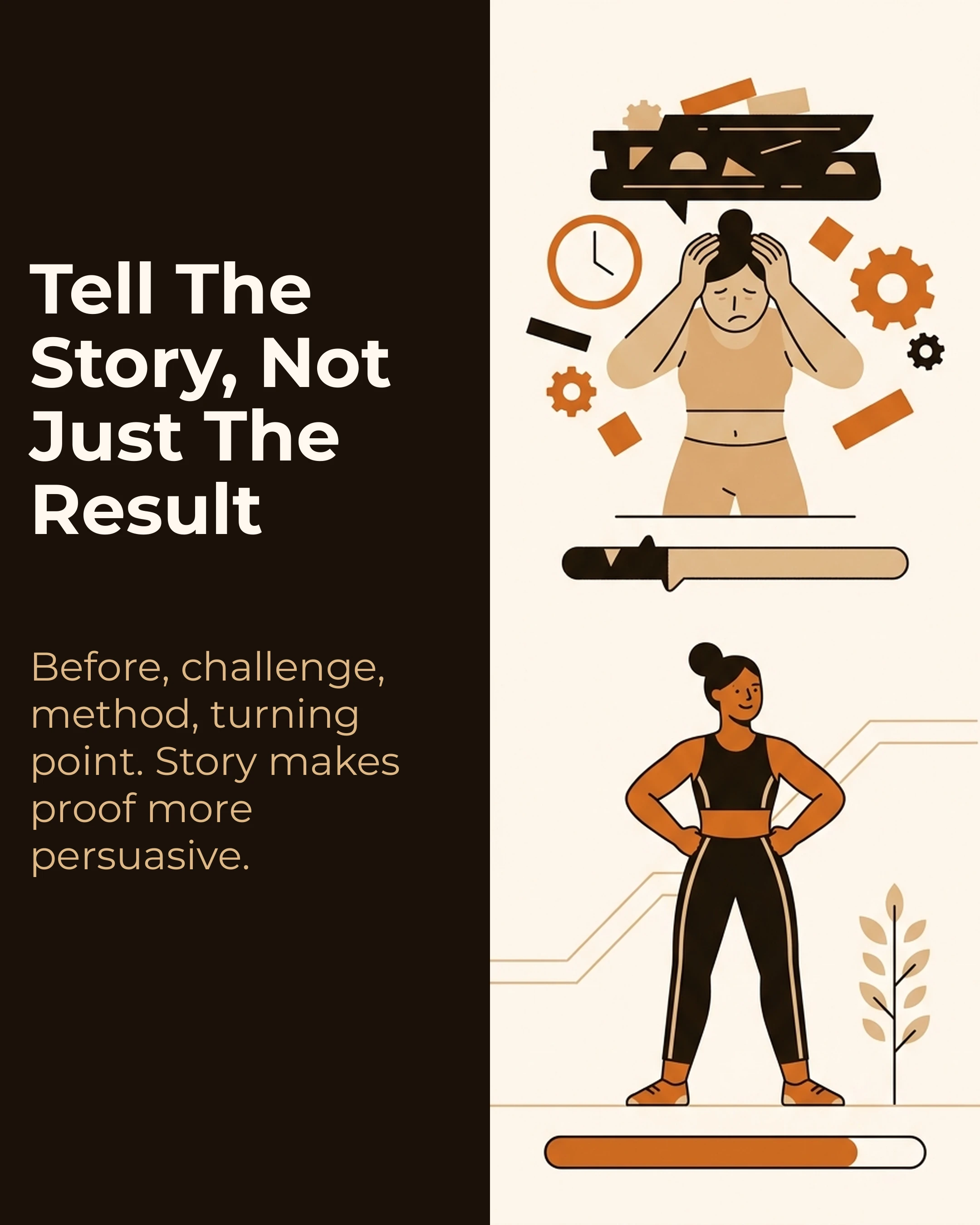
Storytelling carousels outperform plain before-and-after posts because they create emotional investment. The reader roots for the client, which means they root for you as their coach.
3. The Myth Buster (Myth vs Fact Framework)
Format: 5-6 slides, one myth per slide Best for: Demonstrating expertise and sparking engagement through comments
Fitness is plagued with misinformation, which is an opportunity for coaches who know the science.
Example slide content:
Slide 1 (Hook): “5 Gym Myths Your Trainer Should Have Debunked”
Slide 2: Myth: “You need to feel sore to know you had a good workout” / Fact: “Soreness indicates novel stimulus, not effectiveness. Progressive overload is what drives results.”
Slide 3: Myth: “Lifting heavy makes women bulky” / Fact: “Women produce roughly 1/15th the testosterone of men. Resistance training builds lean muscle and increases metabolic rate.”
Myth-busting carousels generate comments because people have strong opinions. That comment activity further boosts reach through the algorithm.
4. The “This or That” Exercise Comparison (This or That Framework)
Format: 5-7 slides, each comparing two options Best for: Education and engagement (people love picking sides)
Present two exercises, approaches, or nutrition choices side by side and explain when to use each:
Slide 1 (Hook): “Back Squat vs Front Squat: Which Should You Be Doing?”
Slide 2: “Back Squat: Better for overall strength and posterior chain. Choose this if your goal is maximum load.”
Slide 3: “Front Squat: Better for quad development and core stability. Choose this if you have mobility limitations in the back squat.”
The key is nuance — never say one is “better” universally. Show that the right choice depends on the individual’s goals, body, and experience level. This positions you as a coach who thinks, not one who follows trends.
5. The Nutrition Quick Guide (Listicle Framework)
Format: 6-8 slides with simple, actionable tips Best for: Reaching a broader audience beyond your current followers
Nutrition carousels tend to get more shares than workout carousels because the advice applies to everyone, not just gym-goers.
Slide 1 (Hook): “What I Actually Eat in a Day (No Chicken and Rice)”
Slide 2: Breakfast: “Greek yogurt + berries + granola. 35g protein, takes 2 minutes.”
Slide 3: Lunch: “Turkey wrap with avocado, spinach, peppers. Prep 5 at once on Sunday.”
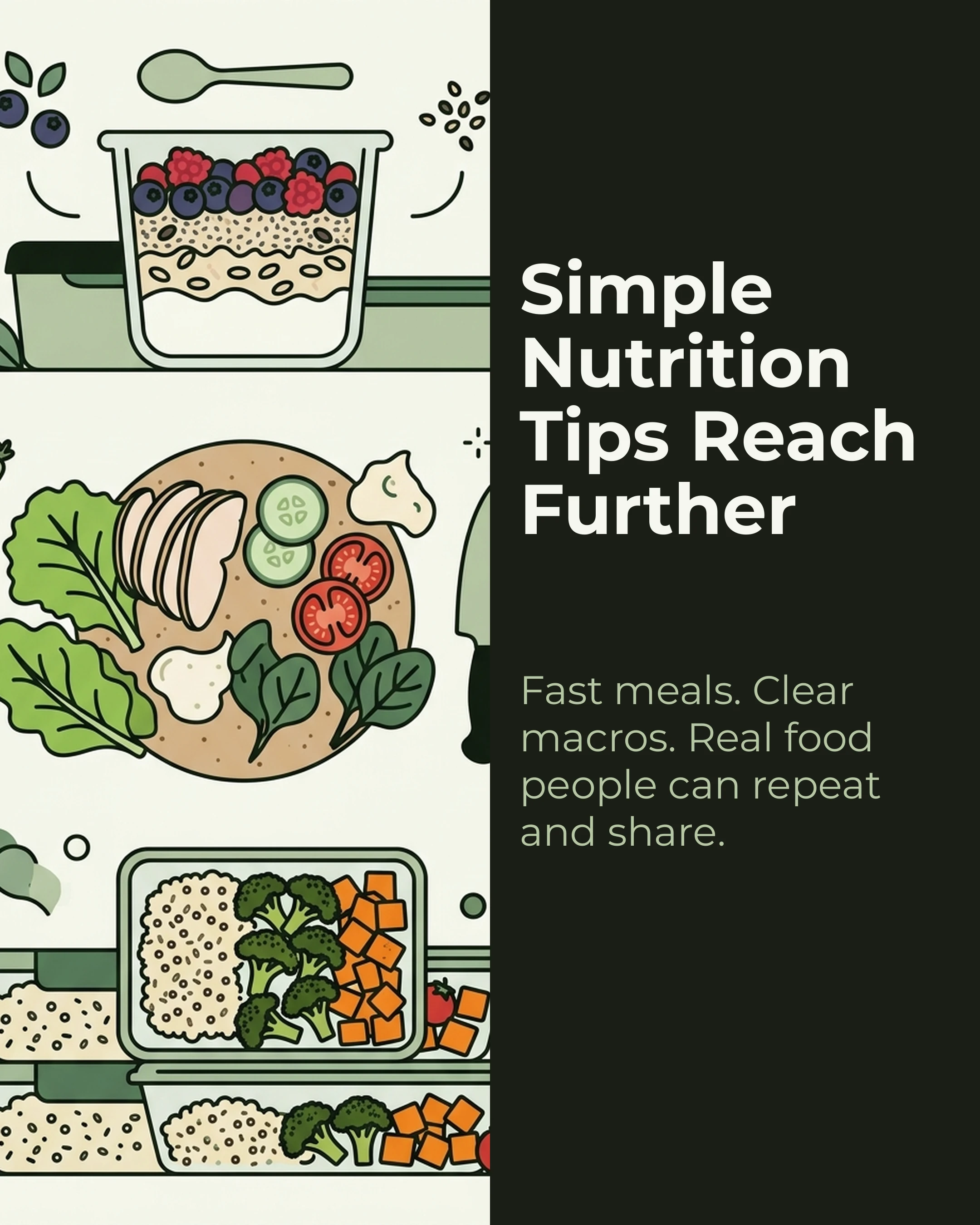
Keep it real, keep it simple, and show that healthy eating doesn’t require a meal prep company or a PhD in nutrition.
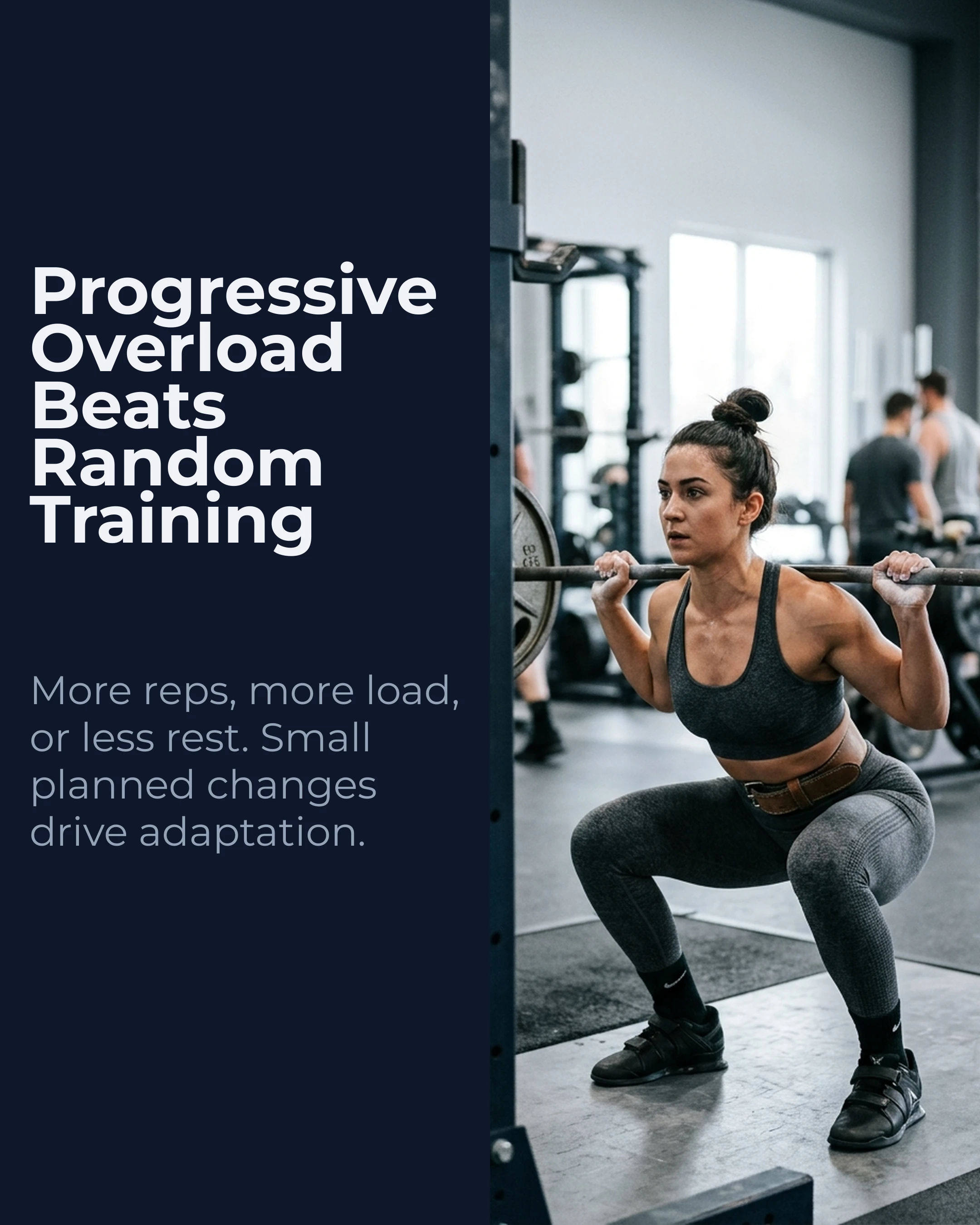
6. The Progressive Overload Explainer (PAS Framework)
Format: 7 slides following Problem-Agitate-Solution Best for: Attracting intermediate lifters who are stuck
Slide 1 (Problem): “You’ve been lifting for 6 months but stopped seeing results.”
Slide 2 (Expand): “You’re doing the same weights, same reps, same routine you found online in January.”
Slide 3 (Agitate): “Without progressive overload, your body has zero reason to adapt. You’re maintaining, not building.”
Slides 4-5 (Solution): “Progressive overload doesn’t mean adding weight every session. It means systematically increasing volume, intensity, or density over time.”
Slide 6: Three practical methods — add a rep, add a set, reduce rest time
Slide 7 (CTA): “Save this and track your lifts next week. DM me ‘program’ for a free periodization template.”
7. The “Common Mistakes” Correction (AIDA Framework)
Format: 6-7 slides, one mistake per slide Best for: Establishing authority and providing immediate value
Slide 1 (Attention): “5 Deadlift Mistakes I See Every Day in the Gym”
Slide 2 (Interest): Mistake 1: “Rounding the lower back. Your lumbar spine should stay neutral throughout the lift.”
Slide 3: Mistake 2: “Starting with the bar too far from your body. It should be over mid-foot at setup.”
Slides 4-5: Continue with specific, actionable corrections
Slide 6 (CTA): “Which one are you guilty of? Comment below and I’ll send you a fix.”
Palette and Style Recommendations
Fitness content performs best with high-energy, high-contrast palettes. Based on the content type:
- Workout carousels: Midnight palette (deep navy + white for clean readability) with Oswald or Bebas Neue for bold, athletic headlines
- Transformation stories: Warm palette (earthy, approachable tones) with Montserrat for clean, modern text
- Nutrition content: Sage palette (fresh, natural greens) with DM Sans for friendly readability
- Myth busters: Coral palette (vibrant, attention-grabbing) with Poppins for clear, authoritative text
For fonts, fitness carousels work well with strong sans-serifs. Oswald and Bebas Neue project strength and energy. Montserrat is versatile enough for any fitness sub-topic. Avoid serif fonts like Playfair Display — they can read as too formal for the fitness space.
Bringing It All Together
The difference between fitness coaches who grow on Instagram and those who don’t isn’t the quality of their training — it’s the structure of their content. Frameworks like PAS, Listicle, and Storytelling give your carousel posts a proven architecture that guides the reader from hook to CTA.
If you want to move faster, Carousel lets you select a framework, enter your workout or tip, and generate a complete slide deck with palette-matched design in minutes. It’s a useful shortcut for coaches who’d rather spend their time coaching than designing.
Key Takeaways
- Fitness carousels outperform static posts because workouts and transformations are naturally sequential
- Save rate is the key metric — workout carousels that get saved signal lasting value to the algorithm
- Map each carousel to a framework (Listicle for workouts, Storytelling for transformations, Myth vs Fact for education, PAS for coaching offers)
- Use high-contrast, energetic palettes and strong sans-serif fonts
- Tell stories, not just show results — narrative builds emotional investment and trust
Ready to create fitness carousels that convert followers into clients? Download Carousel — free on the App Store.