How to Write Carousel Hooks That Stop the Scroll
Your first slide is the only slide that matters — because if it doesn’t stop someone mid-scroll, slides two through ten don’t exist.
The average Instagram user scrolls through 300 feet of content per day. Your carousel hook has roughly 1.3 seconds to compete with everything else on that scroll. That’s not a lot of time for nuance.
This isn’t about clickbait. Clickbait promises something it doesn’t deliver. A good hook promises something specific and then delivers it across the remaining slides. The distinction matters because the algorithm measures not just whether people stop, but whether they keep swiping. An empty promise that gets one slide view and an exit is worse than a solid hook that drives all seven swipes.
What Makes a Hook Work
Before we get into formulas, let’s understand the psychology. A hook works when it creates a gap between what the reader knows and what they want to know. Psychologist George Loewenstein called this the “information gap theory” — curiosity is triggered when we perceive a gap in our knowledge, and we feel compelled to close it.
For carousel hooks specifically, the gap needs to do three things:
- Signal relevance — “This is about something I care about”
- Create tension — “I don’t know this yet, but I should”
- Promise resolution — “If I keep swiping, I’ll find out”
Miss any one of these and the hook falls flat. A hook that’s relevant but has no tension is boring. A hook with tension but no relevance is ignorable. A hook that creates a gap but doesn’t promise to close it is frustrating.
12 Proven Hook Formulas
1. The Contrarian Statement
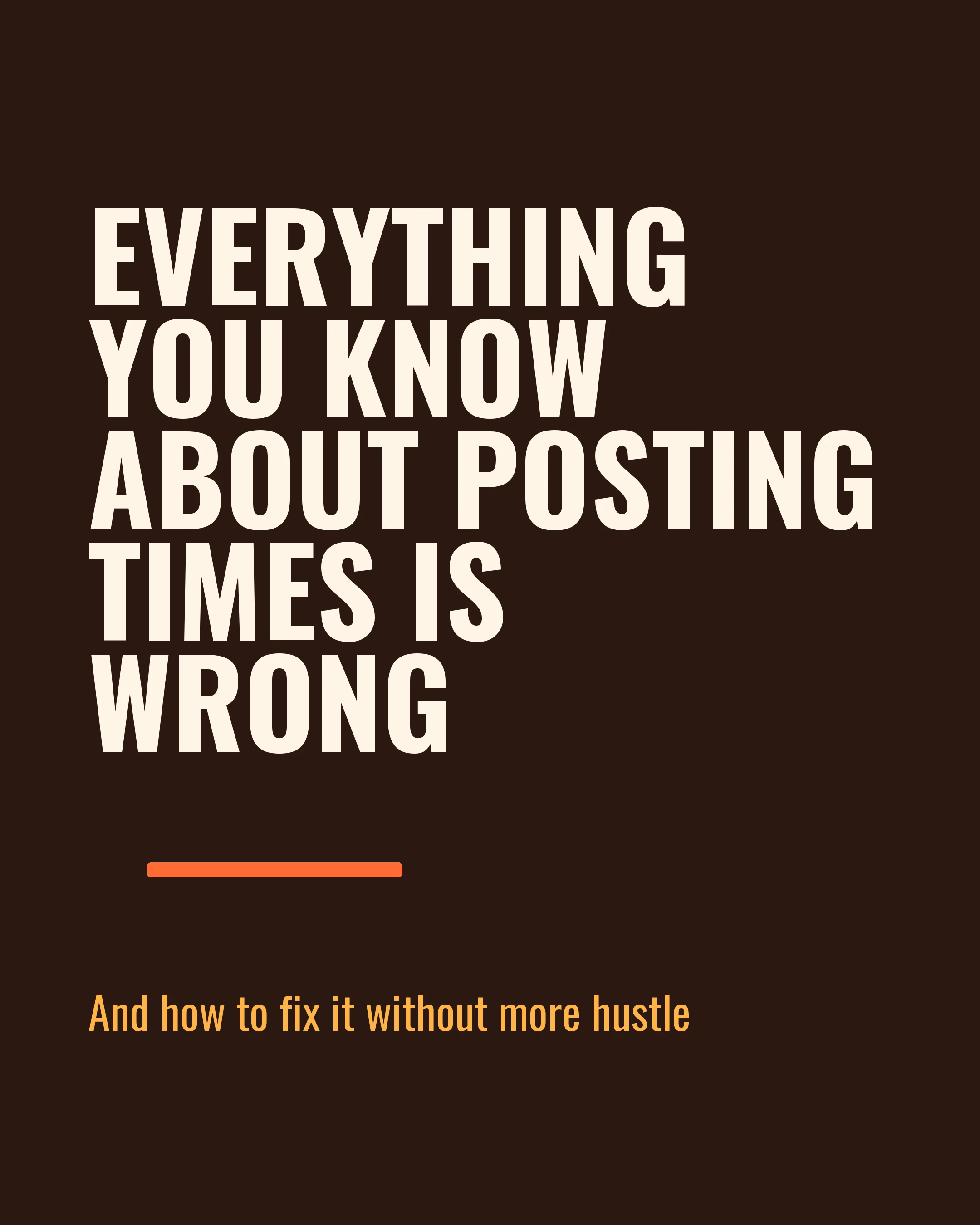
“Everything you’ve been told about posting times is wrong.”
This works because it challenges an existing belief. The reader thinks they know the answer, and you’re telling them they don’t. The information gap is immediate and personal.
When to use it: When you have genuine data or experience that contradicts conventional wisdom. Don’t manufacture controversy — real contrarian takes backed by evidence are the most shareable content format on social media.
2. The Specific Result
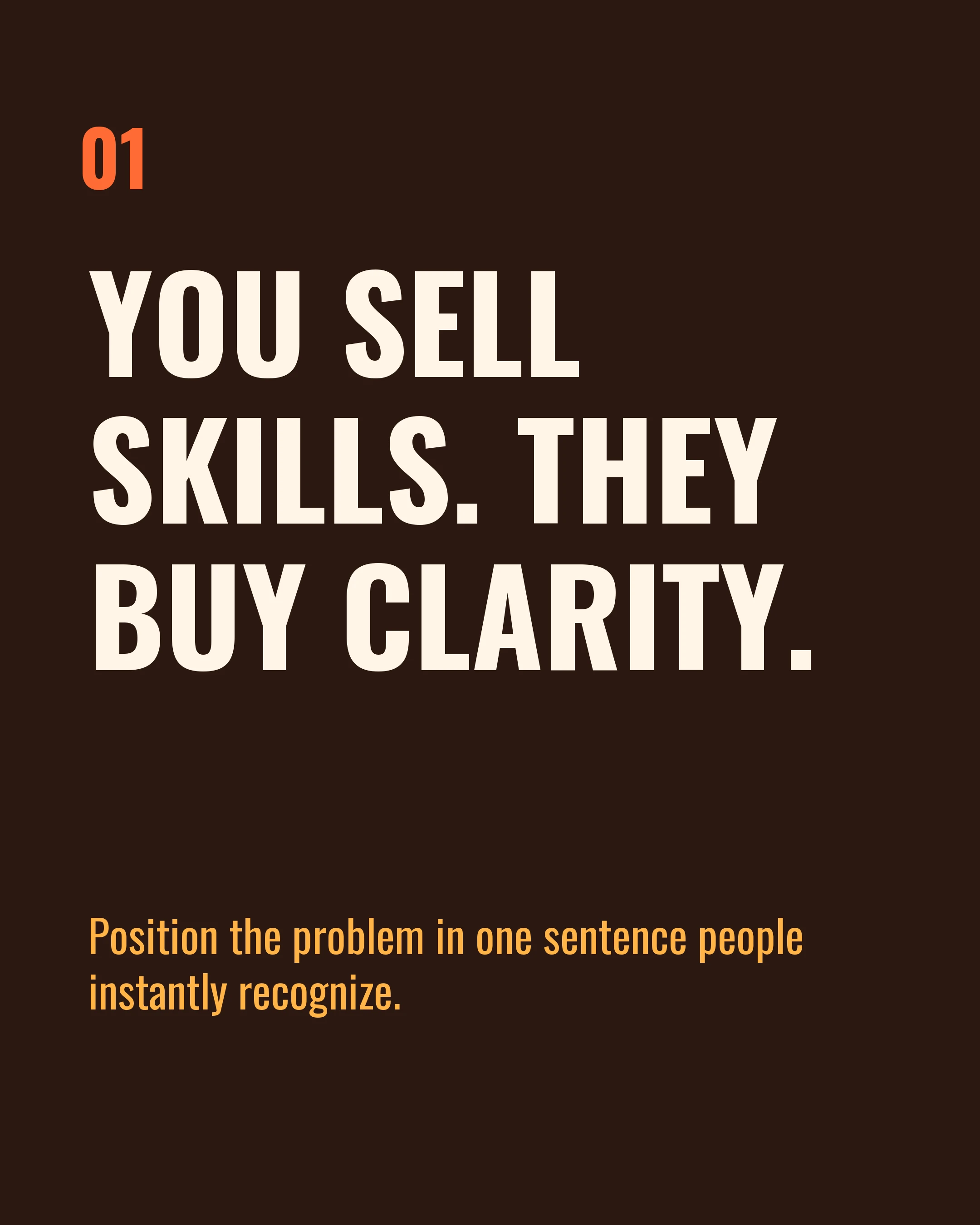
“I gained 2,400 followers in 30 days using one carousel format.”
Specificity creates credibility. “Gained followers” is vague. “2,400 followers in 30 days” is believable because it’s precise. Round numbers feel made up. Specific numbers feel measured.
When to use it: When you have real data to back it up. This is arguably the highest-converting hook format, but it requires genuine results.
3. The “You” Problem
“You’re spending 2 hours on every carousel and it’s not even working.”
Addressing the reader directly with a pain point they recognize creates instant connection. It’s the opening move of the PAS framework (Problem-Agitate-Solution), and it works because it makes the reader feel seen.
When to use it: When your audience has a well-known frustration. Coaches, freelancers, and small business owners respond particularly well to this format.
4. The Numbered List Preview
“7 carousel mistakes killing your engagement (number 4 is the worst).”
Lists set expectations — the reader knows exactly what they’re getting. Adding a callout to a specific number (“number 4 is the worst”) creates additional curiosity because now they have to swipe to find out why.
When to use it: Listicle carousels, tip roundups, mistake compilations. This is the workhorse hook for educational content.
5. The Question
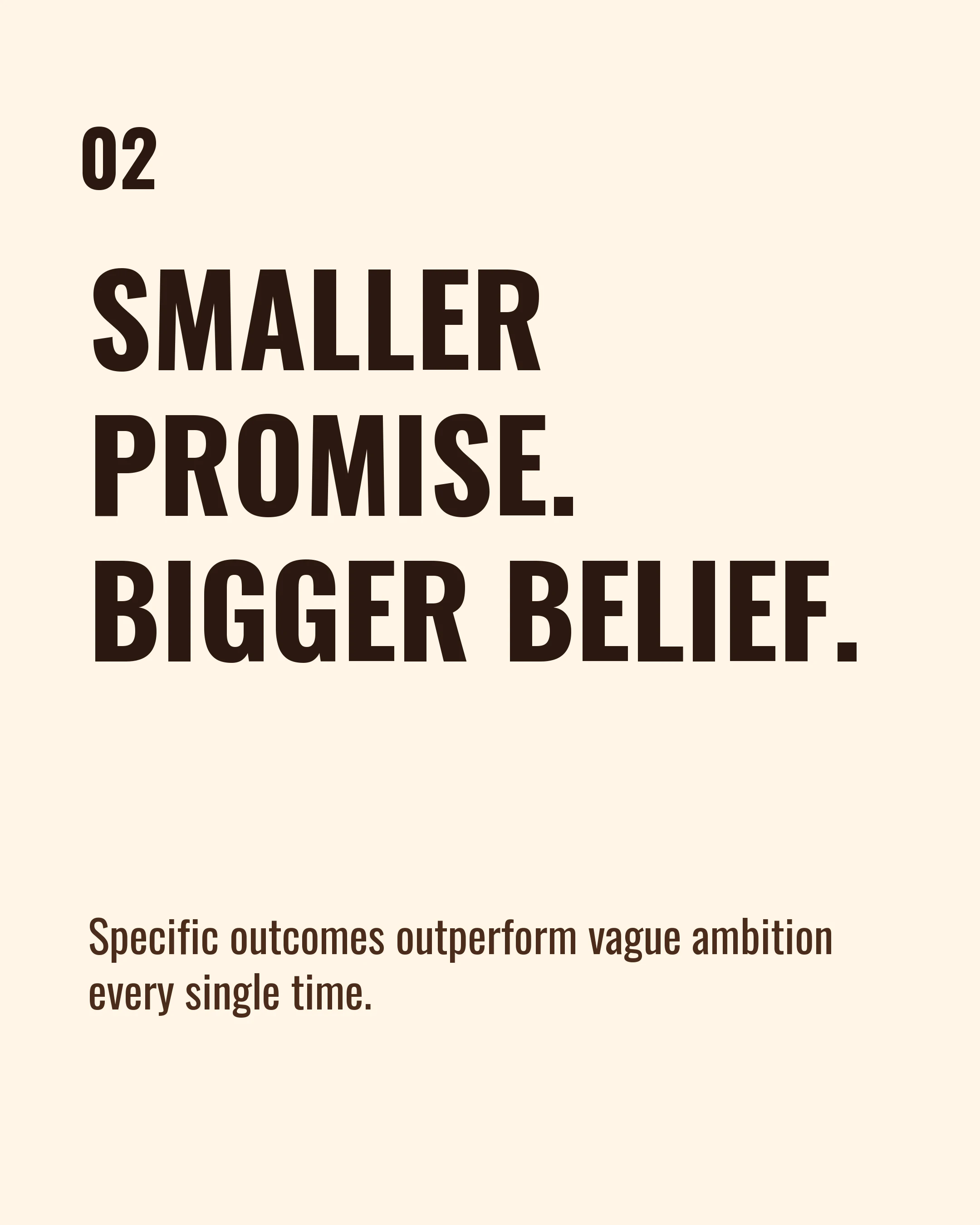
“Why do some carousels get 10x more saves than others?”
Questions trigger an automatic cognitive response — your brain starts trying to answer before you consciously decide to engage. This makes questions one of the most reliable hook formats across all platforms.
When to use it: When the question reflects something your audience has genuinely wondered. Avoid questions with obvious answers (“Want more followers?”).
6. The “Before I Knew This” Frame
“Before I learned this framework, every carousel took me 3 hours.”
This positions you as someone who’s been where the reader is now. It creates a before/after narrative in a single line, and the information gap is clear: “What did they learn?”
When to use it: Personal experience carousels, framework introductions, productivity content.
7. The Bold Claim
“This is the only carousel structure you’ll ever need.”
Bold claims work when they’re followed by genuine substance. The reader swipes because they want to evaluate whether the claim holds up. It’s a challenge — “prove it to me.”
When to use it: Sparingly. Bold claims lose power if every post makes one. Reserve this for your best frameworks or most proven strategies.
8. The Unexpected Comparison
“Your carousel should work like a Netflix trailer, not a Wikipedia article.”
Analogies create instant understanding. By comparing something familiar (Netflix trailers) to the reader’s context (carousel posts), you give them a mental model and a curiosity gap in one line.
When to use it: When explaining concepts, frameworks, or strategies. Particularly effective for educational content aimed at beginners.
9. The “Stop Doing This”
“Stop adding CTAs to every single slide.”
Negative commands are attention-grabbing because they imply the reader is making a mistake right now. It’s specific enough to feel personal, and the reader needs to swipe to understand why this is wrong.
When to use it: Mistake-correction carousels, best practices content, “what to stop” roundups.
10. The Data Lead
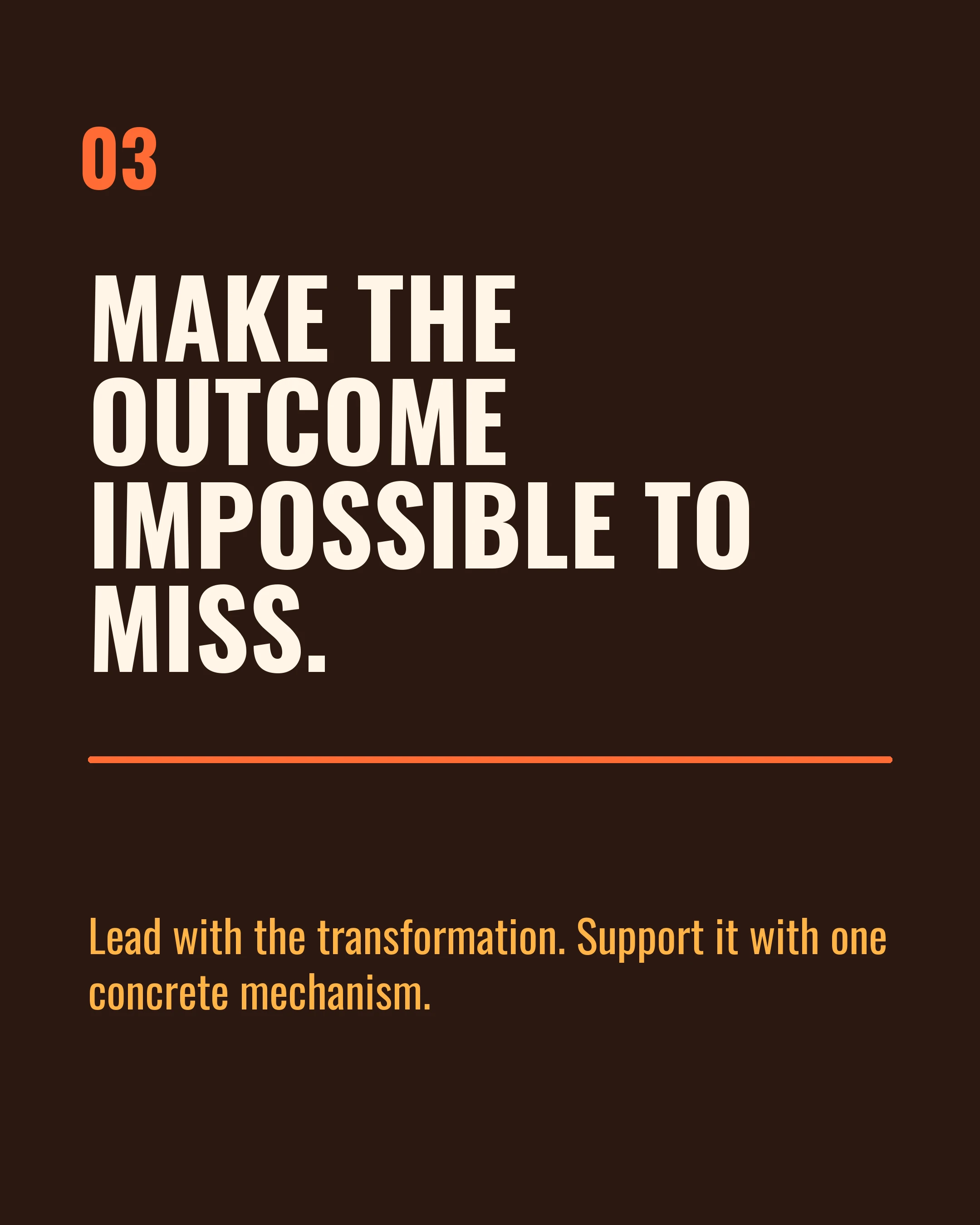
“Carousels get 1.4x more reach than single images. But only if you do this.”
Starting with a stat establishes authority immediately. The “but only if” creates the information gap — the reader knows the what, but not the how.
When to use it: Data-driven content, strategy carousels, platform-specific guides. Make sure the stat is real and sourced.
11. The “I Tested” Hook
“I posted 100 carousels in 90 days. Here’s what actually moves the needle.”
Testing hooks work because they promise empirical evidence, not opinion. The reader expects data-backed insights from real experience.
When to use it: When you’ve genuinely run an experiment or tracked results over time. Don’t fake this.
12. The Permission Slip
“You don’t need to post every day to grow on Instagram.”
This relieves pressure the reader didn’t realize they could release. Permission-based hooks work because they challenge a “should” that’s been stressing the reader out.
When to use it: When your audience is overwhelmed, burned out, or following advice that isn’t working. Particularly effective for coaches and service providers.
Hook Mistakes That Kill Engagement
Being vague. “Tips for better carousels” isn’t a hook — it’s a category. Hooks need specificity.
Burying the hook. If your first slide has a logo, a subtitle, and then the hook in small text at the bottom, you’ve lost. The hook should be the dominant visual element.
Clickbait without payoff. “You won’t believe what happened next” is a dead format. Modern audiences can smell empty promises. Your hook should be interesting because the content behind it is genuinely valuable.
Using the same formula every time. If every carousel starts with a number (“7 ways to…”, “5 mistakes that…”, “3 tools for…”), your audience stops noticing. Rotate through different hook types.
Ignoring the visual hook. Copy is only half the equation. Your color palette, font choice, and layout all contribute to the stop-the-scroll moment. A great line in a boring design gets scrolled past just as fast as a boring line in a great design.
Testing Your Hooks
The only way to know what works for your audience is to test. Here’s a simple approach:
- Write three variations of your hook before choosing one
- Pick the one that creates the strongest information gap
- Track save rate (not just likes) as your primary metric — saves indicate lasting value
- After 10 carousels, review which hook formats performed best
- Double down on what works, retire what doesn’t
Over time, you’ll develop an instinct for what your specific audience responds to. That instinct is more valuable than any formula list.
Making Hooks Part of Your Workflow
Most creators write their hook last — after they’ve finished all the content slides. That’s backwards. The hook should come first because it determines the angle, tone, and promise of the entire carousel.
Tools like Carousel structure the creation process around frameworks like PAS, AIDA, and Listicle — each of which starts with a hook slide. By selecting a framework first, you’re forced to think about your hook before anything else, which tends to produce tighter, more focused carousels.
Key Takeaways
- Your first slide has roughly 1.3 seconds to stop the scroll — make every word count
- Effective hooks create an information gap: signal relevance, create tension, promise resolution
- Rotate between hook formulas (contrarian, specific result, question, data lead) to avoid pattern fatigue
- Specificity beats cleverness — “2,400 followers in 30 days” outperforms “how to grow fast”
- Write the hook first, then build the carousel around it
- Test systematically and track save rate as your primary engagement metric
Ready to write hooks that stop the scroll? Download Carousel — free on the App Store.