
Pick Your Carousel Format by the Signal You Want: Saves, Sends, Comments or Completion
Pick Your Carousel Format by the Signal You Want: Saves, Sends, Comments or Completion
Most carousel planning starts with a topic. You have something to say about warm-ups, or wedding timelines, or pricing, and then you pick whatever format feels natural: a list, a story, a myth-buster. The post goes out, one number looks good and the others do not, and nobody can say why.
There is another way to plan it. Start from the signal you want the post to earn, and choose the format after. That sounds backwards until you notice that a post which asks people to save it, a post which asks them to forward it, and a post which asks them to argue with it are three different posts, even when the topic is identical.
This article lays out one practitioner’s version of that idea, maps it to the format guides we have already published, and gives you a simple way to find out whether it holds on your own account. It is a hypothesis to test, not a law.
Where This Rule of Thumb Comes From
The idea comes from one TikTok slideshow operator, @adriansolarzz, who wrote it up in an X Article on running slideshows profitably. His claim is that formats are not interchangeable: each one reliably earns a different platform signal, so you should decide which metric a post is for and then choose the format.
Treat that with caution. It is one operator’s observation, drawn from his own accounts and audience, mostly on TikTok, and we are not quoting figures for any format because none are solid enough to quote. The idea is worth your time because it is cheap to test and the reasoning behind each pairing is easy to follow. Ask whether each mechanism makes sense, then check it against your own numbers.
Two other things are worth saying up front. First, a format does not rescue a weak cover slide. If nobody stops on slide one, no pairing matters. Second, we have left out the account-farming tactics in the same write-up. This article is about what a single honest account can do with its format choices.
Decide the Metric First
Our analytics guide names the five numbers worth tracking on a carousel: reach against follower count, saves, swipe-through completion, comments per reach and profile visits. It tells you what each one diagnoses and what to change when it is weak. What it does not say is which kind of post tends to move which number.
That is the gap this article fills. For this exercise, four signals matter:
- Saves. Someone decides the post is worth coming back to.
- Sends. Someone forwards the post to a particular person, usually with a message like “this is you”. Most platforms show this as shares.
- Comments. Someone cares enough to reply, agree or push back.
- Completion. Someone swipes all the way to the last slide.
You can only ask a post to do one of these jobs well. A post engineered for completion will not necessarily be saved. A post that earns arguments will not necessarily be forwarded. Pick the one that matters for this week’s goal, and build for it.
Non-Negotiables: The Format for Saves
A Non-Negotiables carousel gives one rule per slide. “Six things I never skip.” “Five rules for every project.” Each slide is a standalone rule, short enough to read in a few seconds.
The rule of thumb says this format earns the most saves, and the mechanism is plausible: the post is a list a person wants to refer back to. It works like a checklist taped inside a cupboard. Nobody needs to act on it today, but everyone wants to know where it is when they need it.
To build one, give each rule a verb or a firm statement, keep it to one idea, and use consistent slide structure so the list scans quickly. The numbered format is a natural fit, and our listicle guide covers how many items to include and how to structure each slide.
Here is the whole thing for a personal trainer, Dani, posting for her own clients. It is a complete eight-slide carousel: a cover, six rules, and a closing ask on a different palette. It reads like her feed, not like advice about carousels.



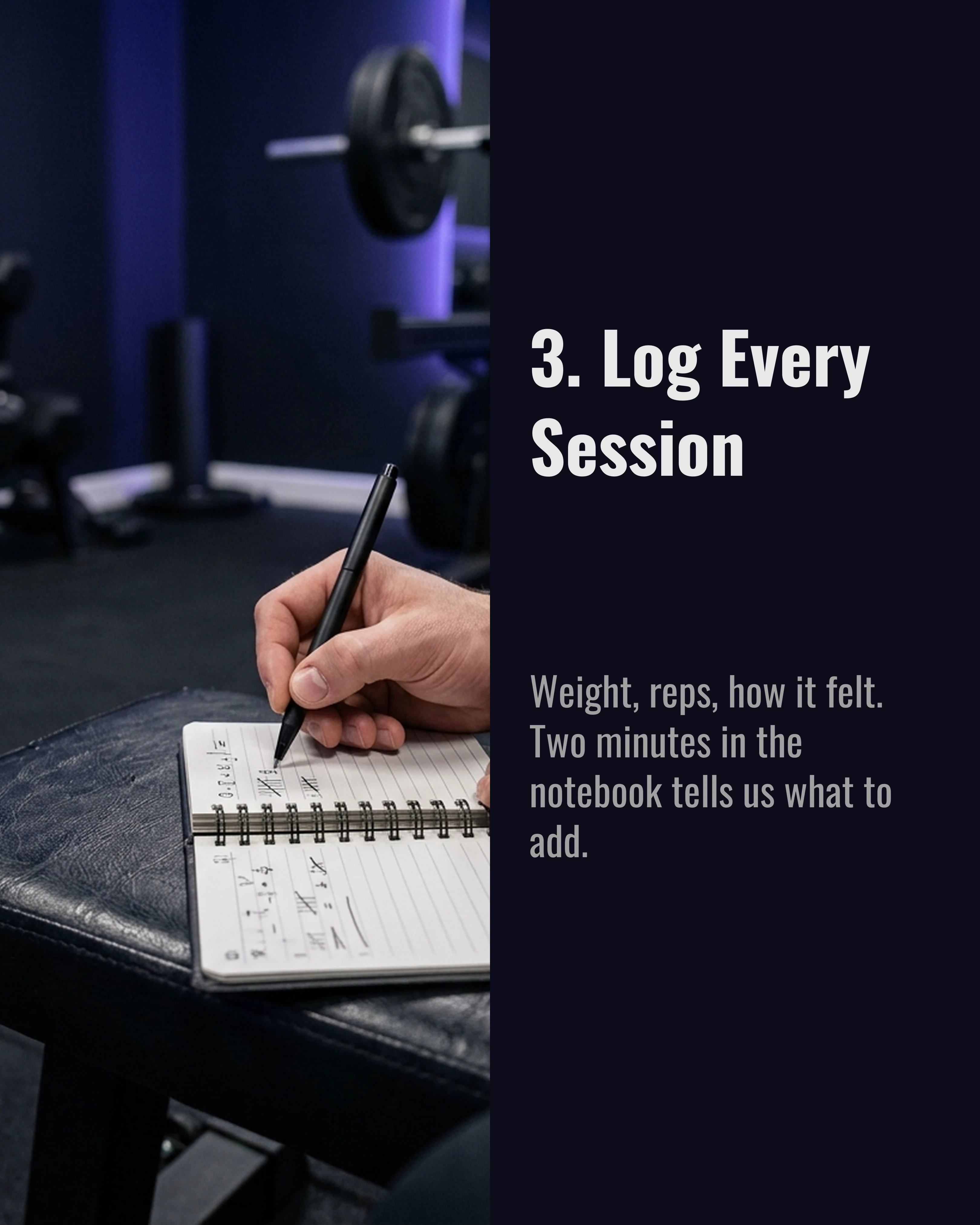
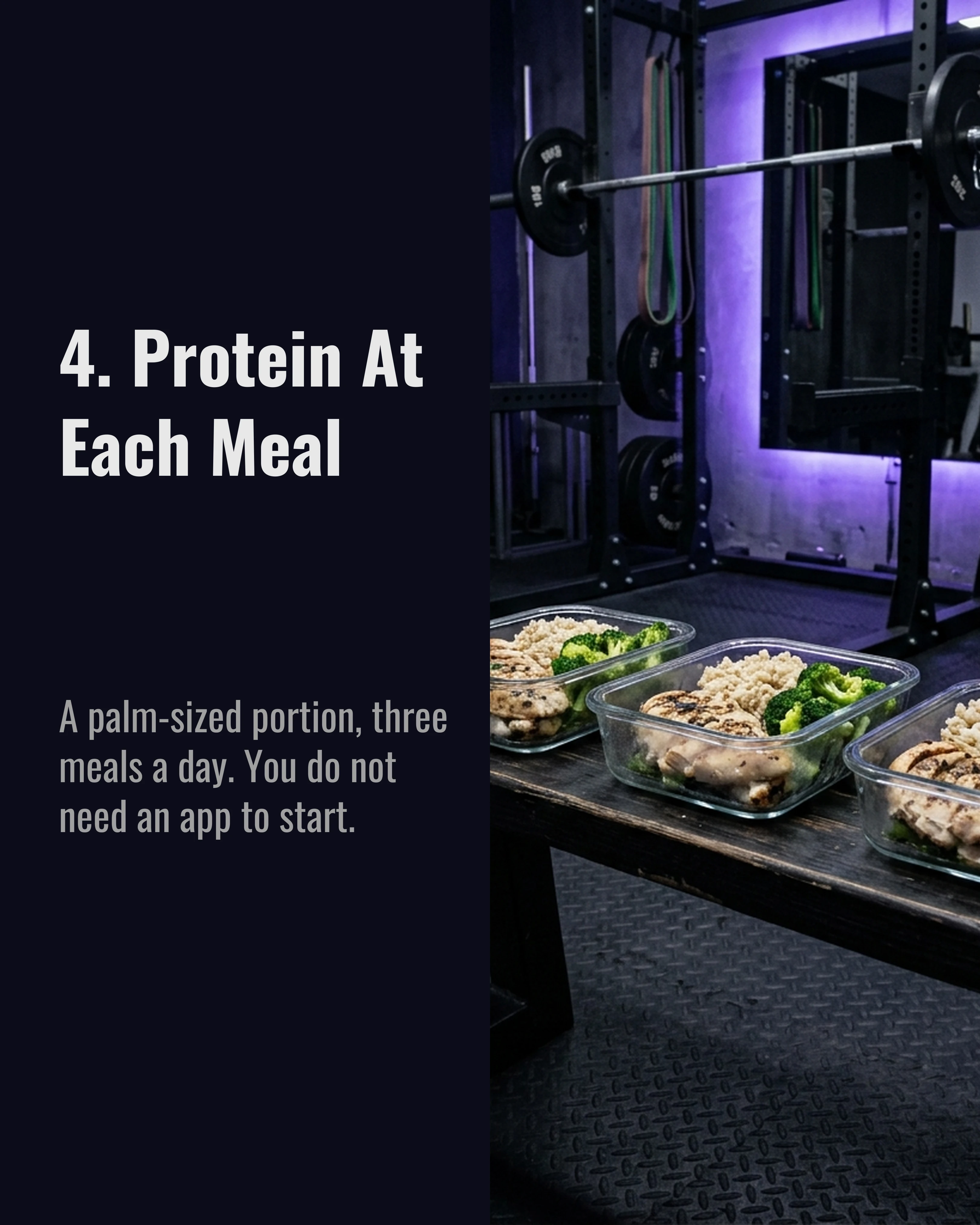



This first carousel is shown complete. The remaining formats in this article each show one representative slide, from a different kind of business, so you can see the shape without reading four more full posts.
Notice what the closing slide does not ask for. It does not beg for saves. The list itself is the reason to save, and the ask is the business action.
Hear Me Out: The Format for Comments
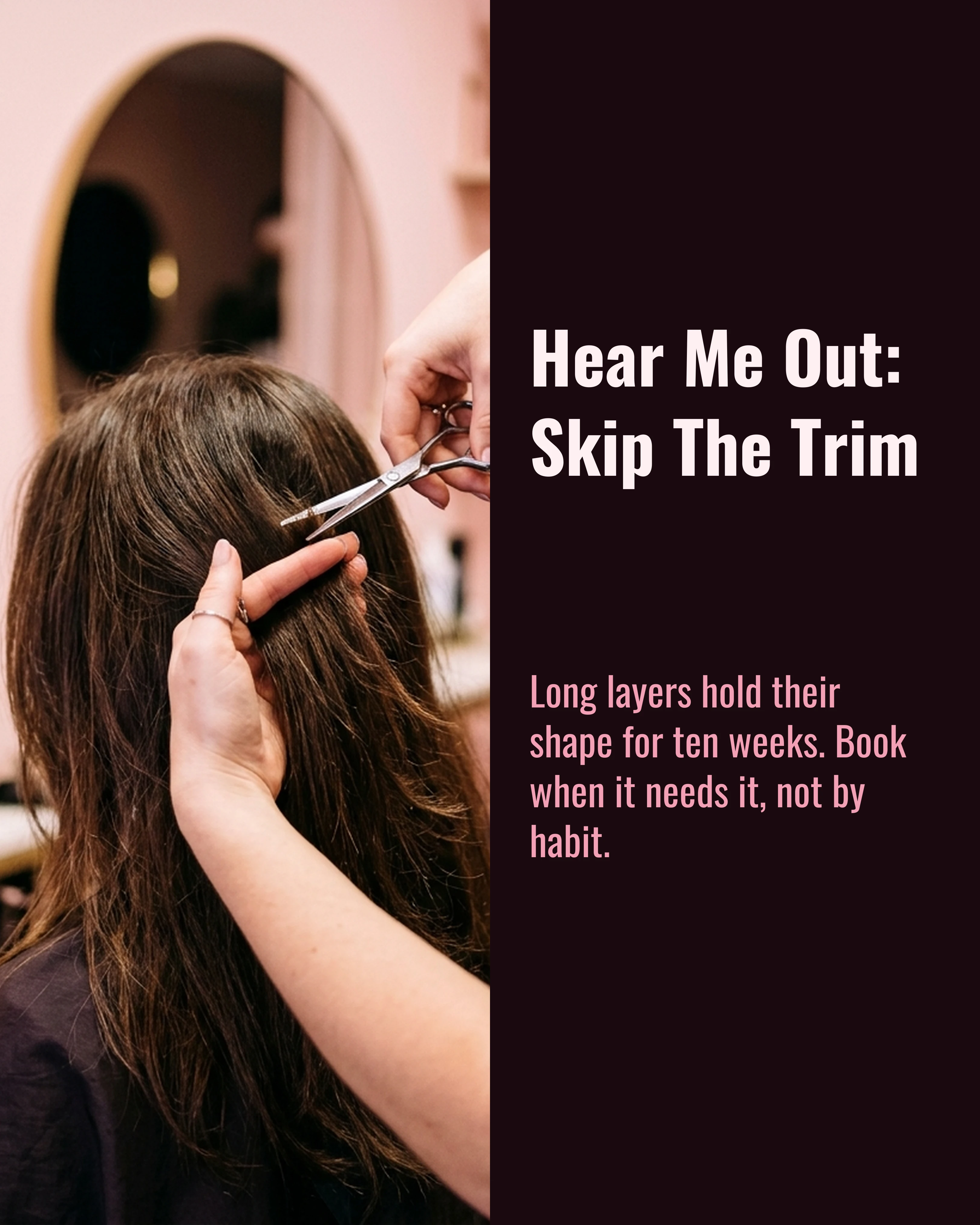
A Hear Me Out carousel opens with a contrarian claim and defends it slide by slide. “Skip the six-week trim.” “Cardio first is a mistake.” The first slide is the provocation, the middle slides are the argument, and the last one invites a reply.
This is the format the rule of thumb ties to comment debate, and again the logic is straightforward: you have taken a position, and some people in your audience hold the opposite one. The post gives them a reason to say so. The defence matters: a claim argued carefully draws comments from people who read all of it and still disagree.
The closest guides we have are the Myth vs Fact framework, which structures a claim and its correction, and the This or That framework, which puts two sides next to each other and asks the reader to pick. Neither calls itself Hear Me Out, and each can end in a saved reference rather than a debate, which is another reason to treat the pairings as something to test rather than assume.
The key discipline is to pick a claim you can defend with a reason, not just a feeling. Here is a representative slide from a hairdresser posting for her own clients.
Green Flags: The Format for Sends
A Green Flags carousel gives one behaviour per slide, each a sign that something is good: a good landlord, a good wedding photographer, a good therapist. Where Non-Negotiables is about what you do, Green Flags is about what the viewer should look for.
The rule of thumb pairs it with sends. The mechanism is that each slide invites the reader to think of a specific person: the friend choosing a photographer, the sibling looking for a therapist, the colleague who just moved house. A save is for yourself. A send is for someone you have in mind, and this format names the traits that make you think of them.
To build one, make each flag observable. “They listen” is vague, “they ask what you are hoping to change before they explain what they do” is something a person can picture. Green flags are an easy format to overreach with, so keep your claims modest and true to your profession. If you work in a sensitive field such as therapy, keep the tone steady and avoid diagnosing anyone.
Here is a representative slide from a therapist posting for people who might be looking for one.

Because Green Flags is a list, the listicle guide covers the structure. The extra step is making each item something the reader could forward with a single line.
Ranked List: The Format for Completion
A Ranked List counts down and keeps the winner for the final slide. “Our five best-selling buns, ranked.” “Seven walks in the Peaks, worst to best.” The countdown gives the viewer a reason to reach the last slide: they want to see what is number one.
This is the format the rule of thumb connects to swipe-through completion, and the mechanism is the open loop. Every slide that is not the winner is a promise that the winner is still ahead. Our analytics guide explains why completion is a distinctive carousel metric and how to read the drop-off point. A ranked list is the format that is deliberately built to hold people to the end of that drop-off curve.
The design details matter. Number the slides so people can see how far they have come, make the order feel earned rather than arbitrary, and keep the list short enough that the payoff is not too far away. If the list has a rank that surprises, it keeps people swiping. If the answer is obvious from slide one, it does not.
Here is a representative slide, the winner at the end, from a bakery.
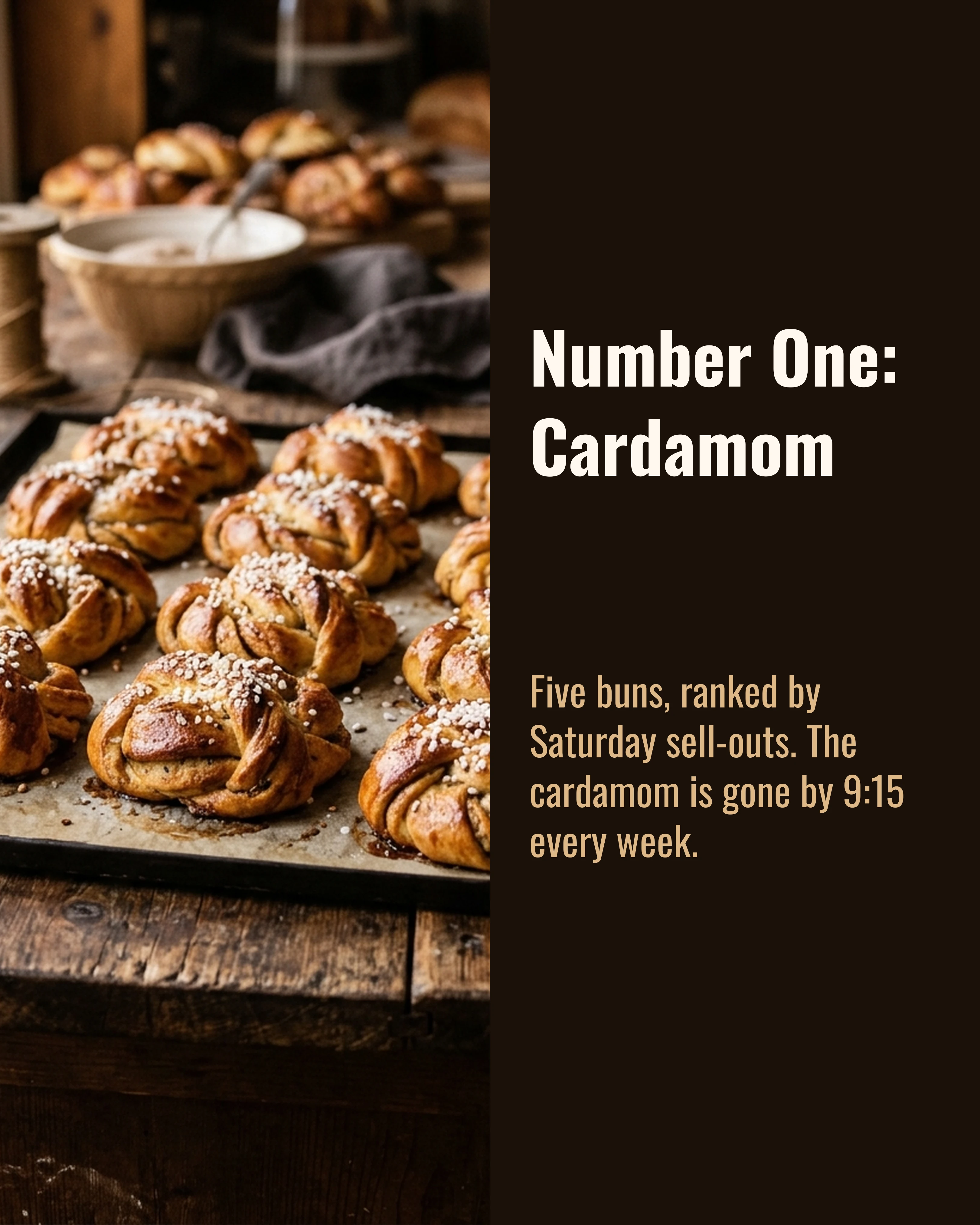
The structure comes from the same listicle guide; the difference is the order and what you hold back.
Before/After: The Format for Saves and Stories
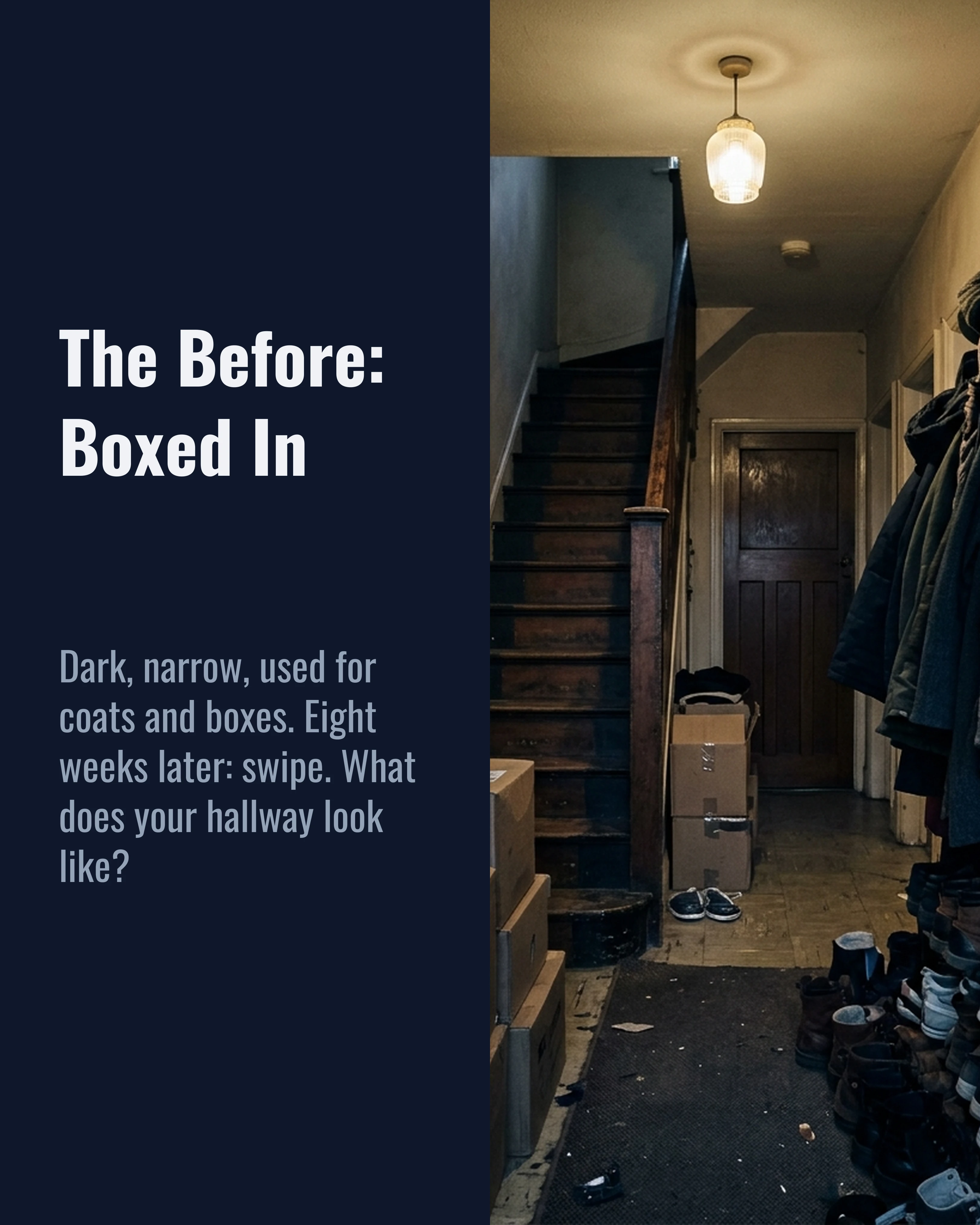
The last pairing is Before/After. It shows a starting point and a result, and the rule of thumb says it earns saves, plus comments from people who want to share their own “before”.
The second part is the interesting one. A good before shot is relatable: the dark hallway, the overgrown garden, the tired kitchen. People recognise their own version and say so in the comments. That makes it a format with two signals, which is why it sits last. If you need to choose just one for a given post, decide whether the save or the comment is the one you want, then write the closing slide to match.
The Before-After-Bridge guide covers the structure, with the bridge as the part that explains how the change happened. If your before and after is part of a longer narrative, the storytelling framework shows how to build the arc across the slides.
Here is a representative before slide from an interior decorator, with a question that invites people to share their own.
The Decision Table
Use this table when you sit down to plan. Start at the left column, which is the goal, and read across.
| Goal | Signal to watch | Format | Where to read more |
|---|---|---|---|
| Become the post people come back to | Saves | Non-Negotiables | Listicle carousels |
| Get forwarded to a specific person | Sends | Green Flags | Listicle carousels |
| Start a conversation or a debate | Comments | Hear Me Out | Myth vs Fact, This or That |
| Keep people to the final slide | Completion | Ranked List | Listicle carousels, Carousel analytics |
| Invite people to share their own story | Saves and comments | Before/After | Before-After-Bridge, Storytelling |
Two honest notes on the table. The listicle guide covers three rows because three of these formats are lists with a different twist, and the formats here are our names for those twists, not names the individual guides use. And the table gives you a starting position. It does not promise that any format will reliably win its signal on your account.
How to Test It on Your Own Account
A rule of thumb from one operator is a reasonable thing to try and an unreasonable thing to believe. Here is a simple test.
- Pick one signal. Choose saves, for example, and ignore the others for this round.
- Run each format three times. Three posts per format is enough to see whether a pattern is forming, and one post per format is not. Keep the topic area consistent so you are comparing formats, not subjects.
- Hold everything else steady. Same palette, same font, similar slide count, similar posting time. Our slide count guide will help you choose a length and stick with it.
- Wait before you record. Carousels keep collecting saves and reach for days, so log the numbers after about three days rather than after an hour.
- Compare the one signal. For each post, note the signal as a share of reach. Put the three posts of each format side by side.
- Look for the gap. If one format keeps sitting above the others on the signal you chose, you have a finding. If the numbers are all over the place, you have learned that for your audience the format does not matter as much as the topic, the cover or the hour. That is also useful.
Repeat the round for a different signal if you want to. Over a couple of months you will have your own table, built from your own followers, which is worth more than anyone else’s.
Keep the comparison fair. A Before/After that happens to be your best photography will beat a Ranked List made in a hurry, and that tells you about effort, not format.
When a Post Has Two Jobs
Pick the primary signal, design for it, and let the secondary one arrive as a bonus. If you cannot decide, look at what your last three posts earned. Plenty of saves but few forwards suggests a Green Flags post next. Plenty of reads but few replies suggests Hear Me Out. Build for the signal you are missing.
Making the Switch Easier
Changing format used to mean rebuilding the whole post. With Carousel you can write the same underlying idea as a Non-Negotiables list in one version and a Hear Me Out in another, using the built-in frameworks, and keep your palette, font and brand kit the same across both. That makes the test above practical: the formats change, and the look stays constant, so any difference you see is more likely to come from the format.
Key Takeaways
- Decide which signal a post is for (saves, sends, comments or completion), then choose the format.
- The pairings are one practitioner’s rule of thumb: Non-Negotiables for saves, Green Flags for sends, Hear Me Out for comments, Ranked List for completion, Before/After for saves and comments.
- No format fixes a weak cover slide, so design the first slide first.
- Run each format three times, hold everything else steady and compare one signal.
- Treat the result on your own account as the answer, and the rule of thumb as the question.