Your Handmade Carousel Got Labeled as AI. Here's Why, and What to Do
Your Handmade Carousel Got Labeled as AI. Here’s Why, and What to Do
You spent an afternoon cutting, taping and writing a journal spread. You photographed it, built a carousel, and posted it. An hour later there’s a small “AI info” tag on it, and someone in the comments asks if it’s real.
It feels like a machine judged your work as fake. Usually it didn’t. On Instagram, Facebook, Threads and LinkedIn, the label mostly comes from what’s written inside the file you uploaded, or from a toggle someone switched on. That makes a false label something you can trace and prevent.
This guide is for people who make things by hand: what triggers the label, a pre-export checklist, how to read your file’s metadata, and what to do once a post is labeled.
What the AI Label Actually Reads
When Meta announced its labels in February 2024, it said it was building tools to detect the “AI generated” information in the C2PA and IPTC technical standards, the metadata that tools from Google, OpenAI, Microsoft, Adobe, Midjourney and Shutterstock write into image files. Its labeling policy says labels are based on “industry-shared signals of AI images or people self-disclosing”. In the same post, Meta admits the early “Made with AI” label went wrong in exactly the way that frustrates human creators: “some content that included minor modifications using AI, such as retouching tools, included industry standard indicators that were then labeled ‘Made with AI.’” That’s why it was renamed “AI info” in July 2024.
The label shows up a lot. Meta’s Transparency Center reports that in one 29-day window in October 2024, more than 330 million labeled pieces of Instagram content were viewed by users.
The current rules, from Instagram’s own help page on labeling AI content, draw a line that matters for handmade work:
- Content whose file says it was created with AI gets a visible AI label on the post.
- Content whose file says it was modified with AI does not get the label on the post. The information goes in the post’s options menu instead.
- Self-disclosure puts the label on regardless. That means the “Add AI label” toggle when you post, or an AI-generated profile setting.
The same page gives the everyday example: “Photo editing tools that use AI to change the size or colour of an image may add a signal showing that the content was modified using AI.”
So a visible label on handmade work usually means a file says “created with AI”, or someone ticked the disclosure toggle. Meta has also said it is developing classifiers that don’t depend on metadata, so file signals aren’t the only possible cause, but they are the documented one and the one you can check.
The Usual Culprits on a Handmade Carousel
None of these involve generating the artwork. They’re the small conveniences that write provenance into a file without telling you:
- Generative fill, expand or remove. Adobe states that when qualifying generative AI tools are used to create or modify content in its apps, C2PA metadata is attached to the file automatically. Using generative fill to remove a stray thread from a scan counts.
- AI upscaling, “enhance” and object erasers in phone and desktop editors. These are exactly the resize-and-recolor tools Meta’s help page describes.
- Borrowed elements. An AI-generated paper texture, background or sticker pack dropped into an otherwise hand-built slide brings its own metadata with it.
- AI images in the carousel itself. If one slide in a set of eight came from an image generator, that slide can be labeled, and the label reads as if it covers the whole post.
- The disclosure toggle. Scheduling tools and drafts sometimes carry settings over from a previous post, including the AI label toggle.
Before You Export: A Six-Point Checklist
Run this on the files that will actually be uploaded, not just on your working copy.
- Know which tools touched each image. If any step used a generative feature, even for a small cleanup, that slide may carry an AI signal.
- Do small fixes by hand. Clone stamp, healing brush, a manual crop and levels adjustments do the same job as generative remove on a dust speck, without the AI signal.
- Keep your originals and process shots. Raw photos, scans and in-progress pictures are your best evidence, and good content (see below).
- Check bought or downloaded assets. A generated texture or background is AI imagery. Decide whether it belongs in a post you call handmade.
- Inspect the exported slides. Upload one to the Content Credentials verify tool or Adobe’s Inspect tool. If either shows a generative AI step you didn’t expect, you’ve found the cause before posting.
- Look at the toggle every time. Before you tap share, check that “Add AI label” is off for work that genuinely has no AI in it, and on for work that does.
Here’s one representative slide from someone who’d pass that checklist: a botanical illustrator’s weekly original, shot at the desk, materials named.

How to Read Your File’s Metadata
You don’t need to be technical to do this.
Content Credentials (C2PA). Drag an exported image into contentcredentials.org/verify. If the file has a C2PA manifest, you’ll see who signed it, which app produced it, and whether a generative AI step is recorded. If it says “no Content Credentials”, there’s no C2PA record in that file.
IPTC Digital Source Type. This older, simpler field is what many generators and stock sites use. The IPTC vocabulary includes values such as trainedAlgorithmicMedia and compositeWithTrainedAlgorithmicMedia, which mean “made by a trained AI model” and “a composite that includes AI-generated elements”. Any EXIF/IPTC viewer will show the field. On a Mac, Preview’s Inspector shows a subset of metadata, and free metadata viewers show the full IPTC block. If you see one of those values on a slide you believe is handmade, trace back which app wrote it.
Check the file you actually upload, because some export paths add metadata and others remove it. A clean result doesn’t guarantee no label, but it removes the best-documented trigger.
Photographers: Let the Camera Vouch for You
Provenance can work in your favor too. Instagram now has a “Captured with a camera” label, applied when it can verify secure capture metadata. The help page says it covers the Instagram camera today, and Meta plans to support other cameras and apps that attach C2PA capture credentials. It survives “small edits made after capture without AI, such as a crop, a trim or a brightness adjustment”. Meta says the label “is informational, neutral and does not affect the reach of content.”
The same page also names the ways you lose it: an app that strips the capture information, or an edit that means the original source can no longer be confirmed. For a landscape photographer, the takeaway is to use capture and editing tools that preserve credentials, and to keep the edits honest.
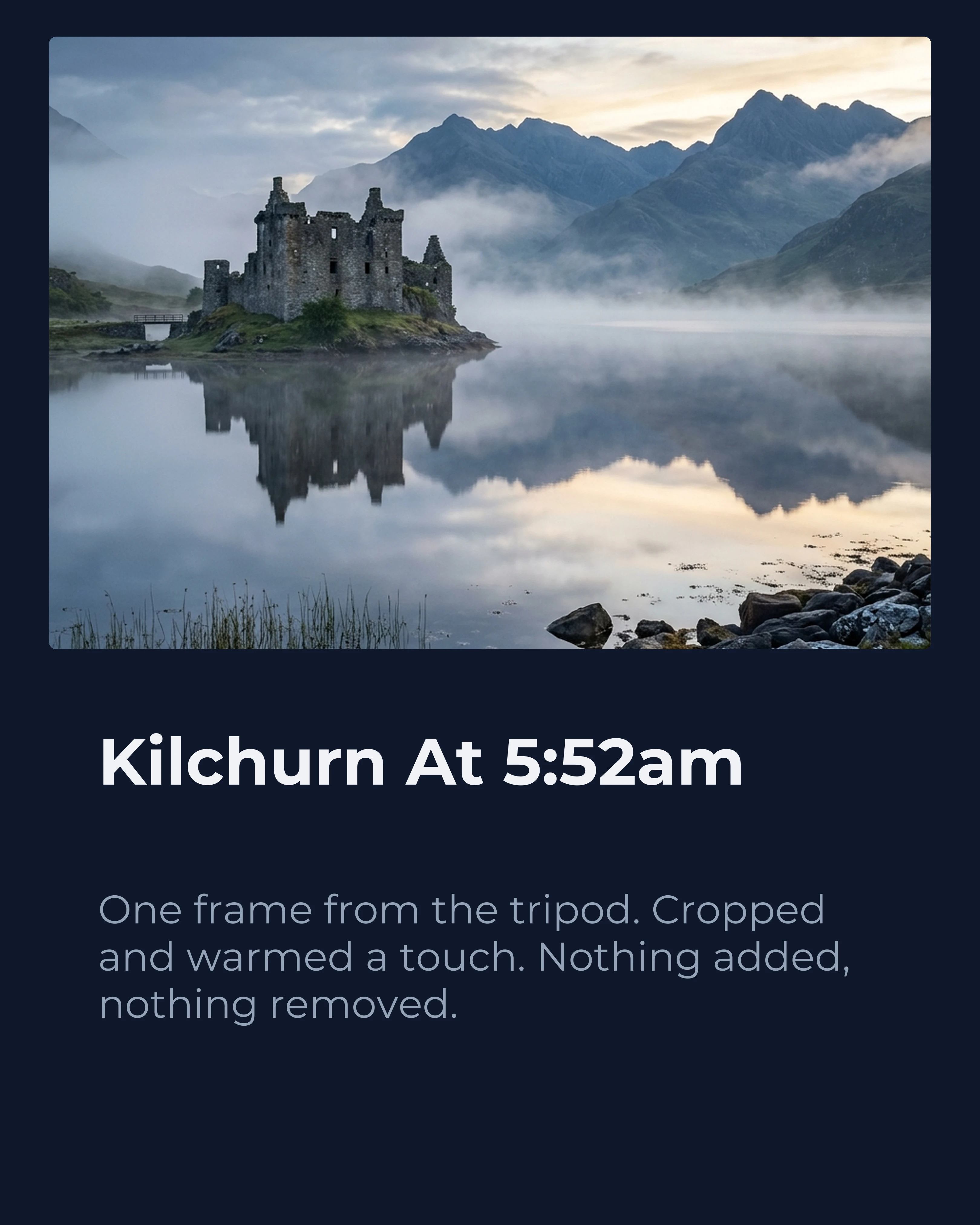
Another representative slide: one frame, cropped and warmed, and a caption that says so.
Show the Hands: The Process Carousel
The strongest thing a human maker can publish is the making itself. A process carousel follows one object from loose pieces to finished page, so if a label or sceptical comment appears, the evidence is already in your feed.
Below is the full example, eight slides from a travel journaler’s feed. The cover shows the finished Kyoto spread and opens a loop (“six hours”). The five middle slides follow the same page through materials, dry layout, trimming, sticking down and journaling. A close-up pays off the texture, and the final slide switches palette to ask for one thing: a save.


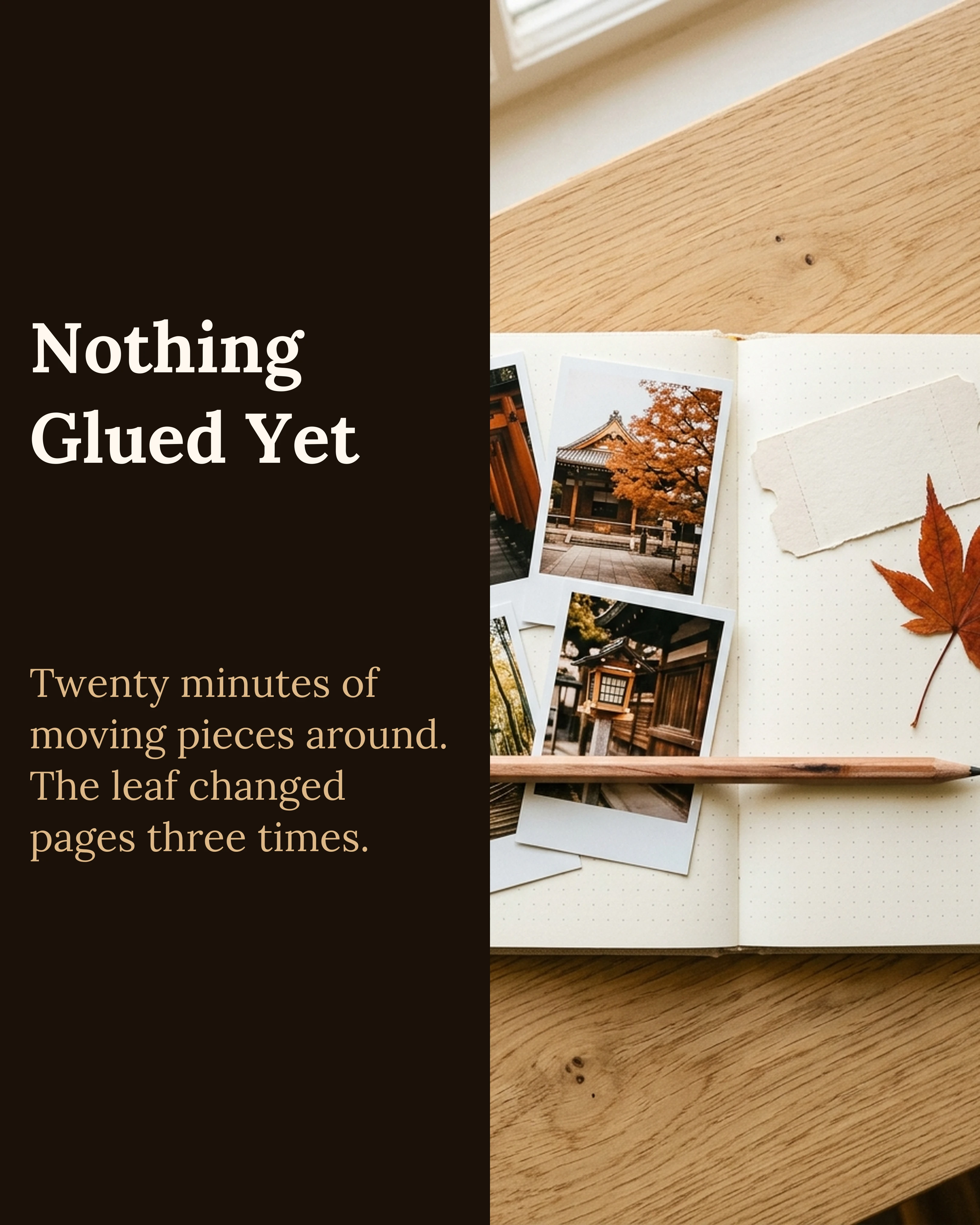
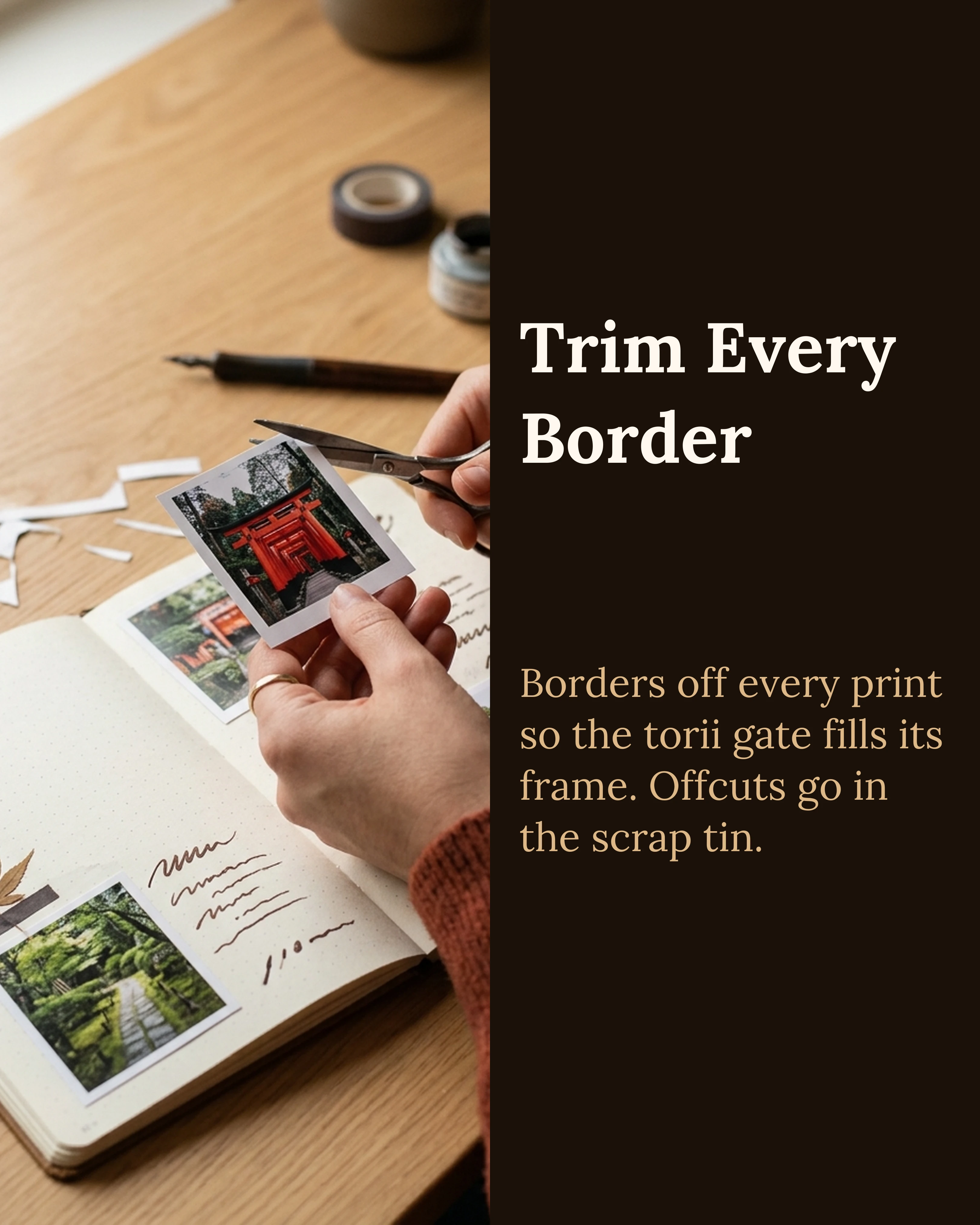
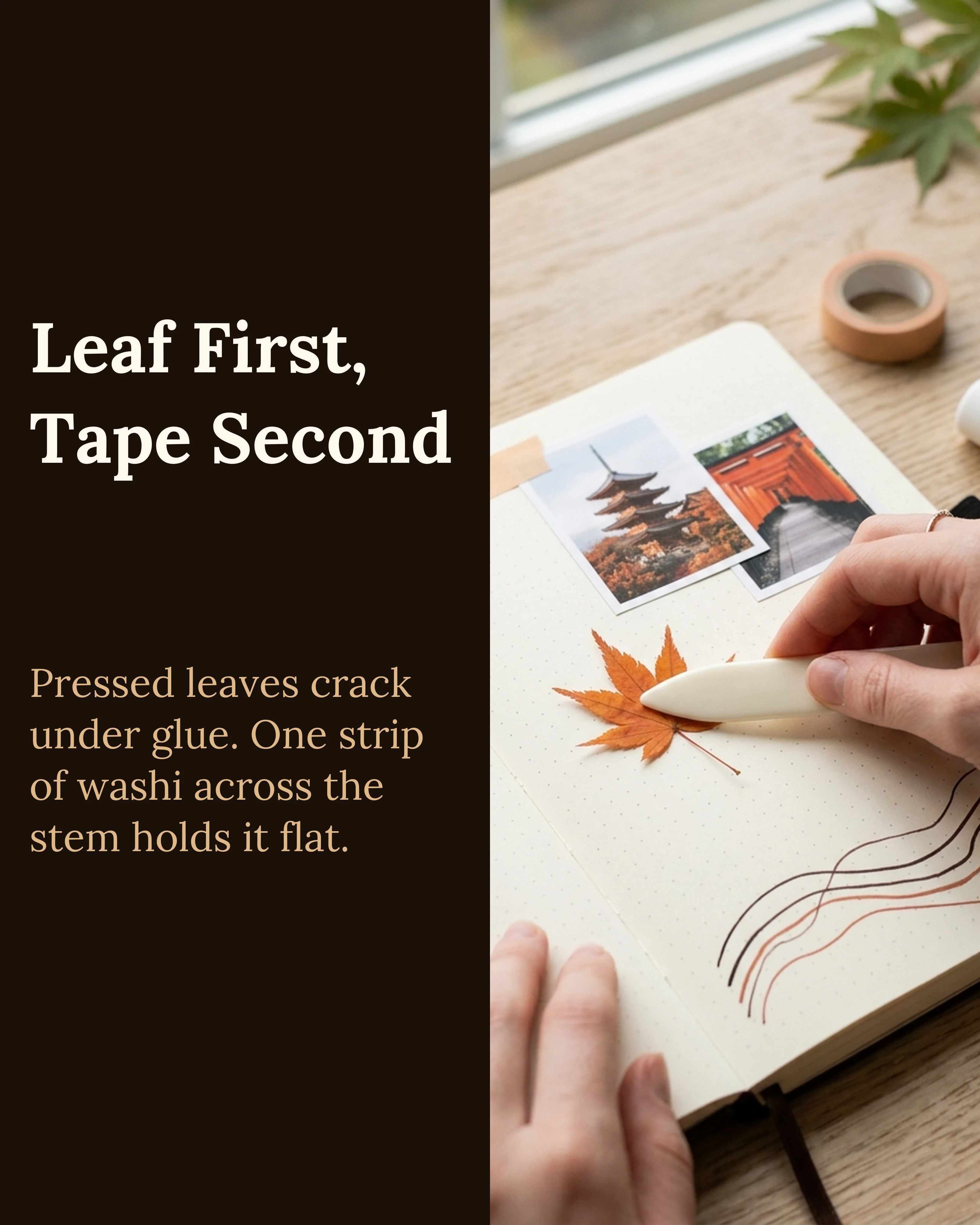
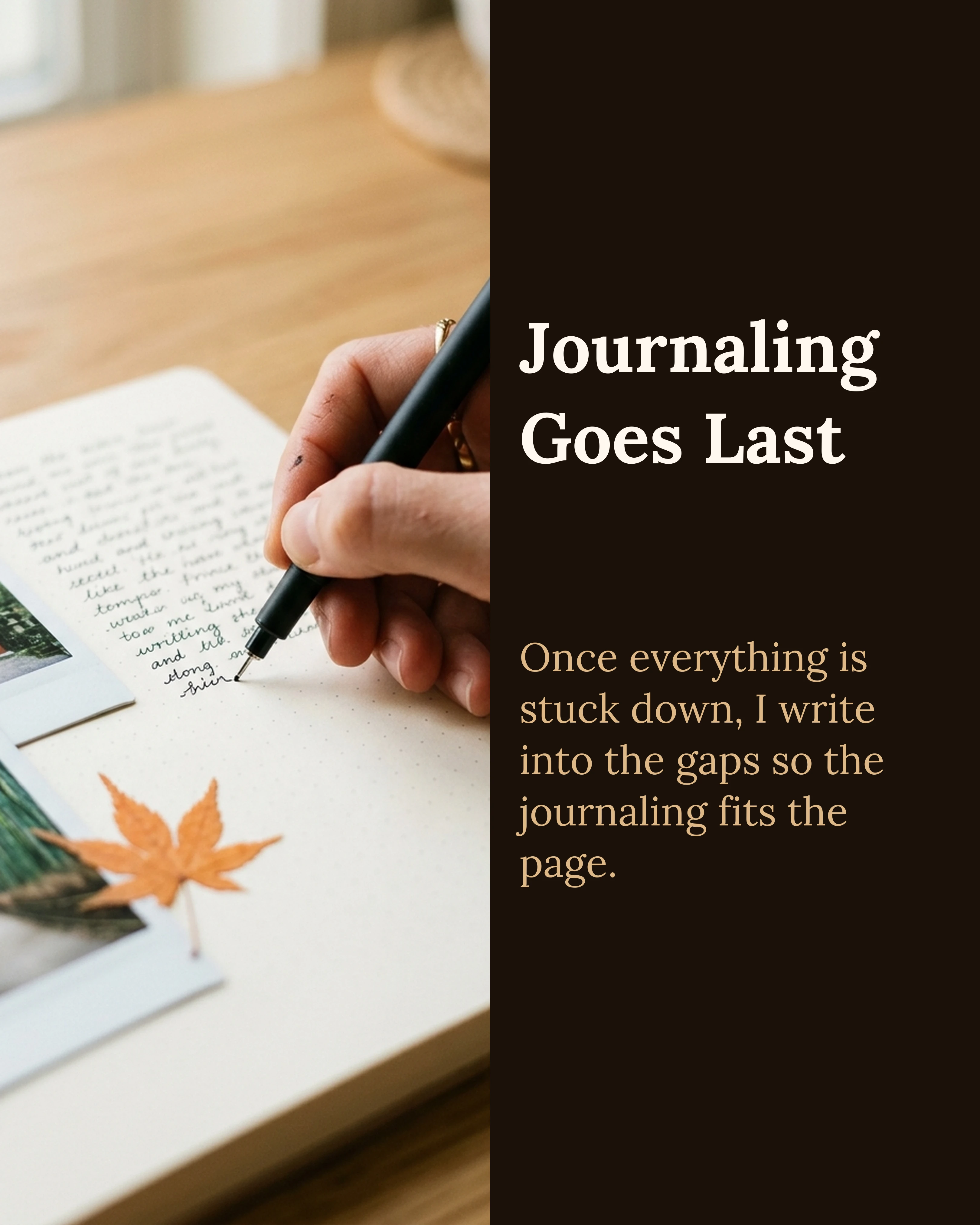


What makes it convincing: the same leaf, prints and desk in every frame, hands in the shots, and small imperfections like a crooked stitch. If you want a structure for this kind of post, the before, during and after arc in our storytelling framework guide maps onto it directly. Our photography carousel guide covers behind-the-scenes sequences for shoots.
If the Label Is Already on Your Post
Be clear about what’s documented. Meta’s help pages explain how labels are applied and how to add one yourself. As of this writing, they don’t describe a formal appeal for an AI info label applied automatically from file signals. Here’s what you can do:
- Tap the label and read it. Meta says the label shows whether it was applied because of industry-shared signals or because someone self-disclosed. That tells you which problem you have.
- If it was self-disclosed, find where the toggle was switched on (the post composer, a draft or a scheduling tool) and fix it at the source so it doesn’t happen again.
- If it came from file signals, inspect the original exports as described above. Most of the time you’ll find a generative step you’d forgotten about. That’s worth knowing even when it stings, because the label is describing the file accurately.
- Report it if you’re confident the file is clean. Use the in-app “Report a problem” option in Instagram’s Help menu, and include what you checked: a screenshot of the Content Credentials result and a process photo or two. It isn’t a guaranteed reversal, but it’s the documented route to reach Meta.
- Talk to your audience. A pinned comment (“hand-cut and glued, process shots in slides 2 to 6”) answers what readers actually care about.
Why Stripping the Metadata Is the Wrong Move
Plenty of tools promise to remove the label by wiping C2PA and XMP data before upload. Properly prepared handmade work doesn’t need them, and for work that contains AI edits they’re the wrong answer:
- It hides something true. If the file records a generative edit, the edit happened. Removing the record so the platform can’t see it is concealment, and it’s the opposite of what a human-made-work argument depends on.
- It isn’t reliable. Meta says it is working on classifiers and on invisible watermarks designed to be hard to remove, precisely because metadata can be stripped.
- It deletes your good provenance too. The same wipe removes camera-capture credentials and any authorship details you attached. Those are the signals that could label your work as human.
- It can carry consequences. Meta requires disclosure for photorealistic video and realistic audio made or altered with AI, and says it may apply penalties when content that required a label wasn’t labeled.
The durable fix is boring: keep generative tools out of work you present as handmade, disclose them when you do use them, and keep the process evidence.
LinkedIn Has Two Different “AI” Signals
On LinkedIn it’s easy to confuse two separate things:
- The CR badge is the Content Credentials mark. LinkedIn shows a “CR” label on any upload that carries C2PA credentials. As Fortune reported, clicking it shows the tool that created the content (a camera model or an AI generator), who signed the credential, and whether AI generated all or part of it. It reads the file. It doesn’t judge the image.
- The “seems like AI slop” flag is a human report. LinkedIn’s chief product officer said that in its first two weeks more than a million people clicked it, and that members were seeing “40% fewer views on what the platform classified as AI slop” compared with a few weeks earlier, per Fortune on 25 August 2026.
For handmade work, watch the badge, because your file controls it. A slide recording a generative edit can show a CR badge saying AI was involved, which invites the reports that cost reach. If your post is text-heavy, the separate question of how writing comes across is covered in our guide to making an AI-assisted carousel not look AI-generated.
Where Carousel Fits
Carousel handles the parts of a process post that aren’t the craft: sequencing, type, and one palette across eight slides so photos of your work do the talking. Your photos go into the layouts as you took them. The app also offers AI image generation; a slide made with it is AI imagery, so disclose it and keep it out of anything you call handmade. Run the checklist above on your exports either way.
Key Takeaways
- Meta’s AI info label is driven mainly by C2PA and IPTC metadata plus self-disclosure. “Created with AI” signals label the post; “modified” signals only appear in its menu.
- Generative fill, AI upscaling and erasers, AI-made texture packs, and a forgotten disclosure toggle are the usual causes on handmade work.
- Check the exact files you upload with contentcredentials.org/verify or Adobe Inspect, and look for IPTC
trainedAlgorithmicMediavalues. - Meta documents no formal appeal for automatic labels. Read the label’s source, fix the cause, and use Report a problem with evidence if the file is clean.
- Don’t strip metadata to dodge a label. It hides real edits, it isn’t reliable, and it deletes the provenance that could prove your work is human.
- On LinkedIn, the CR badge reads your file and the AI-slop flag comes from people. The flag is the one that cost 40% of views.
- A process carousel is the best proof, and a good post anyway.
Ready to show how you make things? Download Carousel, free on the App Store.
Create your first carousel in 60 seconds — free
Pick a template, paste your text, export. It's that simple. No design skills needed.
Download Carousel