
The Last Slide: How to Write Carousel CTAs That Convert
The Last Slide: How to Write Carousel CTAs That Convert
Everyone obsesses over the cover slide. It gets the hook, the bold type, the third redesign. Then the final slide says “Follow for more tips!” in the same font as everything else, and the post ends with a shrug.
That is a waste. The people who reach your last slide are the most engaged audience you will ever have. They read the whole thing. They are still holding the phone. They are, for about two seconds, willing to do something. The final slide is the only place in the entire post where you get to ask.
This guide covers what a CTA slide is actually for, the four types that work, and why the most common closing line on social media does almost nothing.
What the Final Slide Is For
The last slide has one job: convert attention into a specific action. Not “engagement” in the abstract. One action, named clearly.
The mistake is asking for everything at once. “Follow, save, share, comment, and check the link in bio” is five requests, which means the reader does none of them. A choice between five things takes effort, and nobody expends effort at the end of a free post.
Pick one action. The rest can happen on their own.
Here is the same closing slide written both ways. Two slides rather than a full carousel, because the only thing that changes between them is the ask — there is a complete seven-slide example further down.


Why “Follow for More Tips” Underperforms
It is the default closing line on social media, and it fails for three reasons.
It asks for a commitment with no stated benefit. “More tips” describes half the internet. Nothing in that phrase tells someone what they specifically get by following you.
It ignores what just happened. Someone read eight slides about pricing your services. The natural next step is more about pricing, not a generic subscription to your existence.
And it competes with a much easier action. Saving takes one tap and no social consequence. Following is a public statement about identity. If your close asks for the harder action without earning it, you lose both.
A better version names the payoff and the topic: “I post one pricing breakdown like this every Tuesday. Follow if that is useful.”
The Four CTA Types That Actually Work
1. The Save Prompt
The lowest-friction ask and the best default for educational carousels. It works because you are telling the reader what future moment the post is for.
Weak: “Save this post!” Strong: “Save this for the next time a client asks for a discount.”
Saves also carry weight with the algorithm and bring people back to your profile later, which makes this the highest-value low-effort ask available.
2. The Narrow Question
Turn the close into a conversation starter. Not “thoughts?” but a question with a small, specific answer: “Which of these three do you already do?” or “What is your current turnaround time?”
This works best when the carousel has taken a position, because the reader arrives at the final slide already agreeing or disagreeing.
3. The Next-Step Offer
For posts with a genuine commercial goal, name the next step and make it small. “DM me the word AUDIT and I will send the checklist” outperforms “link in bio” because it removes the app-switch and gives the reader an exact script.
Use this sparingly. A feed where every post ends in an offer trains people to stop swiping before the end.
4. The Series Hook
Close by pointing at the next post: “Part two covers what to do when they still say no. Out Friday.” This converts a single post into a habit, and it gives following an obvious, time-bound reason.
Seeing One of Them Land
A closing slide cannot be judged on its own. The whole point is that it breaks from the slides before it, so you need those slides to see the break.
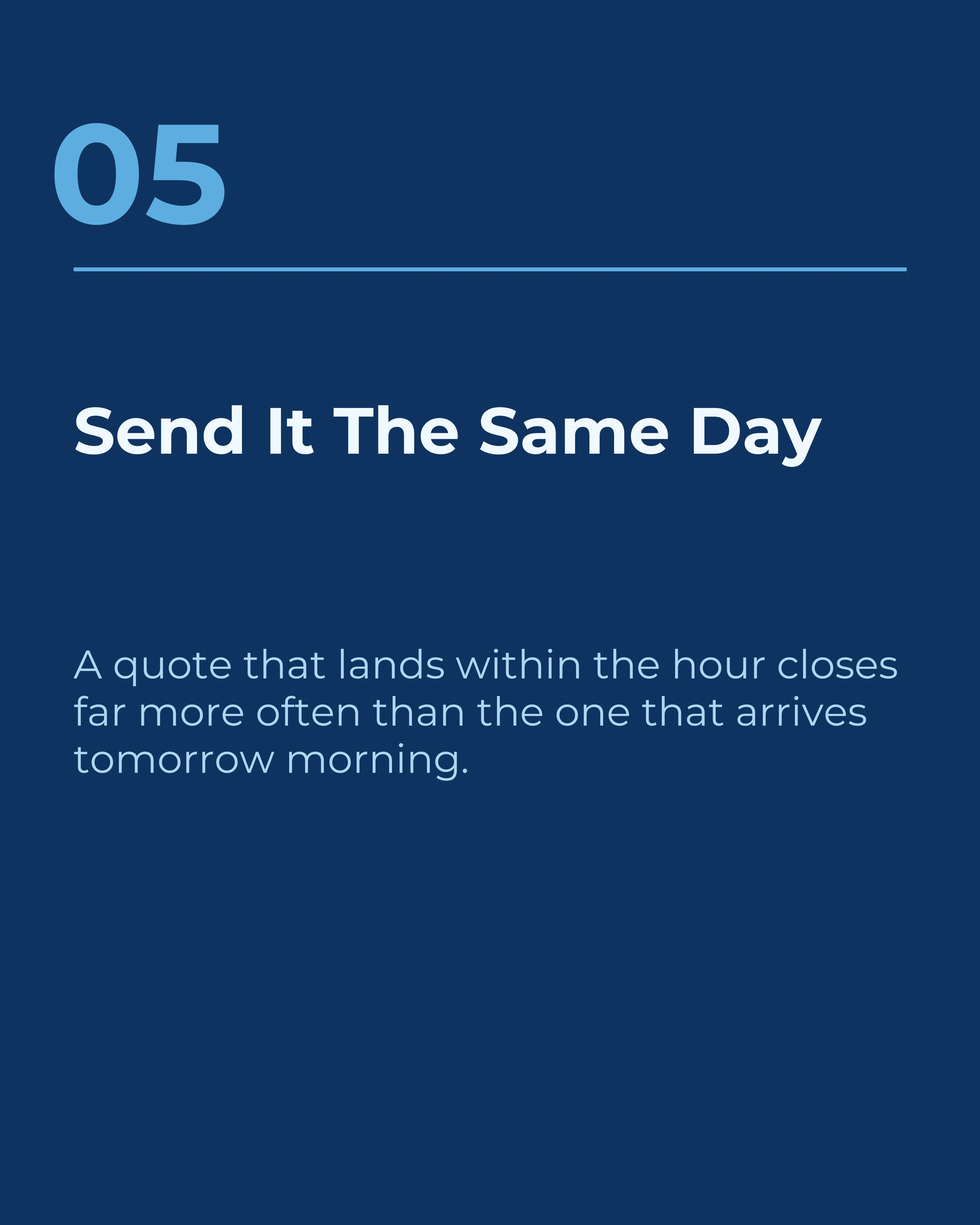
Here is a complete seven-slide carousel on handling discount requests — an ordinary post, nothing about carousels or CTAs on it. Five numbered slides carry the content, then the close arrives. Watch what changes at slide seven: the number goes, the divider goes, the layout changes, a photo appears, and there is exactly one thing to do. It is a save prompt because the post is educational, and it names the moment — your next quote — rather than saying “save this post”.

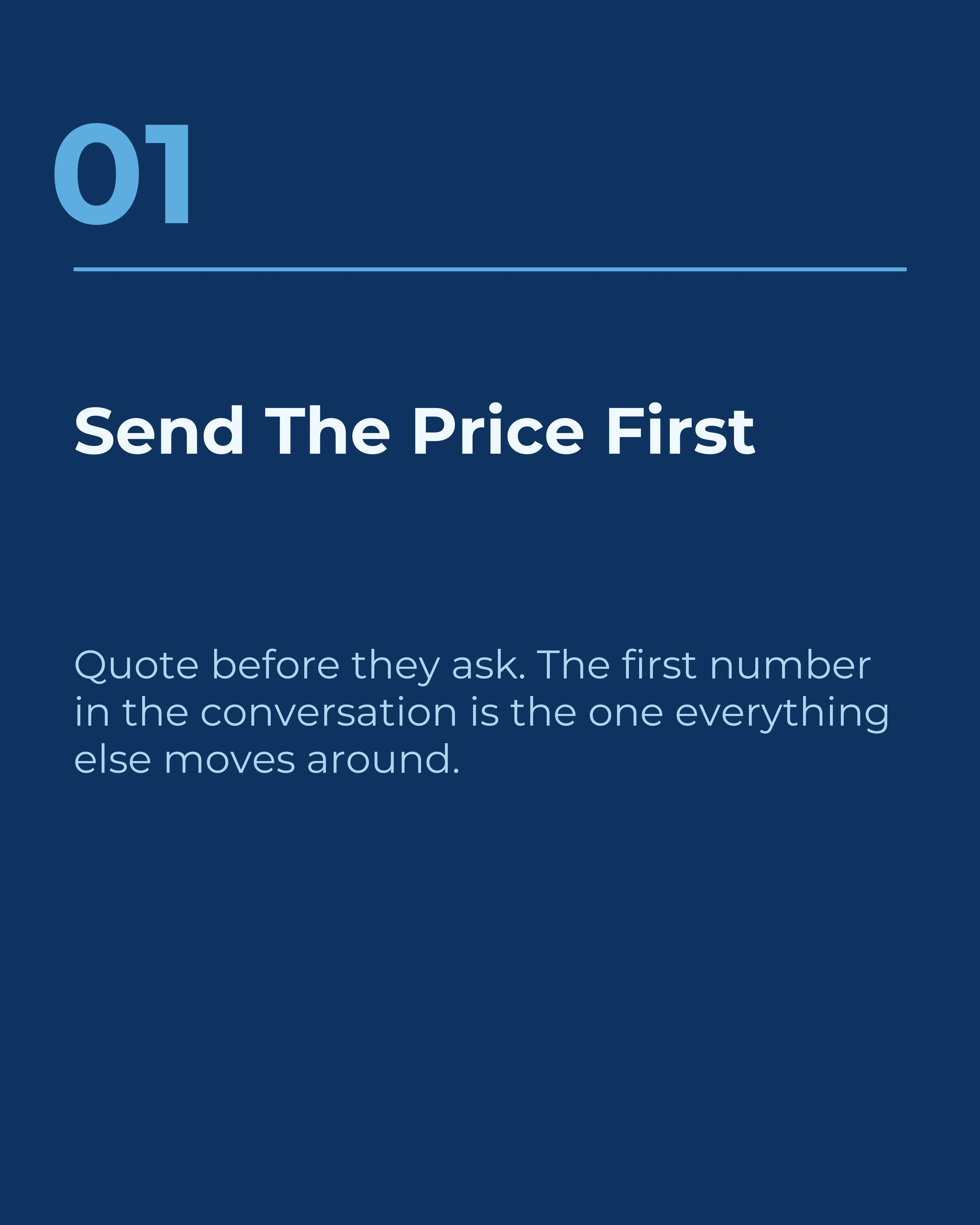
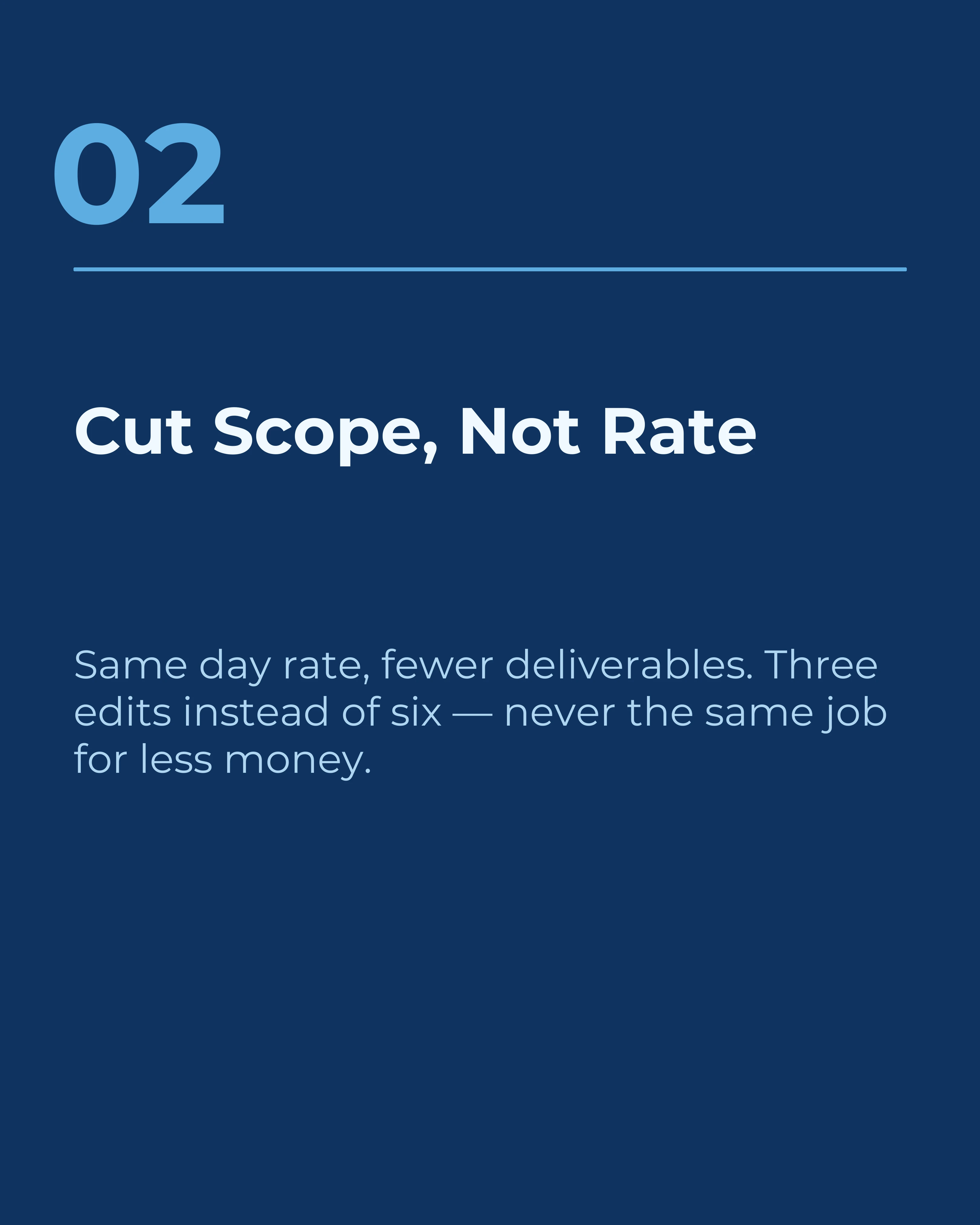
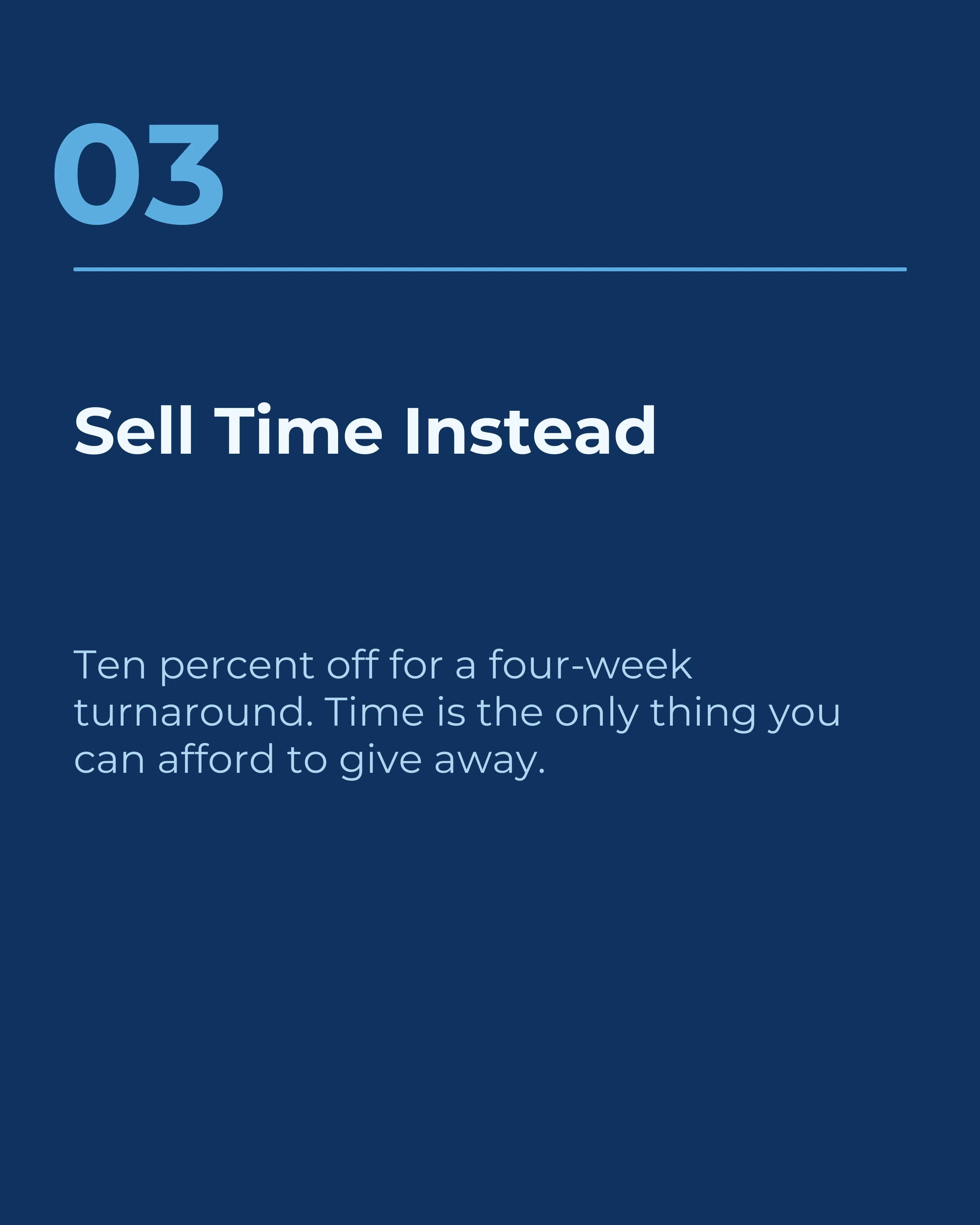
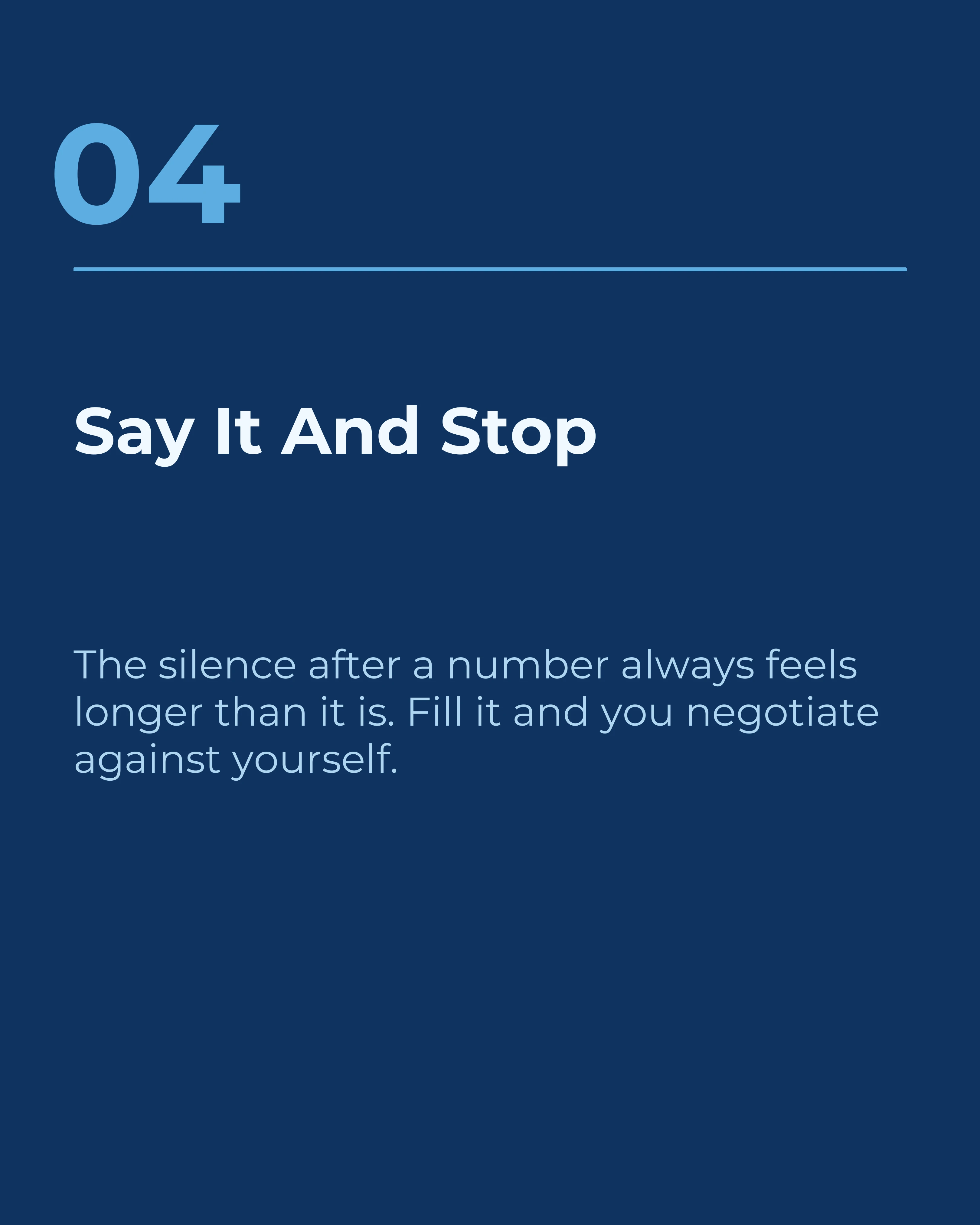

The Same Post, Closed Four Ways
Only one of the four types belongs on any given carousel — putting all four on one post would be the five-request mistake in a smarter costume. So here is that same pricing carousel ending four different ways, one per type. Four slides, not a carousel: these are alternatives to slide seven, not a sequence.



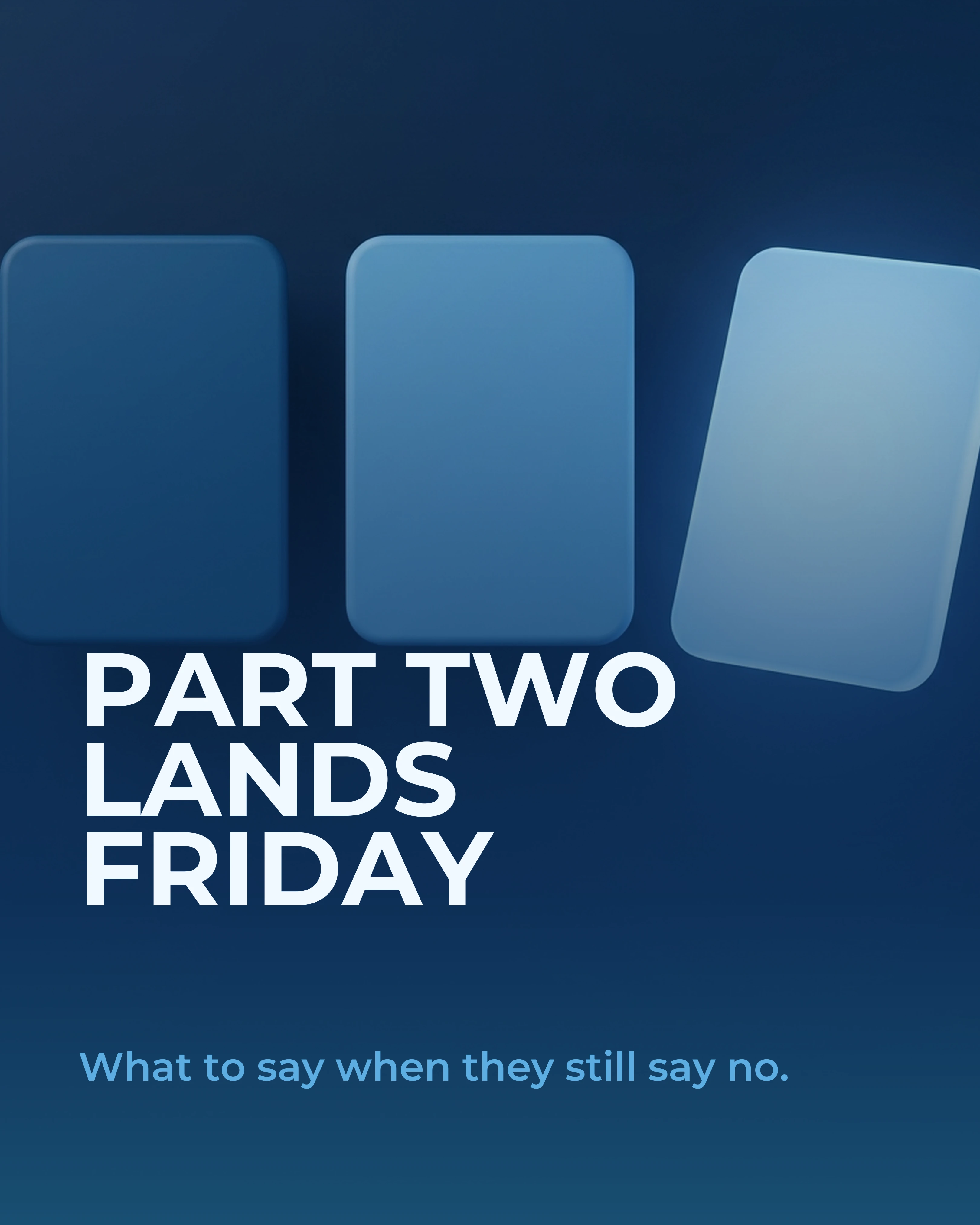
Same post, same audience, four different outcomes. The save prompt builds a library people return to. The question fills the comments. The offer starts conversations you can invoice. The series hook buys you a reader on Friday.
Design Rules for the CTA Slide
Make it look different. The final slide should visually break from the pattern of the middle slides. Invert the colors, drop the numbers, go large and simple. Most template systems, including the app’s, swap the background on the first and last slides for exactly this reason.
One line, big. If your CTA needs three lines to explain, the ask is too complicated. Five to eight words is the target.
Do not bury it under your logo. Handles, watermarks, and profile photos belong small and to the side. The action is the content.
Keep it out of the bottom crop. On Instagram, the lower portion of a slide sits near the caption and interface elements. Center the CTA, do not tuck it at the base.
Match the CTA to the Framework
The right close depends on what the carousel just did. A PAS carousel has agitated a problem and delivered a solution, so the reader is primed for a next-step offer. A listicle has delivered ten reference points, so the save prompt is the honest ask. A story carousel has built empathy, so a narrow question about the reader’s own version of that story will fill the comments.
If the close feels bolted on, it usually means it does not match the arc of the post that preceded it.
How Carousel Handles the Closing Slide
Every informative template in Carousel includes a dedicated final slide with its own layout and inverted colors, so the CTA lands visually without any manual redesign. The AI writes a closing line that matches the framework you picked, and you can rewrite it in a tap if the ask should be a save rather than a follow.
Key Takeaways
- The people who reach your last slide are your most engaged audience. Ask them for something.
- One action per carousel. Five requests get zero responses.
- Replace “follow for more tips” with a named payoff and a topic.
- Use save prompts for educational posts, narrow questions for opinion posts, offers sparingly.
- Design the last slide to break the pattern: inverted colors, one line, large type.
Create your first carousel in 60 seconds — free
Pick a template, paste your text, export. It's that simple. No design skills needed.
Download Carousel