Your First 30 Days of Carousels: A Content Calendar That Works
Your First 30 Days of Carousels: A Content Calendar That Works
Most content plans fail in week two. Not because the ideas run out, but because the plan was built on a fantasy version of your schedule. Five posts a week sounds fine in a spreadsheet on a Sunday and impossible on a Wednesday with three deadlines.
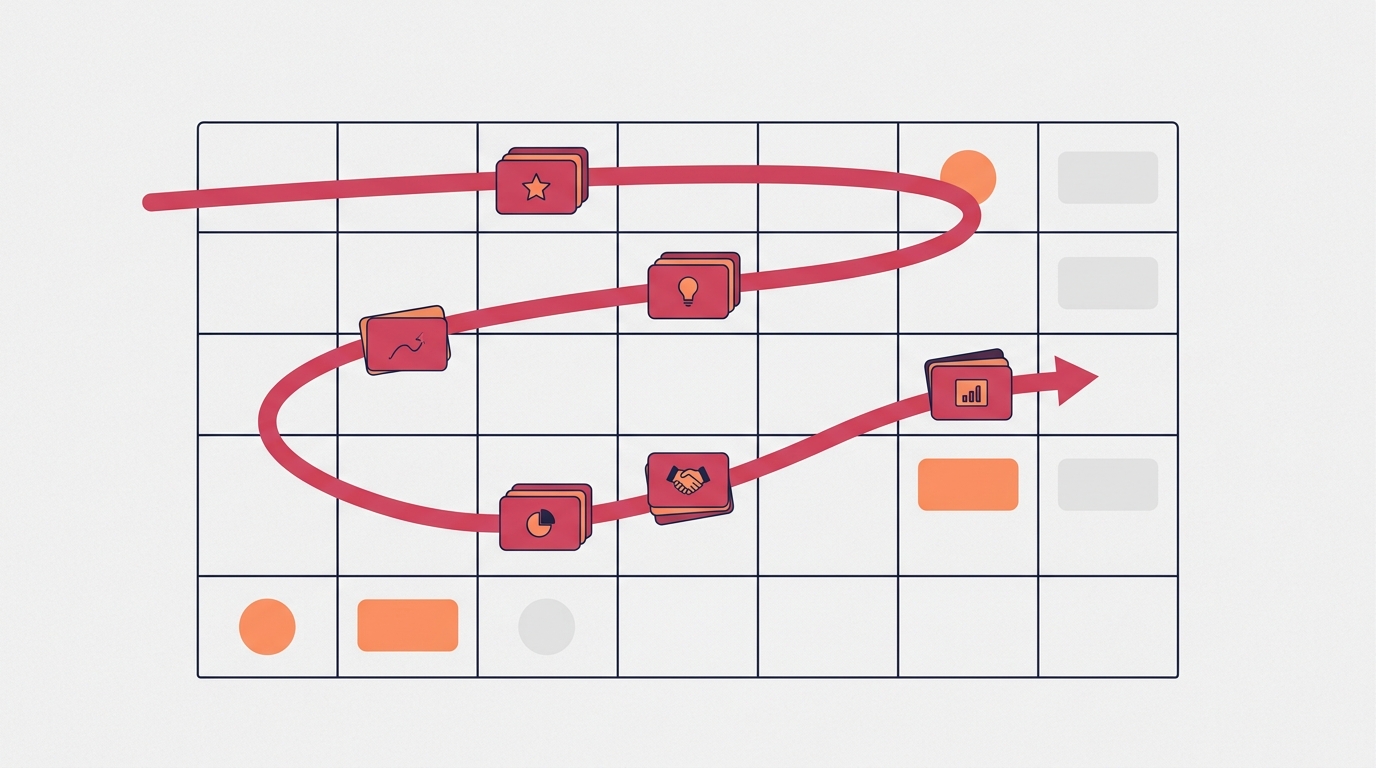
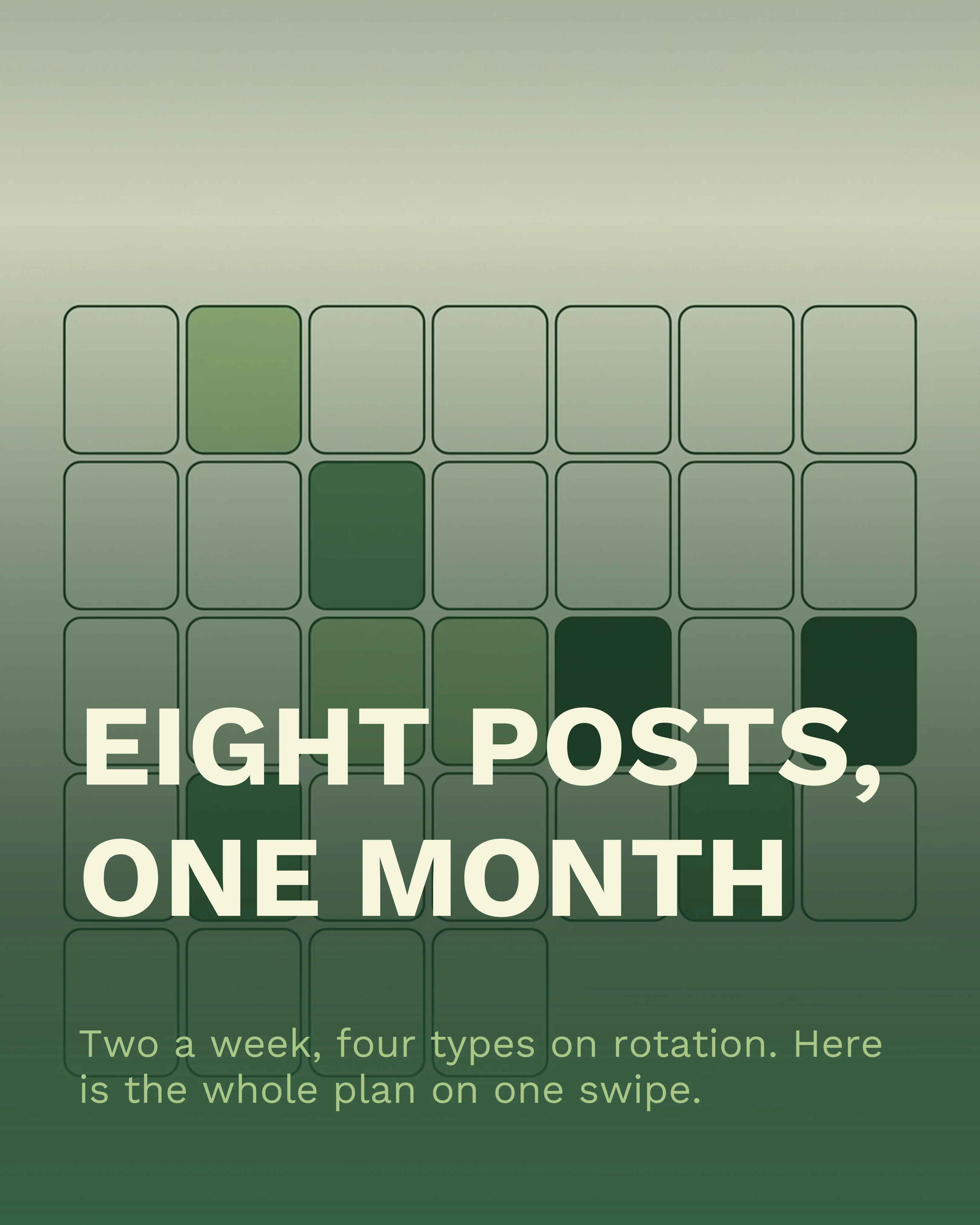
This is a 30-day carousel plan built for the schedule you actually have. Eight posts, two per week, using a repeatable weekly pattern so you never start from a blank page. It is deliberately modest, because a plan you finish beats a plan you abandon on day nine.
The Rule That Makes This Work: Two Posts a Week
Twice a week is the lowest cadence that still compounds. It gives the algorithm enough signal to learn what your account is about, and it gives your audience enough contact to remember you, without requiring content to become your second job.
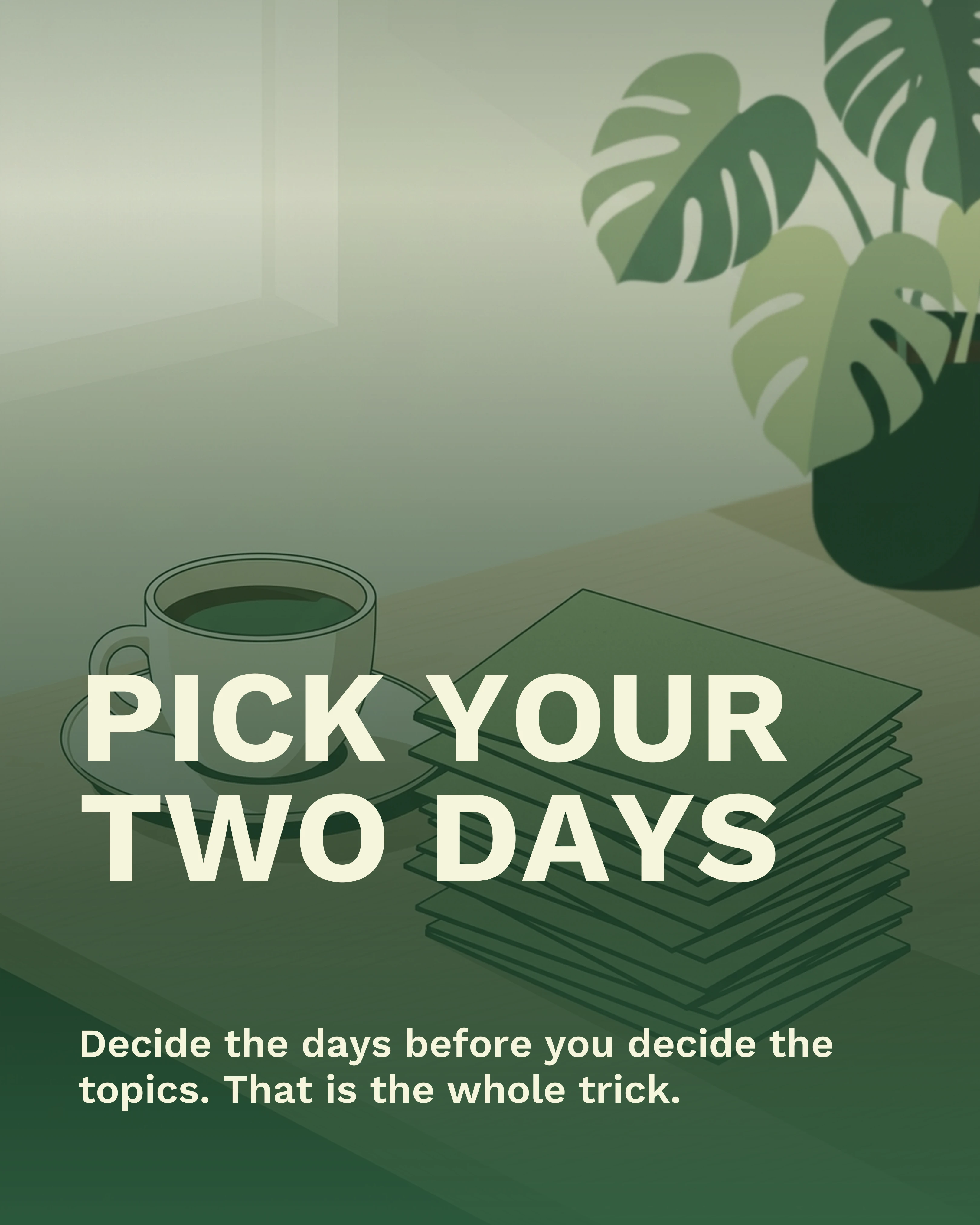
Pick two fixed days and keep them. Tuesday and Friday work well for business and creator audiences, catching people mid-week and again before the weekend. The specific days matter far less than the fact that they never change, because a fixed slot removes the daily decision that kills consistency.
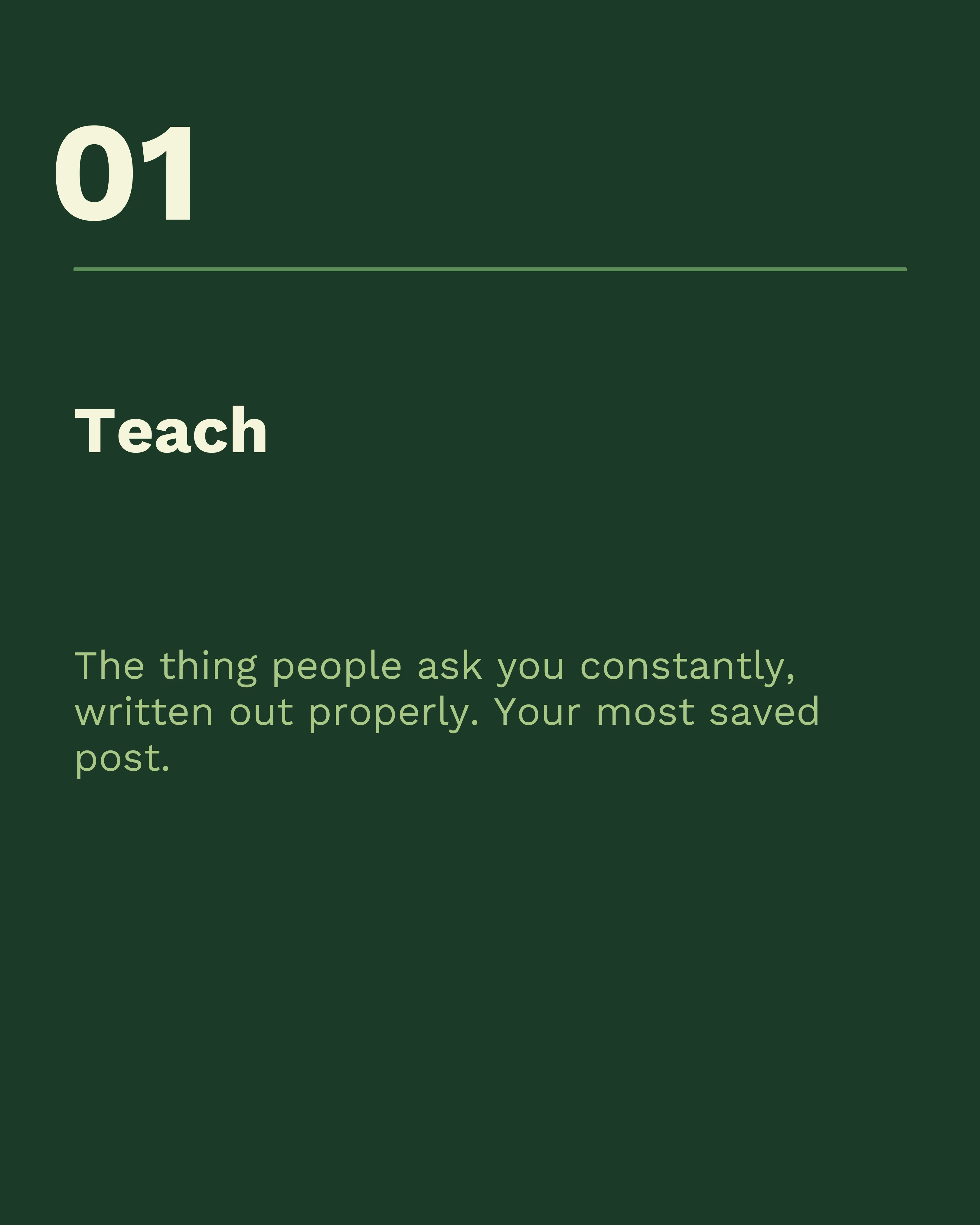
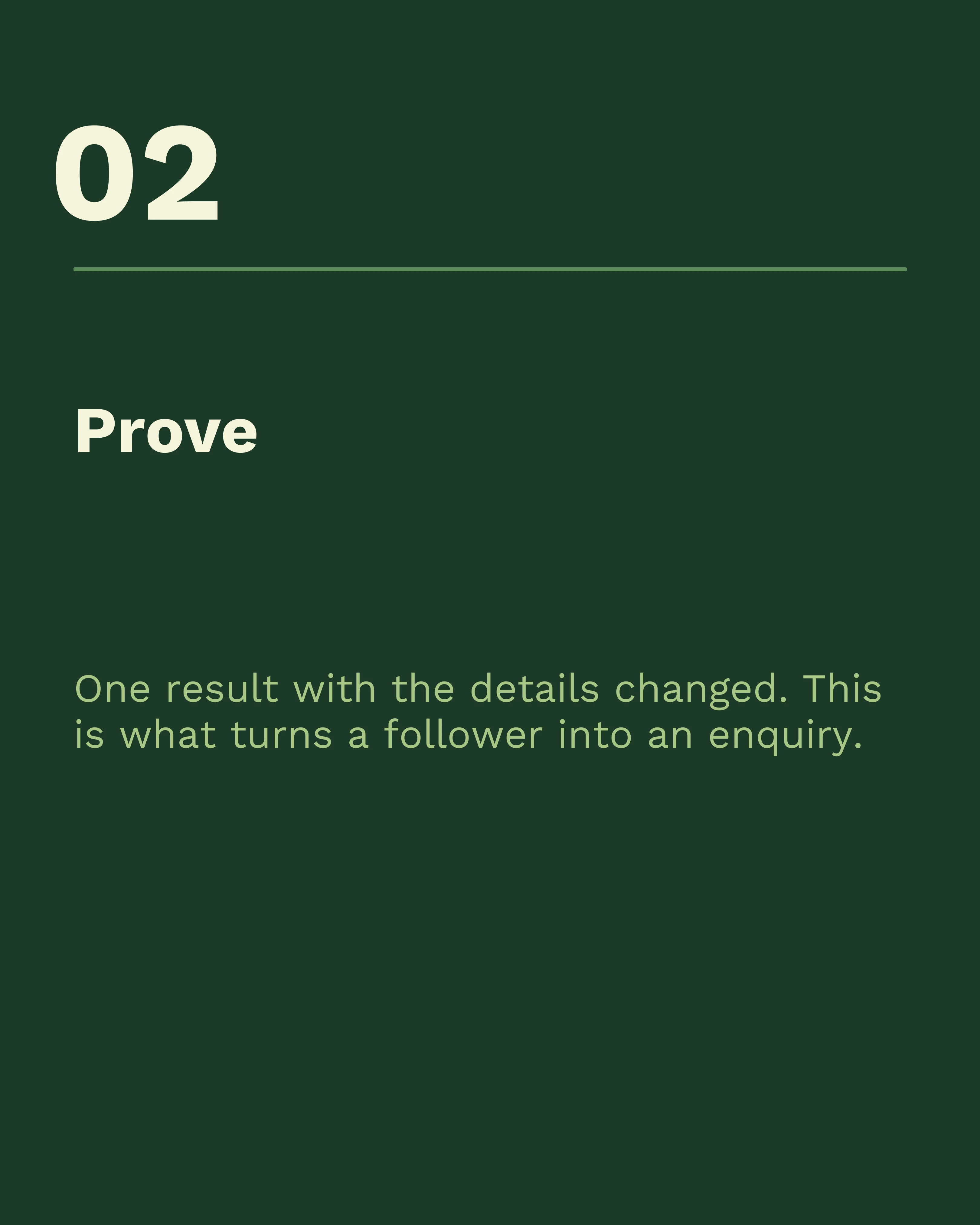
The plan itself makes a decent carousel, which is a useful test of any framework — if you cannot fit it into seven slides, it is probably too complicated to follow. Here it is: a cover stating the commitment, the four post types one per slide, the batching rule, and a closing slide asking for a single decision.

The Four Post Types
Every carousel in this plan is one of four types. Rotating them keeps the feed varied and, more importantly, stops you from having to invent a format each time.
Teach. A practical breakdown of something you know: a process, a checklist, a set of numbers. This is your most saveable content and the backbone of the plan.
Prove. Evidence that the teaching works: a result, a case study, a before-and-after, a real client situation with the details changed. This is what turns a follower into an enquiry.
Position. A point of view. What you disagree with, what the industry gets wrong, what you have stopped doing. These posts travel furthest because they give people something to react to.
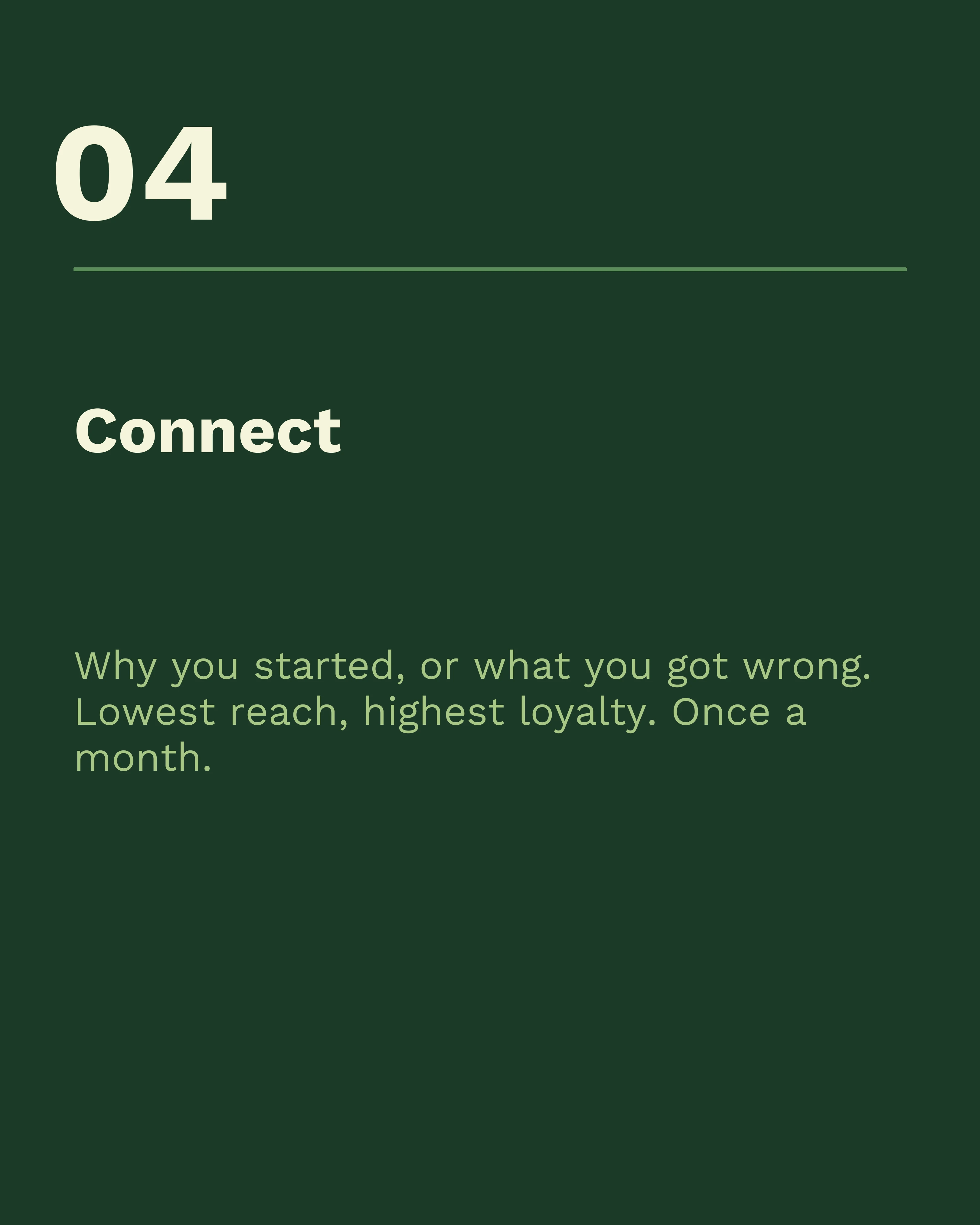
Connect. The human post: why you started, what you got wrong, who is on your team. Lowest reach, highest loyalty. One per month is enough.
The 30-Day Calendar
Week 1: Establish What You Do
- Post 1 (Teach): Your single most useful how-to. The thing people ask you constantly. Use the Listicle framework and keep it to seven slides.
- Post 2 (Position): One common belief in your field that you think is wrong, with your reasoning.
Week one exists to answer “what is this account for.” Do not lead with a personal story or an offer.
Week 2: Show the Work
- Post 3 (Teach): A step-by-step process, numbered slides, one step per slide.
- Post 4 (Prove): A specific result with real numbers and the constraint you worked within.
By now you have four posts and a pattern. Check which of the first two reached furthest and let it inform week three.
Week 3: Go Deeper and Get Replies
- Post 5 (Teach): Take the most-asked question from your first four posts and answer it properly. Comment mining is the most reliable idea source you have.
- Post 6 (Position): A comparison post. Two approaches, honest trade-offs, your verdict. The This or That format is built for this.
Week 4: Convert and Connect
- Post 7 (Prove): A before-and-after, structured with Before-After-Bridge, ending with a clear next step rather than a follow prompt.
- Post 8 (Connect): Your story, your team, or the mistake that changed how you work.
Close the month with the human post. It performs best when people already know what you do, which is why it comes last rather than first.

Batch, Do Not Improvise
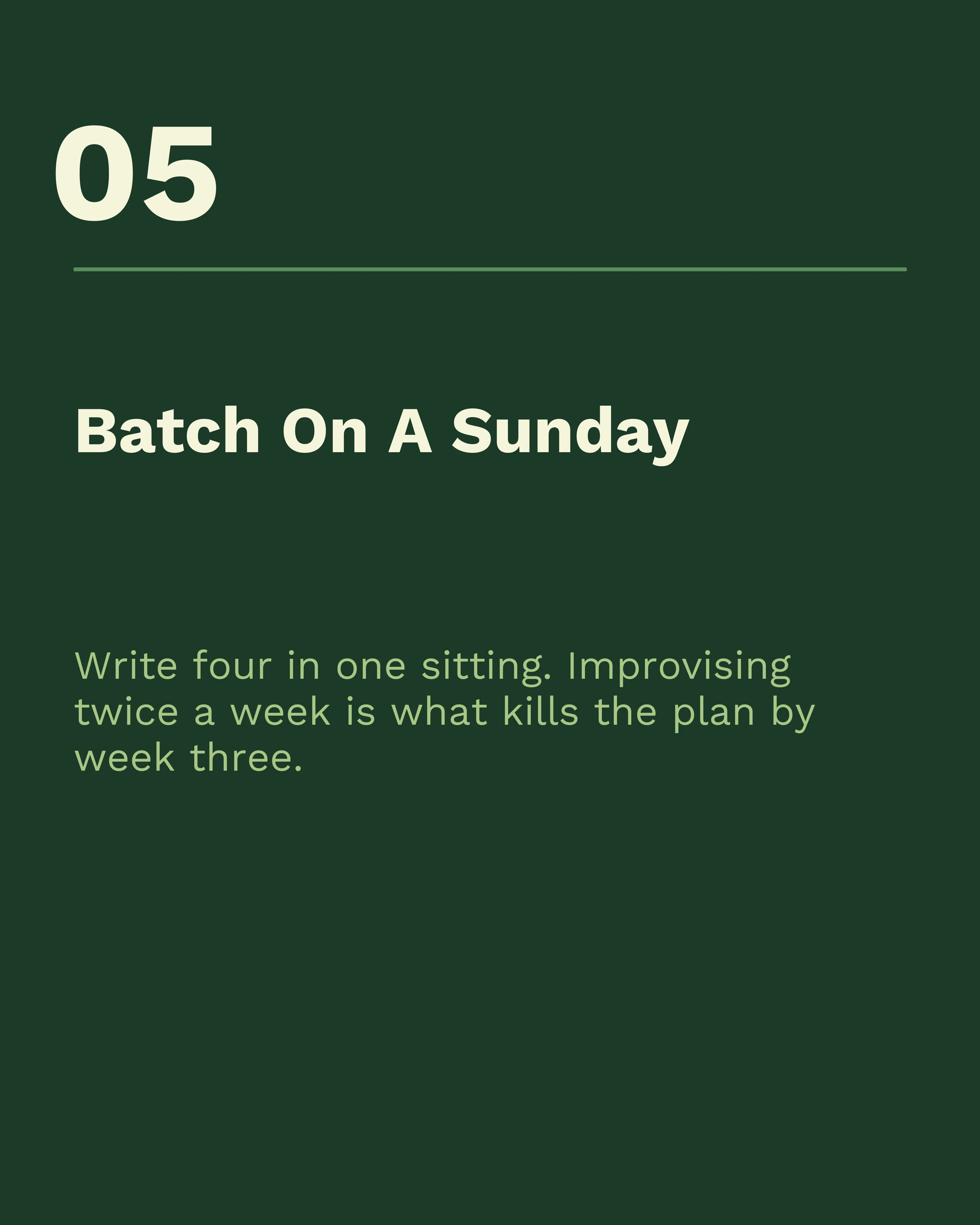
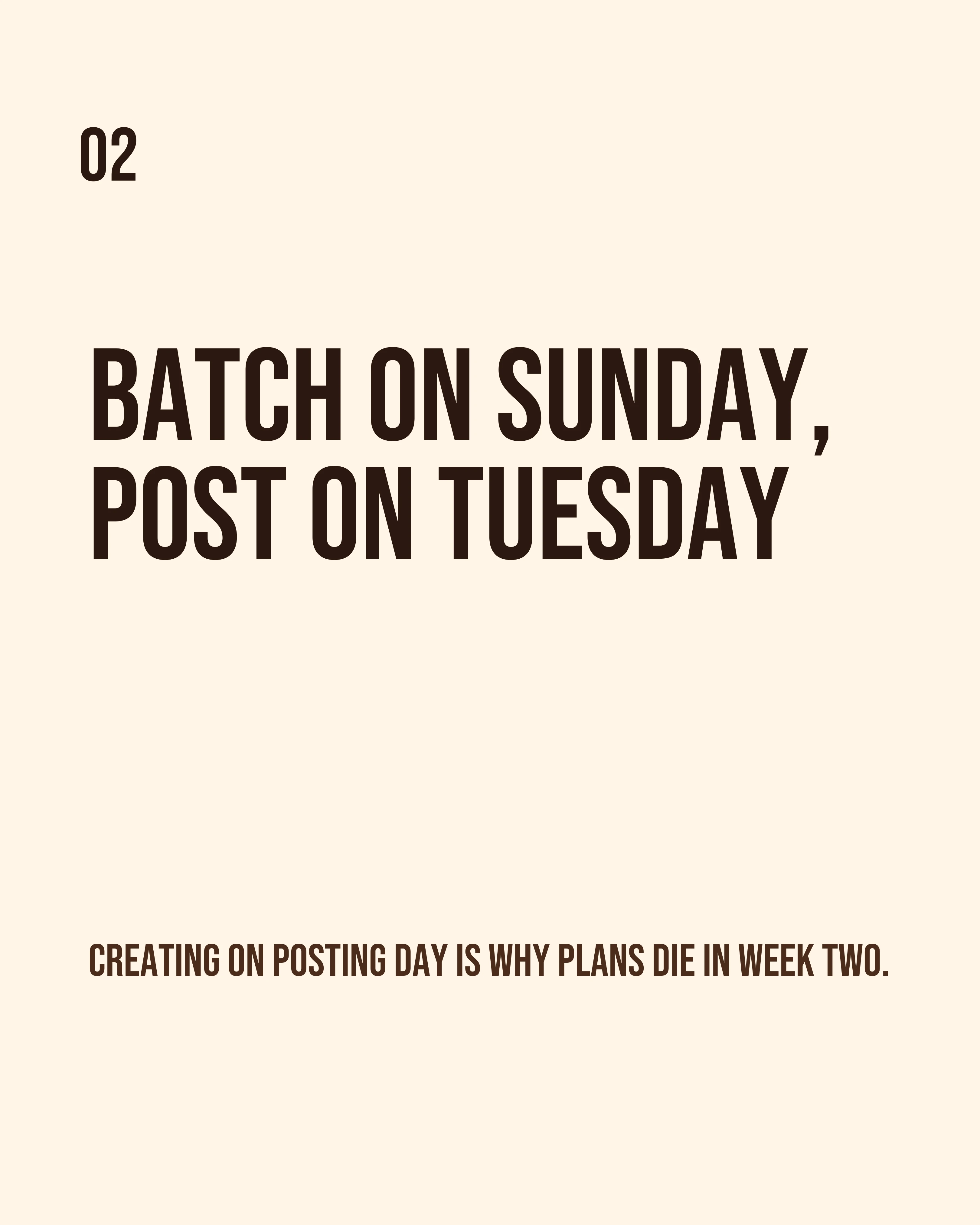
The people who sustain this do not create on posting day. They batch.
A workflow that holds up:
- One planning hour, once a month. Write eight titles against the four types. Titles only, no content. If you cannot fill eight, mine your inbox, DMs, and the questions clients ask on calls.
- One writing session, twice a month. Draft four carousels in one sitting. Writing four in a row is far faster than writing one on four separate days, because you stay in the same mode.
- One design pass. Build all four in the same style session so they look like a set.
- Post day is post day only. Publish, write the caption, and reply to comments for twenty minutes. No creating.
The batching is the plan. Without it, the calendar is just a list of things you feel guilty about.
What to Do When You Fall Behind
You will miss a slot. The recovery rule is simple: skip it and post the next one on schedule. Do not double up to catch up, and do not post something weak to preserve a streak. A missed Friday costs nothing. Two weeks of filler teaches your audience to scroll past you.
At the end of 30 days, look at the numbers across all eight posts rather than any single one, using the five metrics that matter. Then repeat the pattern with the winning post type weighted more heavily.
How Carousel Makes the Batching Realistic
The bottleneck in this plan is turning eight titles into eight finished posts. Carousel takes a title, an outline, or a rough draft and structures it into slides using one of seven frameworks, so a batching session is editing rather than starting from nothing. Use the same template and palette for all eight, add your saved brand kit for the logo and handle, and they come out looking like a set.
Key Takeaways
- Two posts a week is the lowest cadence that compounds and the highest most people sustain.
- Fix your two days and never move them. The decision is what kills consistency.
- Rotate four post types: Teach, Prove, Position, Connect.
- Batch in three sessions a month. Never create on posting day.
- If you miss a slot, skip it. Never post filler to protect a streak.
Create your first carousel in 60 seconds — free
Pick a template, paste your text, export. It's that simple. No design skills needed.
Download Carousel