Carousel Analytics: The 5 Metrics That Actually Matter
Carousel Analytics: The 5 Metrics That Actually Matter
Most creators check one number after posting: likes. It is the most visible metric and the least useful one. Likes tell you that a cover slide looked appealing in a feed. They tell you nothing about whether anyone read the post, learned anything, or came back.
Carousels are unusual because they generate diagnostic data that other formats do not. A carousel is a sequence, and a sequence shows you exactly where people stopped. Read that properly and you stop guessing about what to fix.
This guide covers the five metrics worth tracking, what each one diagnoses, and the specific change to make when one is weak.
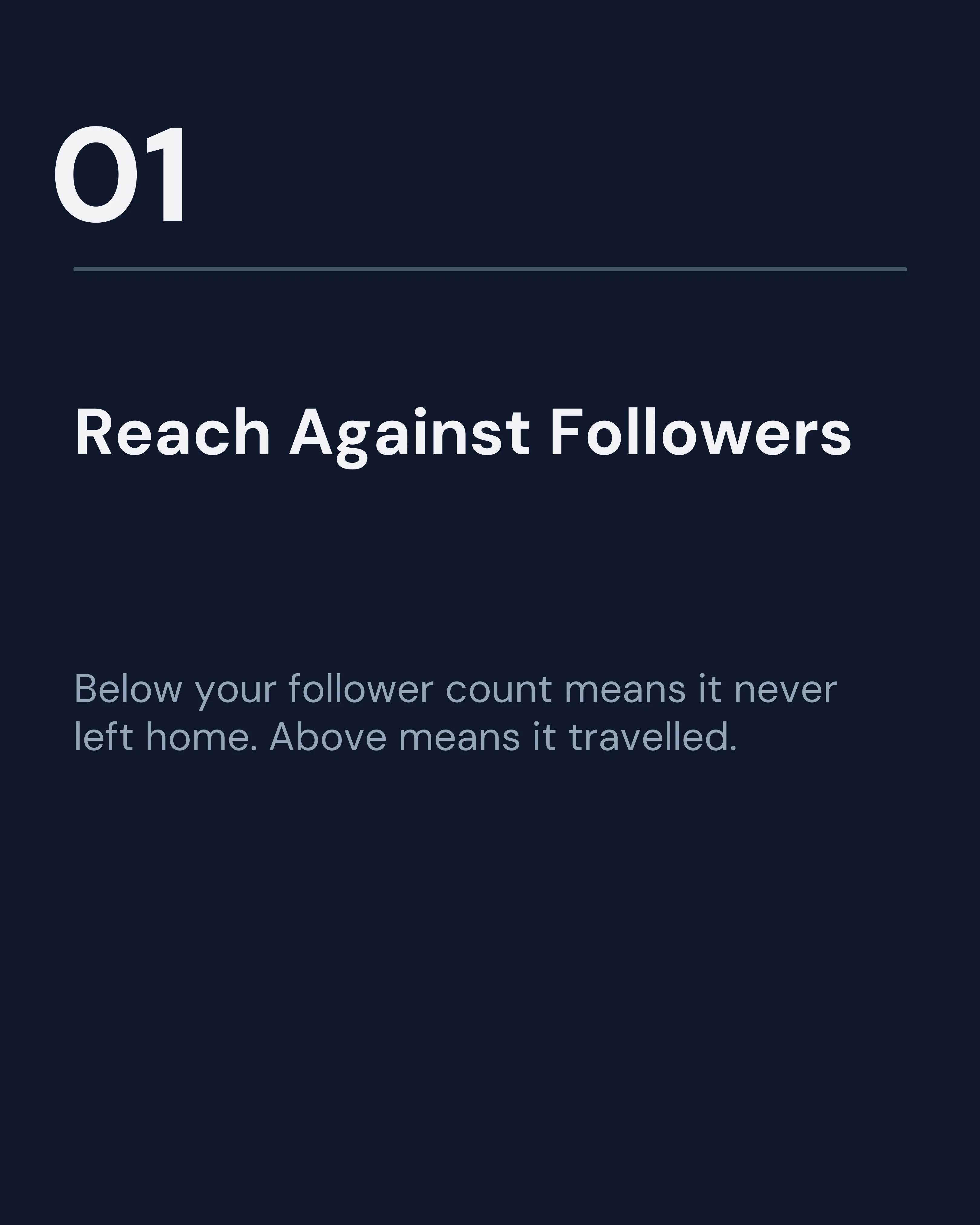
1. Reach vs. Follower Count
The first question is not how many people engaged, but who saw it.
Compare a post’s reach to your follower count. If reach is well below your follower count, the post did not even satisfy your existing audience, and the algorithm stopped distributing it early. If reach exceeds your follower count meaningfully, the post traveled beyond your circle, which is the only way accounts grow.
When it is weak: the cover slide is the usual culprit. It either failed to stop the scroll or promised something too generic. Rework the cover slide before touching anything else in the post.
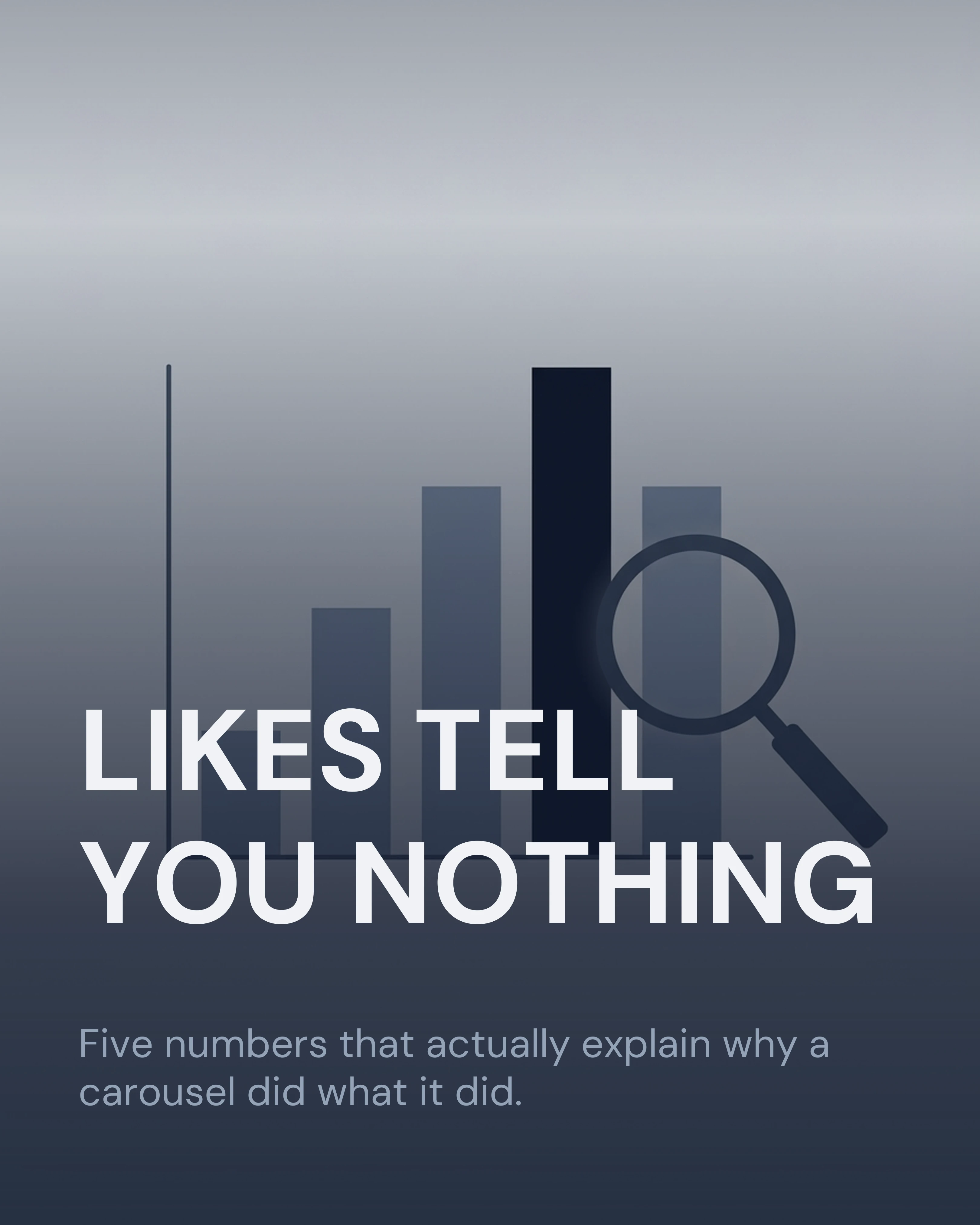
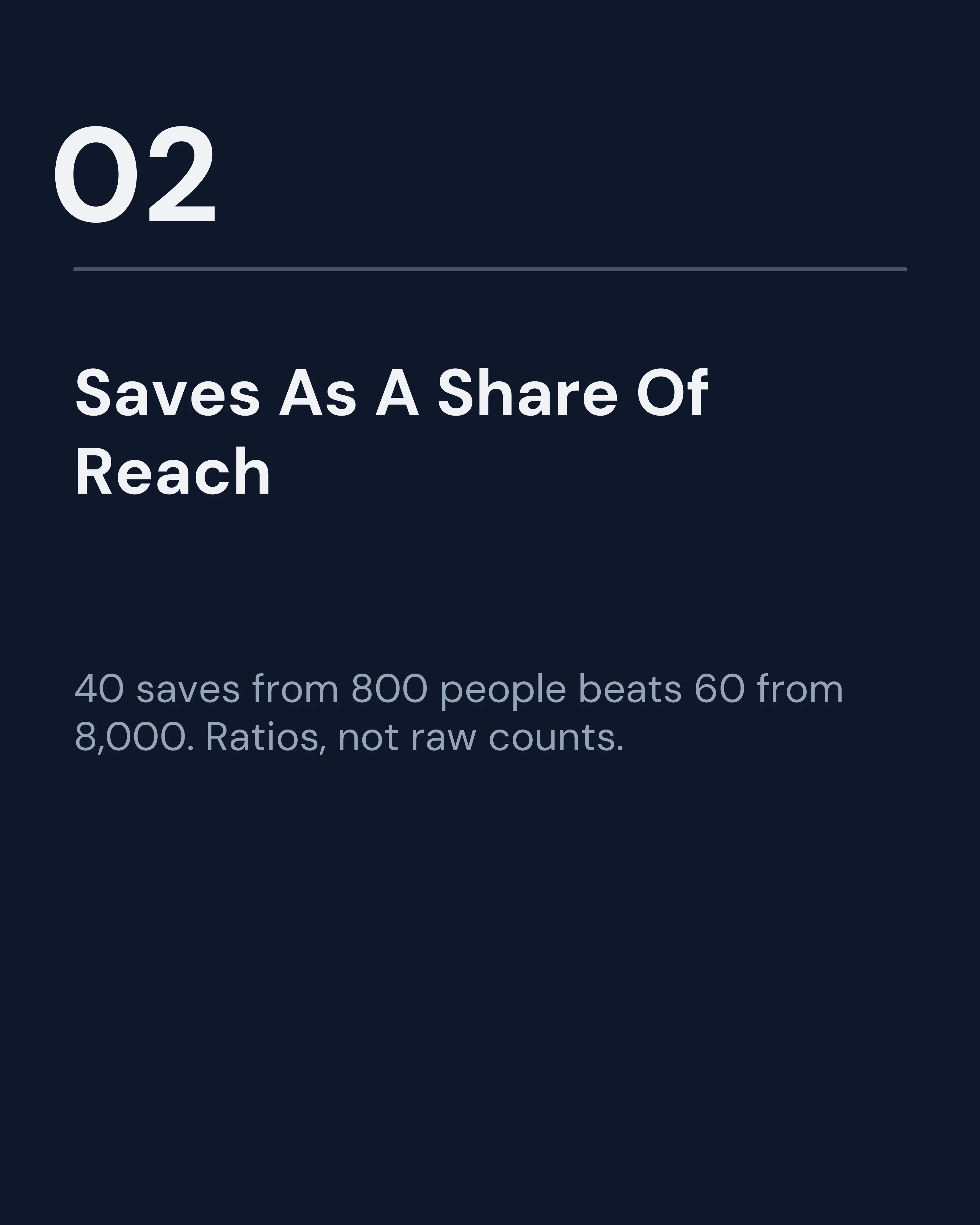
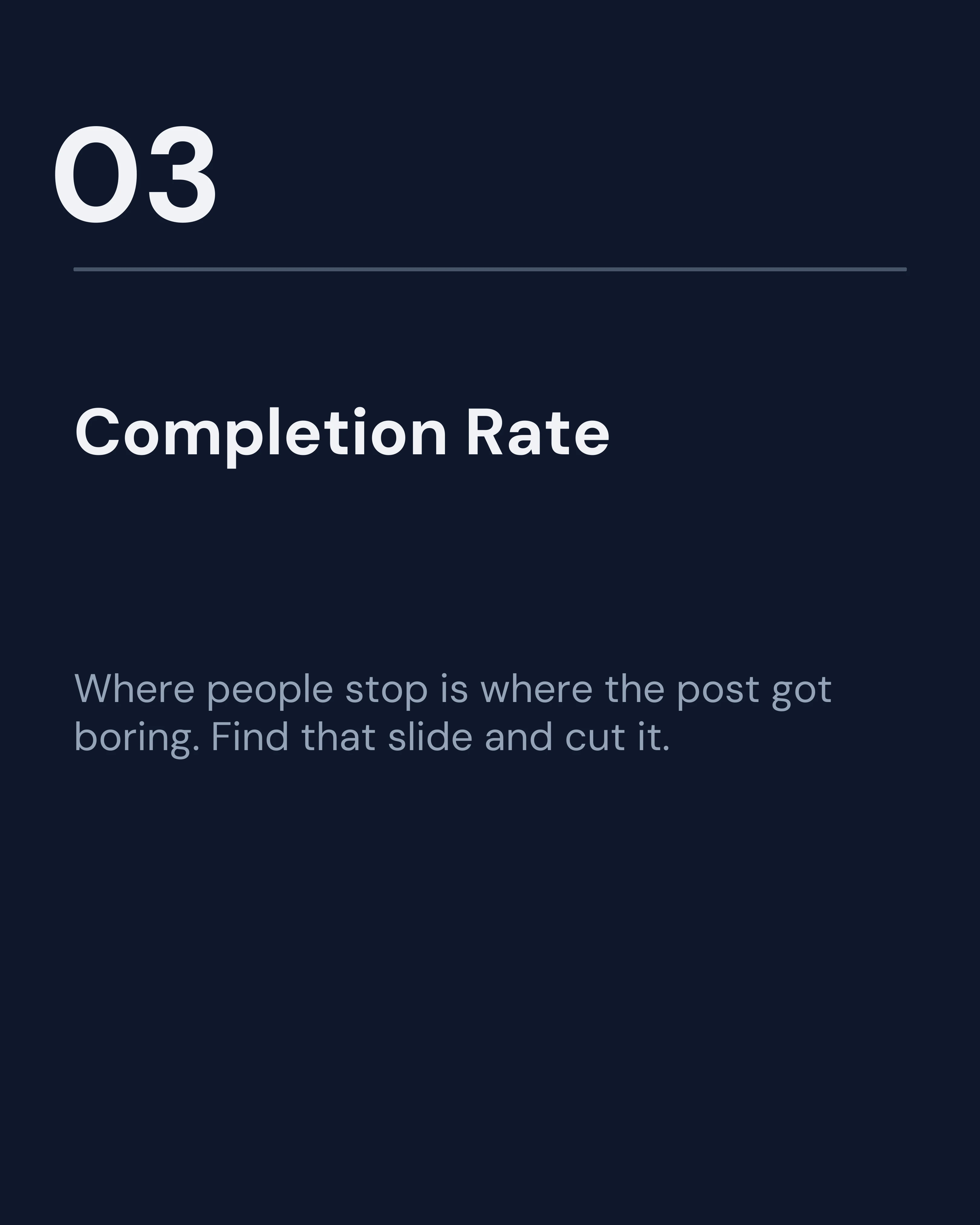
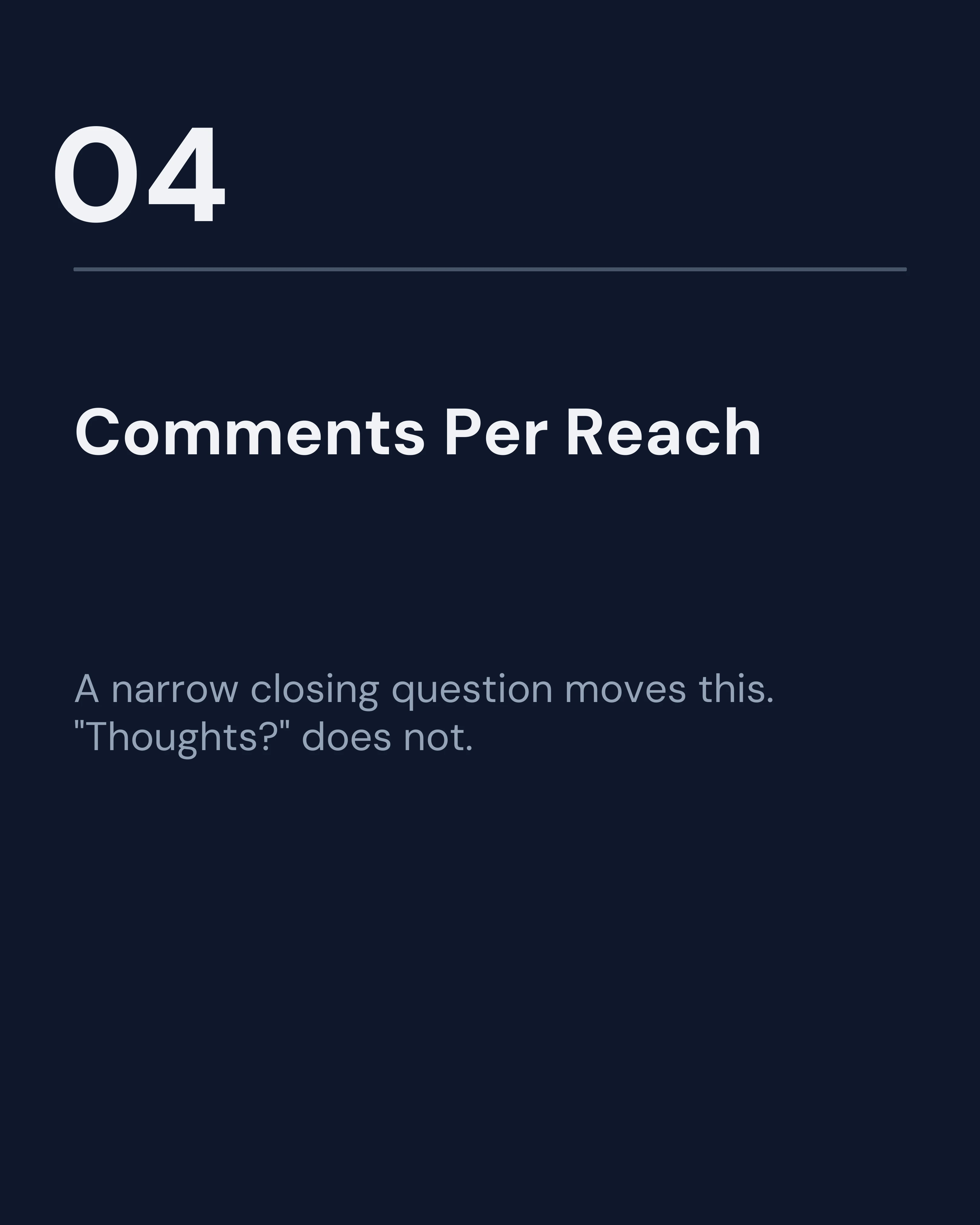
All five metrics fit in one seven-slide carousel, which is a useful post in its own right. Here is the whole thing, so you can see the shape as well as the content: a cover that makes a claim, five numbered slides carrying one idea each, and a closing slide that breaks the pattern and asks for one action.


2. Saves
Saves are the strongest signal a carousel produces. A save is someone saying the content has future value, and that is the closest thing social media has to an honest quality score.
Saves also tend to correlate with continued distribution, because platforms treat them as a high-intent action rather than a reflex. A post with modest likes and strong saves is usually the better post.
Track saves as a share of reach rather than as a raw number. That way a post that reached 800 people and got 40 saves is correctly recognized as stronger than one that reached 8,000 and got 60.
When it is weak: the post was interesting but not useful. Add something the reader can apply: a checklist, a template, a set of numbers, a script. Entertainment gets liked. Utility gets saved.
3. Swipe-Through / Completion
This is the metric unique to carousels and the one almost nobody uses.
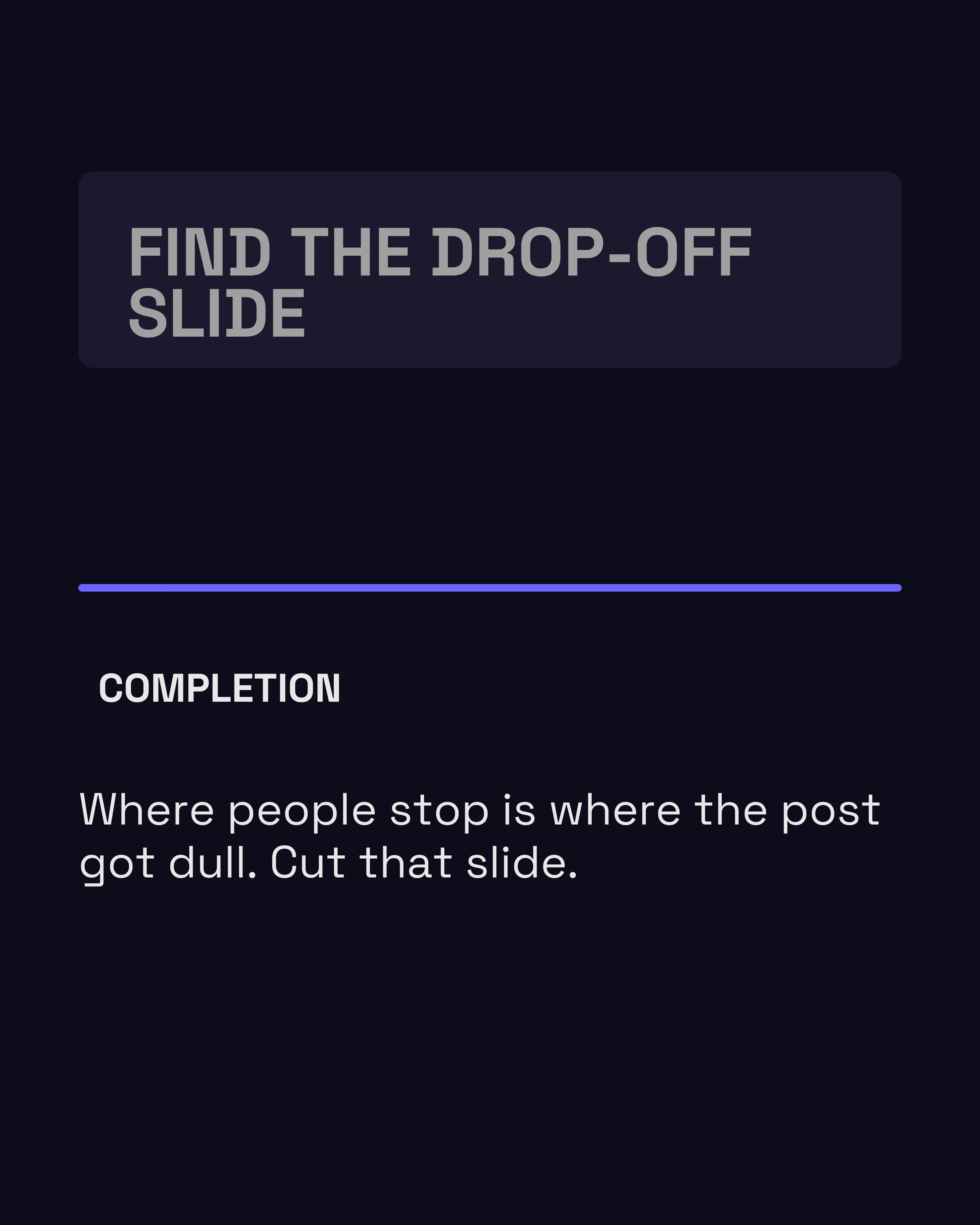
Platforms differ in what they expose, but you can usually infer completion by comparing impressions on the first slide to impressions on the last, or by checking per-slide reach where it is available. The drop-off point tells you exactly which slide lost people.
A drop between slide one and two means the cover overpromised. A drop in the middle means a slide is dense, dull, or repetitive. A drop right before the end means the post ran long and the payoff was too far away.
When it is weak: cut slides. Most underperforming carousels are two or three slides longer than the idea justified. The slide count guide covers what different post types actually need.
4. Comments Per Reach
Comments are effortful, which makes them meaningful. But raw comment counts are misleading because they scale with reach, so track them as a ratio.
More useful than the number is the content. Comments that ask a follow-up question mean the post opened a door. Comments that answer your closing question mean the CTA worked. Comments that just say “great post” mean the reader liked the vibe and took nothing from it.
When it is weak: the close is the problem. A carousel that ends without a specific, easy-to-answer question gets a monologue’s response, which is silence. The CTA slide guide covers closes that produce replies.

5. Profile Visits and Follows From the Post
This is the business metric. Reach, saves, and comments all describe how a post performed inside the feed. Profile visits describe whether it made anyone curious about you.
A post that gets thousands of impressions and no profile visits is entertainment. It is not building anything. A post with modest reach that sends fifty people to your profile is doing the actual job of content marketing.
When it is weak: the post did not connect the value to a person. Carousels that are purely informational rarely drive profile visits, because the reader has no reason to wonder who wrote it. Add a point of view, a personal example, or a result you produced.
How to Actually Run This
Do not check analytics an hour after posting. Carousels accumulate saves and reach over days, and early numbers mislead.
A simple rhythm that works:
- Wait 72 hours before recording anything.
- Log five numbers per post in a spreadsheet: reach, saves, comments, profile visits, and the slide where drop-off happened.
- Review monthly, not daily. Individual posts are noisy; patterns across ten posts are not.
- Look for the top three and bottom three, then ask what the top three share. That shared trait is your next month’s content plan.
The goal is not a dashboard. It is one sentence you can act on, like “posts with a number in the cover slide reach twice as far” or “our process posts get saved and our opinion posts get commented on.”
How Carousel Helps You Test Faster
Analytics only helps if you can act on it quickly. Carousel makes it cheap to rewrite a cover slide, cut two slides from the middle, or swap a CTA and republish the improved version, because the structure comes from a framework rather than a blank canvas. When testing costs minutes instead of an evening, you actually run the test.
Key Takeaways
- Likes measure the cover slide. Everything else measures the post.
- Track saves as a share of reach; it is the best available quality signal.
- Swipe-through drop-off tells you exactly which slide to fix.
- Judge comments by content, not count. “Great post” means the reader took nothing.
- Profile visits are the business metric. No visits means no point of view.
Create your first carousel in 60 seconds — free
Pick a template, paste your text, export. It's that simple. No design skills needed.
Download Carousel