
Does Your Carousel Carry an Invisible AI Signature? What Platforms Read on Upload
Does Your Carousel Carry an Invisible AI Signature?
For two years, the question creators asked about AI visuals was “does this look AI-generated?” That was a judgment call.
A second question now sits underneath it: is this file marked as AI-generated? That one is not a judgment call. It is a fact written into the image or the text itself, and the platforms you post to can read it on upload.
Since 2 August 2026, the EU AI Act’s transparency rules have applied to providers of generative AI, requiring machine-readable marks on synthetic text, images, audio and video. The major model makers have responded by marking their output, and that output is what ends up on your slides.
Here is what those marks are, what Instagram, LinkedIn and X do with them, when to disclose yourself, and why stripping them is the wrong fix.
What Is Actually Inside an AI-Generated File
There are four different technologies behind the phrase “AI watermark”. They behave differently, so it is worth knowing which is which.
1. C2PA Content Credentials. A signed record attached to the file’s metadata, following the open standard from the Coalition for Content Provenance and Authenticity. It records which tool made or edited the file and when, and whether AI was involved. Think of it as a tamper-evident receipt. You can inspect any file’s credentials with the free Content Credentials verify tool. As Fortune noted, it is not an indelible signature: it lives in metadata, and many export and upload pipelines drop it.
2. IPTC Digital Source Type. A simpler metadata field from the photo industry’s IPTC standard. A value of trainedAlgorithmicMedia means “made by generative AI”; compositeWithTrainedAlgorithmicMedia means a composite that includes AI elements. No cryptography, just a label in the file.
3. Invisible pixel watermarks. Google DeepMind’s SynthID is woven into the pixels of images Google’s models generate. Google says it is “designed to stand up to modifications like cropping, adding filters, changing frame rates, or lossy compression.” It does not live in metadata, so re-saving the file does not remove it.
4. Text watermarks. These are statistical, not hidden characters. Anthropic’s explanation of its Claude watermark is a useful plain-English version: the model’s small, low-stakes word choices are steered by a key, leaving a pattern detectable only by someone holding that key. Anthropic states that “nothing is added to the text and there are no hidden characters.” Per its help center, models launched from 2 August 2026 carry the watermark, with older models being covered by 2 December 2026. Google uses the same family of technique for Gemini text.
The Gemini detail matters for anyone who assumed the visible sparkle icon was the whole story. When Google made the visible watermark optional in August, Google’s Josh Woodward said that “invisible SynthID watermarks and C2PA metadata are still being used for transparency.” Turning off the icon does not turn off the mark.
What Platforms Do With It on Upload
Instagram, Facebook and Threads: the “AI info” label
Meta was the earliest to say plainly what it reads. In its February 2024 announcement, it said it detects “the ‘AI generated’ information in the C2PA and IPTC technical standards” to label images from Google, OpenAI, Microsoft, Adobe, Midjourney and Shutterstock.
The label has been through two revisions, documented in Meta’s labeling policy post. In July 2024, “Made with AI” became “AI info” after photographers complained that minor AI retouching triggered it. From September 2024, content Meta detects as only edited with AI has the label moved into the post menu, while content detected as generated by AI still shows it on the post.
Meta’s February post also requires people to disclose photorealistic AI video and realistic audio, and says it “may apply penalties” if they don’t.
LinkedIn: two different “AI labels”
This is the one most creators get confused about, because LinkedIn now has two separate systems that both get called “the AI label”.
The CR badge. When an uploaded image carries C2PA Content Credentials, LinkedIn shows a small “CR” icon in the corner. Click it and you see the tool that made the image (a camera model or an AI generator), who signed the credential and when, and whether AI was used, as Fortune described. The badge does not detect AI. It reads the file and reports what the file says. A photo exported from Photoshop shows a CR badge too.
The “seems like AI slop” flag. This is a human signal. Members click it on posts that read as machine-made. LinkedIn’s chief product officer Hari Srinivasan said more than a million people clicked it in its first two weeks, and that members are seeing “40% fewer views on what the platform classified as AI slop compared to a few weeks prior,” Fortune reported on 25 August 2026.
The CR badge is a file fact: automatic, neutral, and not reported to cut reach. The slop flag is your audience’s judgment of how the post reads, and it has a documented reach cost. A carousel with no metadata at all can still get flagged heavily. We covered how to avoid the second problem in how to make an AI carousel that doesn’t look AI-generated.
Here is what a credits slide looks like at the end of a LinkedIn carousel, the kind B2B teams are starting to add (one representative slide):
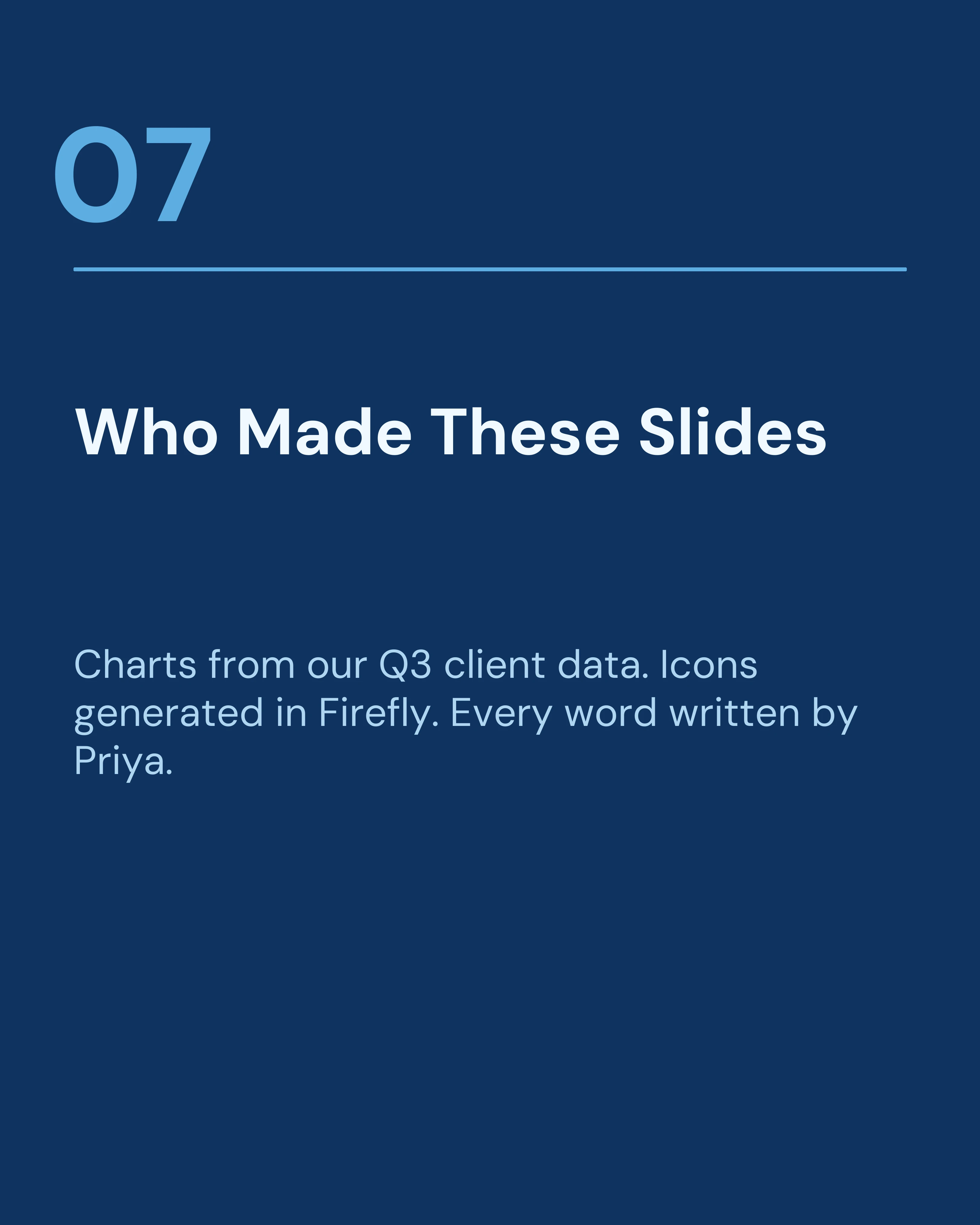
It answers the question before anyone clicks the badge, and it names a person, which is the thing slop-flagged posts never do.
X: “Made with AI”
X added a “Made with AI” disclosure you can switch on when posting, first reported by The Verge in February 2026. Users soon found the label appearing on posts where they had not switched it on. A test by the tech blog Roboin traced the automatic version to C2PA data in the uploaded image. X has not published its full trigger list, so treat that as a tested observation rather than documented policy.
What Survives Into Your Carousel
Most carousels are not a raw AI image. They are a design: text, a palette, maybe a generated background, maybe your own photos. What happens to the marks depends on the layer.
- C2PA and IPTC live in the source file’s metadata. Most design tools render a brand-new image when you export, and that new file usually does not carry the source image’s metadata forward. So a slide built on a Gemini background can reach LinkedIn without a CR badge, and a slide built on a camera photo can too.
- SynthID lives in the pixels. If a generated image fills most of a slide, some of the watermark may survive the rescale and crop. Whether any given platform checks for it on upload is not publicly documented.
- Text watermarks travel with the words when you copy and paste them, and “may persist through some editing,” per Anthropic. They become harder to detect as you rewrite, and short passages carry too few word choices to detect reliably. Carousel slides, at 10 to 20 words each, are about as short as text gets.
The practical conclusion: you cannot rely on the file to label itself, and you cannot rely on it to stay quiet either. The only label you fully control is the one you apply yourself.
When to Tick the Disclosure Box
The EU rules split responsibility. Providers (the Googles and Anthropics) must mark synthetic output in a machine-readable way. Deployers (the people who publish with it) have a narrower duty. Under the Commission’s summary of Article 50, you must clearly label:
- Deepfakes: AI-generated or manipulated images, audio or video that “resemble existing persons, objects, places, entities or events and would falsely appear to a person to be authentic or truthful.”
- Text on matters of public interest that was AI-generated and “did not undergo human review or editorial control.”
The Commission lists fines of up to €15 million or 3% of worldwide annual turnover for companies, with proportionality for small businesses. If you are not in the EU, platform rules still apply, and they point the same way.
A workable rule for carousels:
Tick the platform’s AI box when a generated image could be mistaken for a real photo of a real thing: a product shot, a location, a person, a before-and-after, a property. If a viewer could reasonably believe “this is what it actually looks like”, disclose.
You generally don’t need to when AI helped with drafting that you then edited, with obviously illustrated or abstract graphics, or with standard edits like cropping, color correction or background cleanup on your own photo. Meta’s own label now demotes edit-only content to the post menu, which tells you where the platforms draw the line.
Say it in the post, not just the toggle. The toggle satisfies the platform. A sentence or slide saying what was real satisfies your audience. Real estate is the clearest example: virtual staging has been standard for years, and the agents who label it keep buyers’ trust at the viewing (one representative slide):

The Transparent Version: A “How We Made This” Carousel
The strongest move is not a label at all. It is showing your audience exactly what was real, what was generated, and why, before anyone has to ask.
Below is a full nine-slide example: a small candle brand explaining its autumn campaign to customers. The cover opens the loop, five slides separate the real product from the generated forest, the payoff says the post was labeled on purpose, and the closing slide switches palette for a single ask.


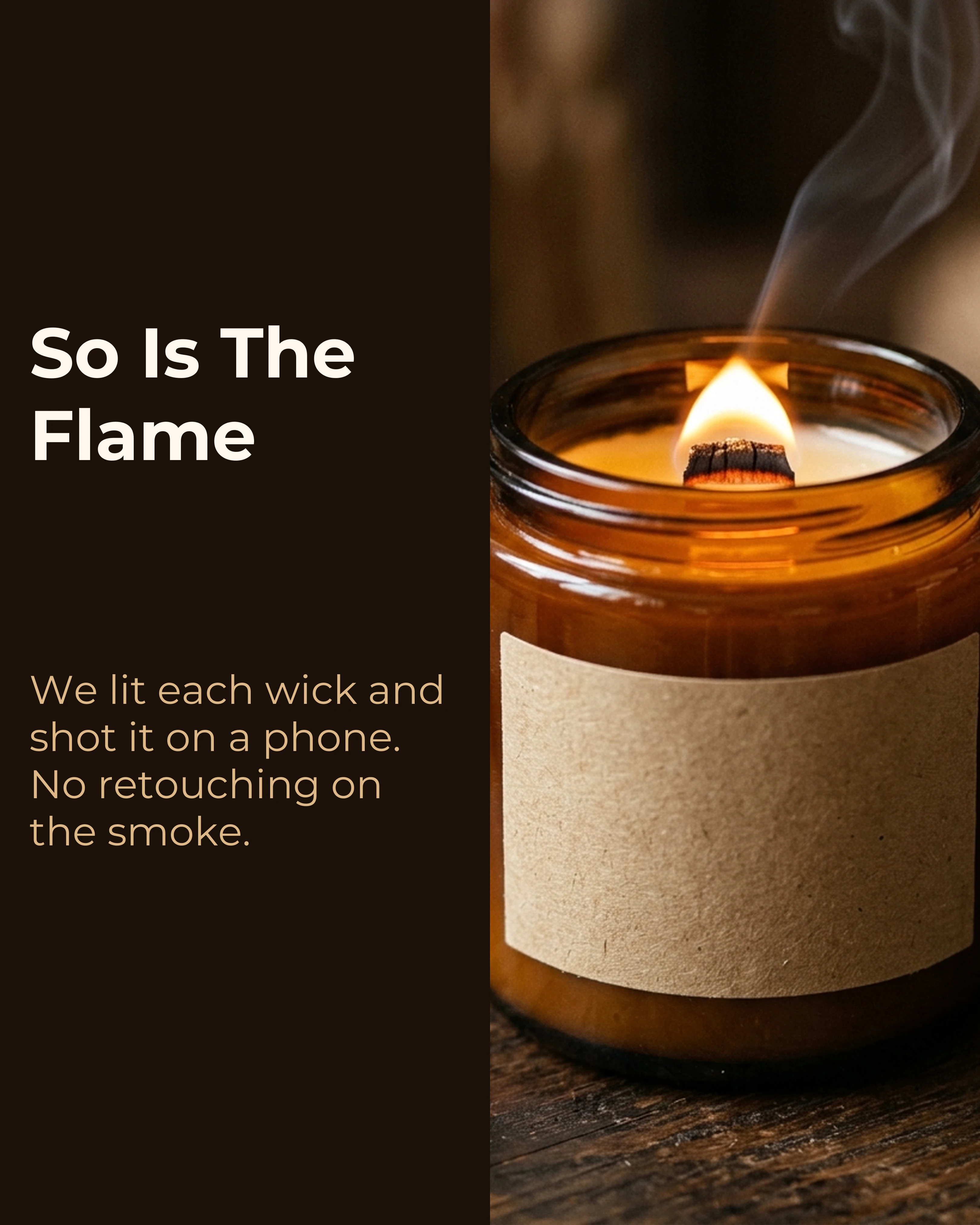
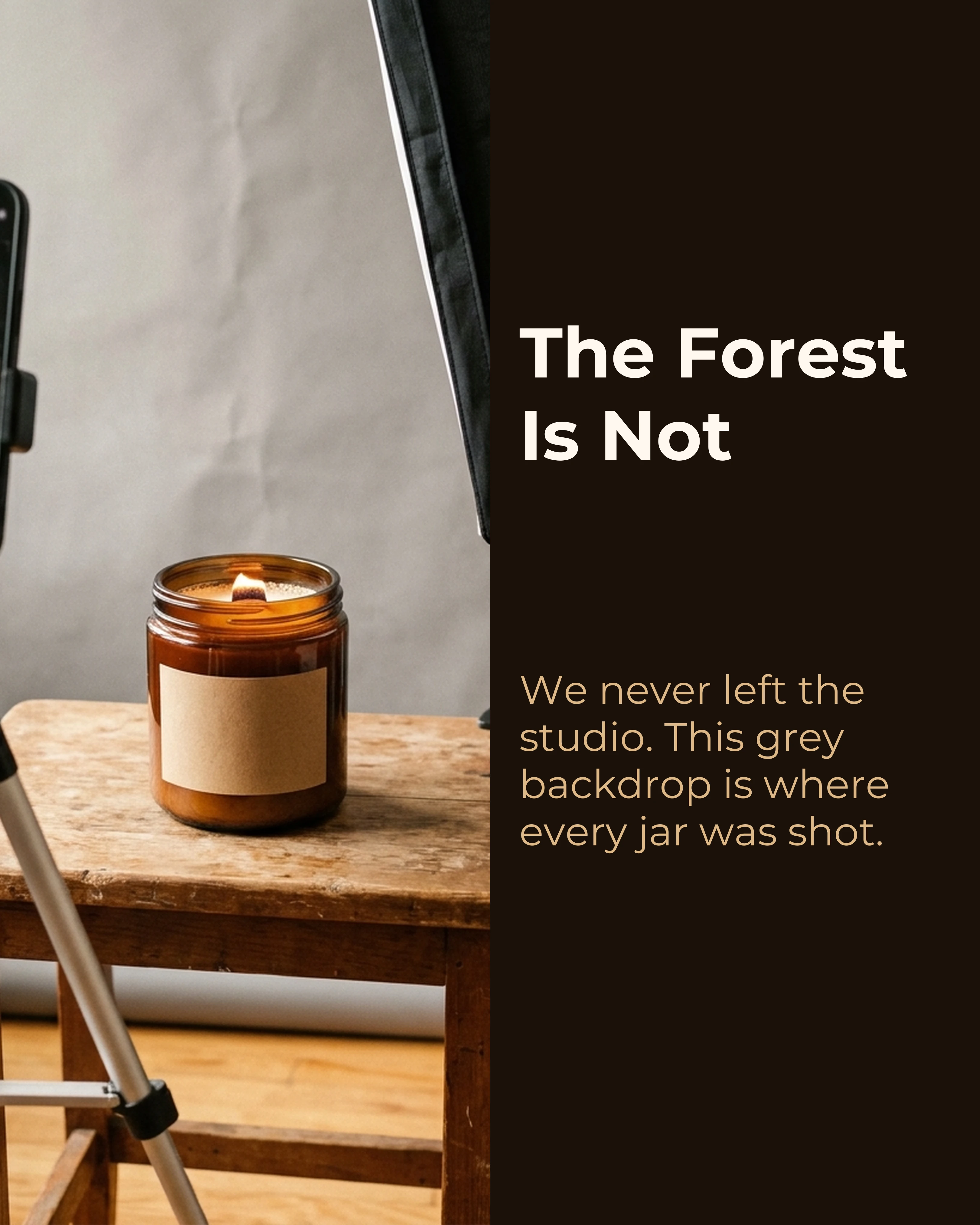

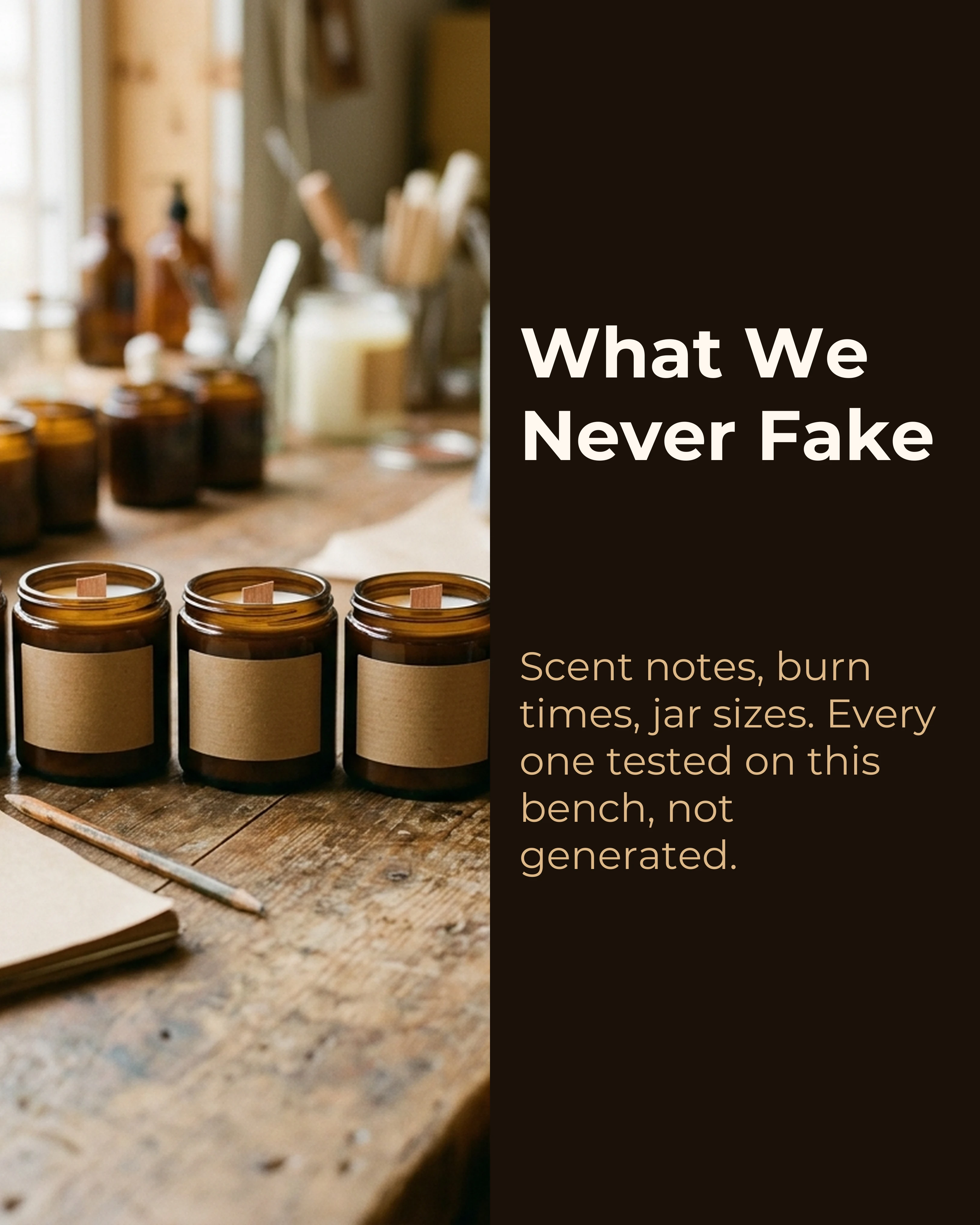
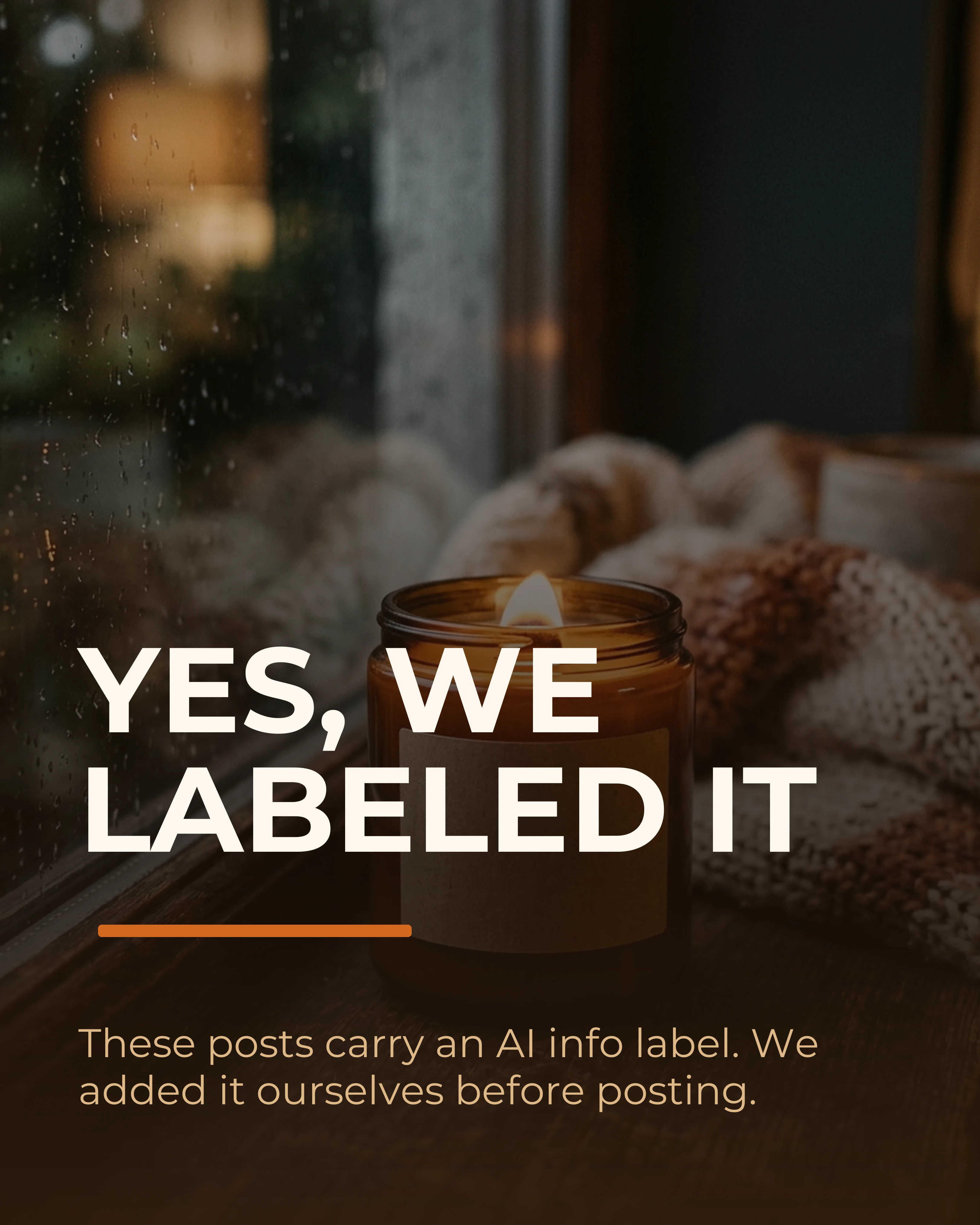


The post doesn’t apologize or lecture about metadata. It treats the AI background as a production decision, like a studio backdrop, and puts the honesty where customers care: the product is real, and the claims about it were tested, not generated. This structure works for any product carousel that mixes real photography with generated scenes.
Why Stripping the Metadata Is the Wrong Move
A small industry of tools now promises to “remove the AI label” by stripping C2PA, IPTC and EXIF data. It is the obvious workaround, and a bad one.
It doesn’t remove what matters. Pixel watermarks like SynthID are designed to survive re-encoding, and text watermarks are in the word choices themselves. Stripping metadata removes the one layer that is easiest to put back and leaves the rest.
It removes your evidence as well. Content Credentials cut both ways. A signed record from your camera or editing app is the best proof that a photo is genuinely yours. Creators whose hand-made work gets wrongly flagged as AI need exactly that kind of record.
It doesn’t fix the problem you actually have. The label with a documented reach cost on LinkedIn is the slop flag, and people apply it based on how a post reads, not what the file says. A stripped file that reads like generic AI output will still be flagged. A labeled file that reads like you usually won’t be.
It looks like evasion, because it is. Meta already says it may penalize undisclosed photorealistic AI video and audio, and the EU rules put the disclosure duty for deepfakes on whoever publishes. Stripping marks from a realistic generated image and posting it as real is precisely the behavior those rules exist to catch.
How Carousel Handles This
Carousel’s AI image generation uses Google’s Gemini models, so treat any slide built on a generated image as AI-generated when you post it. Like most design apps, Carousel renders each slide as a new image on export, so do not count on the file to announce anything on its own. The simplest habit is to tick the platform’s AI disclosure yourself whenever a generated image could pass for a real photo, and to add a “what’s real” slide when it matters to your audience.
For the second part, drop your own product photos into image slots and keep one palette so the real and generated parts read as one post. You can download Carousel on the App Store.
Key Takeaways
- Four kinds of marks exist: C2PA Content Credentials and IPTC tags in metadata, SynthID in the pixels, and statistical watermarks in AI text. Only the metadata layers are easy to lose.
- Platforms read metadata on upload. Meta labels C2PA and IPTC “AI generated” signals as “AI info”; LinkedIn shows a CR badge for any C2PA file; X’s automatic “Made with AI” appears tied to C2PA in tests.
- LinkedIn has two labels. The CR badge reports what the file says. The “AI slop” flag reports what people think, and it comes with a reported 40% drop in views.
- Disclose when a generated image could pass for real: products, places, people, properties, before-and-afters. EU rules have required this of publishers of deepfakes since 2 August 2026.
- Don’t strip the marks. It leaves the durable watermarks, deletes your proof of authorship, and doesn’t change how your post reads.
- Show your work. A “how we made this” carousel turns disclosure into content.