AIDA Framework for Social Media: Write Carousel Posts That Convert
If you’ve ever posted a carousel that got likes but no clicks, saves, or DMs, the problem probably isn’t your design. It’s your structure.
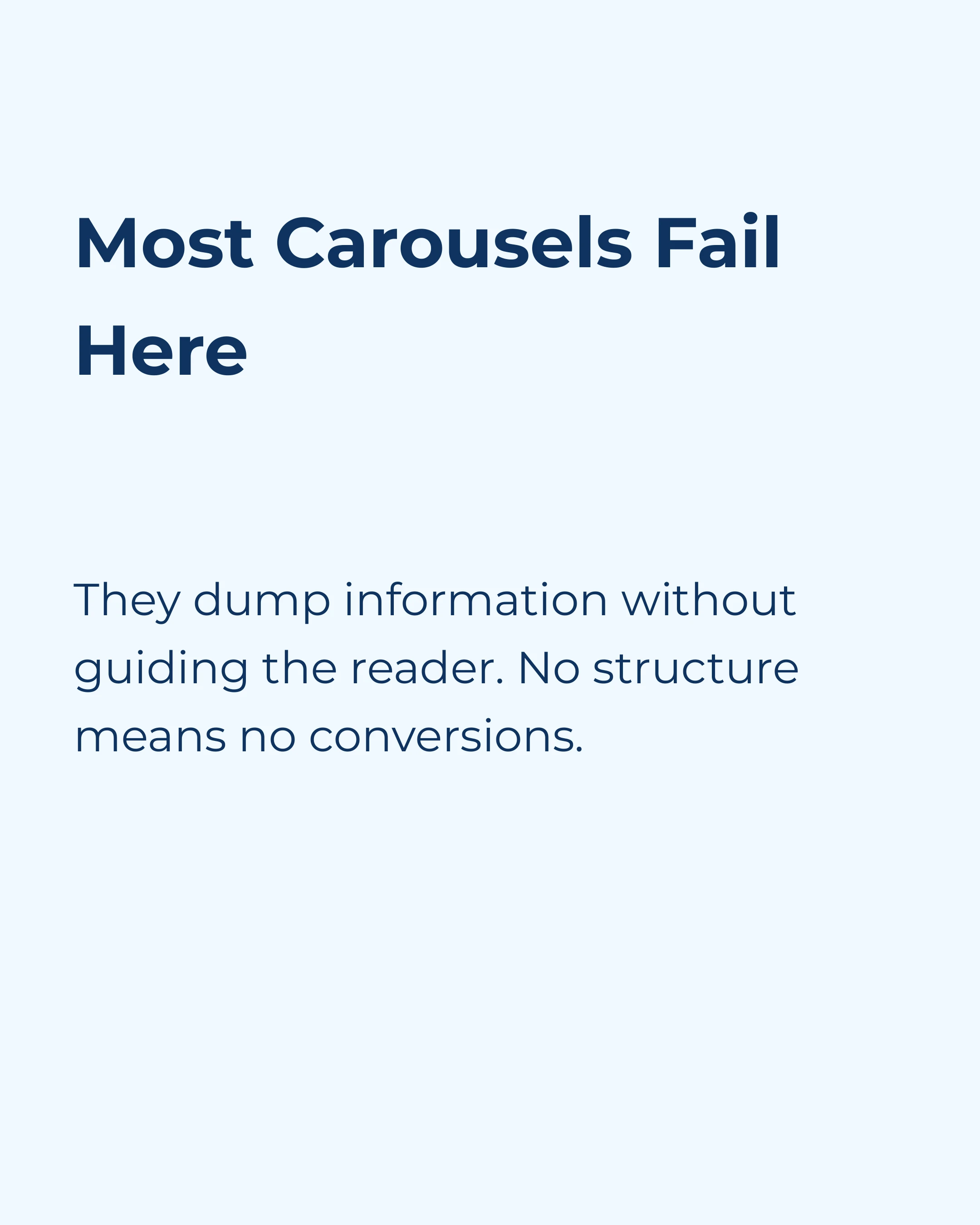
Most carousels fail because they dump information without guiding the reader toward a specific outcome. They educate without persuading. They inform without converting.
The fix? A framework that’s been driving results in advertising since the 1890s — and maps perfectly to the carousel format.
What Is the AIDA Framework?
AIDA stands for:
- Attention — Grab the reader’s focus
- Interest — Build curiosity with relevant information
- Desire — Make them want the outcome you’re offering
- Action — Tell them exactly what to do next
It was originally developed for print advertising, but the psychology behind it is universal. Whether someone is reading a newspaper ad in 1920 or swiping through an Instagram carousel in 2026, their decision-making process follows the same pattern.
What makes AIDA particularly powerful for carousels is that the format naturally breaks content into sequential slides — which map almost perfectly to the four stages of the framework.
How AIDA Maps to Carousel Slides
Here’s how to structure a 7–10 slide carousel using AIDA:
Slides 1–2: Attention
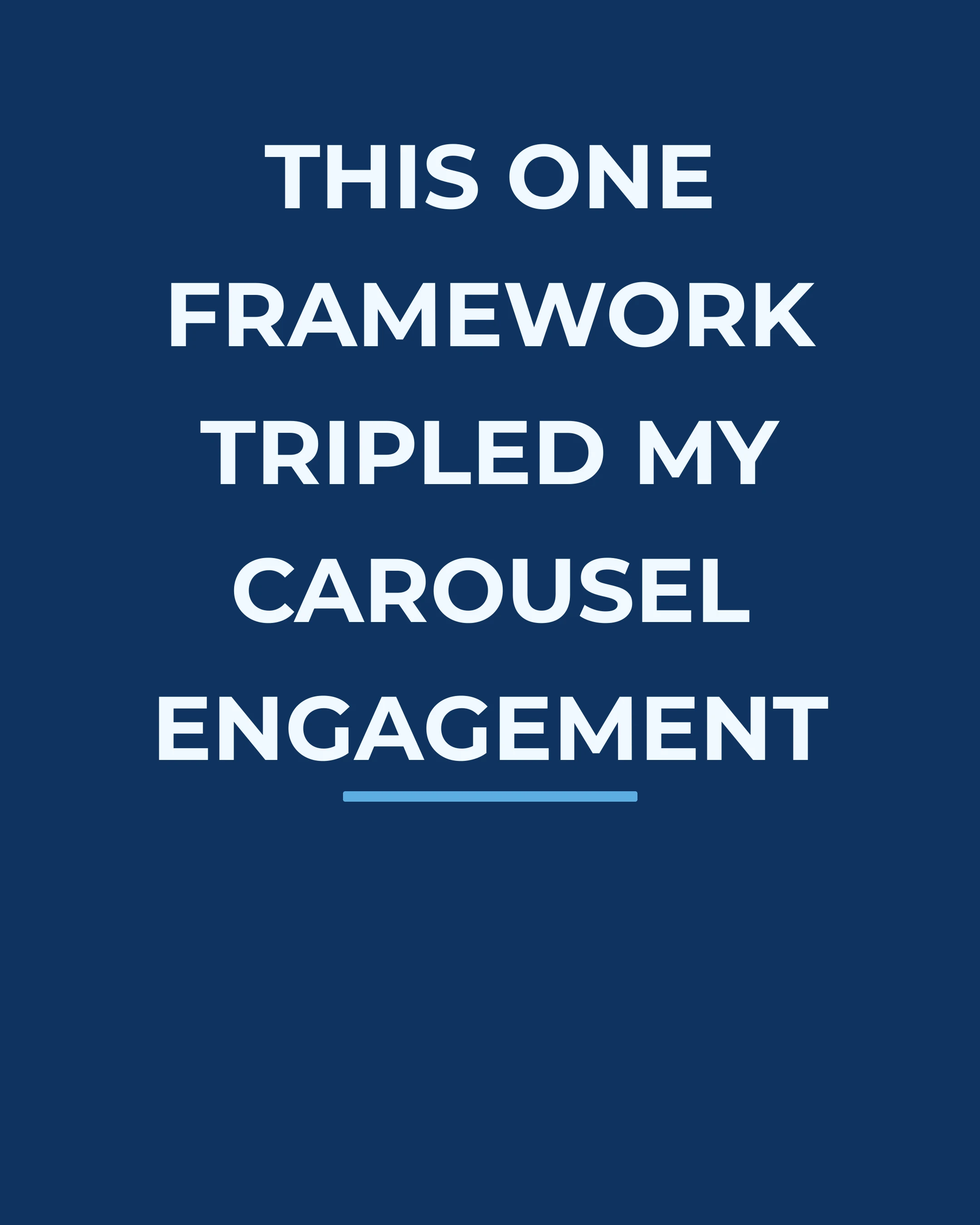
Your opening slides have one job — stop the scroll and create a reason to keep swiping.
Techniques that work:
- Bold claim: “This one framework doubled my client’s conversion rate”
- Relatable pain: “You’re creating content every day but your DMs are empty”
- Surprising stat: “93% of buying decisions start with a visual impression”
- Direct question: “Want to know why your carousel posts aren’t converting?”
The key is specificity. “How to grow on Instagram” is generic. “How I went from 200 to 2,000 followers using one carousel format” is specific enough to be credible.
Slide 2 can expand on the promise — set up the problem you’re going to solve, or preview the value that’s coming. Think of it as the “here’s what you’ll learn” slide.
Slides 3–5: Interest
Now that you have their attention, you need to hold it by proving you have something valuable to say.
This is where you deliver your main content — the tips, insights, data, or framework. The goal is to make the reader think “this person really knows what they’re talking about.”
What builds interest:
- Specific examples with real numbers
- Before/after comparisons
- Counter-intuitive insights (“Most people think X, but actually Y”)
- A logical progression that builds on each previous point
Don’t try to cover everything. Pick 2–3 key points and develop them properly rather than listing 10 shallow tips. Depth beats breadth for building credibility.
Slides 6–7: Desire
This is the stage most carousels skip entirely — and it’s why they don’t convert.
Interest tells people what they could do. Desire makes them feel like they need to do it. The difference is emotional.
Techniques for building desire:
- Paint the outcome: “Imagine opening your phone to 15 new enquiries every morning”
- Social proof: “Here’s what happened when Sarah used this exact framework”
- Contrast the current state: “You could keep guessing what to post… or you could follow a proven structure”
- Remove objections: “You don’t need to be a designer. You don’t need a big following. You just need the right framework.”
This is also where a natural product mention can work. If your carousel is teaching a framework and your app or service makes that framework easier to execute, the Desire section is where you mention it — as a tool, not a pitch.
For example: “If you want to apply AIDA to your carousels without starting from a blank screen, the Carousel app has AIDA as a built-in template. You pick the template, fill in your content, and it handles the design.”
See how that works? It’s helpful information, not a sales pitch. The reader is already thinking about how to implement what they’ve learned, and you’re showing them a shortcut.
Slides 8–10: Action
Your closing slides need to convert the attention, interest, and desire you’ve built into a specific behavior.
The most effective carousel CTAs:
- Save CTA: “Save this post — you’ll want it next time you sit down to create” (drives algorithmic reach)
- Share CTA: “Know someone who struggles with carousel content? Send this to them” (expands audience)
- Comment CTA: “Comment AIDA and I’ll send you my template pack” (drives engagement + DMs)
- Follow CTA: “Follow for weekly frameworks like this” (grows audience)
- Link CTA: “Full guide with examples → link in bio” (drives traffic)
Pick one of these, not several. A single, specific ask outperforms a list of options, because every extra request dilutes the first.
Real-World AIDA Carousel Example
Let’s walk through a concrete example for a fitness coach selling an online programme:
| Slide | Stage | Content |
|---|---|---|
| 1 | Attention | “Why you’re not losing weight (even though you’re eating clean)” |
| 2 | Attention | “I see this mistake in 80% of the meal plans my clients bring me” |
| 3 | Interest | “The problem isn’t what you eat — it’s when and how much” |
| 4 | Interest | “Calorie deficit myth: why eating less isn’t always the answer” |
| 5 | Interest | “3 simple swaps that changed everything for my client Maria” |
| 6 | Desire | “Maria lost 8kg in 12 weeks — without cutting out any food groups” |
| 7 | Desire | “Imagine feeling confident in your summer clothes without a restrictive diet” |
| 8 | Action | “I teach this exact method in my 12-week programme” |
| 9 | Action | “Comment PLAN and I’ll send you the free starter guide” |
Every slide has a purpose. Nothing is filler. The reader moves from curiosity to trust to wanting the outcome to knowing exactly how to get it.
Common Mistakes When Using AIDA
Jumping Straight to Action
If you pitch on slide 2, you haven’t earned the right to ask for anything. Build the foundation first.
All Interest, No Desire
This is the “educational but not converting” carousel. You taught someone something valuable, they learned it, and they moved on. Without the desire stage, there’s no emotional reason to act.
Weak Attention
If your hook slide doesn’t stop the scroll, nothing else matters. Spend as much time on slide 1 as you do on all other slides combined.
Generic CTAs
“Follow for more” is weak. “Follow for a new copywriting framework every Tuesday” gives a specific reason and sets an expectation.
Beyond AIDA: Other Frameworks Worth Knowing
AIDA isn’t the only framework that works for carousels. Here are three others worth experimenting with:
PAS (Problem → Agitate → Solve): Great for pain-point content. Identify a problem, make the reader feel the pain of not solving it, then present the solution.
BAB (Before → After → Bridge): Show the current state, paint the desired state, then bridge the gap with your content or product.
The 4 Ps (Promise → Picture → Proof → Push): Similar to AIDA but with more emphasis on visualisation and social proof.
Each framework suits different content types. AIDA works best when you’re guiding someone toward a specific action. PAS excels at problem-awareness content. BAB is ideal for transformation stories.
Putting It Into Practice
Here’s a challenge: take your next carousel idea and map it to the AIDA framework before you create a single slide.
- Write your hook (Attention)
- Outline 2–3 key points (Interest)
- Craft the emotional bridge (Desire)
- Choose your CTA (Action)
If you can do that in a notes app in 5 minutes, you’ve got a carousel that will outperform 90% of what’s in the feed. The framework works because it mirrors how people naturally make decisions — and carousels, with their sequential slide format, are the perfect medium for it.
Whether you write your slides by hand or use a tool with built-in frameworks, the important thing is to structure your content intentionally. Random slides create random results. Structured slides create predictable engagement.