
Carousel Posts for Accountants and Bookkeepers: Month-End Checklists, Myths and Money Habits Clients Save
Carousel Posts for Accountants and Bookkeepers: Month-End Checklists, Myths and Money Habits Clients Save
Everything below is general information about writing social posts, not tax, legal or accounting advice. Tax rules, rates, thresholds and deadlines differ by country and change over time, so the example slides deliberately avoid stating any. Check current official guidance before you publish a rule, and see the compliance section below.
Most small business owners do not think about their accountant or bookkeeper for eleven months of the year. Then a deadline lands, a shoebox appears, and the first question is “can I still sort this out in time?”
Your feed has a quiet job in the other eleven months: to be the calm, competent voice they remember when that moment arrives. The posts that do this best are small, practical, saveable reminders that make a sole trader think “I should do that this Friday”, not announcements (“tax season is here!”).
That suits carousels. A checklist, a myth-versus-fact correction or a three-step habit fits one idea per slide, and people can save it for the day they need it.
This guide covers six post ideas with example slides for every one, a section on staying credible and compliant, and the palette and tone choices that make a practice look steady rather than salesy. It is aimed at those serving small businesses and sole traders. For investments and long-term planning, see the financial advisor guide; this one is about the everyday money admin of running a small business.
Why Carousels Work for Accountants and Bookkeepers
Three things about this work make the format a good fit.
The advice is procedural. Month-end routines, record-keeping habits and “what to gather before we start” lists are steps in a sequence. One step per slide is exactly how people want to read them, and it gives the viewer something to tick off.
Clients buy on trust. Someone choosing a bookkeeper wants to know you are careful and will not make them feel stupid for asking. Calm, specific, plain-English posts show that better than the words “friendly, approachable.”
The same questions come up every month. “Can I claim this?” “Why is my bank balance different from my profit?” “What do you need from me?” Each is a post you have already written, by email.
Frameworks that fit well are Myth vs Fact for the misconceptions you correct weekly, Listicle and Checklist structures for habits, AIDA for deadline reminders, and Storytelling for the client who finally got organised.
A Note on the Examples
The example slides are written as posts from one fictional UK practice, Larkspur Bookkeeping. The firm, the client “Priya” and every detail on the slides are invented. Swap in your own name, wording and country’s terms.
None of the slides states a tax rate, threshold, date or legal rule. Where a deadline appears, it is only the name of a filing (the UK’s self-assessment), flagged as a UK example, with no date. Add specifics only after checking your tax authority’s current guidance, and link to it.
The first idea is shown as a complete nine-slide carousel; the other five carry one representative slide each. As real posts, each would run to seven or eight slides.
Six Carousel Ideas for Accountants and Bookkeepers
1. Month-End in Six Jobs (Checklist)
This is the flagship post, and the one clients keep. A month-end routine is the most useful habit a sole trader can adopt, and most are never taught it. The post walks through six small jobs with one photo and one sentence each: gather receipts, match the bank, chase unpaid invoices, set tax money aside, flag anything odd, save the month.
Nothing on these slides is a rule. They are habits, which makes the post safe to publish and easy to trust. The one step that touches tax says “what you normally set aside” rather than naming an amount.
The carousel has a cover that promises a calm checklist, six step slides in one look, a payoff slide, and a closing slide on a different template and palette. The closing slide asks for one thing, a short intro call, and carries the disclaimer as small print. The same desk and quiet light run through every photo.

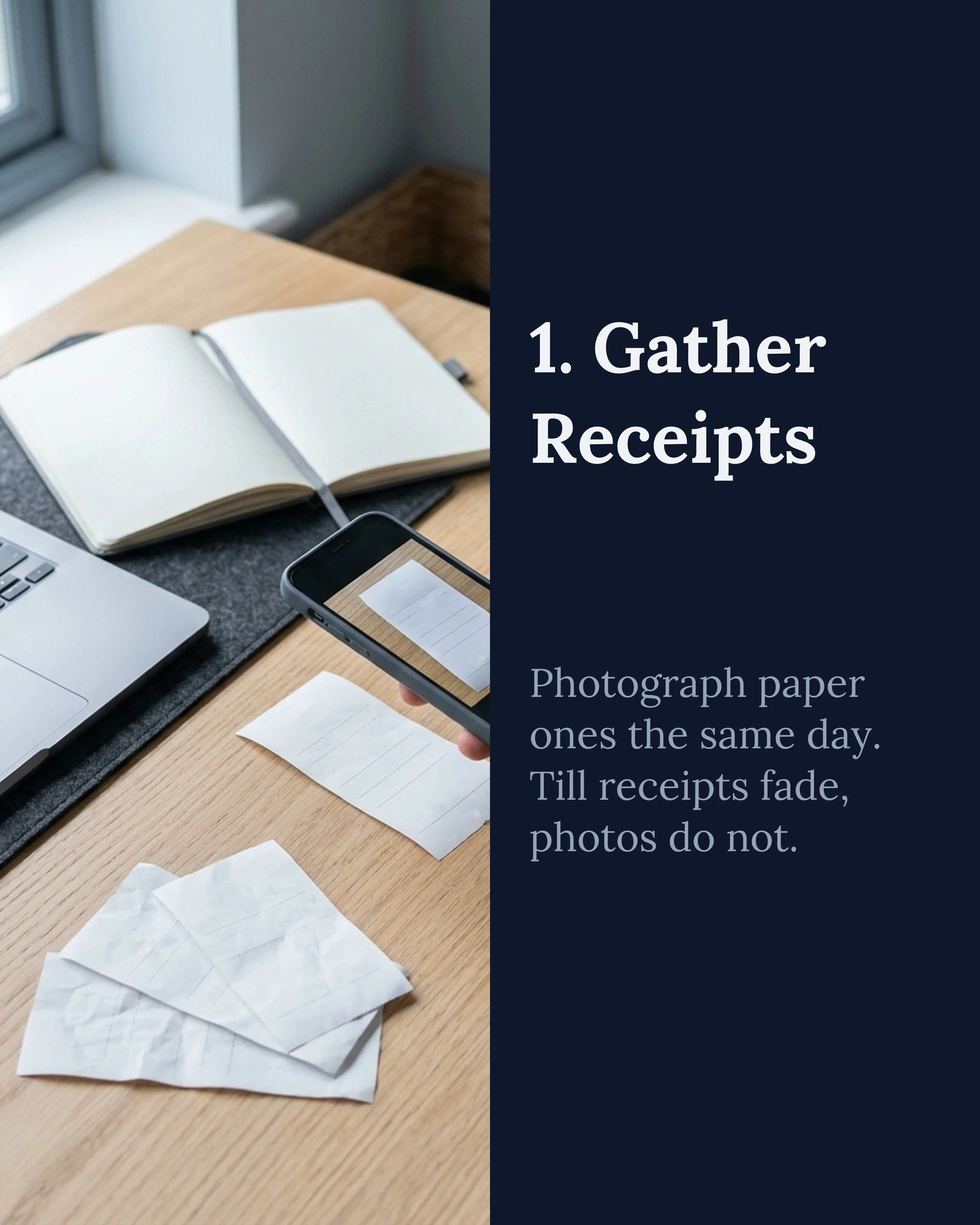
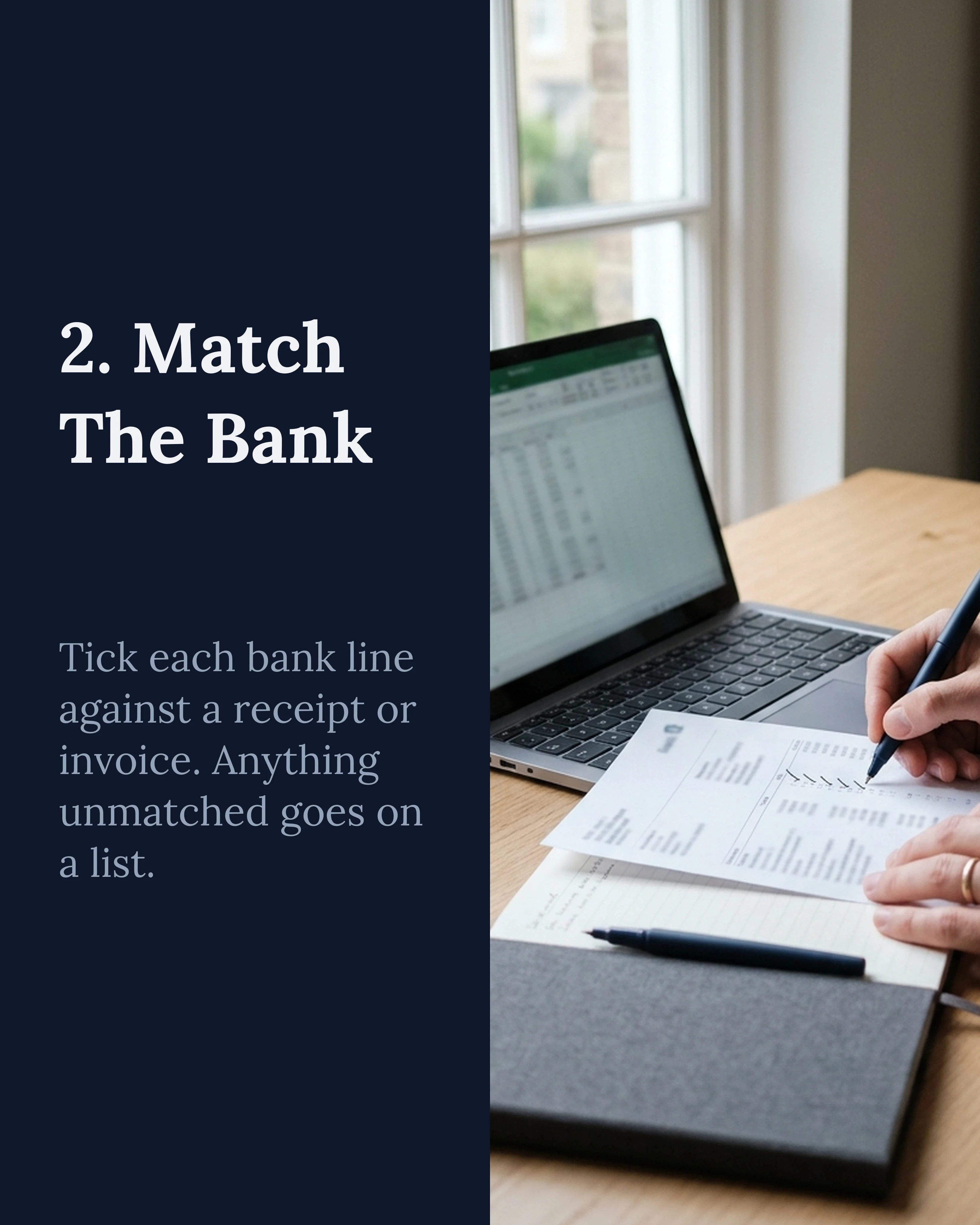
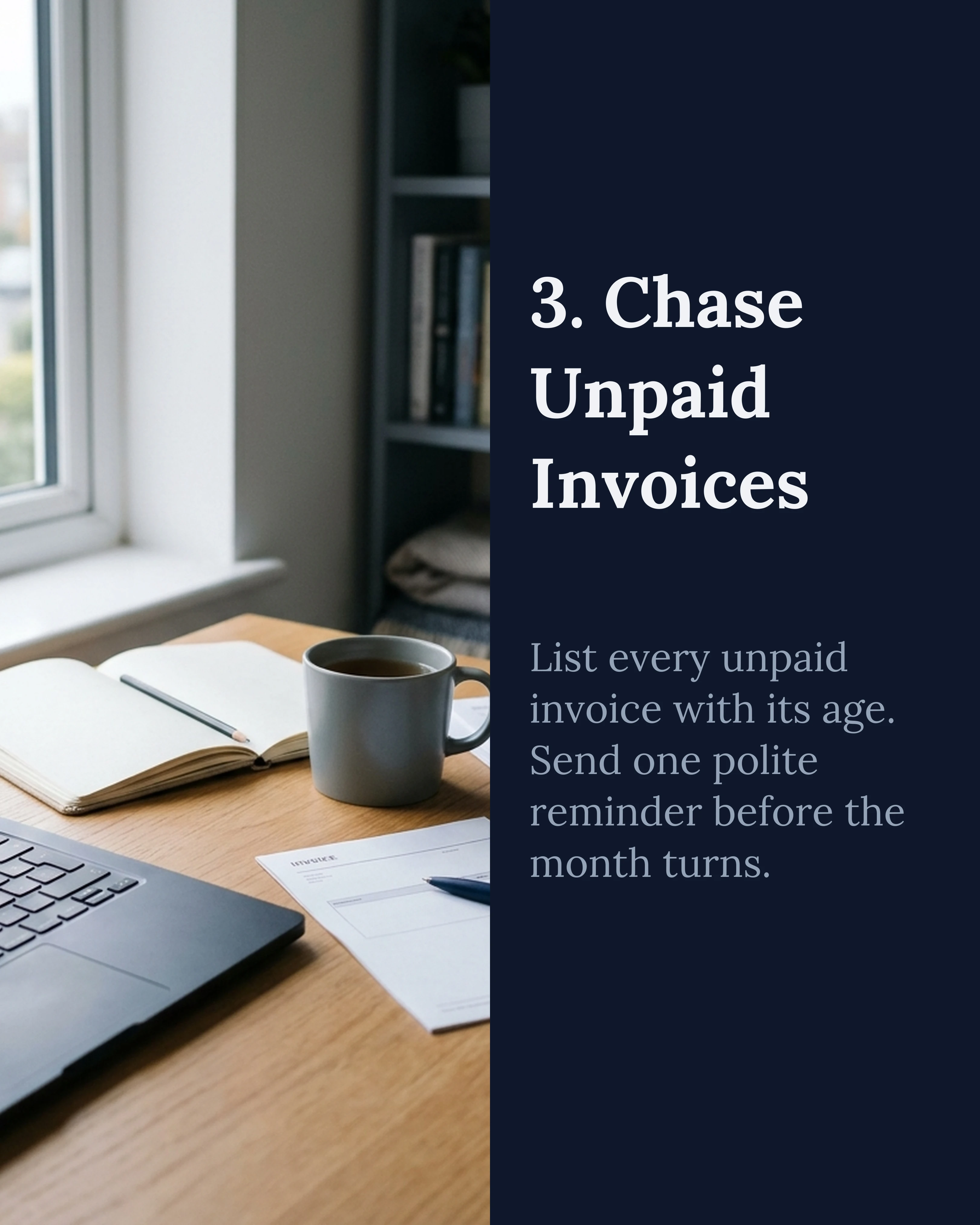
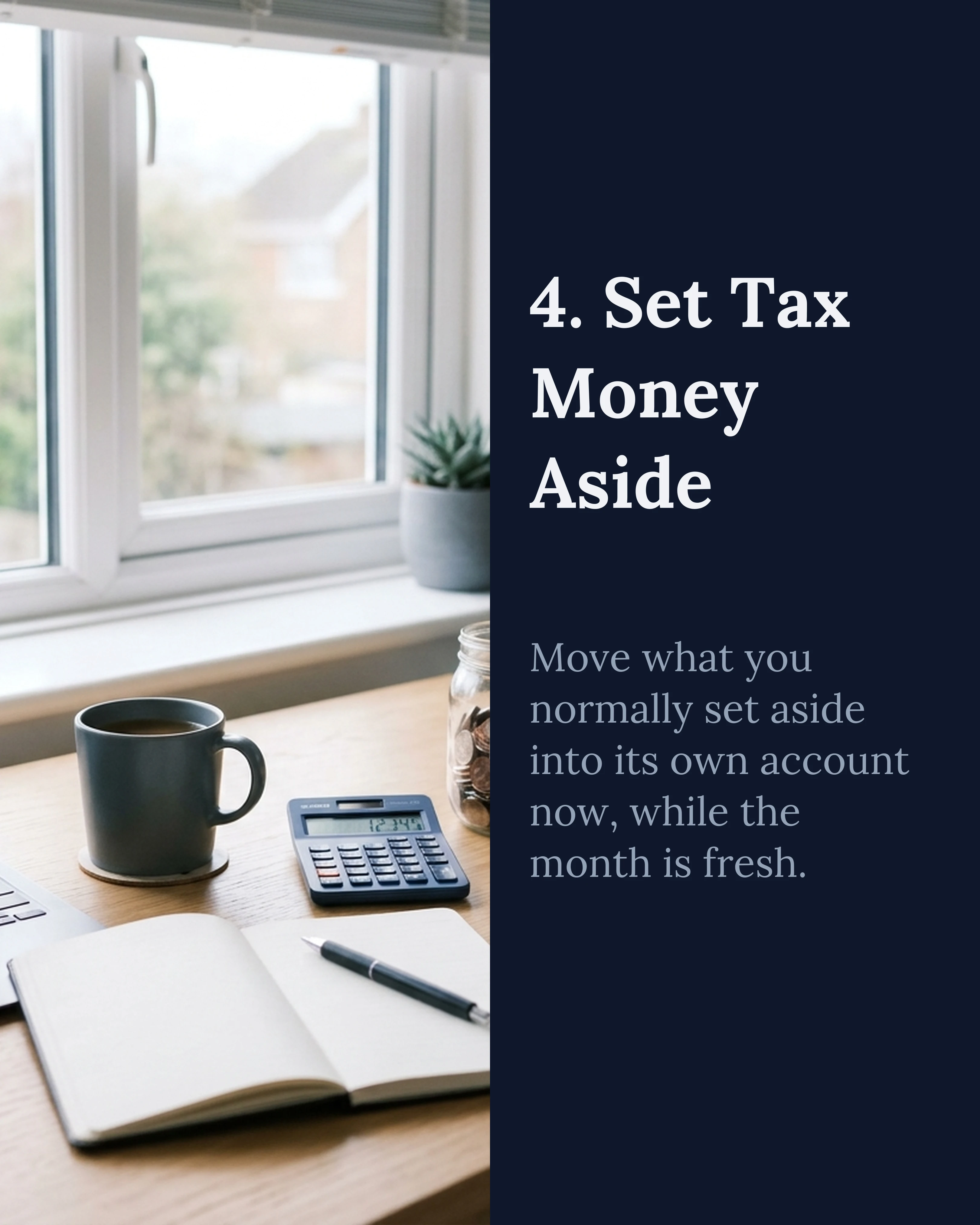
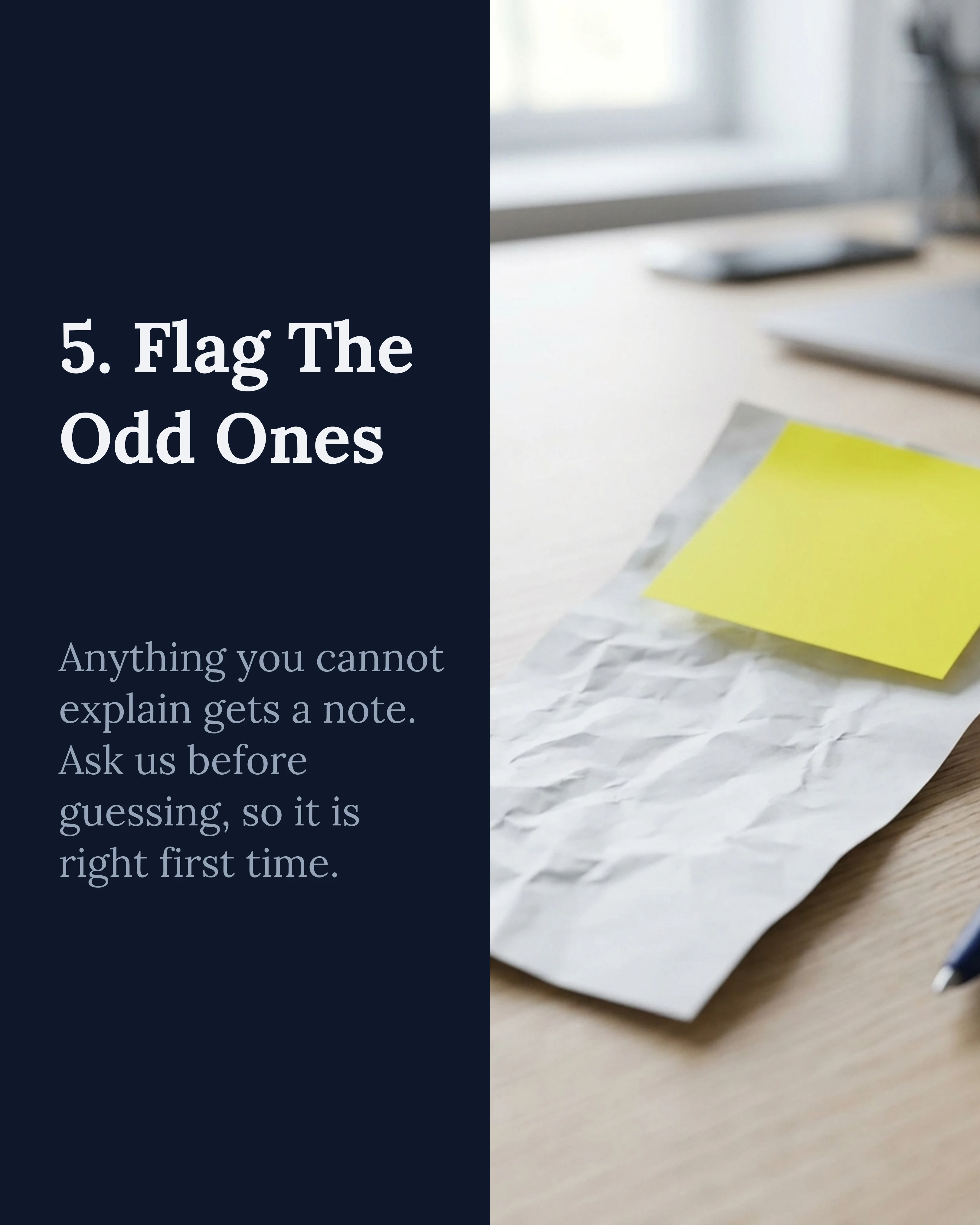
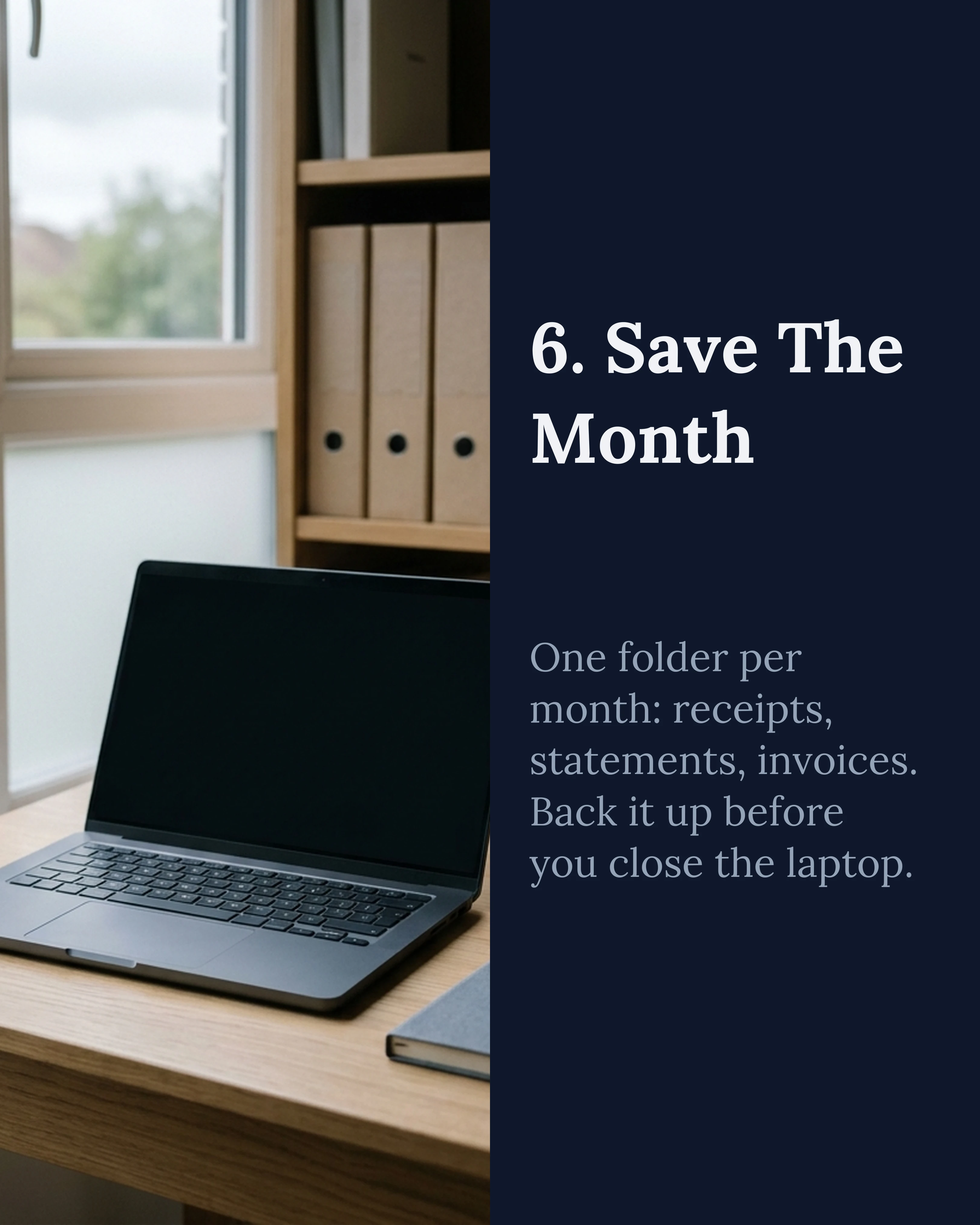


A few details that make this sequence work:
- Verbs first. Each step starts with something the viewer can do tonight.
- One reason per step. “Till receipts fade, photos do not” is a reason. A step without one reads as nagging.
- Invite the question. Step five says “ask us before guessing”, which makes asking normal.
- No scare tactics. The payoff is a free Friday, not a penalty avoided. Fear gets attention once; calm builds trust.
2. “Can I Claim It?” Myths (Myth vs Fact)
Every practice hears the same half-truths: “if I paid for it, I can claim it”, “I will sort the receipts at year-end”, “the bank statement is enough.” A Myth vs Fact carousel lets you correct them politely, one per slide, without making anyone feel foolish for believing them.
The safest facts are the ones that are true in every country: the cost has to be a genuine business cost, you need a record of it, and the rules vary, so ask before you assume. That is a complete, honest answer and it quietly sends the reader to you. Resist the urge to be specific about what is claimable unless you are confident it is current and you can link to the rule.
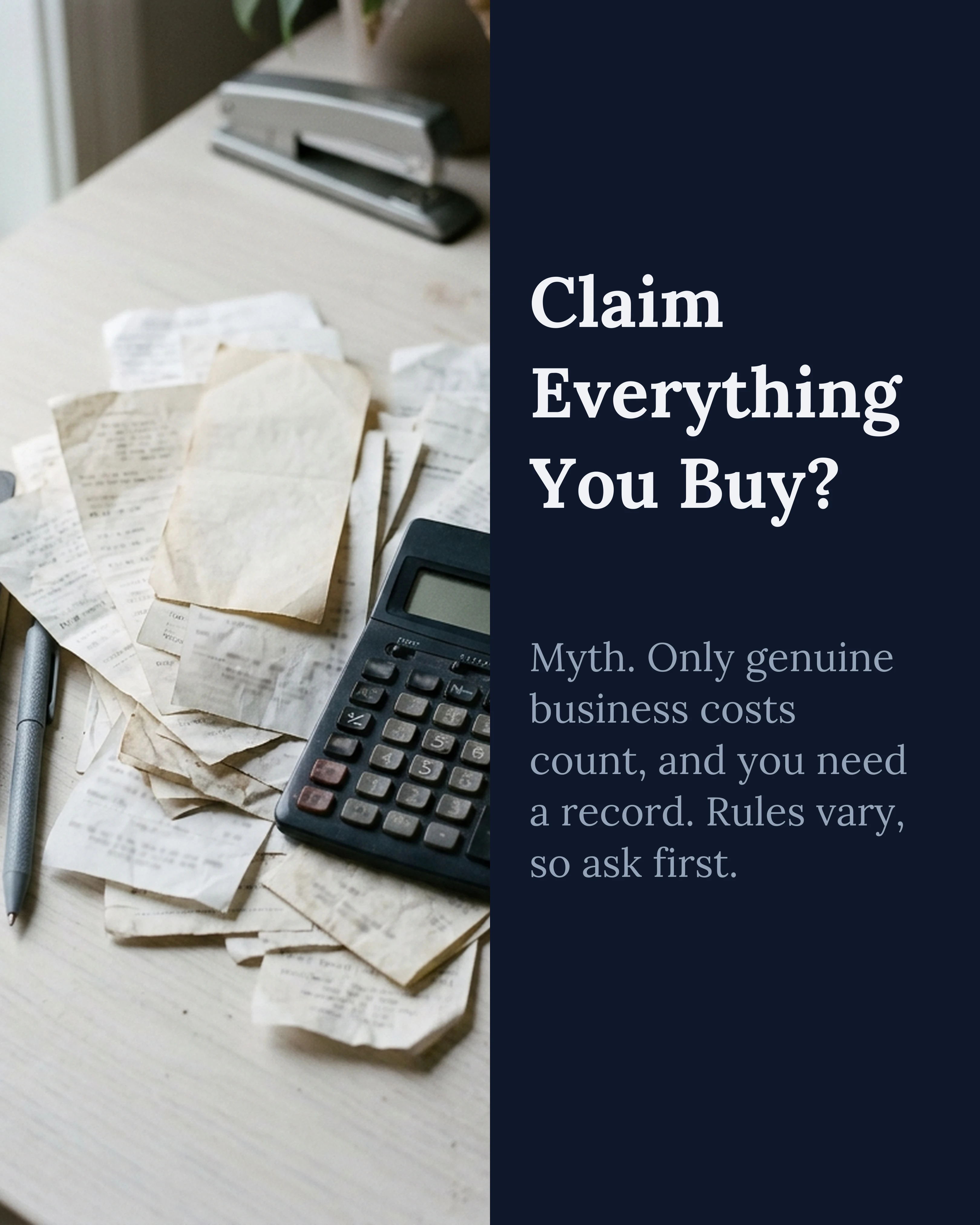
Example slides for the full post: “Claim Everything You Buy?” as above, “Sort Them At Year-End?” (receipts fade and go missing), “Is A Bank Statement Enough?” (it shows money moved, not why), and a closing slide with the booking link.
3. Deadline Reminders (AIDA)
Most practices already publish a deadline post, and most do it badly: a red banner, a countdown and a threat. AIDA makes it kinder. Attention: the filing is coming up. Interest: here is what you will need. Desire: ten quiet minutes now means no panic later. Action: gather it this week or book a call.
Two rules keep it trustworthy. State the date only after checking your tax authority’s own page, and link to it in the caption. And name the filing without promising what happens if the client acts. The slide below refers to UK self-assessment by name, with no date or figure.

Example slides for the full post: the hook above, “What To Gather This Week”, “Where To Find It”, “The Ten-Minute Version”, and a closing slide linking to the official guidance and your booking page.
4. Invoiced, Paid, Profit (Listicle)
The most common source of small business panic is the gap between three numbers that sound similar: what you have invoiced, what has been paid, and what is left after costs. A short Listicle carousel gives each one a slide and a one-line definition in plain English, then shows how they can all be different at once.
This post saves well, because it is the explanation people wish they had in their first year. It is also safe: definitions are not tax rules.
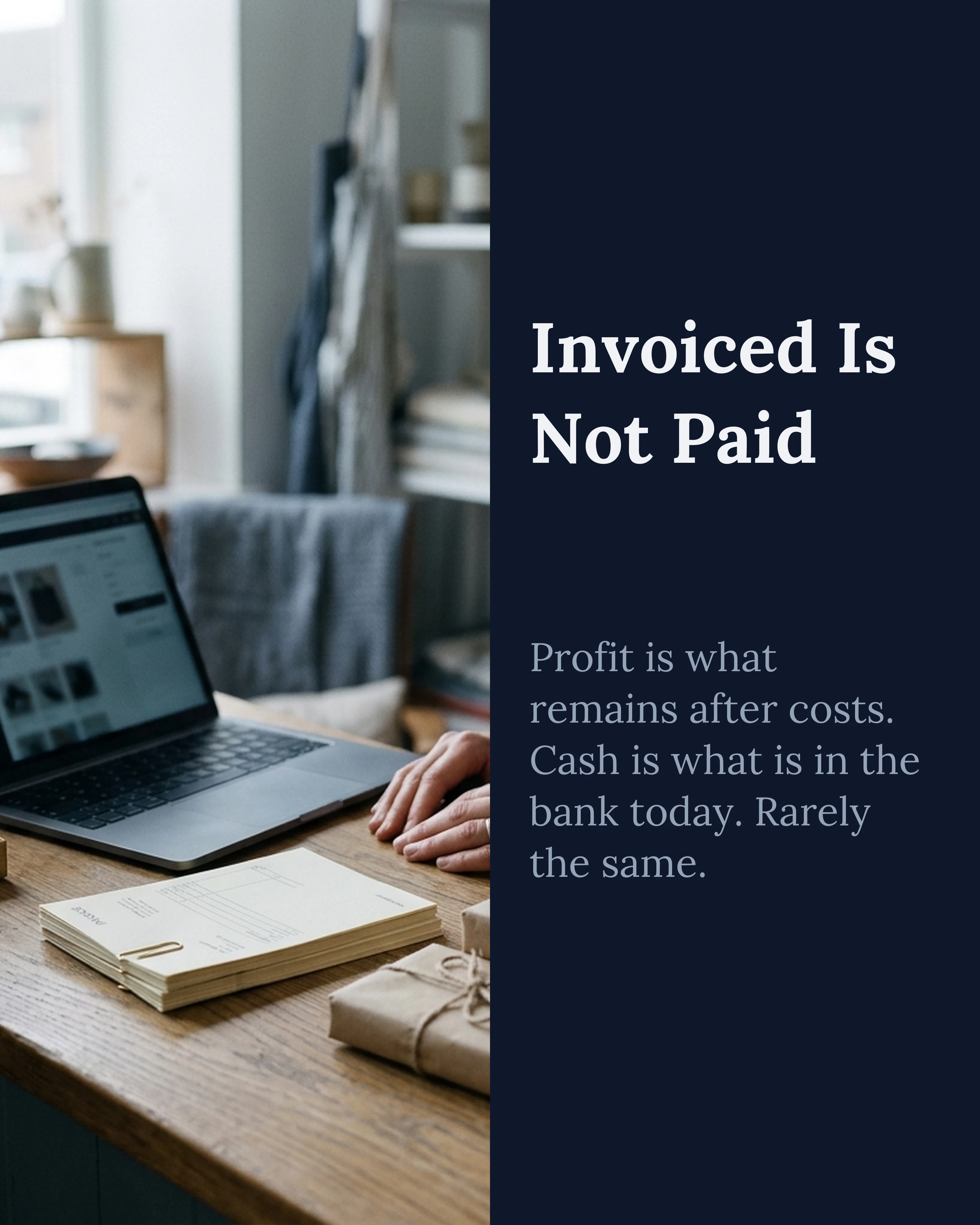
Example slides for the full post: “Three Numbers, Three Meanings” as the cover, “Invoiced Is Not Paid” as above, “Paid Is Not Profit”, “Profit Is Not Cash”, and a closing slide inviting questions.
5. The Client Who Got Organised (Storytelling)
A short client story does more than any list of services. Storytelling works because it shows the before and after of working with you without saying “we are great.” The structure is simple: where they started, the small habit you introduced, how it feels now.
Get the client’s permission, or anonymise the story until they cannot be identified, and never share figures from their accounts. Keep the result modest: “ten minutes each Friday” is something a reader can picture; a promise of savings is a claim you cannot guarantee.

Example slides for the full post: the tin as the cover, “One Afternoon Together”, “The Friday Habit”, “What Changed For Her” (calmer, not richer), and a closing slide inviting a first call. The story is fictional here; make yours real, with permission.
6. What We Need in Week One (Checklist)
New clients are nervous about starting with a bookkeeper, mostly because they do not know what they are signing up to. An onboarding carousel removes that: three or four things you need from them, how they send them securely, what happens next, and roughly how long each part takes.
It also shows how you work, and clients who see the process in advance arrive better prepared.
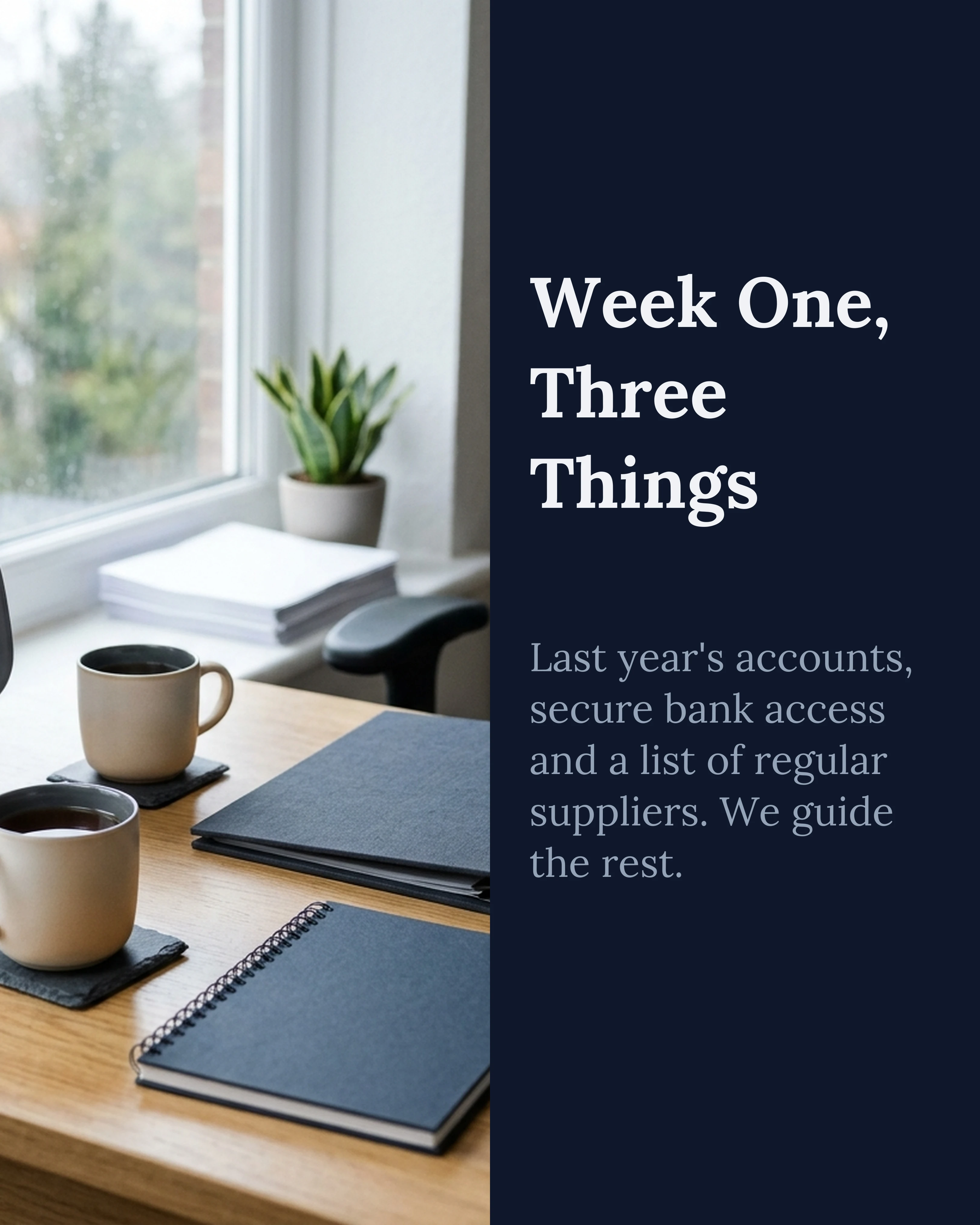
Example slides for the full post: “Week One, Three Things” as above, “How To Send It Securely” (name your actual method), “What We Do With It”, “When You Will Hear From Us”, and a closing slide with the booking link.
Staying Credible and Compliant
For an expert service, what you leave out matters as much as what you put in. A wrong rule on a slide can be screenshotted and shared long after you correct it.
Never promise outcomes. No guaranteed savings, refunds, or “pay less tax” claims. Describe what you do, not what the client will get. “We will check your records before you file” is a service. “You will pay less” is a guarantee you cannot make.
Do not state rules unless you have checked them today. Rates, thresholds and deadlines change and differ by country and business type. If a post needs a figure, take it from your tax authority’s own website, link to it in the caption and put the year on the slide. Otherwise write the principle (“rules vary, so check”).
Put a disclaimer where it will actually be read. The usual line is short: “General information, not advice. Rules change, so check current guidance.” Three places work well:
- On the closing slide, as small print under the call to action, as in the month-end carousel above.
- On a dedicated slide just before the closing slide, for any post that touches tax, claims or deadlines. Use this when a post gets close to advice.
- In the caption too, because many people never reach the last slide.
Do not put the disclaimer on slide one. It buries the hook and signals that the post is about liability rather than about the reader.
Check your own regulator’s rules. Professional bodies and regulators often have requirements for how members describe their services, what they may promise, and how they advertise. Those vary by country and by professional body, so this guide does not summarise them. Read yours before you build a posting schedule.
Keep client information out of the frame. Use fictional or consented examples, and never show a client’s name, figures or bank details, even blurred.
Keeping Your Voice
Clients hire you partly for how you explain things, and generic finance copy loses that. A few habits keep it yours:
- Start from your own emails. An explanation you have already written to a client is closer to your voice than any template.
- Read every slide aloud. If you would not say it across a table, change it.
- Keep your own phrases, like “tick it off” or “the boring bit first”.
- Check numbers last, by hand. Any rate, date or threshold is yours to verify, not a tool’s.
Palette and Style for Accountancy Content
You want calm, steady and unshowy. Slate is the first choice: deep blue-grey with soft off-white text reads as considered and professional. Ocean suits closing slides and deadline posts, reassuring without the alarm of red. Midnight suits year-end and “quiet time” posts.
The month-end carousel runs on Slate and switches to Ocean for the closing slide, so the ask reads as a separate slide. Avoid reds, flashing countdowns and piles of cash: they signal urgency and hype, the opposite of what a client wants from the person looking after their books.
For type, a serif headline such as Lora or Playfair Display adds a little gravitas, and the examples here use Lora. Pair it with a clean sans such as DM Sans or Work Sans for longer body text if you build your own template. Keep to two fonts at most.
For photos, think a tidy desk, a stack of receipts, a small shop counter, a notebook and a mug. Keep one desk and one light across a series so the slides read as a single post.
How Carousel Helps Between Clients
Most bookkeepers write these posts in the gaps between calls. Carousel turns your own notes into structured slides in a few minutes. Paste in the checklist you send new clients or the answer you wrote to last week’s question, pick a framework such as Listicle, Myth vs Fact, AIDA or Storytelling, and edit the slide text until it sounds like you.
Because the words start from yours, you control what each slide says and add the disclaimer yourself. Choose one palette (Slate suits this work), save your name and logo in a brand kit once, and every post, from a month-end checklist to a deadline reminder, looks like it came from the same dependable practice.
Key Takeaways
- Small, practical, saveable posts keep you in clients’ minds for the eleven months they are not thinking about their books.
- Build your flagship post around a habit, not a rule. A month-end checklist is useful, safe and easy to trust.
- Use Myth vs Fact, Listicle, AIDA, Storytelling and Checklist structures for the questions you answer every week.
- Never state rates, thresholds or deadlines you have not checked today against your tax authority, and link to the source.
- Never promise savings. Put “general information, not advice” on the closing slide and in the caption.
- Slate and Ocean, a serif headline and a consistent desk photo look steady, not salesy.